cohors
See every git repo you own in one place and act on them together. Your coding agent gets each repo's live status, CI and PRs, with git actions off until you allow them.
Documentation

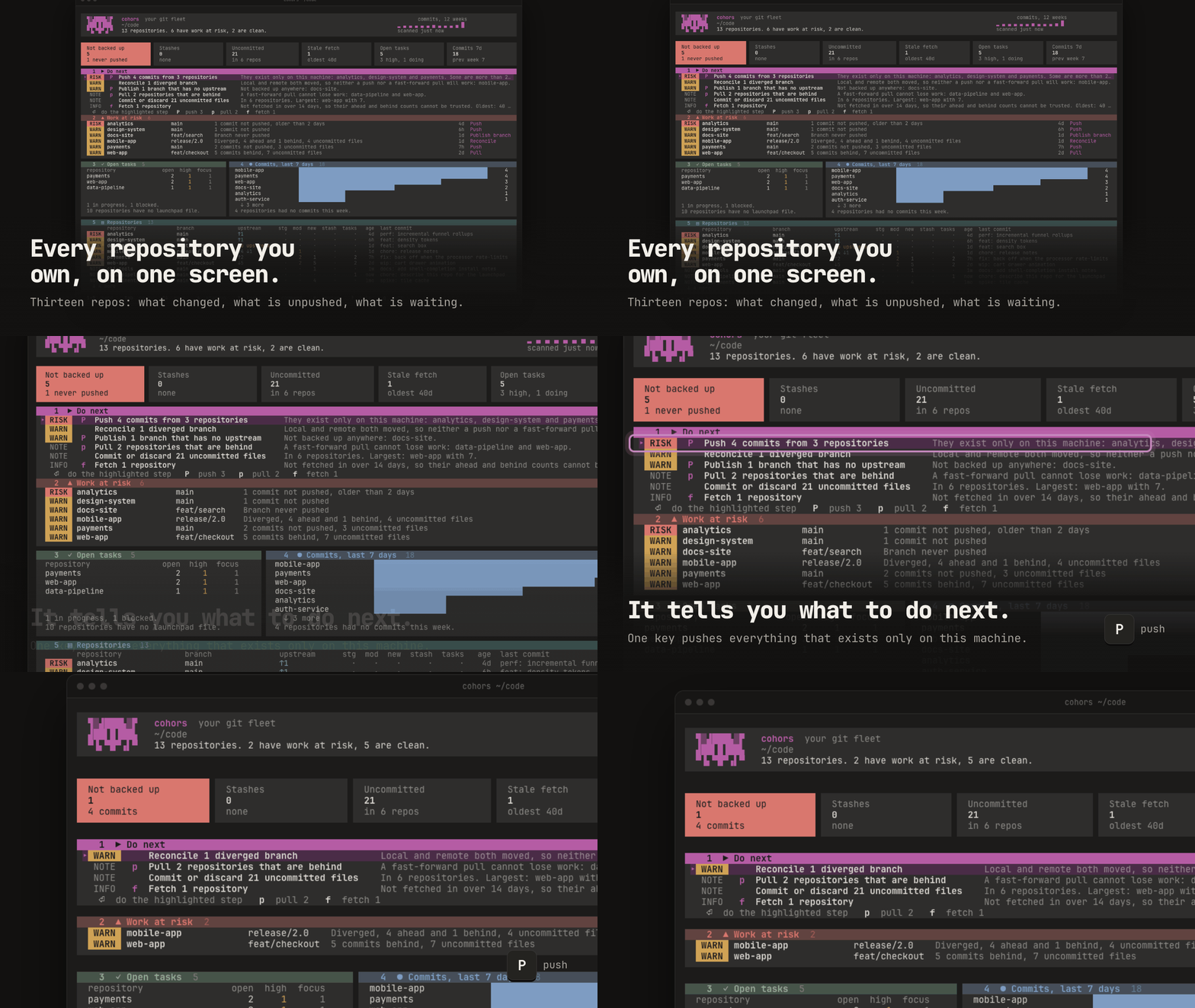
Every git repo you own, on one screen.
What's unpushed, what's behind, and what to do next, across every repository on your machine.


Install Terminal Claude Code Scripts VS Code & browser Launchpad
Install
Homebrew
brew install rushirb2001/tap/cohors
pip
pip install cohors
npm
npm install -g @cohors/cli
Cargo
cargo install cohors
Shell installer
curl -LsSf https://github.com/rushirb2001/cohors/releases/latest/download/cohors-installer.sh | sh
Run once, without installing
uvx cohors@latest
npx @cohors/cli@latest
Then run cohors. To try it on sample repositories first, run cohors demo.
Prebuilt for macOS and Linux; Cargo builds it anywhere Rust runs. All it needs is git. The examples below are real output from the cohors demo sample fleet, trimmed where marked ….
What it answers

Where it looks. With no config, the folders where code usually lives. Point it at yours with cohors --root ~/code (repeat for more), or save them with cohors init, which writes ~/.config/cohors/config.toml for roots, aliases, groups and ignore rules.
Use it in the terminal
cohors
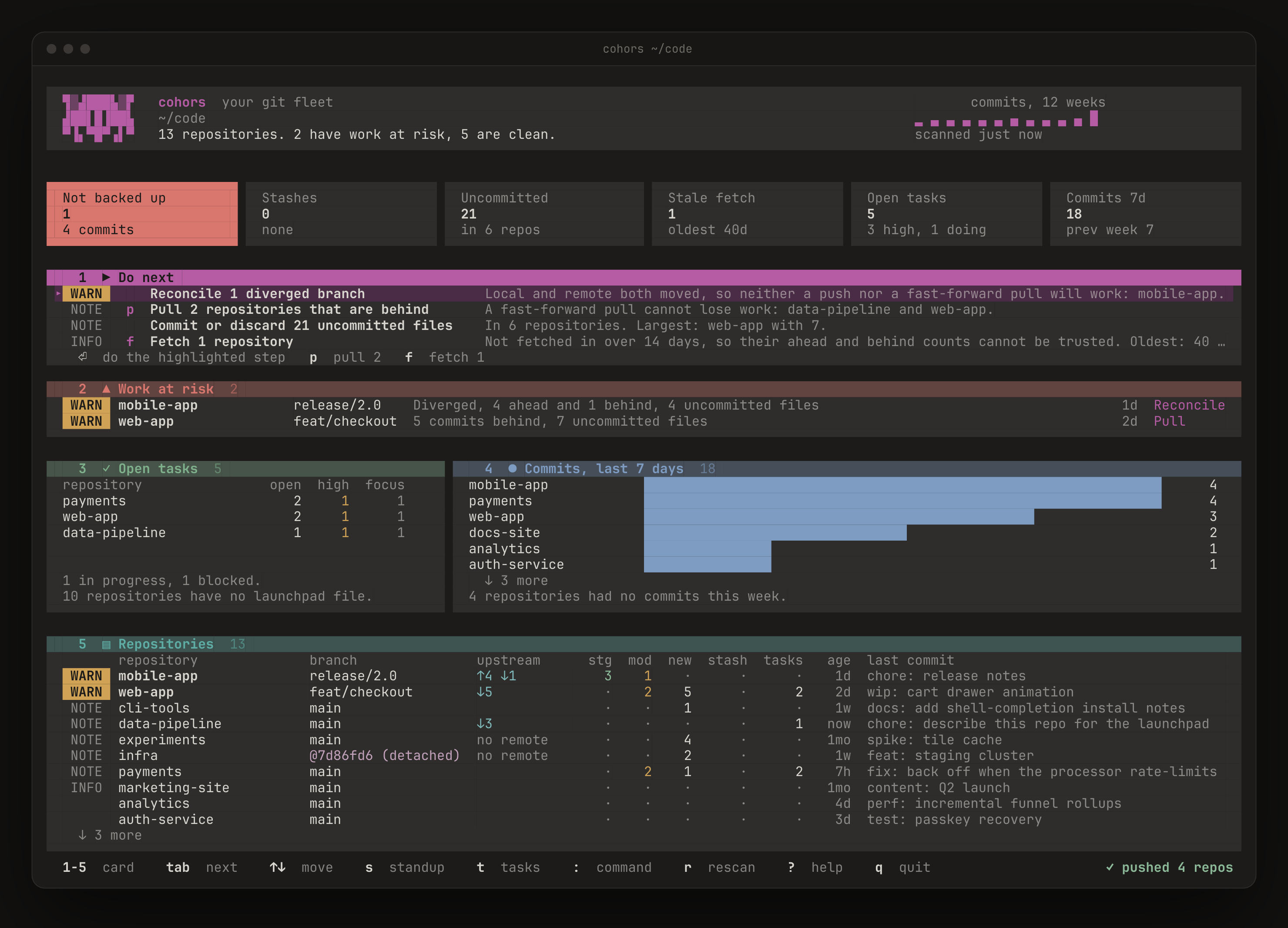
Do next lists what to do, most urgent first. Press a step's letter to act on every repo in it, or mark repos with Space and press the letter yourself.

From the : line: :commit wip: cart drawer commits the marked repos, :!npm test runs a command in them, :jump payments goes to one. cohors --watch keeps it all live.
 Use it with Claude Code
/plugin marketplace add rushirb2001/cohors
/plugin install cohors@cohors
Ask "what needs my attention across my repos?" and Claude gets the whole fleet in one call:

More to ask:

It starts read-only. Turn on what Claude may do with claude plugin configure cohors@cohors, then start a new session:

Or let cohors brief Claude for you: cohors agent run plan-day, or cohors agent run task --repo payments --task idempotency-keys to start on one task (run it again to resume the same conversation).
Other MCP clients
{ "command": "uvx", "args": ["cohors@latest", "mcp"] }
{ "command": "npx", "args": ["-y", "@cohors/cli@latest", "mcp"] }
Or with cohors installed: claude mcp add cohors -- "$(which cohors)" mcp, adding --allow-writes, --allow-run or --allow-launchpad. Listed in the MCP Registry as io.github.rushirb2001/cohors.
Use it from scripts
Every view is a command. At a terminal it prints a report; piped, it prints JSON.

--select picks the repos. Join terms with a comma (all must match) and put ! in front to exclude:

cohors fetch --select all                      # refresh every remote
cohors run --select 'name:web-*' 'npm test'    # one command, many repos
cohors standup                                 # this week's commits, as Markdown
cohors overview --json | jq -r '.actions[].title'
Use it in VS Code and the browser
 |  |
|
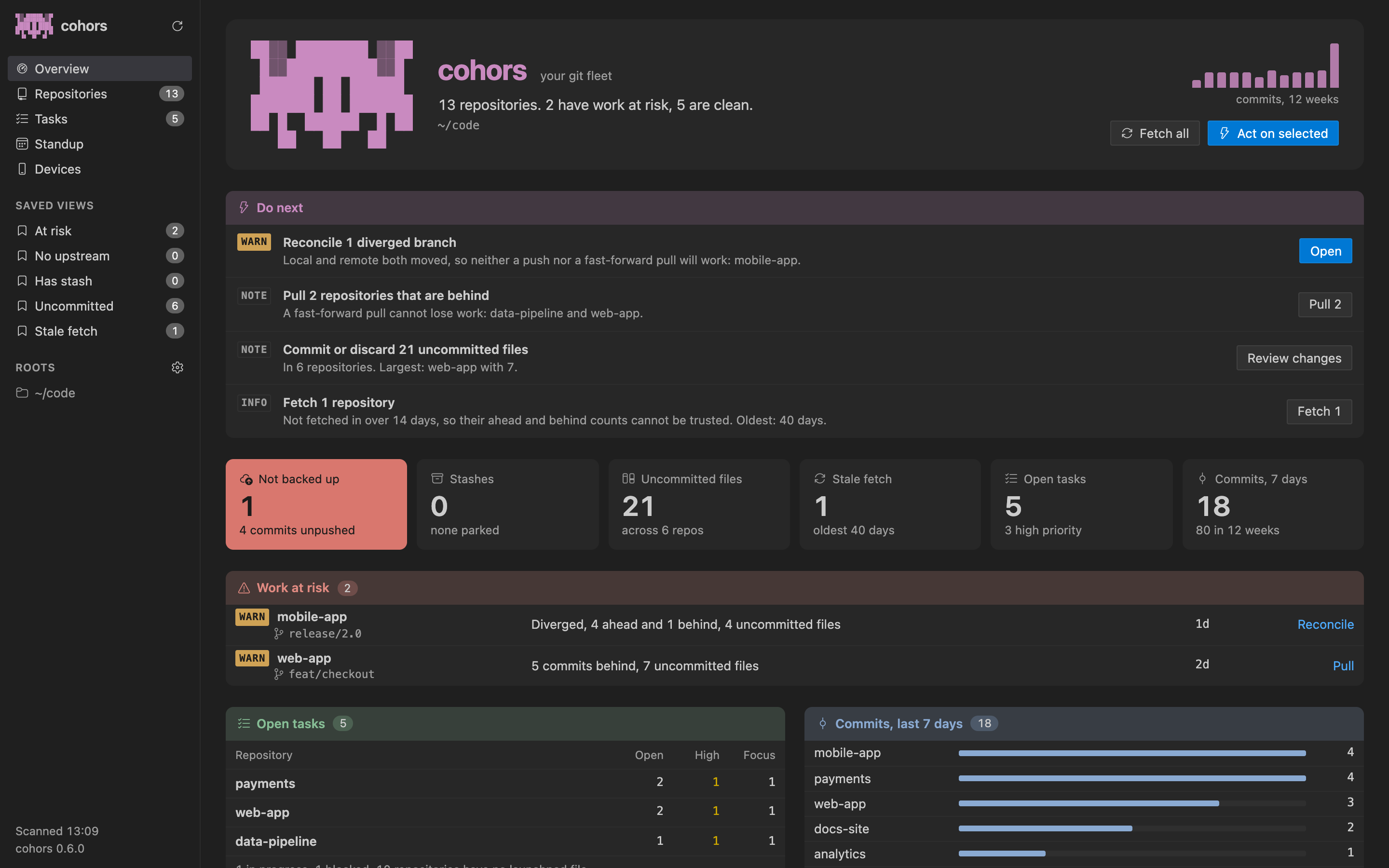
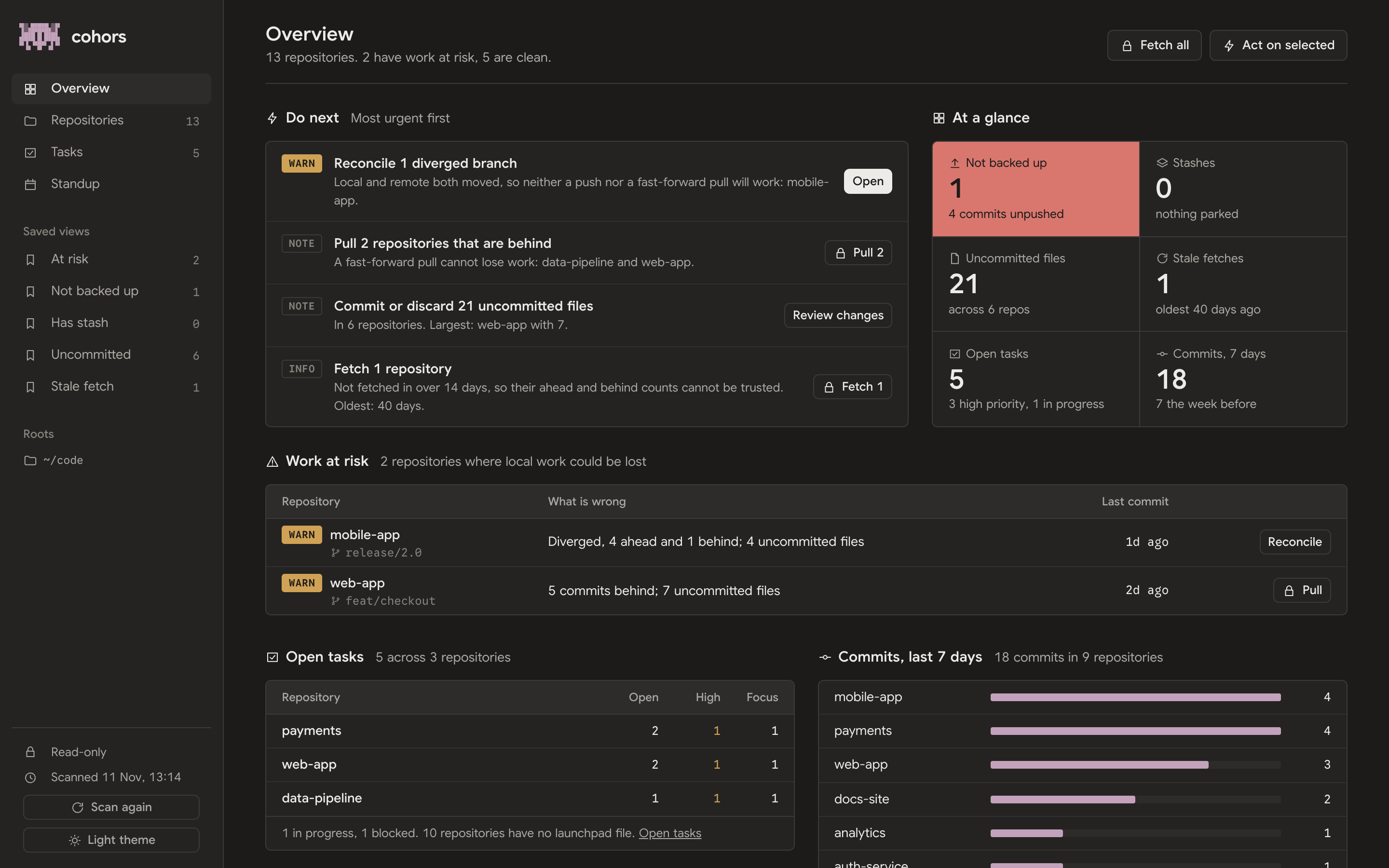
The cohors icon in the activity bar shows the fleet as native panes. Push, pull and fetch from any step, run a repo's commands in a terminal, or start Claude on a task.
Search cohors in the Extensions view. Cursor, Windsurf and VSCodium install it from Open VSX. |
|


The launchpad
A repo can commit one small file saying what to run there and what's in progress, so it travels with every clone:

Ask Claude to set up this repo for the launchpad and it writes the file. Commands from npm, Cargo, uv, Makefiles and Gradle are found without one.

Check a file with cohors launchpad validate .. The format is an open spec: spec/v1/SPEC.md.
Safe by default
pullis fast-forward only, and nothing force-pushes.- No action runs without
--select, and every one takes--dry-run. - No single key can destroy work. Commit and stash ask first.
- The MCP server and the browser dashboard start read-only.
- One unreadable repo is reported, never fatal.
- No account, no telemetry. It talks only to GitHub. See the privacy policy.
Staying up to date
Once a day cohors checks for a release. Installed with Homebrew, pip or the shell installer, it updates itself in the background and shows Restart to update; press R. cohors update does it now. Set updates = "notify" or "off" in the config to change that.
Updating by hand

How it compares

Contributing · Changelog · Privacy · MIT License
cohors is Latin for "cohort": every repository, marshalled under one command.