Regga
Double-check your AI when it says something doesn't exist. Regga searches the web, app stores, launch sites and forums for the product, service or way to do it that your AI said is not there.
Hosted MCP Server
npx add-mcp 'https://regga.ai/mcp'Installs into Claude Code, Codex, Cursor and more
Documentation
Regga.
When the AI says there's no such thing – Regga takes a second look.
Add to Chrome Use in Claude Any AI
* No extension needed. Regga works inside your AI as a connector. The Chrome extension is optional.

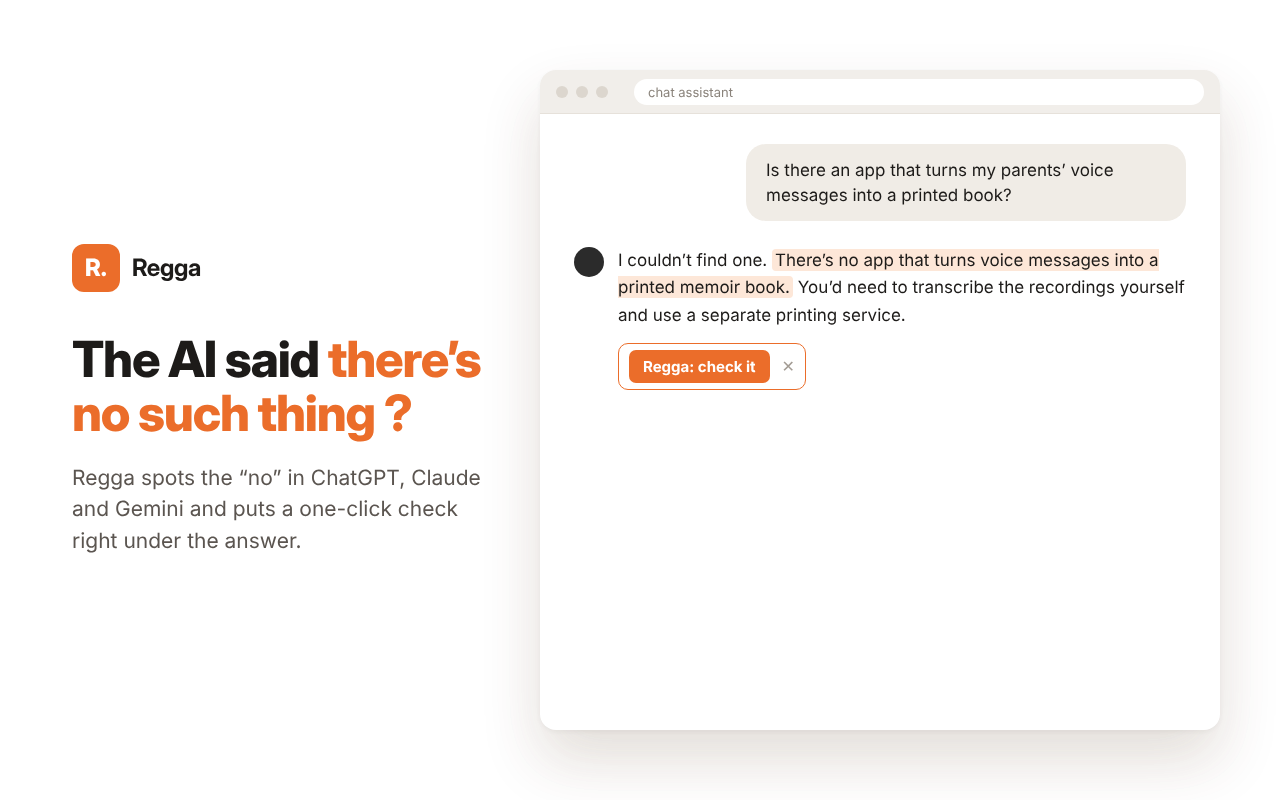
Under an AI answer that says there is no such app, Regga shows a check button
What it does
01
Checks a no from ChatGPT, Claude or Gemini: no competitors, no such app, there's no way to do that, you're not entitled to it.
02
Searches in parallel where small and new products live: Apple App Store, Google Play, Chrome Web Store, Shopify and WordPress plugins, Product Hunt and launch sites, LinkedIn, Reddit, YouTube, GitHub, forums and official sources.
03
Gives one honest verdict – the no is wrong, partial, or the no holds within these bounds – with the list of places it searched. It never presents not found as doesn't exist.
Why a second look
90–95 out of 100 does this exist? questions the best models get right. Our estimate.
AI models learn from what people wrote, so they will always miss some things. They keep getting better, and they will never be right every time.
A confident there's no such thing in the other cases is the hardest mistake to catch, because nothing in the answer looks wrong.
Regga is built for that last gap. It does not replace your AI. It takes a second look at the no that would have stopped you.
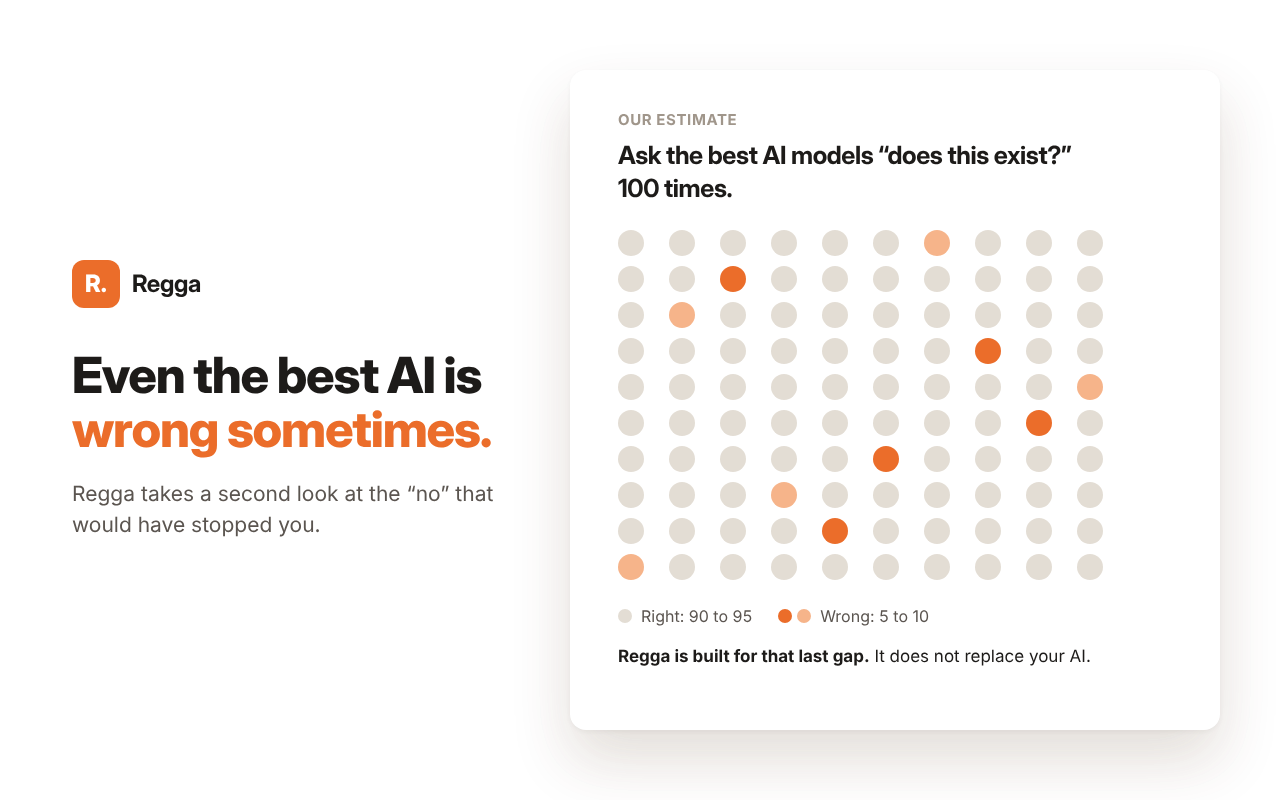
Our estimate: out of 100 does-this-exist questions, the best AI models get 90 to 95 right. Regga is built for the rest.
How to use it
In Claude
- Settings → Customize → Connectors → Add custom connector.
- Name:
Regga· URL:https://regga.ai/mcp - After an answer that says there isn't any, write Regga or check it.
Free use has a daily and a monthly limit.
In Chrome
The Regga Chrome extension adds a Regga: check it button under AI answers that say no, and a right-click check for any sentence on any site.
Other AIs: Gemini, Le Chat, Perplexity, Grok and more.
Personal plans
A personal plan gives you your own address with its own monthly checks, so you are never blocked by the shared free limit.
After you subscribe you receive a license key by email. Add https://regga.ai/signin/mcp as a connector in your AI and paste the key once when it asks you to sign in – how, in Claude, Gemini, Le Chat, Perplexity and Grok. Cancel any time: manage or cancel your plan (sign in with the email you subscribed with). Payments are handled by Creem, our reseller. See the terms.
Team or company use? Write to us at hello@regga.ai.
