Discord MCP
Discord MCP server for your own account: list your servers, read channels and DMs, search history and reply as you, with no bot token and no password.
Documentation
Discord MCP
Discord has no API for your own account: a bot sees only the servers it is invited to, and never your DMs. This Discord MCP server (Model Context Protocol) lets Claude, ChatGPT or Cursor list your servers, read channels and DMs, search history and reply as you, with no bot token and no password.
- Updated: 2026-10-02
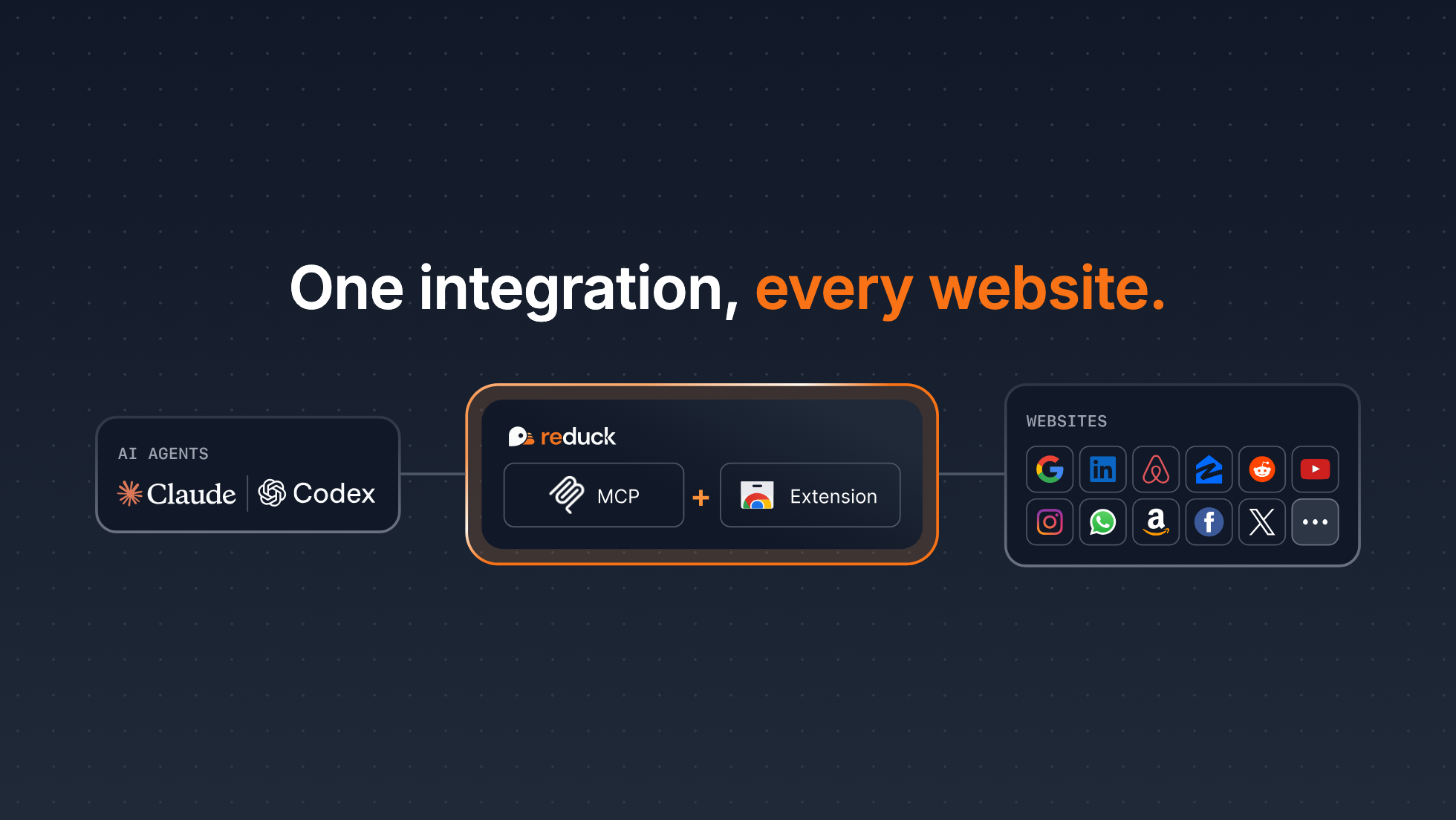
Reduck MCP gives your agent reusable browser scripts for the sites that have no API. They run in your own Chrome, through the Reduck extension, where you are already signed in: no credentials exposed, and no bot detection.
Get started: docs.reduck.ai
Overview
Reduck is a universal MCP (Model Context Protocol) server: it turns the websites you are signed in to into tools your agent can call, through browser automation in your own Chrome. For Discord, that is a virtual Discord MCP server. Claude, ChatGPT, Cursor or any other MCP client gets 18 Discord tools to list your servers, read channels, threads and DMs, search a server's history, and reply or post, as your own account.
Why it's hard
Discord has no official MCP server. Most Discord MCP servers are built on a bot token: you create an application in the Developer Portal, turn on the Message Content intent and invite the bot to each server. Even then the bot sees only those servers, it can never read your DMs, and the bot API has no message search, so those tools scan one channel at a time. The few that read as your user ask for your email and password, or for your account token.
How Reduck does it
Reduck's Discord scripts run in your own Chrome, where you are already signed in, and drive the Discord web app the way you use it. Your agent sees what you see: every server you are in, their channels, and your direct messages. It searches with Discord's own search box, reads a channel or a DM the way you scroll it, and writes only when you ask. There is no bot, no token, no password and no separate account. The same MCP server also holds the scripts for other sites, so one connection covers Discord and the rest of your work.
Setup
-
Install the Reduck extension in Chrome, sign in, and stay signed in to Discord there.
-
Add the Reduck MCP server,
https://mcp.reduck.ai, to your client. It is a remote server over streamable HTTP with OAuth sign-in: nothing to run locally, no API key to paste.Claude Code:
claude mcp add reduck --transport http --scope user https://mcp.reduck.aiClaude Desktop and ChatGPT: add a custom connector named
reduckwith the URLhttps://mcp.reduck.ai. Other clients: the settings to use. -
Ask: "What did people say about the launch in my Discord servers this week?"
Tools
18 Discord scripts, each one an MCP tool your agent can call.
Read:
| Script | What it does | Takes |
|---|---|---|
list_servers | The servers your account is in | nothing |
list_channels | A server's channels and categories | a server id |
list_dms | Your one-to-one and group DMs, most recent first | nothing |
read_messages | The latest messages of a channel, thread, forum post or DM, newest first | its url, how many |
search_messages | A server's message history, with Discord's own search | a server id, a query |
list_forum_posts | The posts of a forum channel, newest first | the forum's url, a text to match (optional) |
get_member_list | The members in a server's member sidebar | a channel's url |
find_member_id | A member's user id, from their name | a channel's url, a name |
Write:
| Script | What it does | Takes |
|---|---|---|
post_message | A new message in a channel | its url, the text |
reply_to_message | A reply to one message | its url, the text |
send_dm | A direct message to one user | their username, the text |
edit_message | A new text for one of your own messages | its url, the text |
delete_message | The removal of one message | its channel's url, its id |
add_reaction | An emoji reaction, or its removal | the message url, the emoji |
create_forum_post | A new post in a forum channel | the forum's url, a title, the text |
Manage:
| Script | What it does | Takes |
|---|---|---|
create_channel | A text, voice, announcement, stage or forum channel | a server id, a name, a type (optional) |
delete_channel | The removal of a channel and its history | its id |
join_server_via_invite | Joins a server | an invite link or code |
Every script answers structured data: authors, timestamps, message urls and the text as Discord stored it. A write answers what Discord's own response says it created. The summary and the reasoning stay in your agent.
Search limits
- One server per call. To search several, the agent lists your servers and searches each one.
- Discord's search syntax works as in the app: plain words,
from:,in:,has:,before:,during:. - One page of up to 25 hits per call, newest first. The answer gives Discord's total count and says when more hits exist.
- DMs are read, not searched with the search box: the agent reads the conversation and finds the passage.
Security
- It runs in your browser. Each script runs in your own Chrome, on the Discord session you already have. Reduck never receives your Discord password or your account token.
- Read and write are separate tools. Reading and searching change nothing on Discord. Posting, replying, sending a DM, editing, deleting and reacting are each their own script, marked as a write, so your client can ask you before it calls one.
- Nothing runs on its own. A script runs only when you or your agent calls it, one at a time. There is no process that stays connected to Discord.
- A write is checked.
send_dmreturns the recipient it resolved, so a message is never sent to a near-name match;delete_channelchecks that Discord's confirmation names the channel that was asked for.
Bot-token MCP or Reduck
| Bot-token Discord MCP | Reduck | |
|---|---|---|
| Setup | Developer Portal, intents, a bot invited to each server | One MCP URL, and stay signed in to Discord in Chrome |
| Servers it sees | Only those the bot was invited to | Every server you are in |
| Your DMs | No | Yes, one-to-one and group |
| Search | A scan of one channel at a time | Discord's own search, a whole server at once |
| Acts as | The bot | You |
| Runs | Always on, on its own | Only when you or your agent asks |
Use a bot when you own the server and want an assistant that is always on: that is the route Discord designs for. Use Reduck when you want your own DMs and the servers you are in, read only when you ask, from your own browser. Discord restricts automated user accounts: read its rules and decide whether this fits how you use Discord.
Who it's for
- Founders and community managers who live in Discord
- Developers who follow many open-source and product servers
- Anyone who wants to ask "what did I miss?" across servers and DMs
FAQ
Is there an official Discord MCP?
No. Discord has not published an MCP server. The Discord MCP servers you find on GitHub and in MCP directories are community projects, most of them built on a bot token. Reduck is a universal MCP server, and its Discord scripts give you a virtual Discord MCP that uses your own signed-in session instead of a bot.
How do I install the Discord MCP?
Install the Reduck extension in Chrome and stay signed in to Discord there. Then add one MCP server, https://mcp.reduck.ai, to your client. In Claude Code that is one command: claude mcp add reduck --transport http --scope user https://mcp.reduck.ai. In Claude Desktop and ChatGPT, add it as a custom connector with the same URL. There is nothing to run locally and no package to install.
Can a Discord MCP read my DMs?
A bot-token MCP cannot, because a bot only sees the servers it was invited to. Reduck lists your direct messages, one-to-one and group, and reads any of them, because it acts as your account in your browser.
Can it search my DMs?
Not with Discord's search box. Search runs on a server, one server per call. For DMs, the agent lists your conversations, reads the ones that matter, and finds the passage in what it read.
Do I need a bot token, a password or developer mode?
No. There is no application to create, no bot to invite, no token to paste and no password to give. You stay signed in to Discord in your own Chrome, and the Reduck extension runs each script there.
How is it different from a Discord MCP that logs in with my email and password?
Some community MCP servers read Discord as your user by logging in with the email and password you put in their configuration. Reduck never asks for them. It uses the Discord tab you are already signed in to, in your own Chrome.
Does it work with ChatGPT and Claude?
Yes. Reduck connects to ChatGPT, Claude, Claude Code, Codex, Cursor and any other MCP client. You ask in plain words, and the agent picks the Discord scripts it needs.
What about Discord's rules on automated accounts?
Discord's terms restrict automated user accounts ("self-bots"). Reduck is not a bot running on its own. Each script runs only when you or your agent asks for it, one at a time, in your own browser. Decide whether that fits how you use Discord; for a server you own that needs an always-on assistant, a bot token remains the route Discord designs for.
Will it post without me?
Only when asked. Reading and searching change nothing. Posting, replying, sending a DM and reacting are separate scripts, and each one returns the message as Discord stored it.