Predis.ai Ad and Video Generator MCP
officialConnect Predis.ai once, then brief your assistant the way you'd brief a designer. Video ads, UGC, static ads and carousels come back in the same chat, made in your brand kit and ready to test.
What can you do with Predis Ai Ad And Video Generator MCP?
- Product-to-ad briefs — Paste a product page and have the assistant pull the name, images, and details to suggest ad angles before rendering.
- Reference ad rebuilds — Share an ad you like and get the same structure rebuilt around your own product.
- Multi-format batches — Request video ads, UGC-style ads, statics, and carousels together in one ask instead of one asset at a time.
- Brand kit application — Your logo, colors, fonts, and voice are applied automatically to every ad, with separate kits per brand.
- Saved products — Reuse products saved from a link so later requests like "make ads for the perfume" need no re-explaining.
Hosted MCP Server
npx add-mcp 'https://mcp.predis.ai/mcp'Installs into Claude Code, Codex, Cursor and more
Documentation
Real ads, now one message away
Each ad here started as a product link, a reference ad or a rough idea. With the MCP, you ask for the same thing from Claude, ChatGPT or Claude Code.
Brief it, get the batch, scale the ones that sell
The loop a good creative team runs, held in one chat.
Start with a link, a reference ad or one line
Predis.ai reads your product page, pulls in your brand kit and suggests angles before it makes anything, so you approve the direction first.
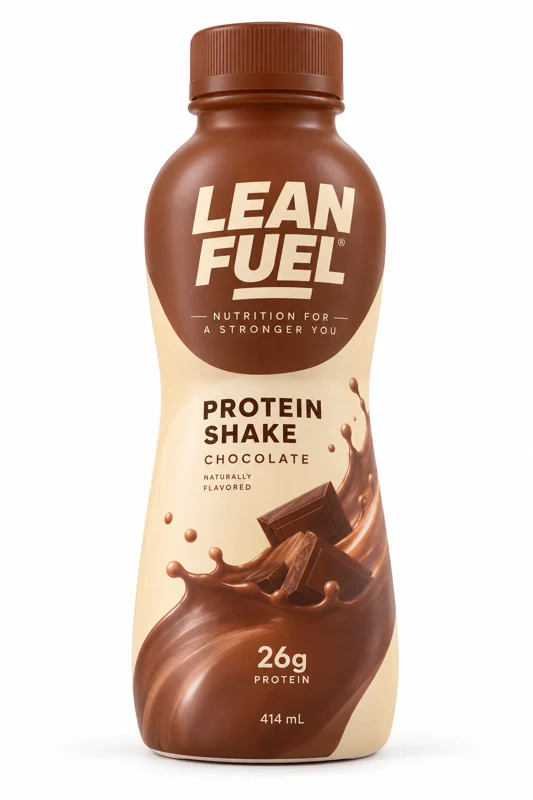
Try: “Here's our Lean Fuel protein shake. Give me 3 angles for January gym season.”
 yourstore.com/product
-
Product link
Paste a product page and Predis.ai pulls the name, images and details for you. -
Reference ad
Share an ad you like and get the same structure, rebuilt around your product. -
Brand kit
Your logo, colors, fonts and voice are in place before the first frame is made. -
Angles first
Pick from options like “26g protein, no prep” or “The post-gym fix” before anything renders.
Every format from one request
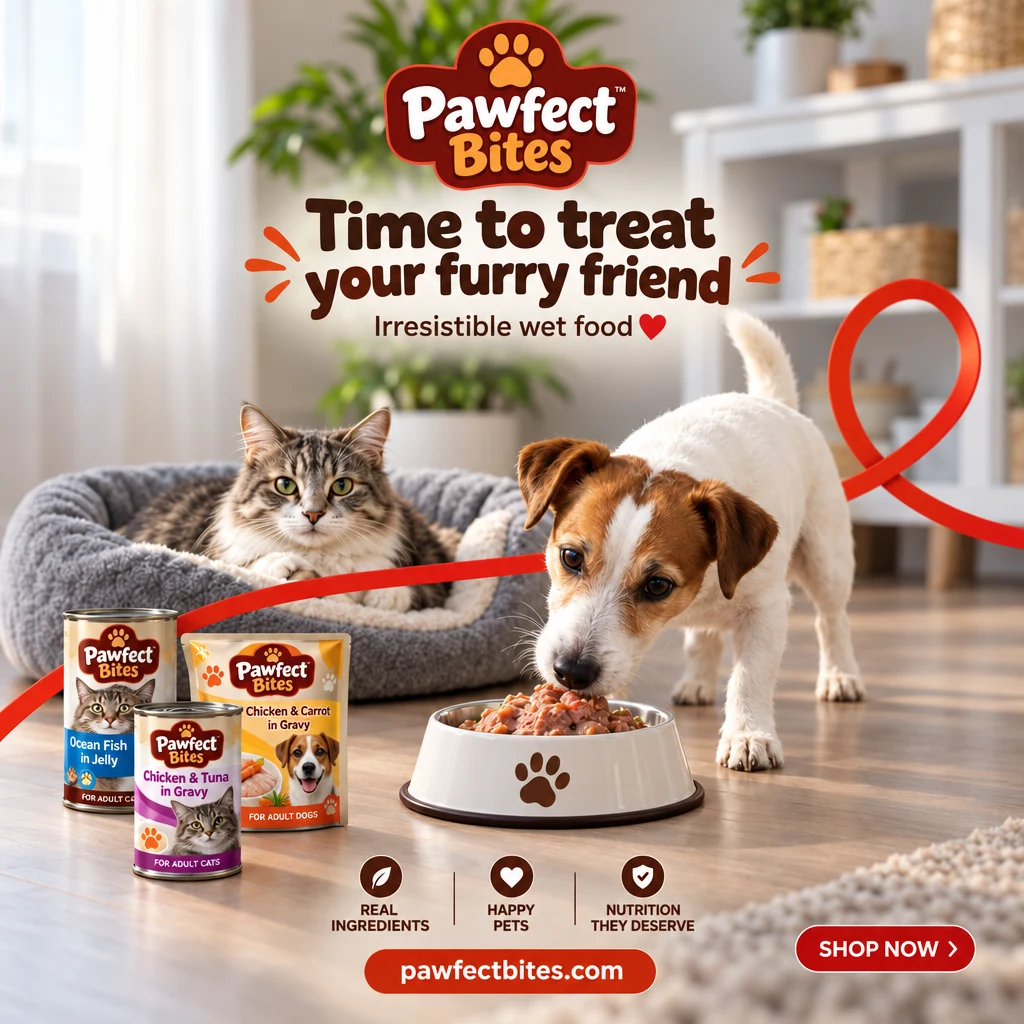
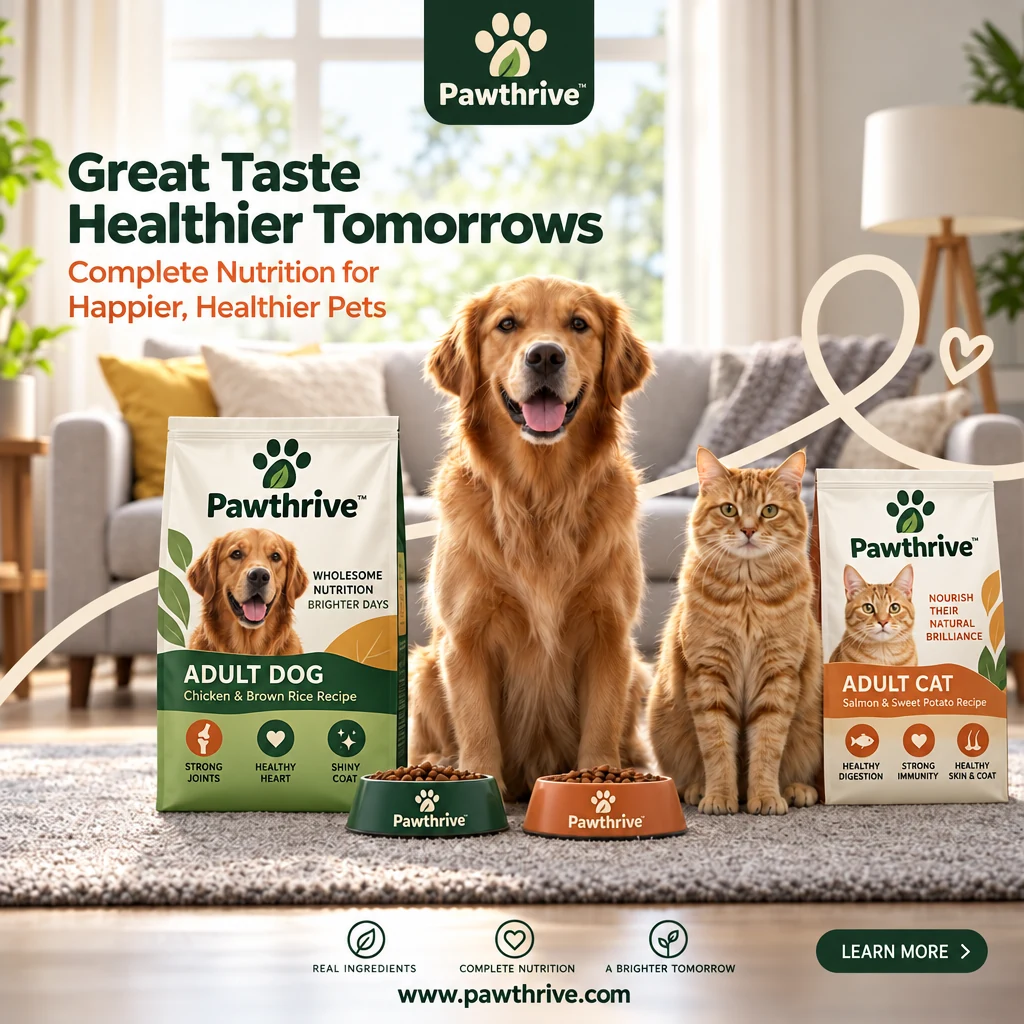
Ask once and get video ads, UGC, statics and carousels back together, instead of one asset at a time. Try: “Make 6 statics, 2 product videos and a UGC review for the launch.”
-
Video ads and UGC
Product videos lit like a studio shoot, and creator-style ads with the hook up front. -
Statics and carousels
Feed and Stories sizes, with the headline and CTA written for you. -
One kit per brand
Each brand you work with keeps its own colors, fonts, logo and voice, so one brand's look never lands in another's ad.
Start from a preset
Prompts for the ads you already make. Copy one into Claude and add your product.
Set your brand up once. Every chat remembers it.
Your brand kit and saved products live in your Predis.ai account, so every assistant you connect starts from the same place.
Brand kit
Your logo, colors, fonts and tone of voice go into every ad automatically, so you never re-explain your brand to your assistant.
What it carries
- Logo
- Colors
- Fonts
- Voice
Products from a link
Paste a product page once and Predis.ai saves the images and details. Next time, “make ads for the perfume” is enough.
Saved products
- Solara eau de parfum
- Aeronic headphones