Phantra
Generate AI video and images from your assistant. Phantra's MCP server connects Claude Code, Cursor, ChatGPT and other MCP clients to the Phantra studio: video on Kling 3 Turbo Pro, Veo 3.1, Seedance 2.5, LTX 2.5 Pro, Wan 3.0 and OmniHuman v2; stills on Nano Banana Pro, FLUX.2 Pro, Seedream 4.5, GPT Image 2.5 and Ideogram 4.5; and effects (edit, upscale, reframe, camera move, add sound, background removal) on clips already in your library. Every render is quoted in credits first, and the server runs it only after an explicit yes. Credits are held on start and released if the render fails. Write multi-shot scenes into projects that keep their brief, look and history; poll jobs; trim, join and reformat clips for free; and get share links. Remote server with OAuth sign-in, no API keys to paste. Works with any Phantra plan, including the free trial; renders spend credits. Docs: https://phantra.ai/mcp · Support: support@phantra.ai
Hosted MCP Server
npx add-mcp 'https://api.phantra.ai/mcp'Installs into Claude Code, Codex, Cursor and more
Documentation
Phantra MCP
AI images and video inside your chat.
Use Phantra in ChatGPT, Claude, and other compatible agents.
Everything you can ask for
Images and video, drawn from the chat. Open one in ChatGPT or Claude with the prompt typed in, or copy it.
10 examples
 Images
A fashion editorial
Using Phantra, draw a fashion editorial: a woman in a red trench coat crossing a rain-slick Tokyo crosswalk at dusk, neon signs reflecting on the wet street, shallow depth of field, shot on 85mm. Show me the price first.
 Images
A logo on a real storefront
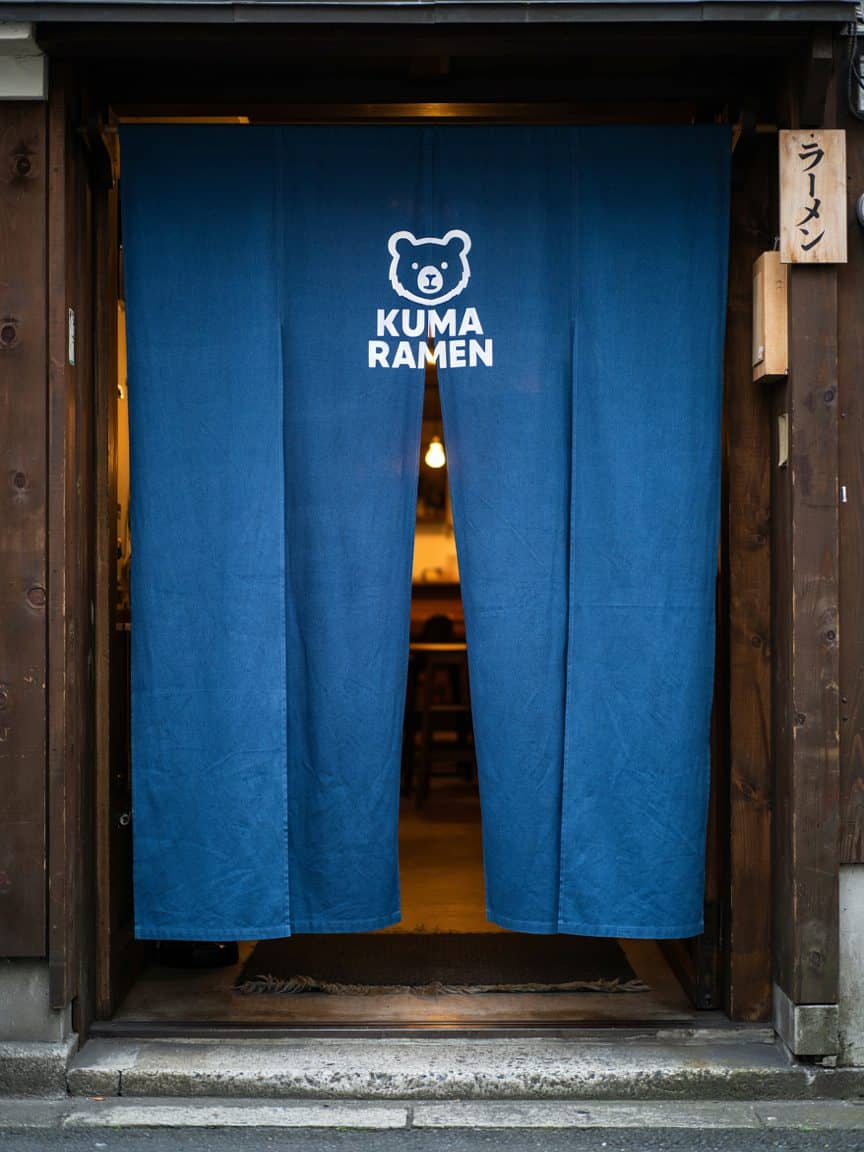
Using Phantra, make a logo and a noren curtain for a ramen shop called KUMA RAMEN: a simple white bear-head mark above the name in bold clean lettering, hanging in a wooden shop doorway in evening light.
 Images
Food photography
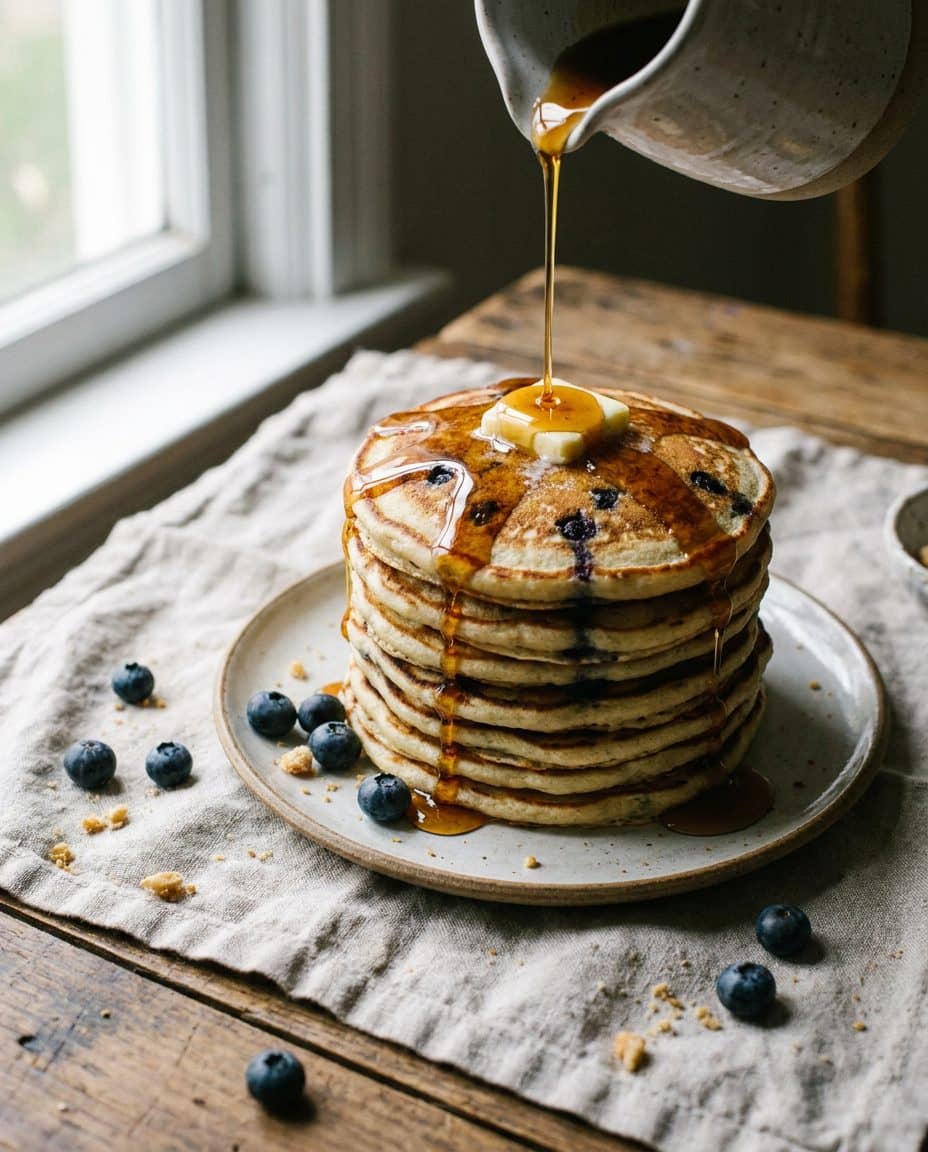
Using Phantra, draw a tall stack of fluffy blueberry pancakes with maple syrup mid-pour and a pat of melting butter, soft window light, crumbs and berries on a linen cloth.
 Images
A storybook illustration
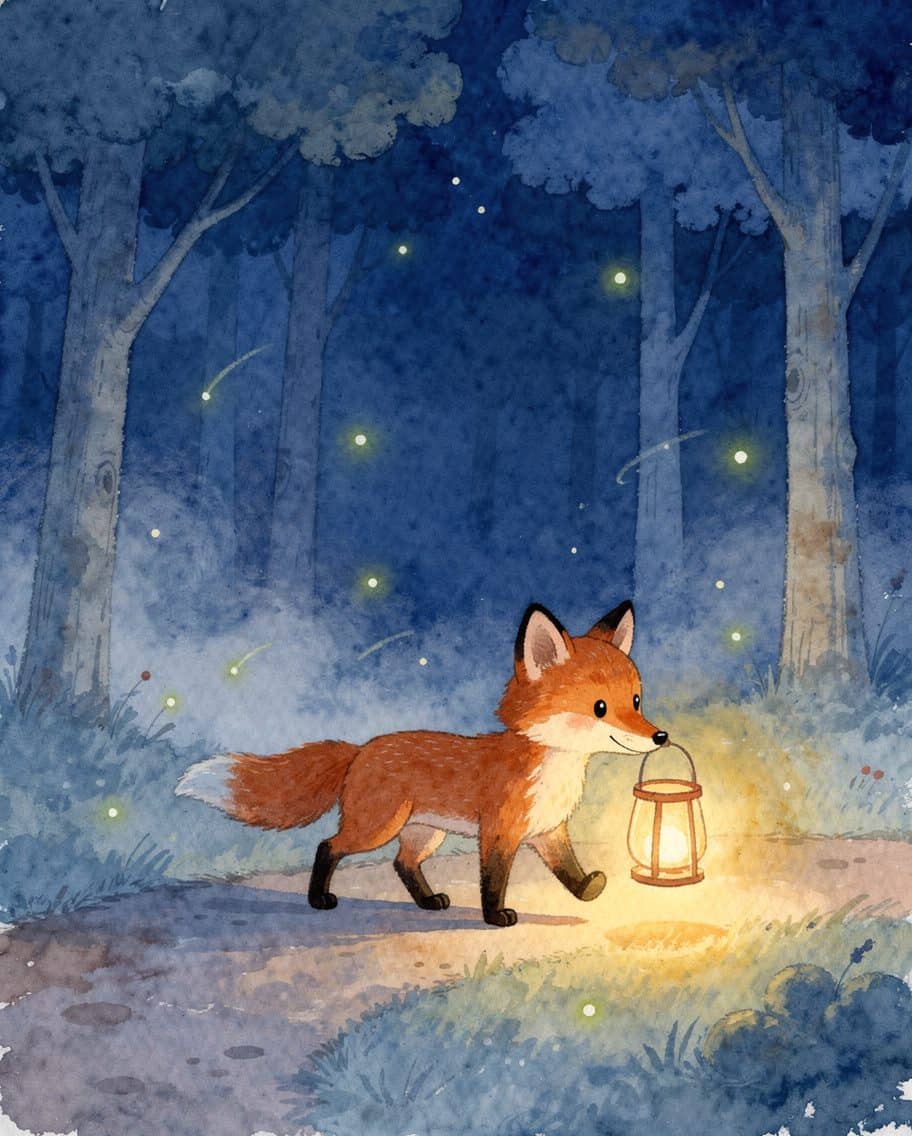
Using Phantra, paint a children's-book watercolor of a small orange fox carrying a paper lantern through a quiet blue forest at night, fireflies, soft washes, hand-painted texture.
 Images
An interior for a listing
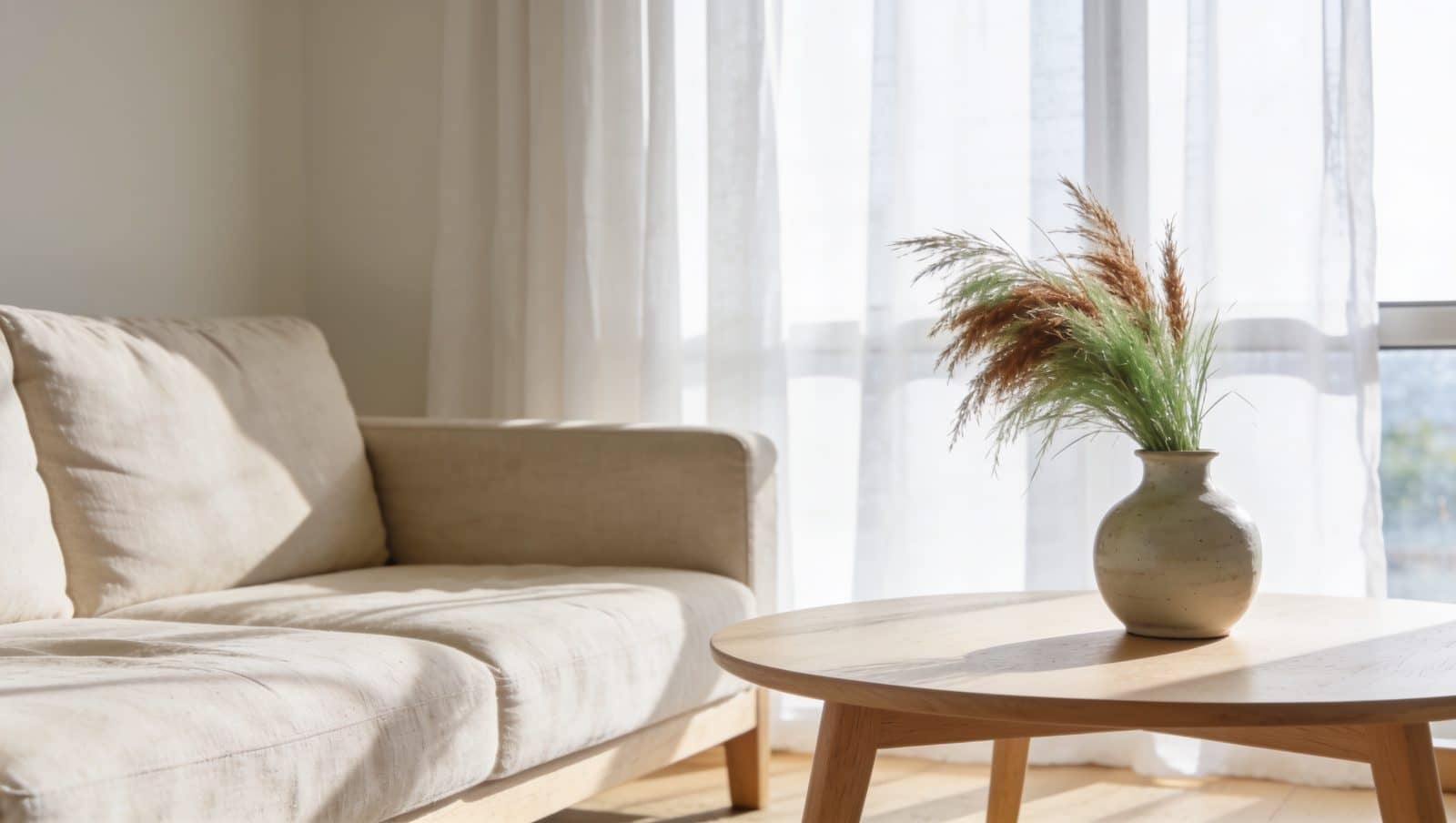
Using Phantra, draw a sunlit Scandinavian living room: a linen sofa, a pale oak coffee table with one ceramic vase of dried grass, a big window with sheer curtains, soft morning light, as an interior design photograph.
 Video
Video
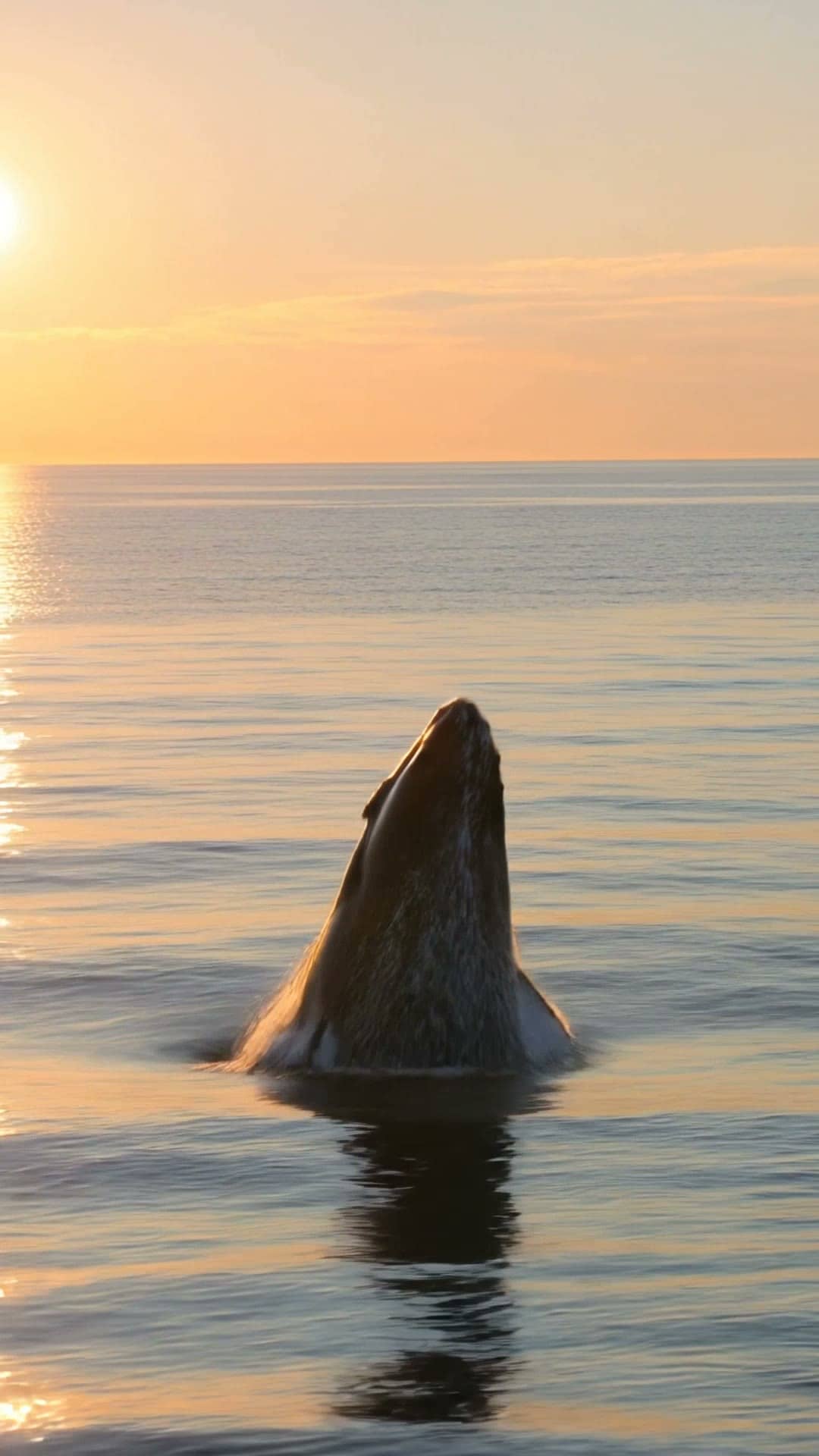
A drone shot of a breaching whale
Using Phantra, make a 5-second drone follow shot of a humpback whale breaching out of a calm sea at sunrise, a huge spray of water, golden light. Render it on Kling and tell me the price first.
 Video
Video
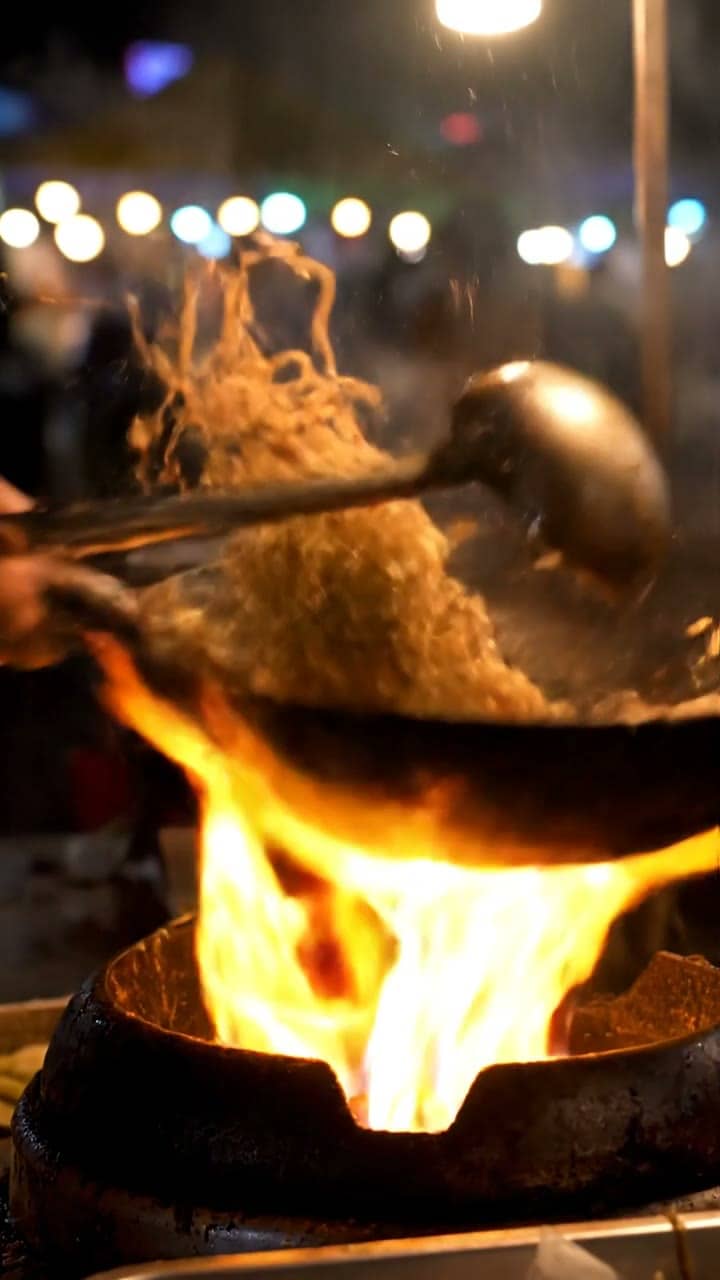
A night market, with the sound
Using Phantra, make a 4-second handheld close shot of a street-food vendor flipping noodles in a flaming wok at a night market, with the sizzle and clatter of the wok. Which model, and what does it cost?
 Video
Video
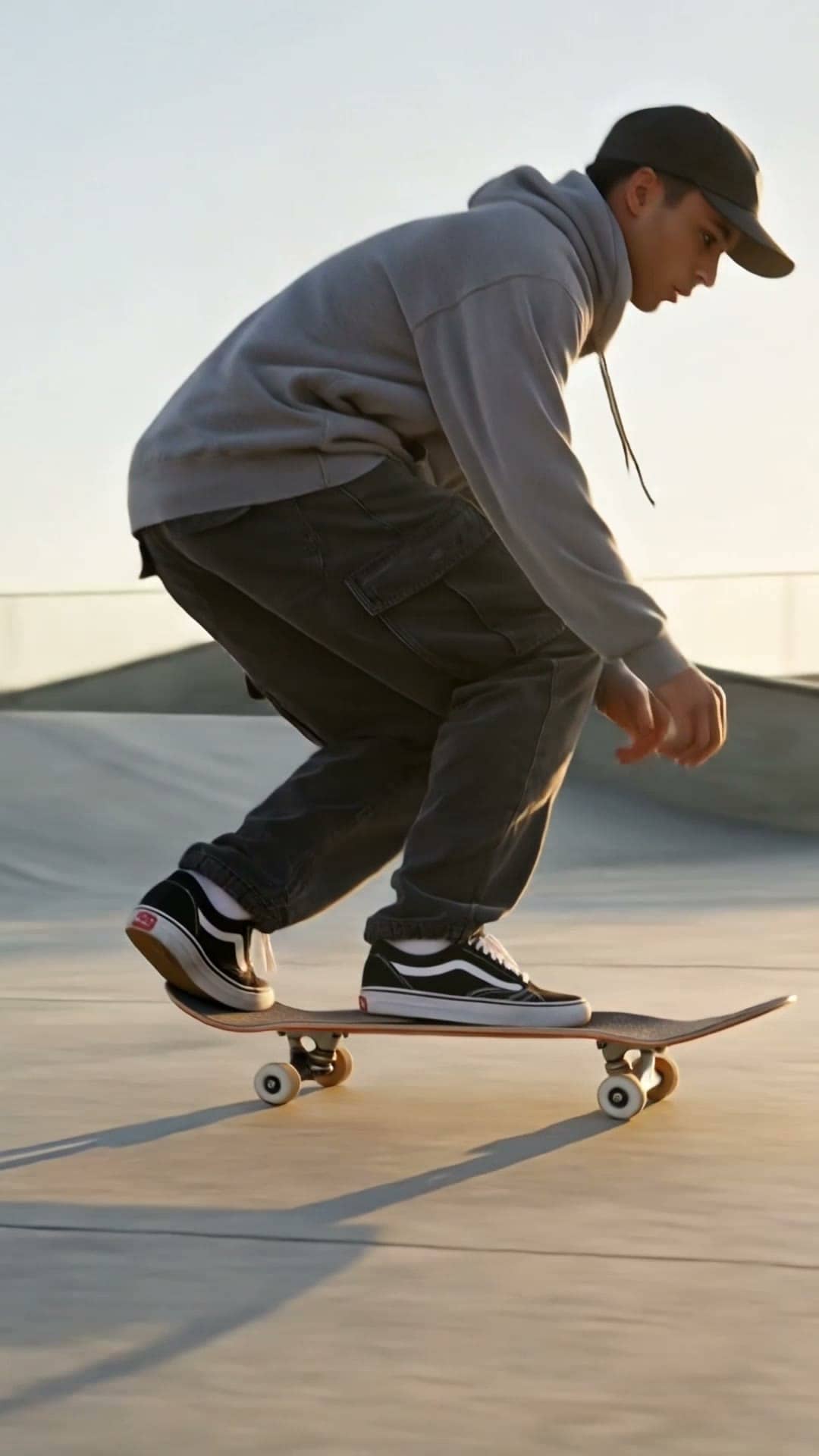
Slow motion sport
Using Phantra, make a slow-motion shot of a skateboarder landing a kickflip at an empty skatepark at golden hour, dust lifting from the concrete, low tracking camera.
 Video
Video
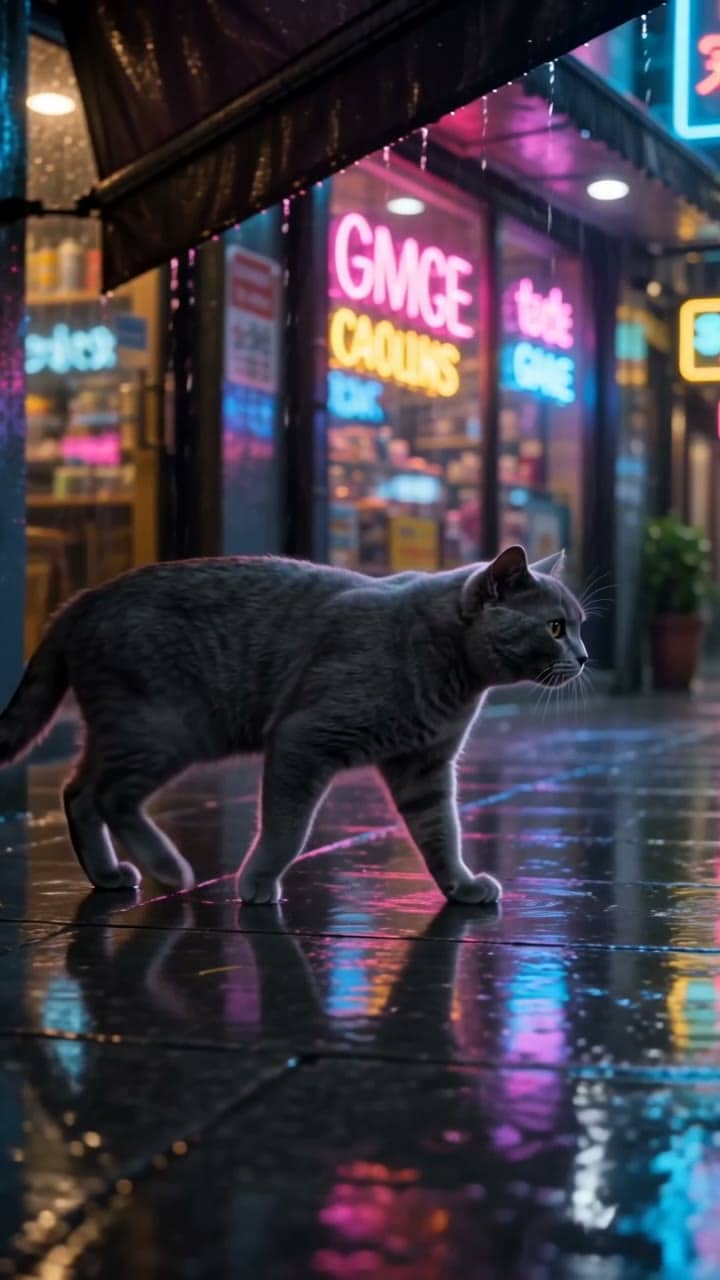
A cinematic street at night
Using Phantra, make a cinematic 4-second shot of a grey cat walking under a shop awning on a neon-lit street in the rain, reflections on the pavement, with rain sound.
 Video
Video
Macro, in slow motion
Using Phantra, make a macro slow-motion shot of a single drop of milk falling into black coffee and blooming into a crown, then settling into swirling cream, extreme close-up on a dark background.
Set up, step by step
You need a Phantra account first, on any plan. Sign in once to create your workspace, then add the connector where you chat.
Connect Phantra to ChatGPT in under a minute
Phantra in ChatGPT: ask for an image or a video, see the price in credits, say yes.
https://api.phantra.ai/mcp
- 1 Log in to ChatGPT in your browser. Go to chatgpt.com and log in. You also need a Phantra account: sign in once at phantra.ai to create your workspace. Open ChatGPT
- 2 Add Phantra and sign in. Open chatgpt.com/plugins, press Add and choose Add custom MCP server. Name it Phantra, paste this address: https://api.phantra.ai/mcp, and sign in with your Phantra account. The button below opens the page and copies the address for you. Custom MCP servers depend on your ChatGPT plan and workspace settings; if you don't see Add, your plan doesn't allow them yet. OpenAI's own steps Open ChatGPT plugins
- 3 Create with Phantra in ChatGPT. Start a new chat and describe the image or video you want. ChatGPT shows the price in credits first and waits for your yes. Start creating Connect Phantra
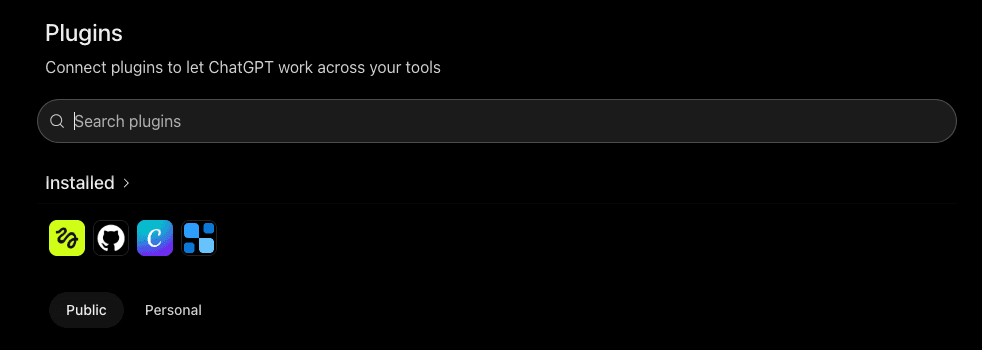
Step 2: chatgpt.com/plugins, then Add → Add custom MCP server.
Connect Phantra to Claude in under a minute
Phantra in Claude on the web, the desktop app and the phone, once it is added to your account.
https://api.phantra.ai/mcp
- 1 Log in to Claude in your browser. Go to claude.ai and log in. You also need a Phantra account: sign in once at phantra.ai to create your workspace. Open Claude
- 2 Add Phantra and sign in. Go to Customize, then Connectors. Add a custom connector, name it Phantra and paste this address: https://api.phantra.ai/mcp, or press the button below to open it filled in. Then sign in with your Phantra account and press Allow. Add Phantra MCP
- 3 Create with Phantra in Claude. Start a new chat and describe the image or video you want. Claude uses Phantra to draw it and shows you the price first. Start creating Connect Phantra
Connect Phantra to Claude Code in under a minute
One command in your terminal, then sign in once from inside Claude Code.
- 1
Add the server. In your terminal, run this command once.
claude mcp add --transport http phantra-ai https://api.phantra.ai/mcpCopy - 2 Sign in. Start Claude Code, type /mcp, pick phantra-ai and choose Authenticate. Sign in with your Phantra account in the browser window that opens and press Allow.
- 3 Create with Phantra in Claude Code. Ask for an image or a video. Claude Code shows the price in credits and waits for your yes.
Connect Phantra to Cursor in under a minute
Cursor, and any client that adds a remote MCP server by its address and signs in with OAuth.
- 1
Add the server. Open ~/.cursor/mcp.json and add this. Any other client that adds a remote MCP server by address works with the address alone.
{ "mcpServers": { "phantra-ai": { "url": "https://api.phantra.ai/mcp" } } }Copy - 2 Sign in. When the client asks, sign in with your Phantra account and press Allow.
- 3 Create with Phantra. Ask for an image or a video. The client shows the price in credits and waits for your yes.
Add the Phantra plugin to Claude in under a minute
The connector plus the skills that teach Claude how to plan with the studio.
- 1 Get the plugin. It bundles the connector with 22 skills that teach Claude how to plan with the studio: storyboards, ad variations, product shots, camera moves, UGC ads, explainers, hooks and the edit. Free and open source (MIT); its README says how to add it to Claude. Open the plugin on GitHub
- 2 Connect Phantra. On the plugin's Connectors tab, connect Phantra and sign in with your Phantra account.
- 3 Create with the skills. Ask Claude for a storyboard, an ad or a product shot. The plugin's skills load as they are needed. Get the plugin
What the connector does
42 tools on api.phantra.ai/mcp. They read and write your own projects, scenes, elements and library. The ones that draw or render are quoted in credits first and run only after your yes; everything else spends nothing.
generate_image image_models spends credits, after a quote and a yes
Draw an image from a prompt on the model you name, with your own photos as references; the image models and what each takes.
write_scene quote approve video_models recommend_model scene duplicate_scene job spends credits, after a quote and a yes
Write a video scene as timed shots, price its stills and clip in credits beside your balance, render it on the model you pick; the video models and which suits a job; read a scene back, copy one with changes, check on a job.
edit_image remove_background animate_still camera_move upscale_clip add_sound reframe_clip spends credits, after a quote and a yes
Change something already made: edit a still by instruction, cut out its background, animate it with a template or a camera move, upscale a clip, add sound to it, reframe it to a new shape.
projects project project_chat create_project
Your projects: list them, open one (brief, look, scenes, references, renders, recent chat), page its chat, start one.
elements add_element upload_link
The characters, products and places a scene is held to, with their photos; add one from an image address, a product page or a render; a one-time page to upload a picture or a clip from your device.
library share_link reformat trim_clip assemble_clips
What is in your library (renders and uploads); a time-limited download link; a clip or still in a new shape, a range of a clip, clips joined into one, all free on the studio's own server.
balance credit_history whoami recent search
Your credits and where they went; your workspace and plan; your latest work; search your studio.
preferences set_preferences recipes recipe save_recipe
Your workspace's defaults (frame, length, model, draft first); the studio's recipes and your own.
what_works score_caption feedback
What you kept and what reached an audience; a caption scored against your own posts; a note to the studio.
Price first, always
A price before anything spends
Every image and video is quoted in credits first, and the chat is told to show you that price and wait for your yes.
Held, then charged
Credits are held when a render starts and released if it fails. What you spend is in your studio's usage page, line by line.
Your workspace only
You sign in on Phantra's own page and the chat app gets access to your workspace and nothing else. It never sees your password.
What the connector reads and records is in the privacy policy; the terms cover the studio it reaches.