Roboflow
Create computer vision projects, train models, and deploy them with Roboflow MCP server
Documentation
One server. Every agent.
One hosted MCP server. Drop it into the agent of your choice.
⌥ Open source: roboflow/computer-vision-skills
[
GitHub
](https://github.com/roboflow/computer-vision-skills)
67 tools across 12 categories
Once connected, your agent can call any of these directly. Each tool maps to a primitive in the Roboflow platform: the same ones you'd use in the dashboard or API.
Not using MCP? Roboflow also ships a full CLI and REST API.
Expert knowledge, exposed to your agent.
Skills are markdown playbooks your agent reads as MCP resources. They cover auth, dataset organization, deployment choices, training playbooks, and where things live in the Roboflow app. Connected clients pick the right Skill for the task at hand.
Skills load when your agent needs them. No setup on your end.
Once your agent is connected to mcp.roboflow.com, it can list and read every Skill alongside its 67 tools. Prefer it offline? Install the bundle locally:
$
npx @roboflow/skills install
A short, LLM-friendly summary lives at /llms.txt
Quick answers about the server, Skills, auth, and how MCP fits into the rest of Roboflow.
curl
$
curl https://mcp.roboflow.com/llms.txt
Roboflow MCP Server
Endpoint: https://mcp.roboflow.com/mcp
Transport: streamable HTTP
67 tools across 12 categories…
Ready to give your agent vision?
Additional resources
Vision AI is transforming every industry. Let’s transform yours.
[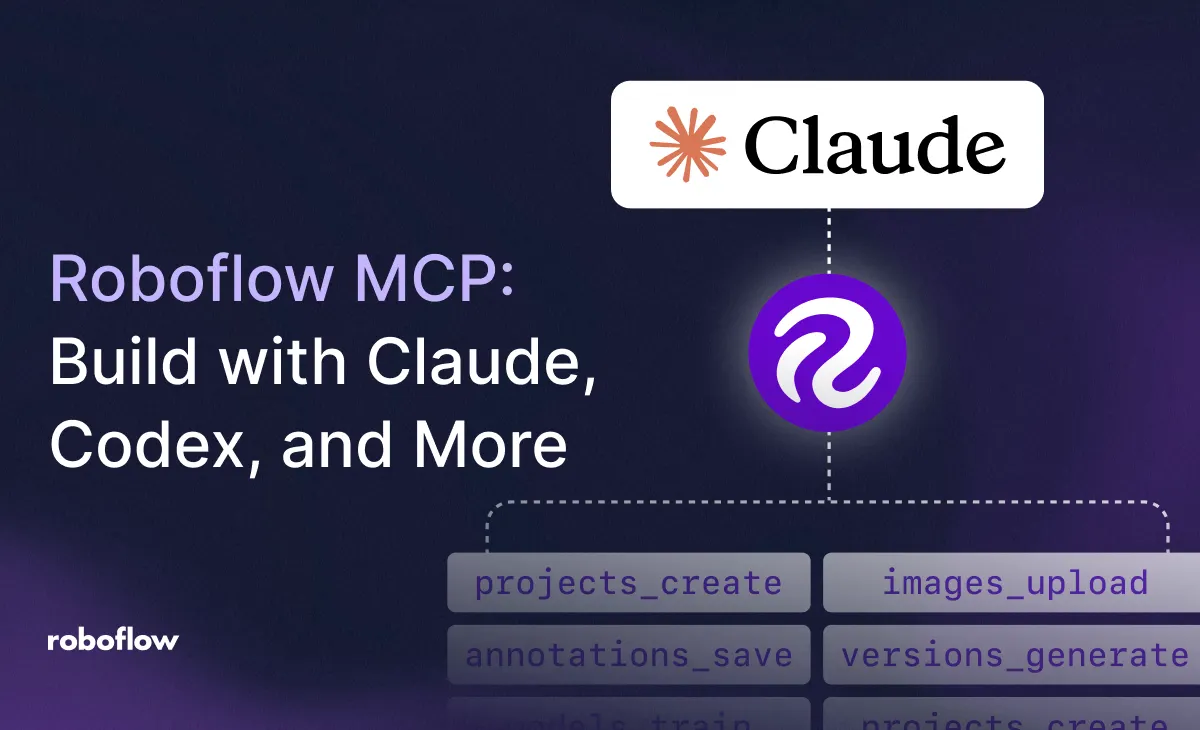
The new Roboflow MCP Server connects Claude, Codex, and other AI agents to Roboflow so they can label visual data, train custom models, and build deployable vision pipelines.
](https://blog.roboflow.com/mcp-server/)
Frequently asked questions.
Quick answers about the server, Skills, auth, and how MCP fits into the rest of Roboflow. Don't see yours? Check the docs.