Image to Video AI
Animate photos already uploaded to your account with a motion prompt, preview credit costs and visibility settings, then generate a video and retrieve the finished link.
Hosted MCP Server
npx add-mcp 'https://imagetovideoai.tools/api/mcp'Installs into Claude Code, Codex, Cursor and more
Documentation

Determined shrine maiden holding a katana at a traditional Japanese shrine
Set against a traditional Japanese shrine background, a determined shrine maiden holds a katana. The blade burns with realistic raging fire, accompanied by flying sparks and smoke. Cinematic lighting highlights the tension of imminent combat, making it feel like a scene from a blockbuster action movie.
Explore AI Image & Video Models
Compare AI image and video models and choose the right one for your next creation.
- Kling 4.0 Create videos from text, keyframes, or up to ten reference images.
- Nano Banana 2 Lite Hot Fast drafts and quick edits across flexible formats.
- Kling 4.0 Flash New Create 3–20 second videos from text, a first frame, or up to ten reference images, with native audio.
- GPT Image 2 Precise creation and editing with rich references.
- Kling 3.0 Omni Generate videos with text, keyframes, or up to seven JPG or PNG references.
- GPT Image 2.6 Flare New Generate and edit with Flare in your preferred output format.
- Wan 2.6 Flash Animate a starting image or reference videos with optional audio.
- GPT Image 2.6 Sunburst New Create detailed images and edits with Sunburst.
- Vidu Q4 Animate a first frame or use up to 15 image references.
Multiple AI Video Models
Choose from different AI video models with strengths in cinematic movement, character animation, audio generation, frame control, and visual consistency. Switch models without changing your image-to-video workflow.
Control Motion With Image + Text Prompts
Use your image as the visual starting point and a text prompt to describe what should happen next. Guide subject movement, camera motion, environmental effects, pacing, and other details instead of relying only on preset animations.
Generate an AI Video From Your Image
Versatile Image to Video Creation
Create videos from portraits, product photos, artwork, characters, landscapes, old photos, and other still images. Different models and controls make it possible to adapt the workflow to a wide range of visual styles and creative goals.
Free Videos Without Watermarks
Sign up to receive welcome credits. No credit card is required. The models and credit costs are shown in Studio before you generate.
-
Turn Product Images into Quick Video Ads
We already have plenty of product photos, but not enough video assets for testing. This made it easy to turn a static image into a short promo clip without a full production workflow. It’s been especially useful for trying ideas quickly before spending more time on creative. Olivia Reed E-commerce Owner
-
A Straightforward Way to Animate Portraits
I tried it with a portrait image and was surprised by how natural the motion felt. Small details like subtle camera movement and facial motion made the result much more usable than the typical “photo animation” tools I’ve tried before. Sophie Martin Social Media Manager
-
Helpful for Fast Creative Experiments
I usually just want to test whether an idea works before polishing it. Starting from a single image and a short prompt is much faster than building a full video from scratch, and it makes creative exploration a lot easier. Ethan Walker Indie Maker
-
Good Balance Between Simplicity and Control
A lot of tools are either too basic or too complicated. This one feels like a good middle ground — simple enough to get started quickly, but still flexible enough to try different prompts, aspect ratios, and models. Daniel Kim Creative Designer
- Maya Collins Content Creator
-
A Practical Workflow for Marketing Teams
We often need lightweight video assets for landing pages, ads, and social posts. This has been a practical way to repurpose existing images instead of waiting on a separate video workflow every time. Alex Chen Growth Marketer
-
Makes Model Testing Much Easier
One thing I appreciate is being able to try different video models without changing the whole process. Using the same image and prompt across multiple models makes it easier to compare quality and find the style I want. Ryan Cooper Marketing Manager
-
Great for Early Concept Development
I wouldn’t use it as a replacement for every polished video project, but it’s very good for concepting. It helps me quickly turn a still idea into something I can actually review, share, and refine. Emma Davis Brand Designer
Image to Video AI Guides, Prompts & Model Updates
Explore practical guides for getting better results from image-to-video AI. Learn how to write motion prompts, compare new video models, understand different generation workflows, discover creative ideas, and follow the latest developments in AI video generation.

Dola AI Video Generator: Make 3 Product Videos From One Photo
Turn one product photo into three Dola AI video shots with copyable prompts for a product reveal, a material close-up, and a vertical ad end card.
ImageToVideoAI.Tools Team
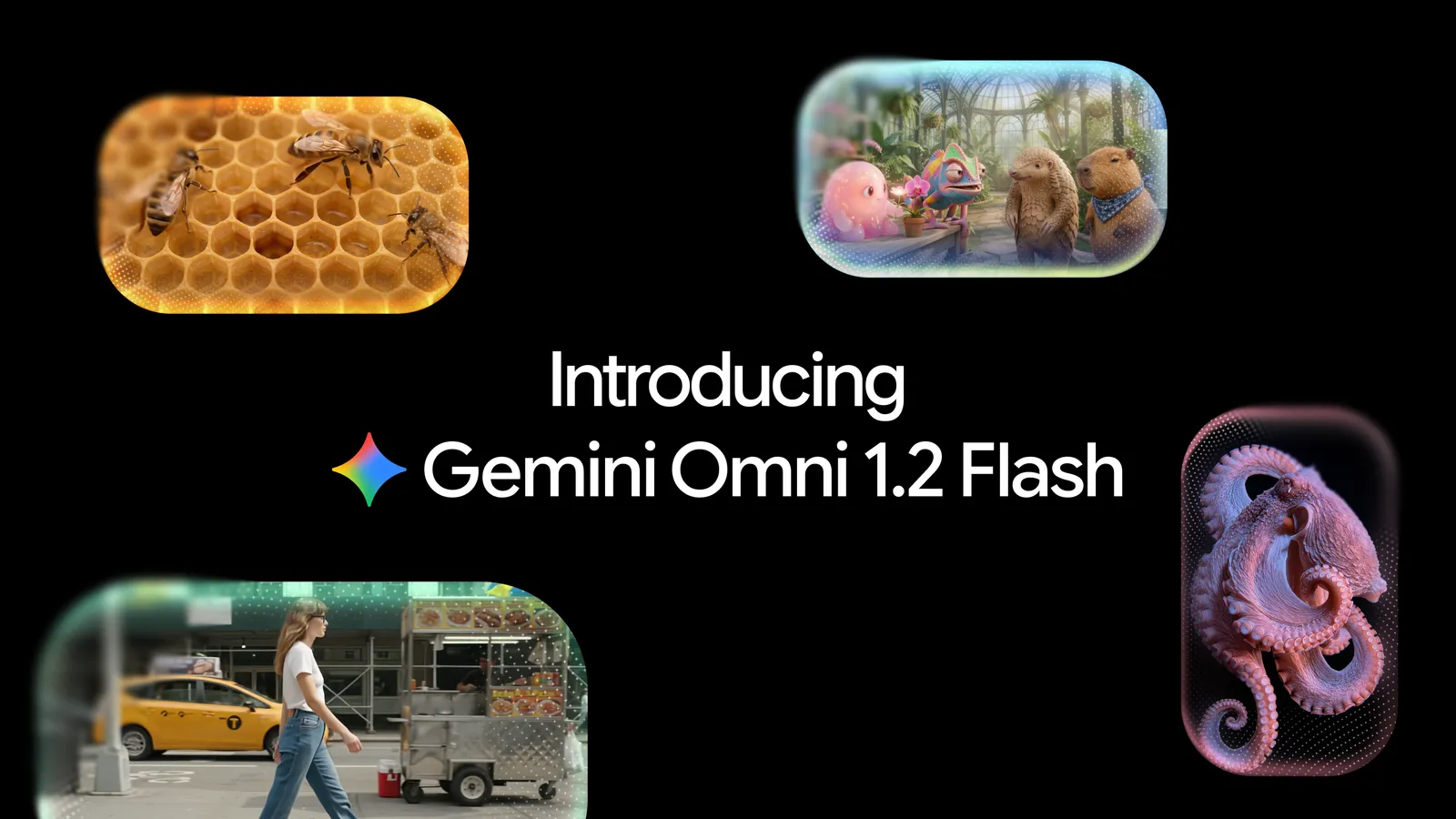
Gemini Omni 1.2 Flash: How to Use, Pricing, API & Video Examples (2026)
Learn how to use Gemini Omni 1.2 Flash for 15-second videos. Compare Google and Replicate pricing, API examples, image-to-video prompts, and editing.
ImageToVideoAI.Tools Team

How Two-Photo Image to Video AI Creates Viral Story Clips (Like the Zombie Hug Trend)
Learn why two-photo image to video AI creates stronger story clips than simple photo animation. Explore character consistency, match cuts, flashbacks, and the zombie hug workflow.
ImageToVideoAI.Tools Team

Best Smalltown Boy AI Dance Generators in 2026
Compare three dedicated Smalltown Boy AI dance generators by photo inputs, video format, music, price, and the workflow each one suits.
ImageToVideoAI.Tools Team

AI Rap Duo: How Two Separate Portraits Become One Shared Performance
How to turn two separate portraits into one AI rap duo video, choose clear photos, assign left and right roles, and review both identities before sharing.
ImageToVideoAI.Tools Team

HiDream V1: What We Know About HiDream-O1-Video-1.0
HiDream announced HiDream V1 on September 17, 2026. Here's what's confirmed about image-to-video, API access, pricing, and availability.
ImageToVideoAI.Tools Team
Your Image Is the First Frame
Create Your First AI VideoFrom an Image
Start with any image you want to bring to life, describe the motion you have in mind, and see what an AI video model can create from it.