Socializioz
AI social media employee for planning campaigns, creating on-brand content, publishing across platforms, and growing your online presence.
Documentation
Socializioz documentation
Learn how Socializioz turns conversations into real social media execution across brands, campaigns, content, media, approvals, scheduling, publishing, engagement, and analytics.
One conversation. Real execution.
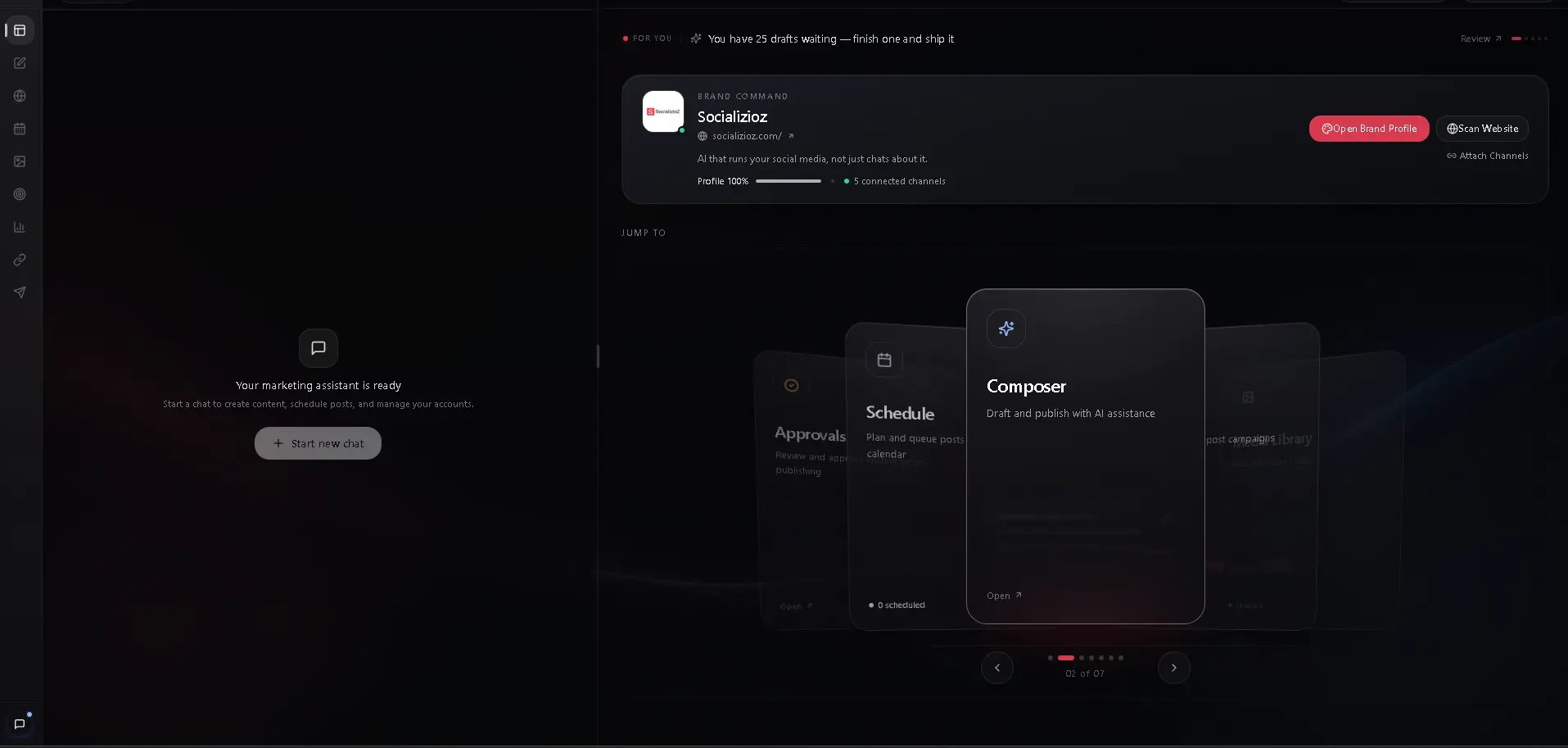
Socializioz is an AI-first social media operating workspace. Tell the Socializioz Agent what outcome you need, and it can work across the real workspace: brand context, connected channels, campaigns, content plans, posts, media, approvals, scheduling, publishing, engagement, and analytics.
You can work conversationally through the Agent, use the direct workspace tools, or connect supported external AI clients through the native Socializioz MCP.
<img src="https://mintcdn.com/ruyaacapital/jPAHV_Xlu1Dx1E1B/images/socializioz-workspace-public.webp?fit=max&auto=format&n=jPAHV_Xlu1Dx1E1B&q=85&s=65e95afafb9ebc0fd990f4f03a93bbe2" alt="Socializioz workspace overview" title="Socializioz Workspace" className="mx-auto" style={{ width:"76%" }} width="1915" height="913" data-path="images/socializioz-workspace-public.webp" />
Understand the operating model
See how context becomes planned, reviewed, verified, and published social media work. Ask for outcomes in natural language and let the Agent work across the authorized workspace. Connect ChatGPT, Claude, and supported MCP clients to the current authenticated Socializioz tool surface. Understand publishing channels, engagement surfaces, messaging agents, and external AI connections.Start operating
Complete onboarding, scan your website when useful, and review the brand identity, audience, tone, goals, and connected channels available to the workspace. Authorize supported social accounts through provider OAuth. Socializioz does not require you to share social-network passwords. Request a campaign, content plan, platform-specific posts, media preparation, approval routing, scheduling, troubleshooting, or performance review. Check the content, media, destination, timing, and approval state before publishing or authorizing the next action. Confirm the returned Socializioz state. A draft, approval, schedule, publish, retry, or external-client action should only be treated as complete when the workspace result confirms it.Core operating surfaces
Connect objectives, content plans, posts, media, schedules, and performance inside one campaign workflow. Create and adapt posts with platform-specific content, media, settings, and publishing controls. Operate drafts, approvals, scheduled posts, provider processing, failures, retries, and published results. Plan timing across channels. Scheduling is a core execution layer, not the entire Socializioz product. Generate, import, organize, reuse, attach, and validate visual assets. Review available performance data and use it to inform the next content and campaign decisions.Engagement and communication
Review, reply to, and moderate supported Facebook and Instagram comments. Handle supported Instagram direct-message conversations from the workspace. Send content and scheduling requests to the Socializioz Agent from WhatsApp on eligible plans.Account, access, and support
Monitor authorization health, connected-account capabilities, and reconnect requirements. Review the current plan limits and availability shown by Socializioz. Join the Partner Program, share your referral link, and track eligible referrals and earnings. Learn how workspace scope, authorization, roles, and action validation protect execution. Diagnose connection, content, scheduling, publishing, integration, and workspace problems.Current publishing destinations
Connected-account capacity is plan-based: 5 on Free, 12 on Starter, and 30 on Pro, with Enterprise configured for the customer. Publishing access is separate: Facebook, Instagram, and LinkedIn are available across current plans, TikTok publishing starts on Starter, YouTube is reserved for Starter and above but remains Soon during rollout, and X publishing starts on Pro. Provider permissions and account type still apply.
Note
Messaging agents, engagement tools, external AI clients, and direct publishing destinations are different integration types. See Integrations for the current map.
Need help?
Start with Troubleshooting. When an issue requires investigation, open Support and include the workspace, destination platform, post state, and returned error.