Diecut HQ
Make a die-cut sticker PNG from a prompt or an image URL: transparent, white border, up to 2048 px.
Hosted MCP Server
npx add-mcp 'https://diecuthq.com/mcp'Installs into Claude Code, Codex, Cursor and more
Documentation
Upload once. We do the cutting.
No account for the preview. You see the finished sticker first and pay only when you download the full-size file.
- Drop your logo or photo here PNG, JPG or WebP · up to 24 MBpuppy.jpg
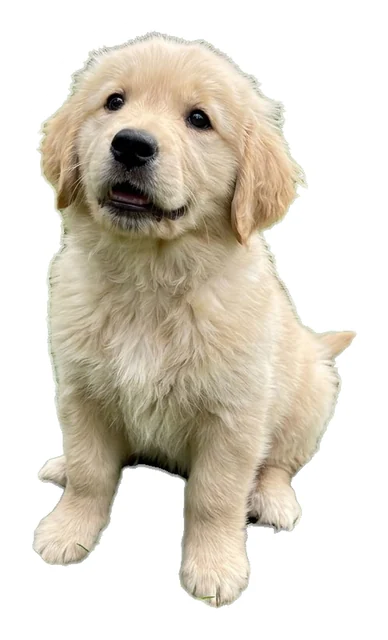 Cut + white border
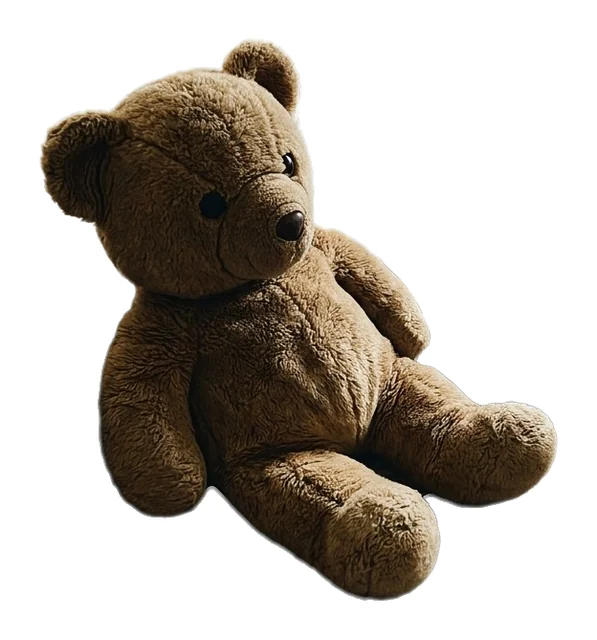
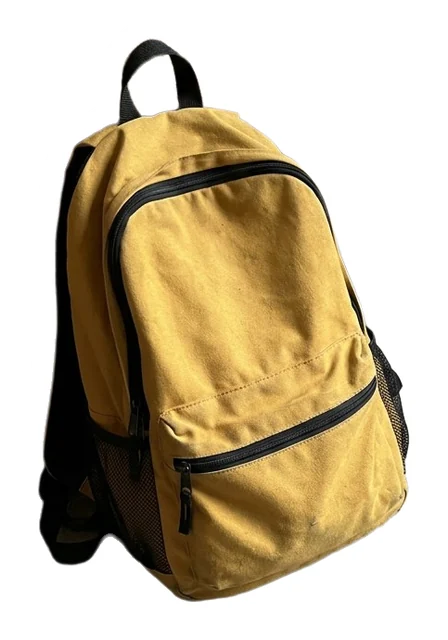
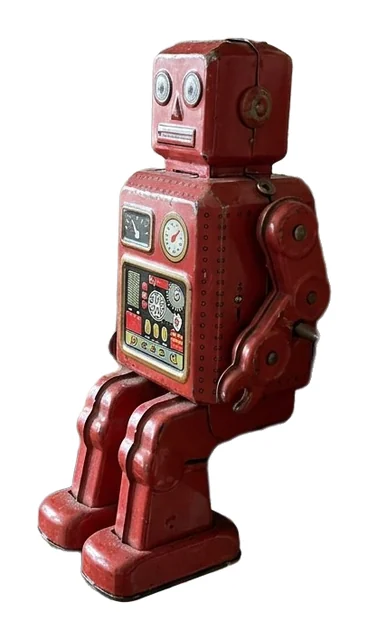
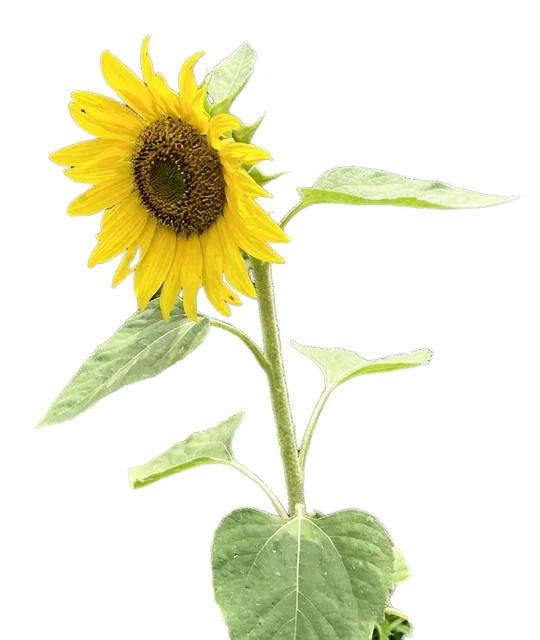
Pets and products, cut clean.
Real output from the tool. Drag the line: left of it is the photo that went in, right is the sticker file that came out. The samples are test pictures we made, not customer uploads.
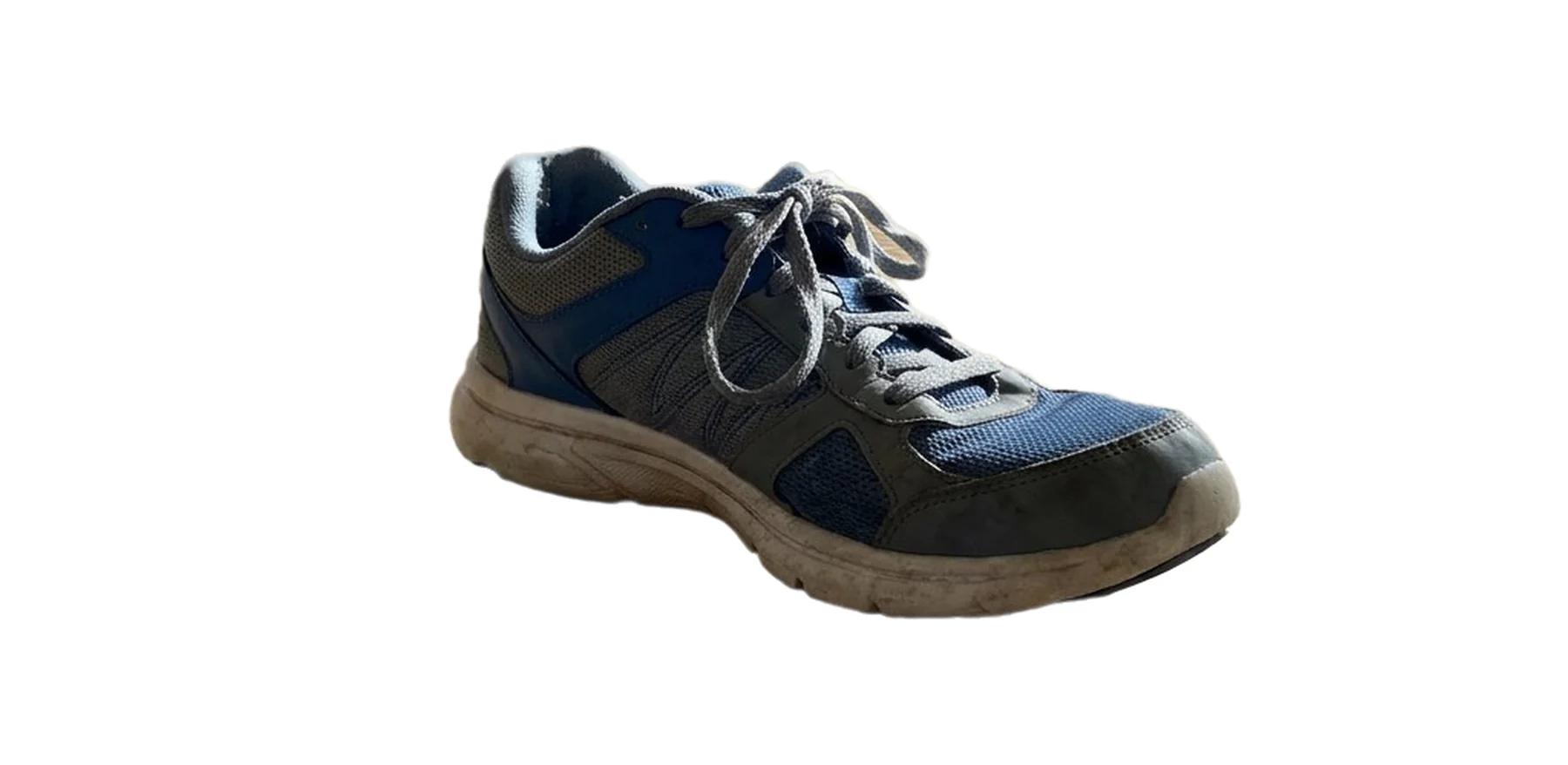
The same sneaker as a die-cut sticker with an even white border
The same puppy as a die-cut sticker with a white border
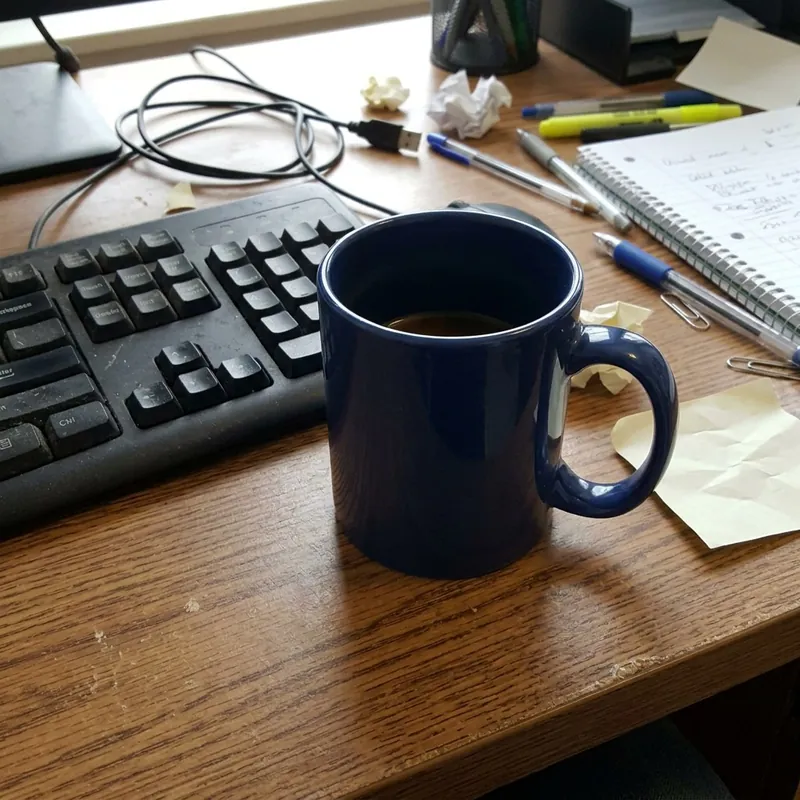
The same mug as a die-cut sticker with a white border
Pay once. Keep every sticker.
Previews are free with a watermark. Packs are one payment, with no subscription, and credits do not expire.
Every sticker includes
- Full-size transparent PNG, up to 2048 px
- An even white die-cut border
- Edges cleaned of grey haze before the border
- One credit covers both results of an upload
- Credits do not expire
One payment, checkout by Paddle. Prices in USD.
Make stickers from your agent.
Diecut HQ answers agents over an MCP endpoint and a plain HTTP API on this site. After you buy a pack you get a code, and your agent spends the same credits with it. Without a code it gets the free watermarked preview.
claude mcp add --transport http diecuthq https://diecuthq.com/mcp
Instructions for agents (llms.txt)
Questions, answered.
The preview is free, so the fastest answer is to try your own file.
Is the sticker maker free?
Previews are free: five a day, with a watermark and no sign-up. The full-size PNG costs one credit from a one-time pack. The Starter pack is 3 stickers for $1; the larger packs are 50 for $10 and 150 for $25. No subscription.
What do I get when I download?
A PNG with a transparent background and an even white die-cut border around your art, up to 2048 pixels on the long side. At 300 pixels per inch that is about 6.8 inches. It is a standard PNG, so it uploads to Etsy, Cricut Design Space, Silhouette Studio and print-shop order forms.
What can I upload?
A logo, a product label, a drawing or a photo of a pet or a product, as PNG, JPG or WebP up to 24 MB. Nothing is redrawn or enlarged, so start from the largest copy you have. A design on a white background can come back as two results to pick from, because white inside it can be art or a gap. An image that fails the safety check is refused.
Can I sell the stickers I make?
Yes. You can use and sell the stickers you make, including on products and at markets. You are responsible for having the rights to anything you upload or describe: logos, characters and names.
What happens to my pictures?
They are used to make your sticker. A result is kept for 24 hours and is then deleted, so download the stickers you want to keep within that time.
Can an AI agent use this tool?
Yes. Agents call the same sticker maker over the MCP endpoint or the HTTP API on this site and spend credits from the same pack, with the code you get after paying.