Democruit
Your career companion for ATS checks, resumes, cover letters, job tracking, websites, and more.
Hosted MCP Server
npx add-mcp 'https://mcp.democruit.com/mcp'Installs into Claude Code, Codex, Cursor and more
Documentation
Your job search, inside Claude, ChatGPT, and Gemini
Democruit tailors resumes, flags ATS gaps, and tracks applications in the chat you already use. You stay in control. No auto-apply.
How do you connect Claude?
Claude web and desktop apps
Democruit is available in the Claude connector directory. Add it from there, sign in to Democruit and approve the permissions, then enable it in your conversation.
- Open the Democruit page in the Claude connector directory.
- Add Democruit to Claude and sign in to Democruit.
- Review access, then enable the connector in your conversation. Open in Claude directory
Secure OAuth connectionYou approve sensitive actions
What Democruit can help with
How can Democruit help in your chat?
Choose a task to see how Democruit works inside your AI assistant.
Built for actual career work
What can you ask Democruit to do?
The MCP exposes focused tools for reading and updating the career data you choose to share.
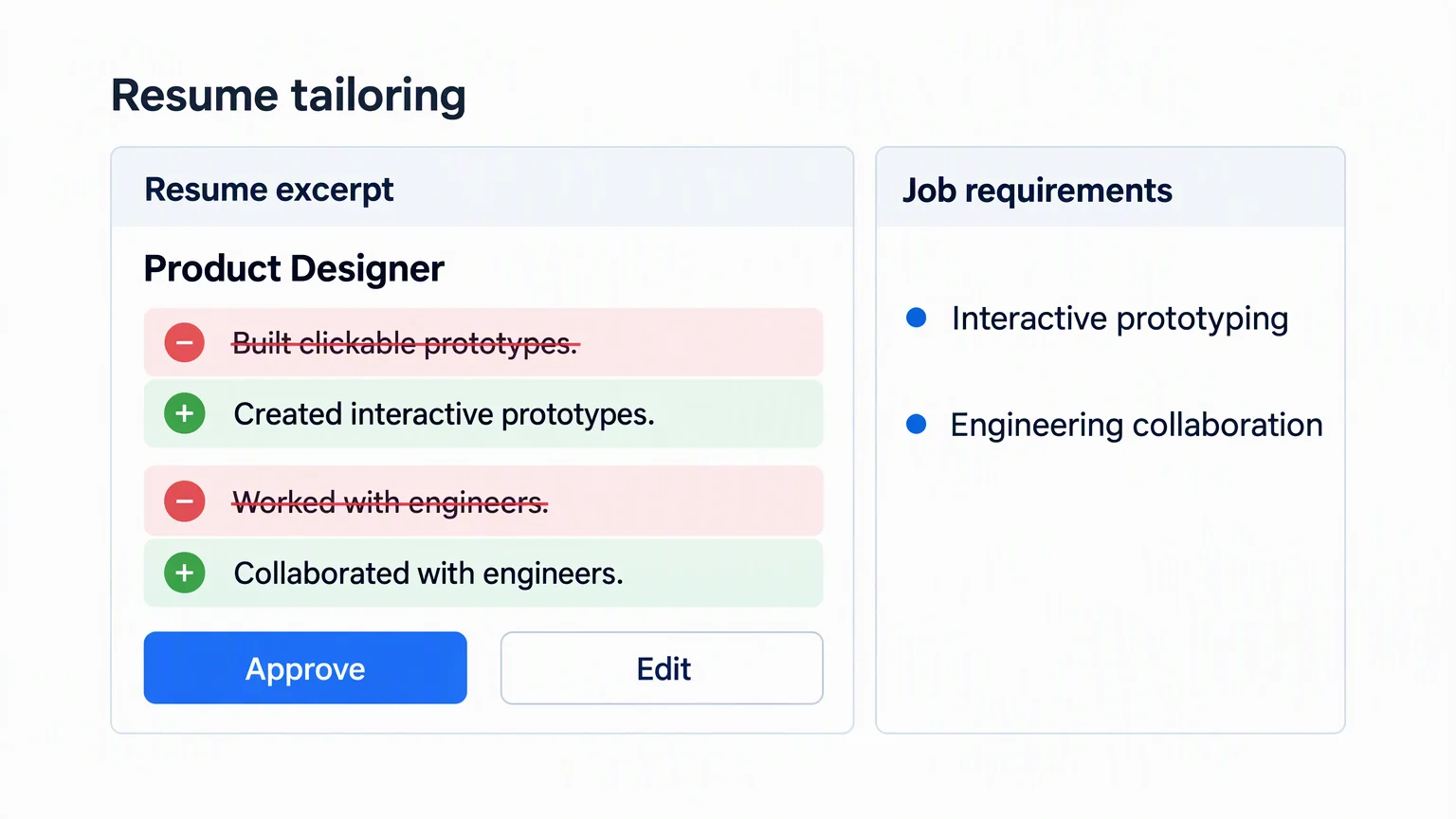
“Tailor my product designer resume in Democruit to this job description, but keep every metric factual.”
The client can inspect your selected resume, compare relevant experience, and update approved fields without inventing evidence.
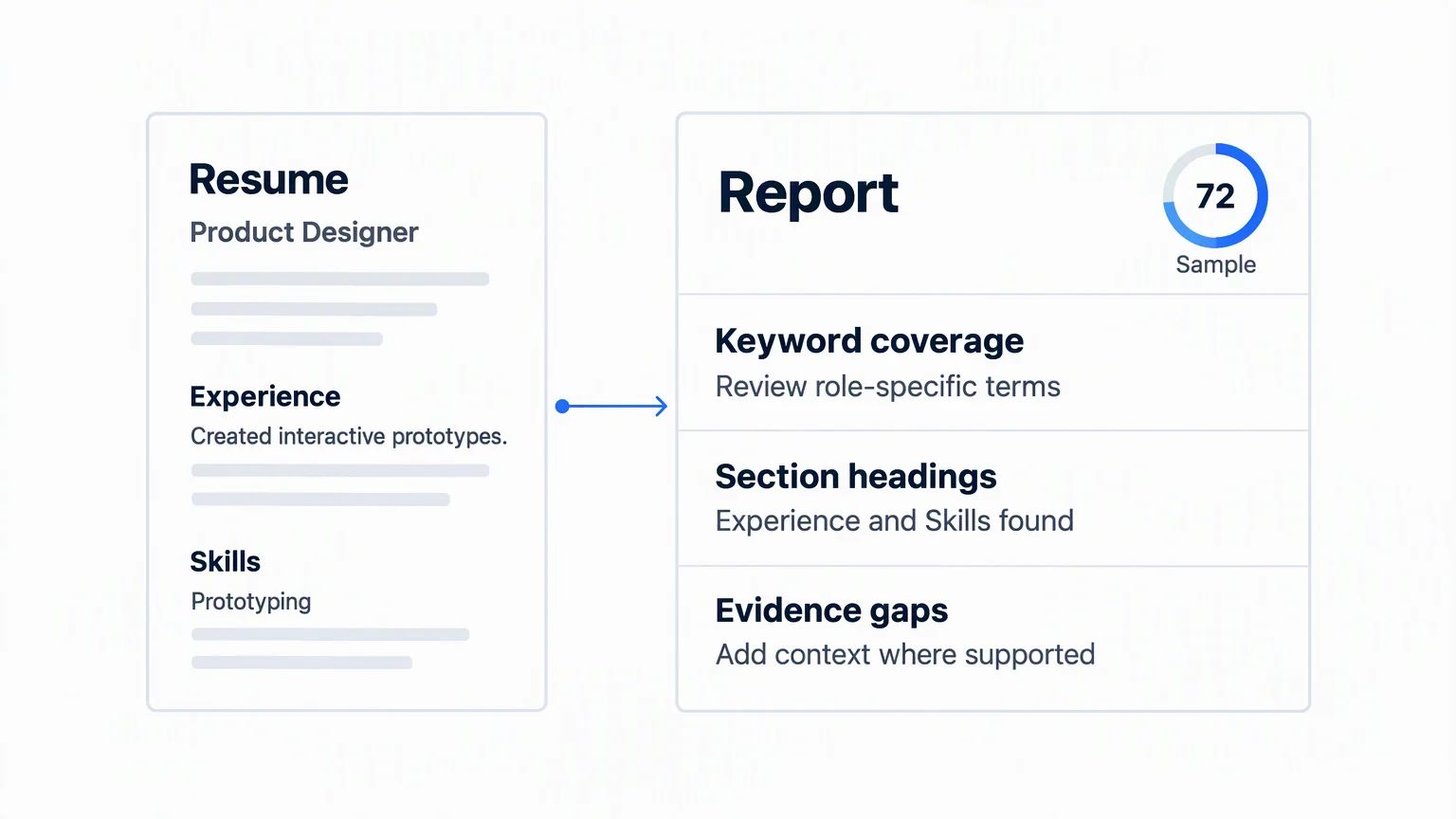
“Use Democruit to check this PDF resume against the role and show me the most important ATS gaps.”
Democruit can import the approved file, run an ATS analysis, and return the report to your conversation.
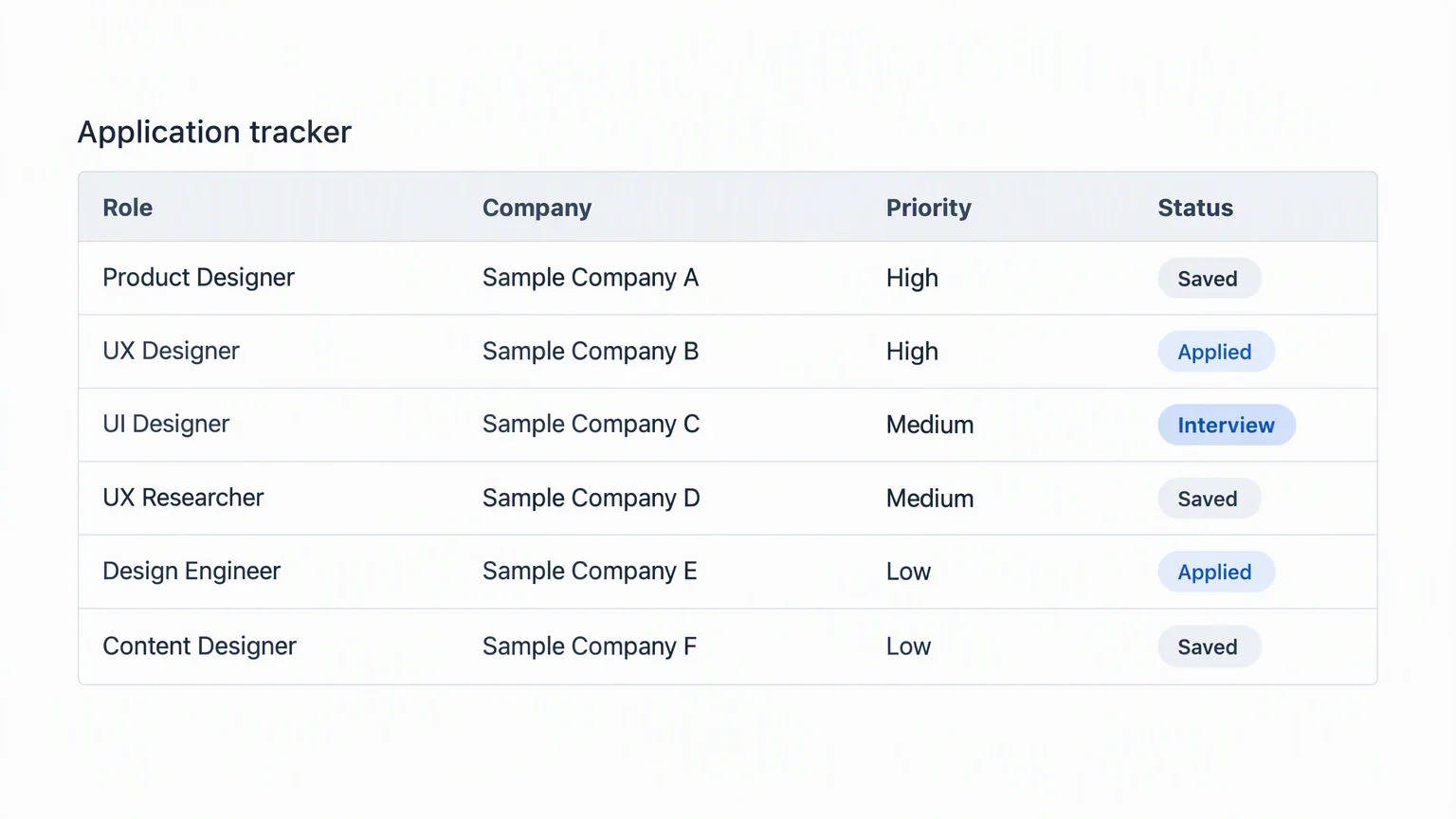
“Add these six roles to my Democruit tracker and group them by application priority.”
The client can create structured applications in bulk while respecting your account limits and existing records.
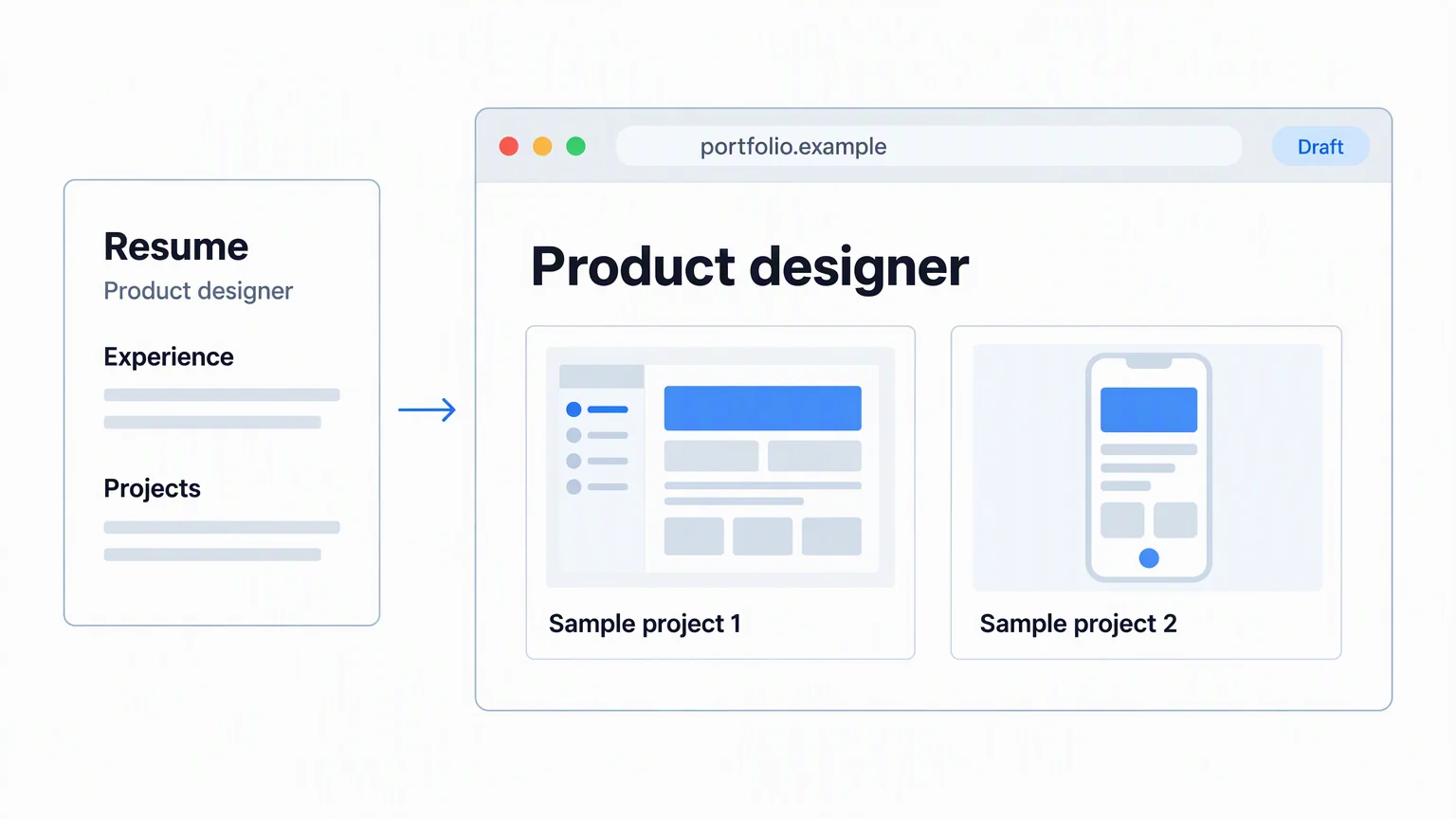
“Create a personal website in Democruit from my latest resume and use a professional audience focus.”
Democruit can create the website from your selected resume, then keep the new site available in your workspace.
Which tools does the MCP server expose?
These are the public tool names exposed by the server. Available tools and operations depend on granted permissions and client capabilities; prepare_upload needs a client that supports file uploads.
| Tool name | What it does | Type |
|---|---|---|
get_resume_statistics | Read recorded viewing activity for a saved resume. | Read |
restore_resume_version | Restore a saved resume version after you confirm the replacement. | Requires confirmation |
summarize_resume | Read a short factual overview of a saved resume. | Read |
list_document_templates | Browse resume, cover letter, and personal website designs. | Read |
get_workspace | Read your career workspace summary, profile, or suggested next task. | Read |
get_allowance | Check your remaining pass, company research, or written interview allowance. | Read |
update_account | Change profile details or account preferences. | Write |
update_consents | Change your privacy and communication consents after your confirmation. | Requires confirmation |
list_items | Browse your saved documents, applications, reports, interviews, and website submissions. | Read |
get_item | Read one saved document, application, report, interview, or job analysis. | Read |
create_item | Create a new career document or application record from your information. | Write |
update_item | Edit saved work, with confirmation for generated replacements and sensitive changes. | Requires confirmation |
delete_items | Permanently delete selected saved items after your confirmation. | Requires confirmation |
export_pdf | Generate a PDF of a saved resume, cover letter, ATS report, or company research report. | Write |
import_resume_text | Import extracted resume text as a new resume, with confirmation to replace saved content. | Requires confirmation |
guided_turn | Collect your information one question at a time to prepare and save a supported item. | Write |
check_resume | Check how well a resume fits a job. | Write |
fix_resume | Apply fixes supported by an ATS report to your resume after your confirmation. | Requires confirmation |
research_company | Request company research. | Write |
continue_company_research | Confirm, choose the right company, or refresh research, with confirmation before allowance use. | Requires confirmation |
practice_interview | Create and complete written interview practice and review its results. | Write |
log_job | Save application contacts, interactions, and documents without sending messages or applications. | Write |
set_website_visibility | Publish a personal website or take it offline after your confirmation. | Requires confirmation |
check_website_domain | Check the DNS status of a connected website domain. | Read |
manage_website_domain | Connect or disconnect a website domain after your confirmation. | Requires confirmation |
prepare_upload | Prepare a file upload when your AI client supports uploading files. | Write |
draft_text | Prepare unsaved career email, LinkedIn text, or resume bullets from your facts. | Read |
Requires confirmation can apply to only some operations: for example, replacing saved content, applying ATS fixes, or changing a domain. Read includes unsaved text drafts; Write can create saved records or export files.
What access are you granting?
We don't sell your resume data.Privacy Policy
What data can the connection read?
With the permissions you grant, the assistant can read your profile and account usage, resume contents including contact details and work history, cover letters, applications and their contacts or documents, ATS reports, personal websites and submissions, company research, and written interview records. Selecting an item in chat identifies the task; it does not narrow the connection permissions.
Which actions need your approval?
You approve OAuth access in Democruit when connecting. With write access, some edits and new records can be saved directly. Deletions, resume restoration, generated replacements, ATS fixes, website publication, domain changes, and consent changes require confirmation. The current MCP server previews these changes and asks for explicit confirmation in the conversation before applying them.
How does sign-in work?
OAuth opens Democruit sign-in so you can check the account and requested access. The connected AI client receives data used for your requests and has its own privacy and history controls.
How do you disconnect?
In Democruit settings, open Connected agents and select Revoke access for the client. This stops future access through that connection. Remove Democruit in the AI client too; data already shared is handled by that client’s history and privacy settings.
- Claude: open Customize > Connectors, select Democruit, and disconnect it.
- ChatGPT: open Plugins and remove the Democruit plugin.
- Gemini: open Settings > Connected Apps, select Democruit, and disconnect it.
- Cursor: remove the Democruit entry from your MCP settings or mcp.json.
- VS Code: remove the Democruit entry from your configured MCP servers.
- Claude Code: remove the Democruit server with claude mcp remove democruit.
Where can you learn more?
What should you know before connecting?
Direct answers about setup, privacy, and what Democruit can do.
Ready to connect Democruit?
Demi
Connect Democruit How Democruit MCP works [email protected]