ClipMyApp
Create, review, and schedule app marketing videos from your AI assistant through a hosted MCP server.
Documentation
Run ClipMyApp from Claude.
Ask for posts in plain English. Review the drafts. Publish only what you approve.
Production MCP URL
https://api.clipmyapp.com/mcp
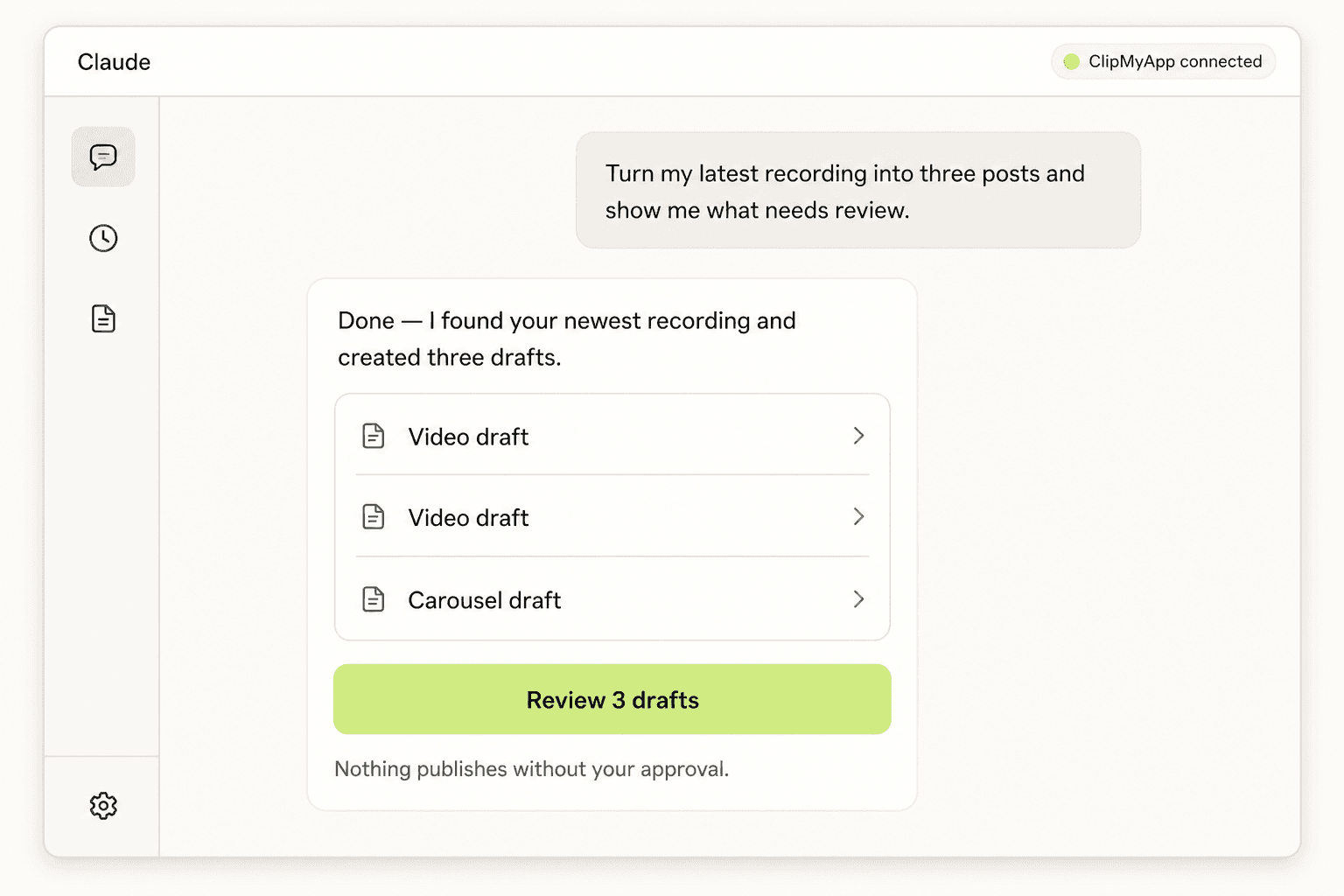
A Claude-style assistant conversation where ClipMyApp turns one request into three drafts ready for review.
No tool names required
Say what you want done.
ClipMyApp finds the source, creates the drafts, and returns a human review link.
Create
“Turn my latest recording into three posts and show me what needs review.”
Refine
“Make the second hook shorter and swap the background music.”
Schedule
“Schedule the approved post for Friday at 10 AM.”
Connect
One endpoint. Two setup paths.
Hosted clients sign in with ClipMyApp. Local clients use an API key.
Hosted MCP client
OAuth
Add the URL, sign in, and approve the connection.
https://api.clipmyapp.com/mcp
Claude Code
API key
Create a key in Settings, then run this once.
claude mcp add --transport http clipmyapp https://api.clipmyapp.com/mcp --header "Authorization: Bearer YOUR_API_KEY"
Built for control
Your assistant cannot quietly go rogue.
- Nothing publishes unless you grant posting access.
- Paid decisions repeat the exact current cost.
- Disconnect the client or revoke its key at any time.
01
Understand
Projects, recordings, drafts, calendar, analytics.
02
Create
Videos, memes, carousels, exact edits, and drafts of your own posts.
03
Review
Approve, reject, or request a rewrite.
04
Publish
Schedule approved work and your own videos, photos, and text on connected channels.
See all 32 MCP tools+
Understand
get_account · list_projects · list_recordings · get_recording · list_creator_hooks · list_memes · list_audio_tracks · get_post_media_options · get_pack · list_social_accounts · get_calendar · list_finished_posts · list_own_posts · get_own_post · get_media_import · get_publishing_rules · get_analytics · open_studio
Create
generate_posts · import_media_from_url · start_media_upload · complete_media_upload · write_own_post · update_own_post · delete_own_post · edit_post
Review
rewrite_finished_post · approve_post · reject_post
Publish
schedule_post · bulk_schedule_posts · cancel_scheduled_post
You stay in control