BulkImagen
Bulk AI image generation from a prompt list or CSV: parallel rendering, batch ZIP with manifest.
Documentation
One list in, a whole batch back.
Every row below is one submission to the bulk AI image generator: paste a list, drop in a spreadsheet, or upload a single reference image. The AI image generator runs the whole batch at once and hands it back as one ZIP — the same AI image generator behind every tool page.
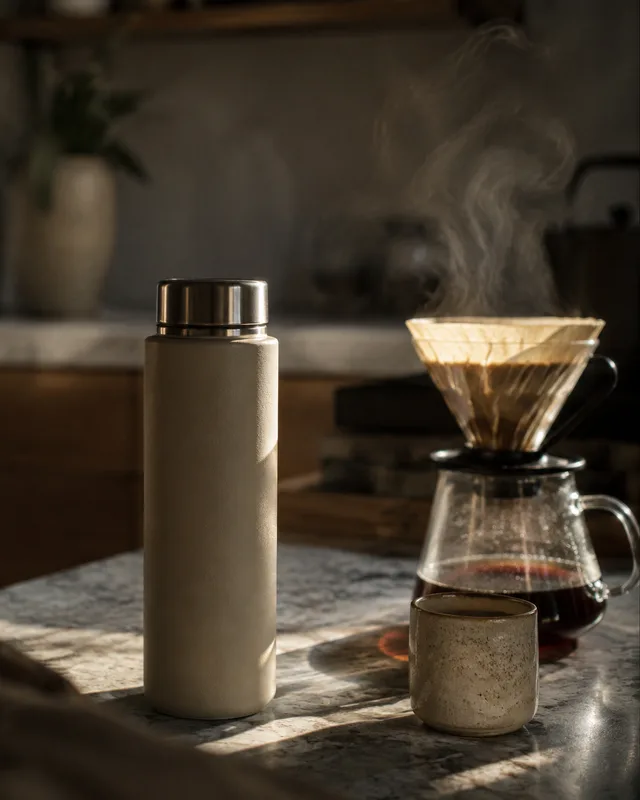
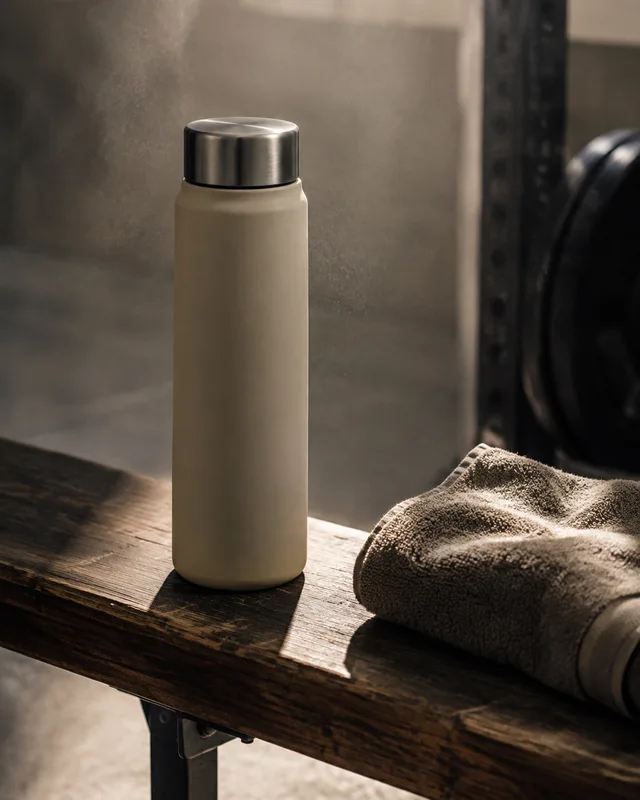
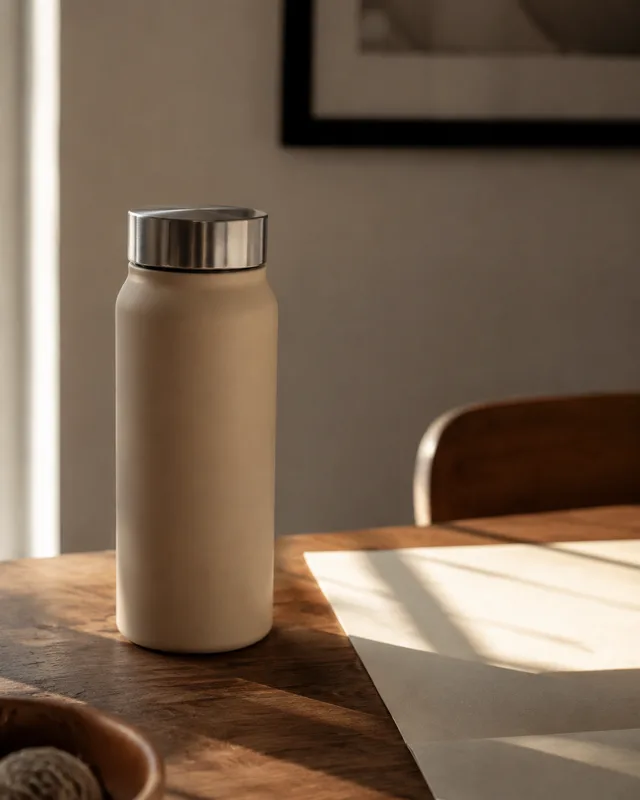
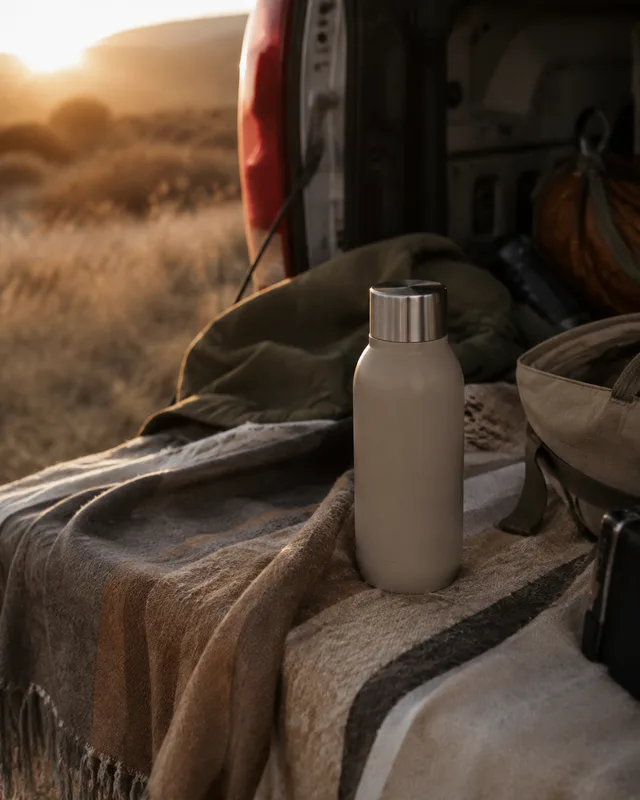
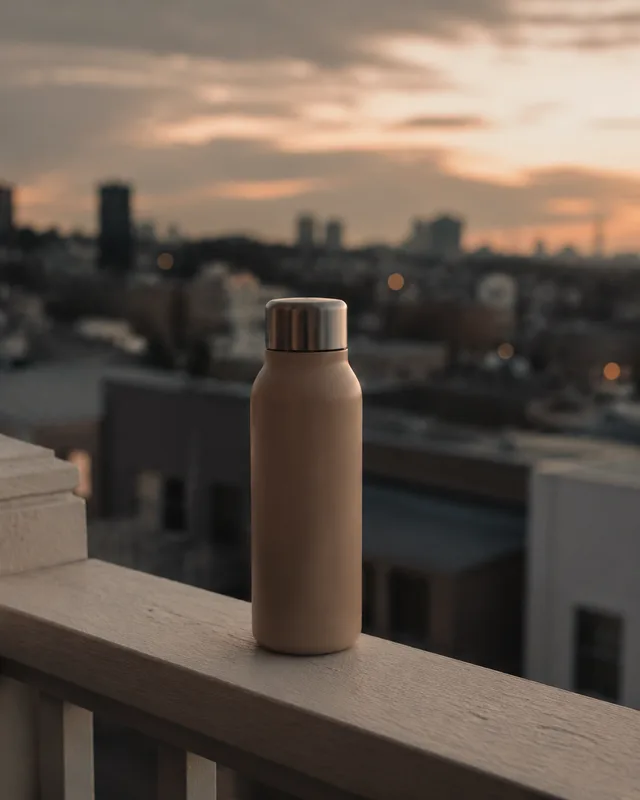
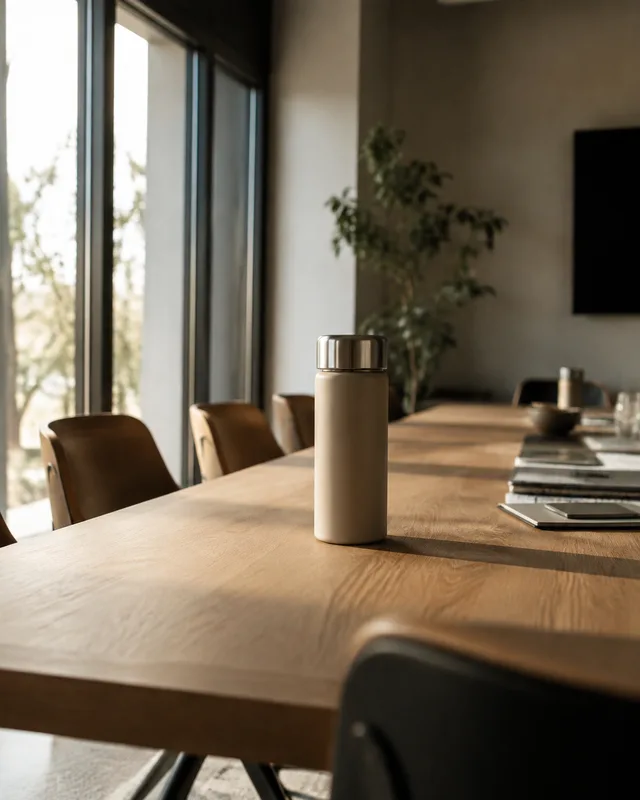
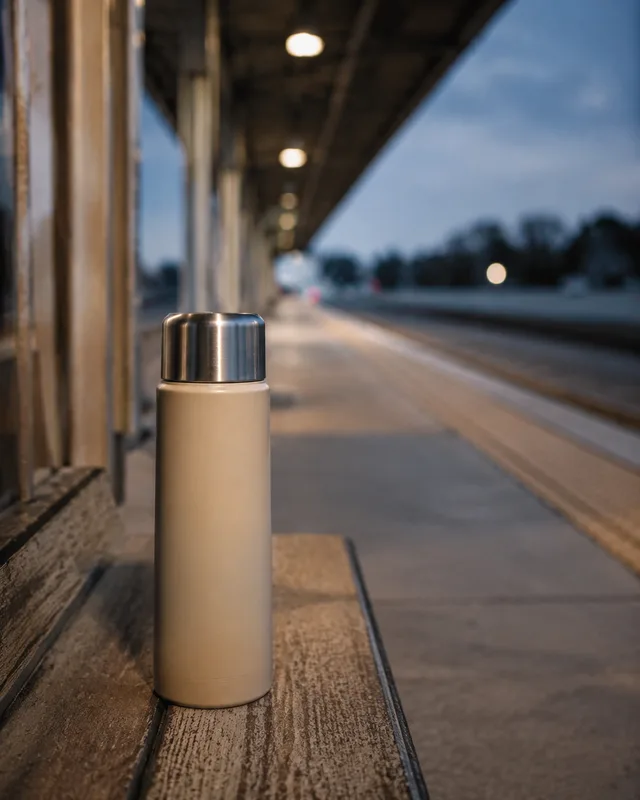
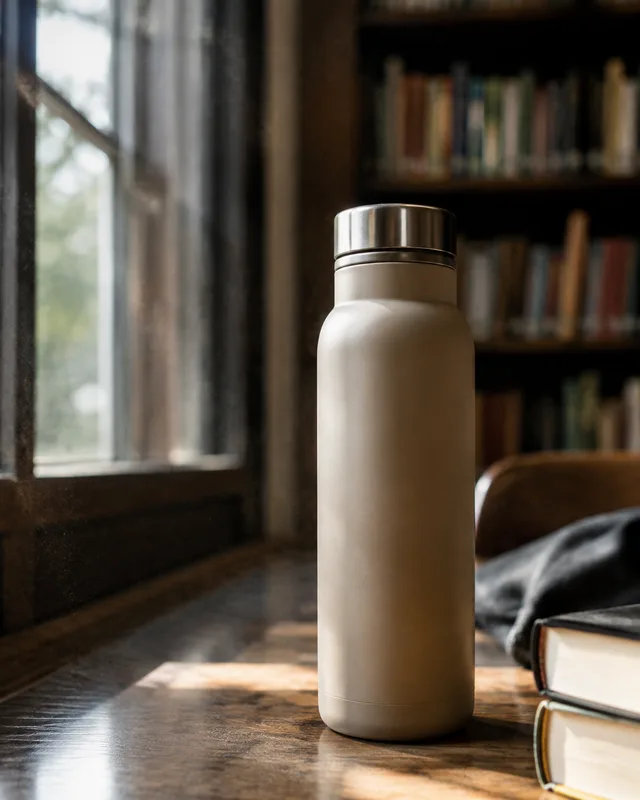
[One angle → 16 ad creatives
16 images
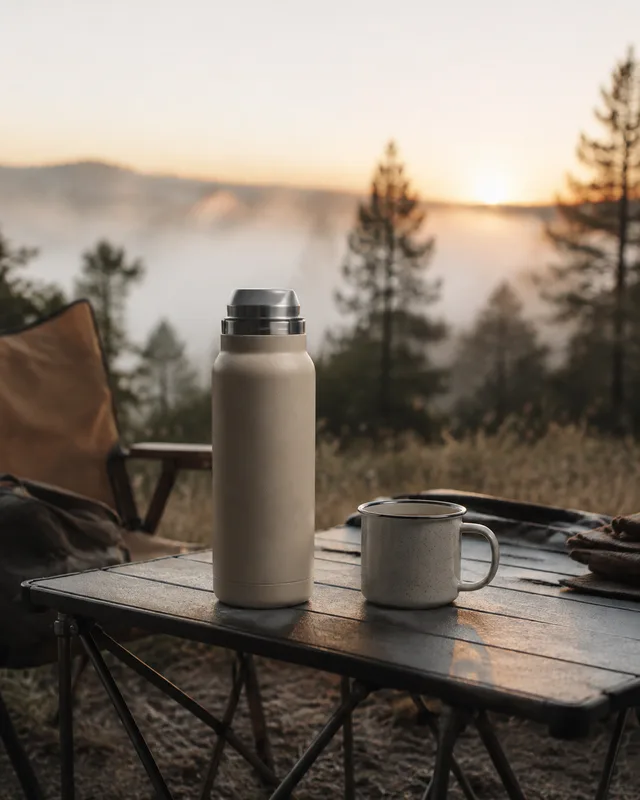
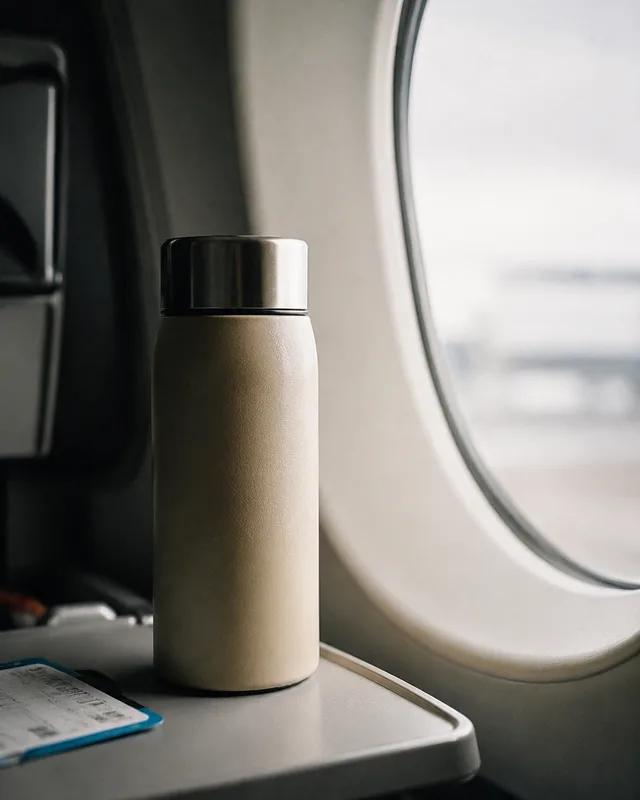
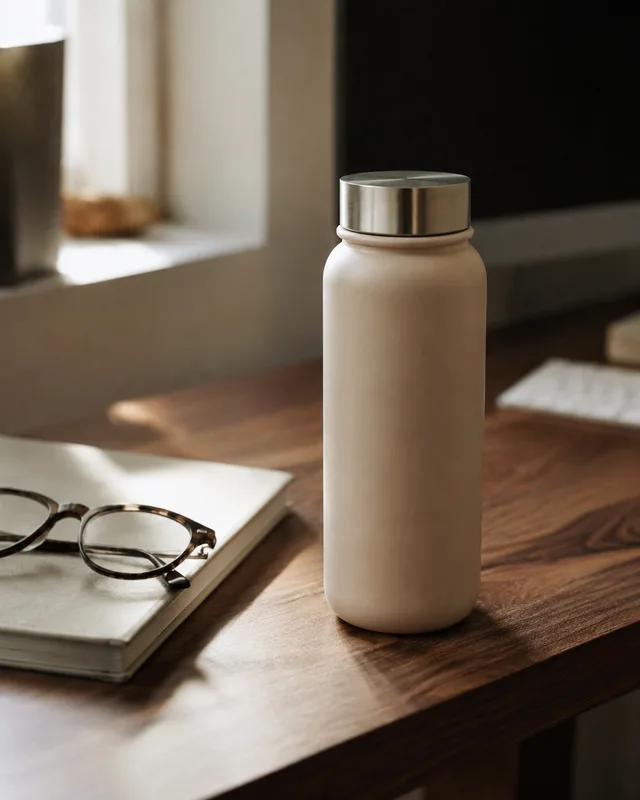
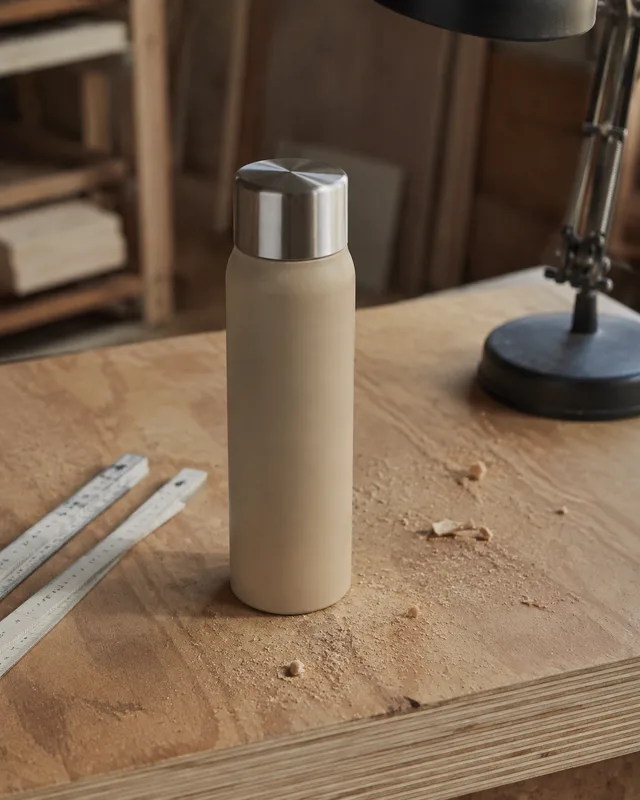
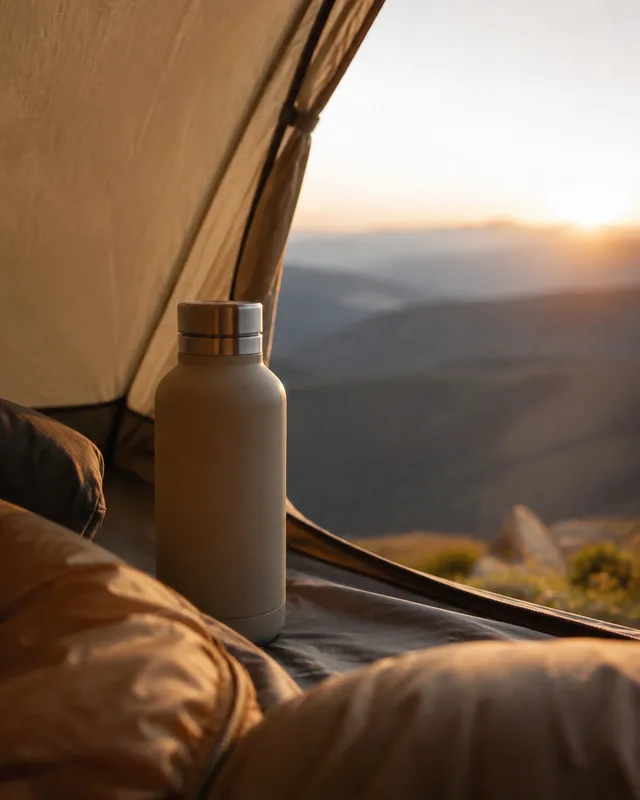
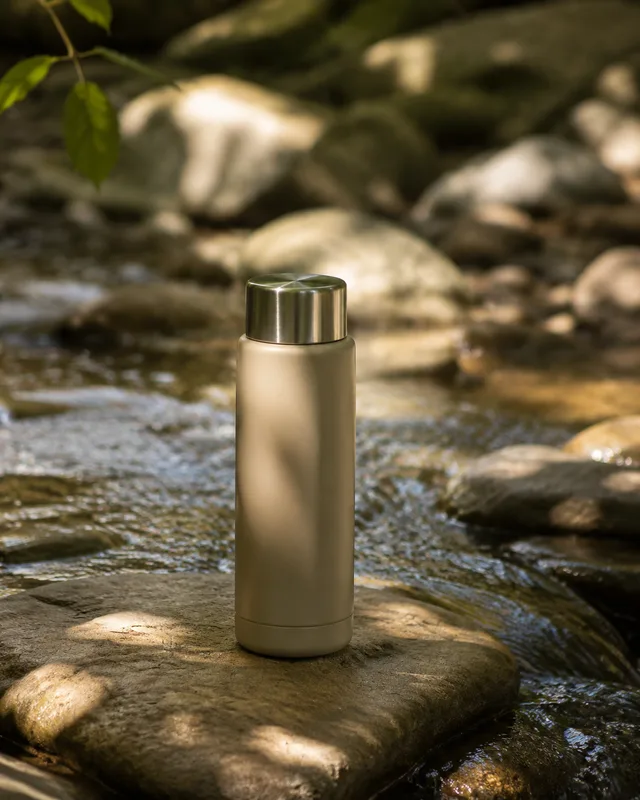
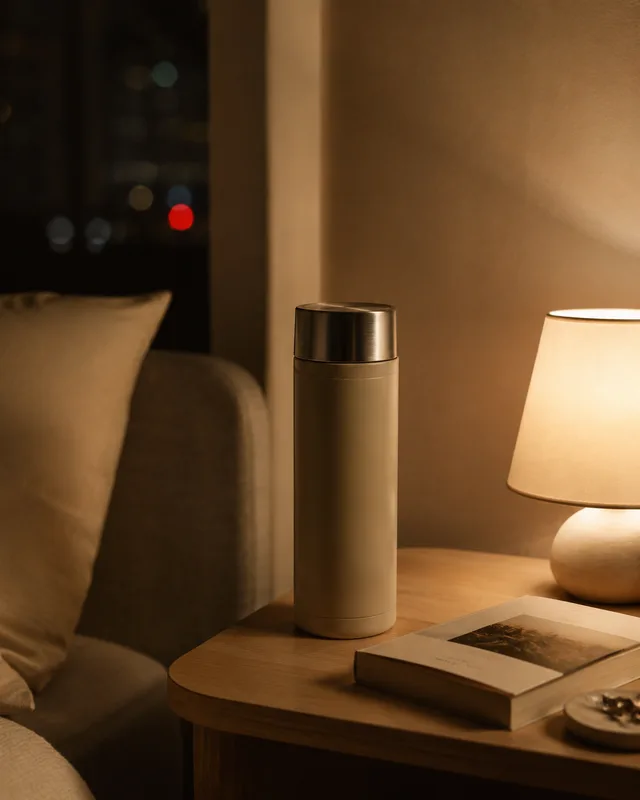
one product16 scenes, one per line01 car cup holder02 camp table at dawn03 airport tray04 desk corner…
16 ad creatives, sized for the feed 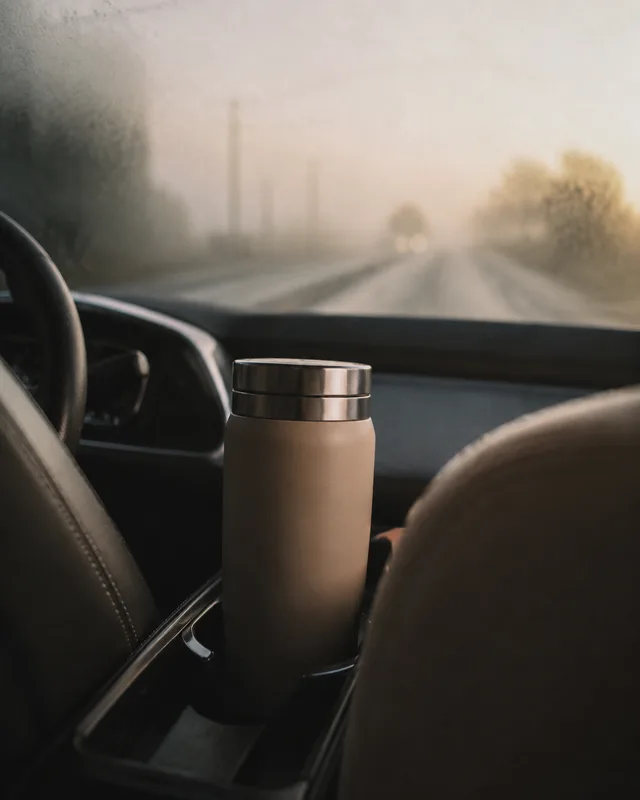
 ](https://bulkimagen.com/tools/ai-ad-creative-generator) [One product photo → 12 scenes
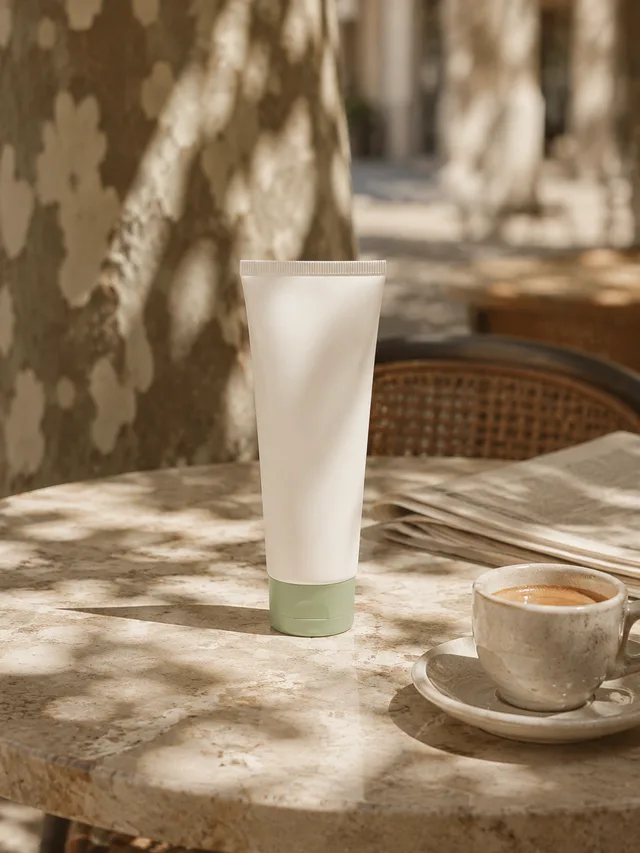
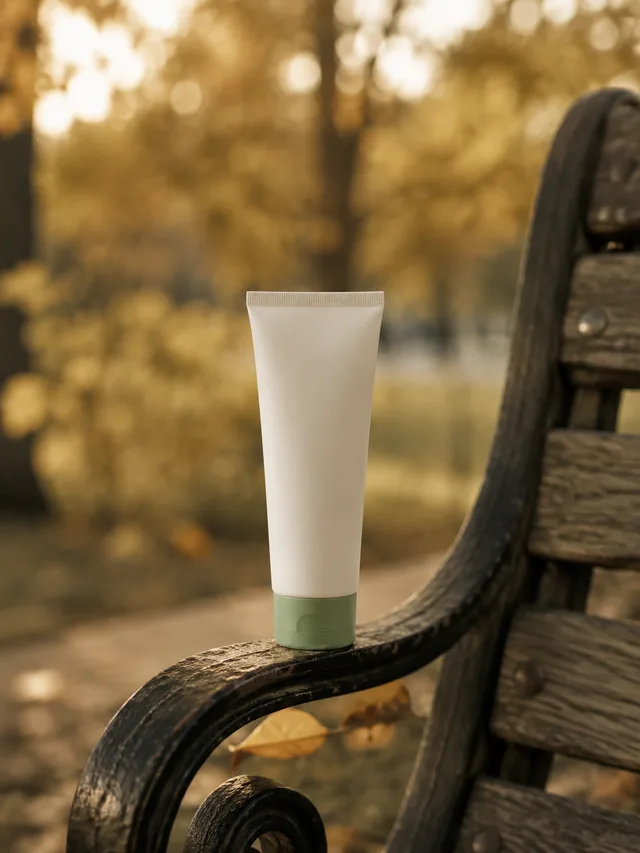
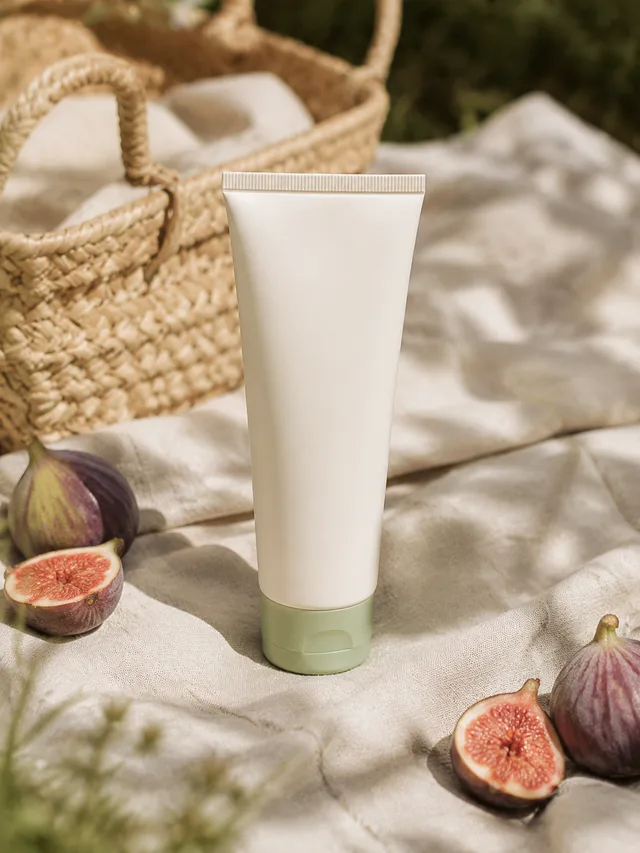
12 images
 12 scenes · the product never changes


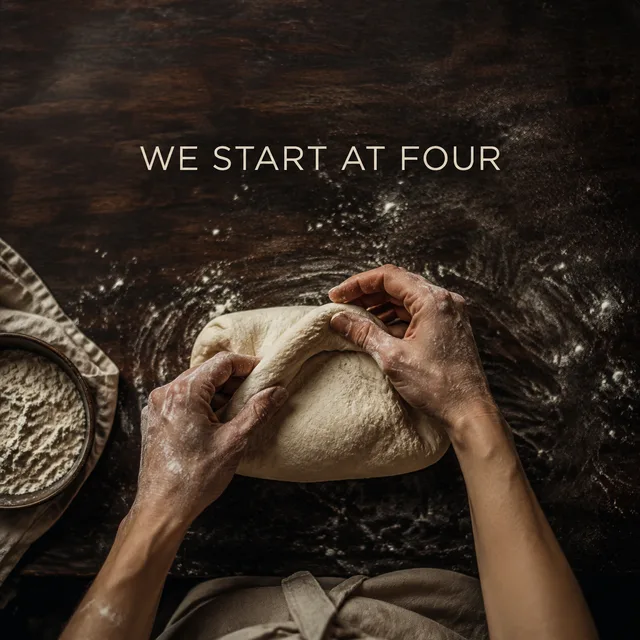
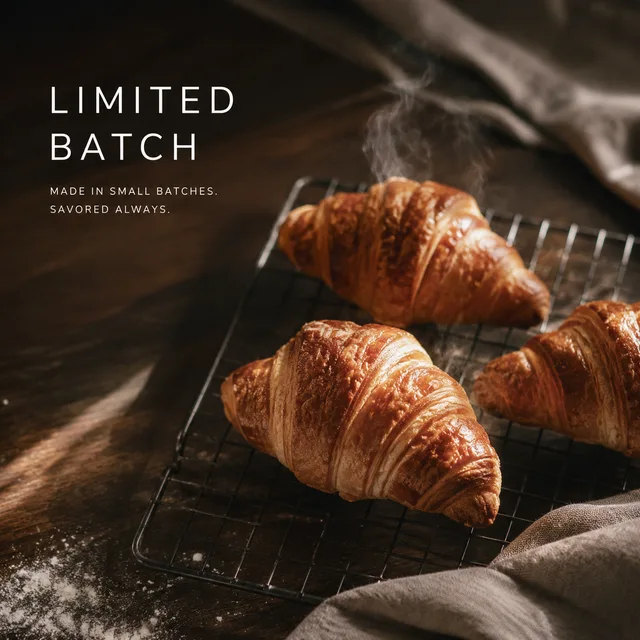
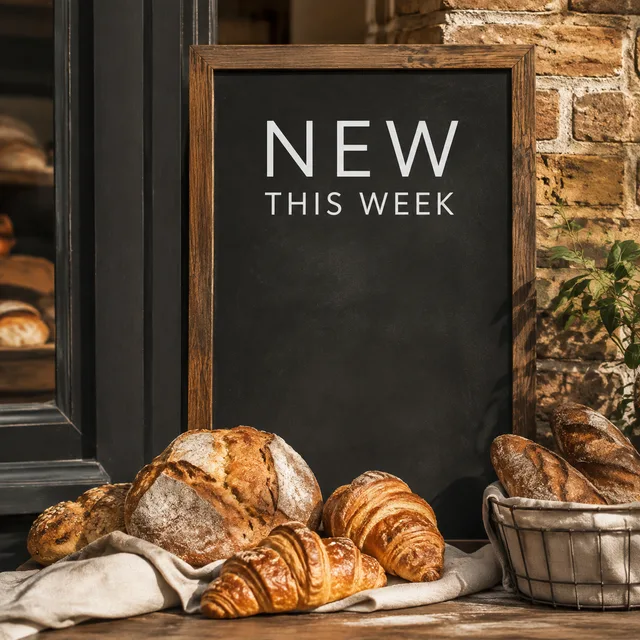
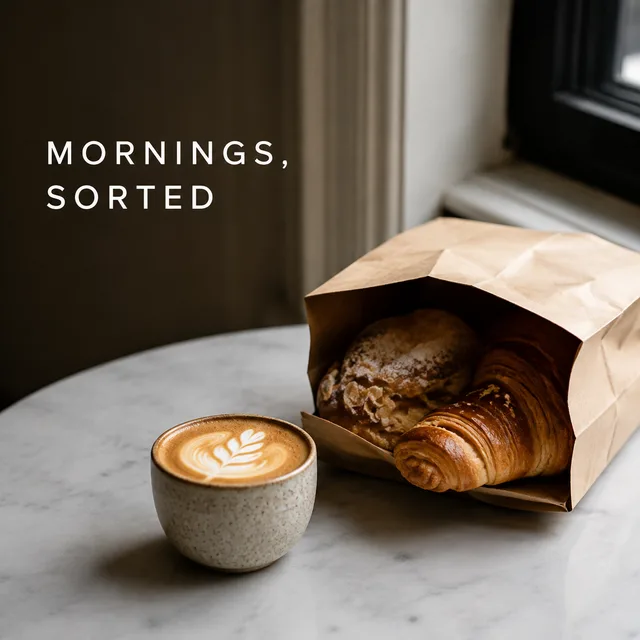
 ](https://bulkimagen.com/tools/ai-product-photo-generator) [a content sheet9 rows: scene + headline
9 posts with the text already set 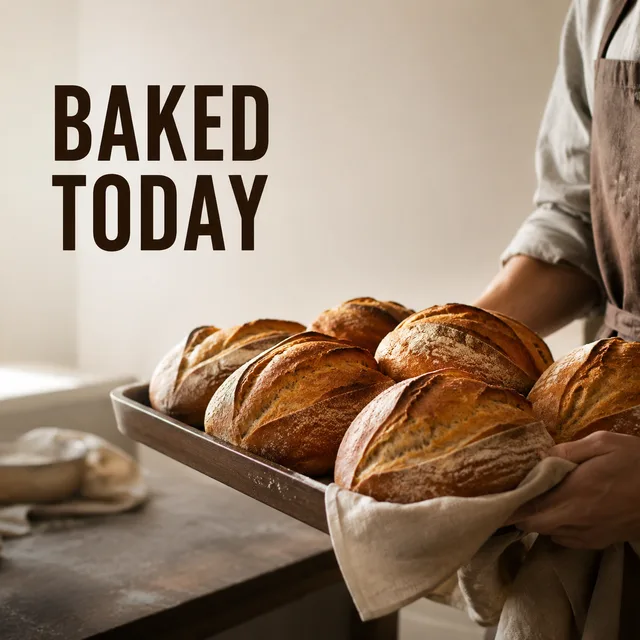
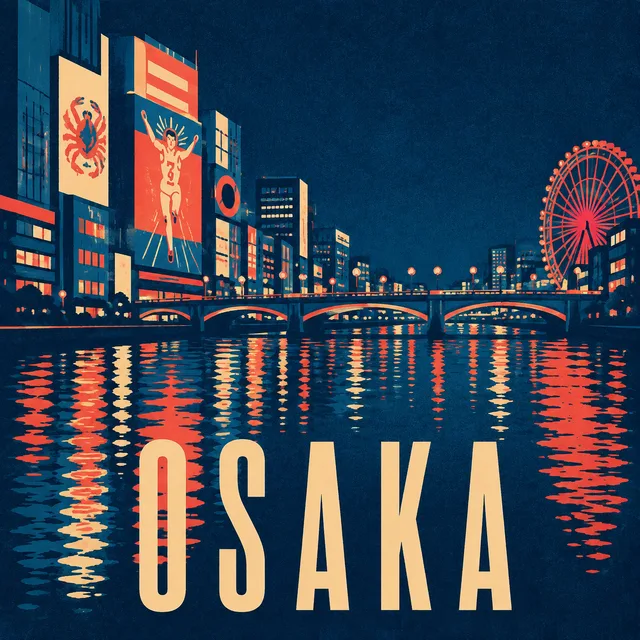
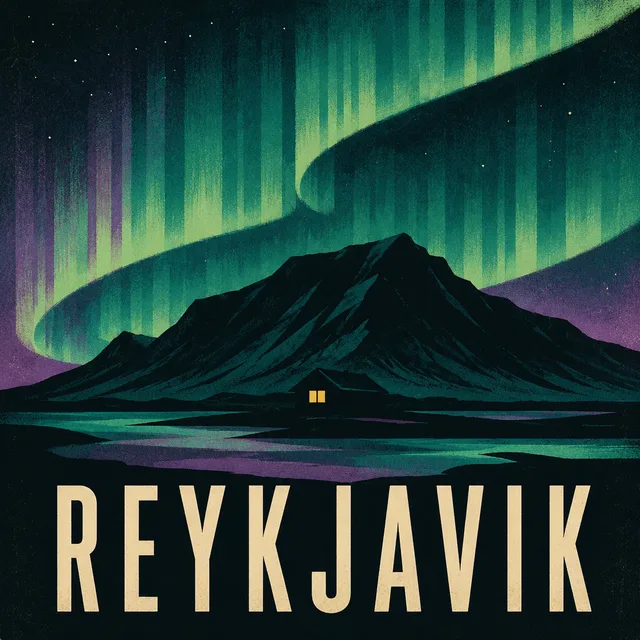
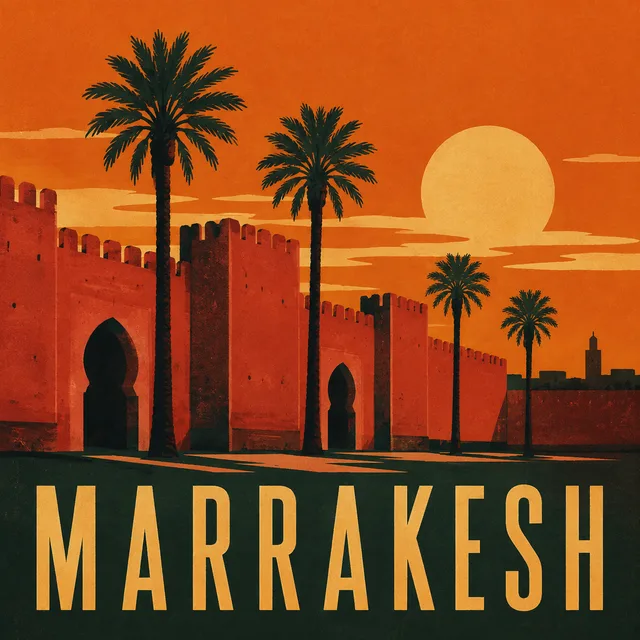
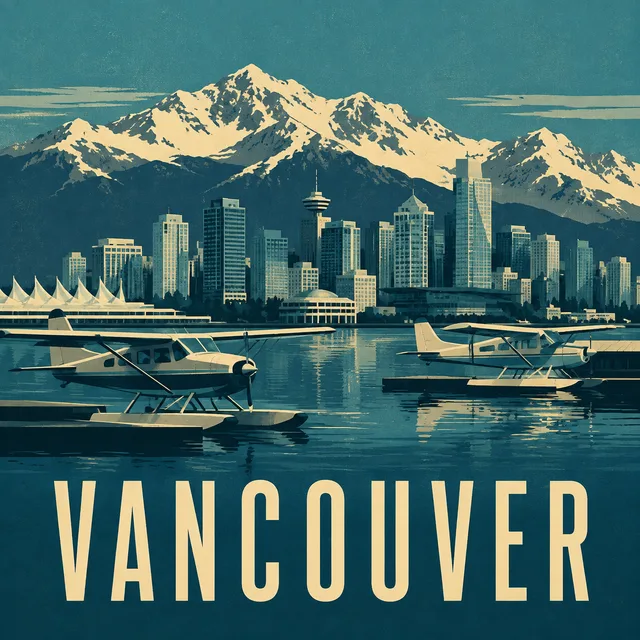
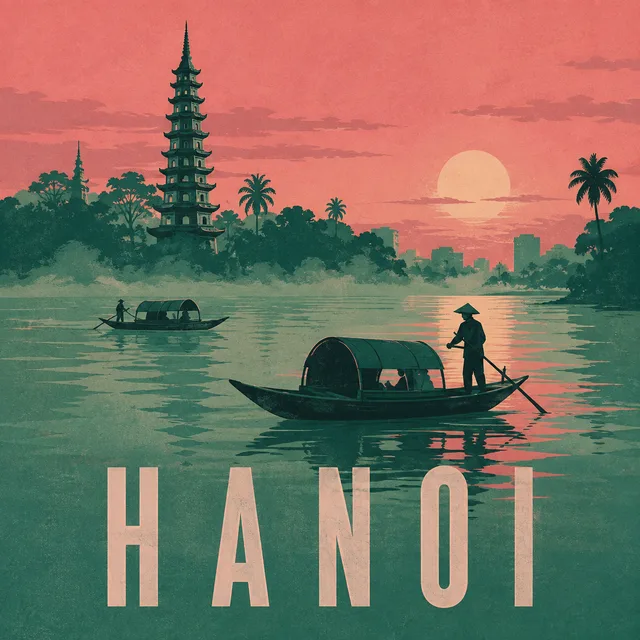
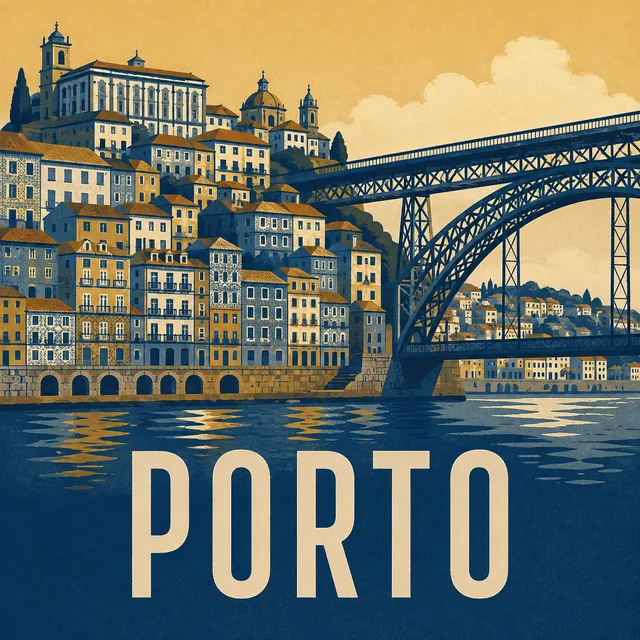
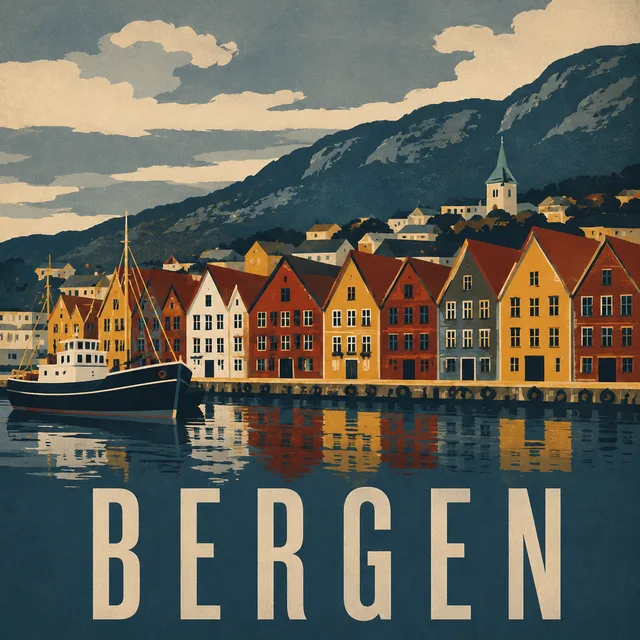
 ](https://bulkimagen.com/tools/bulk-social-media-post-generator) [One city list → 50 posters
50 images
50 city namesone name per line
50 posters on one layout 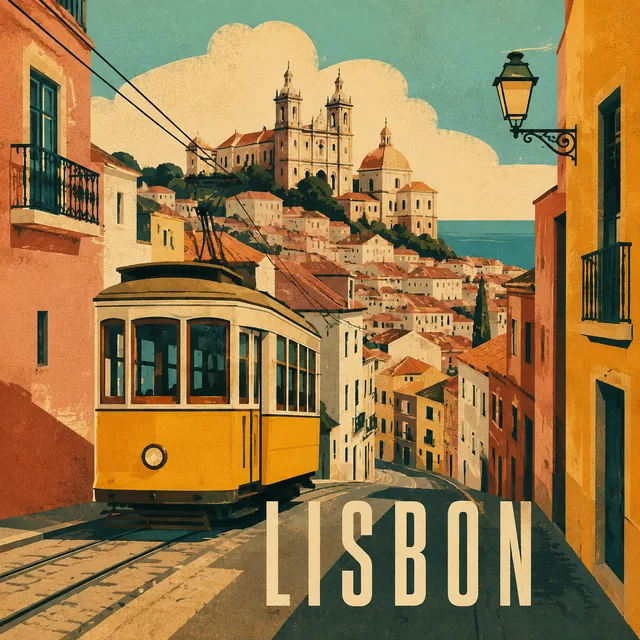
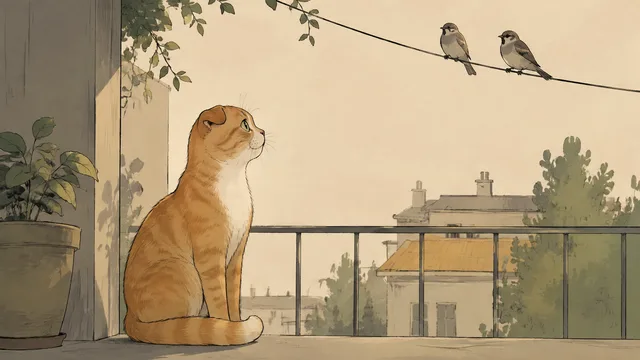
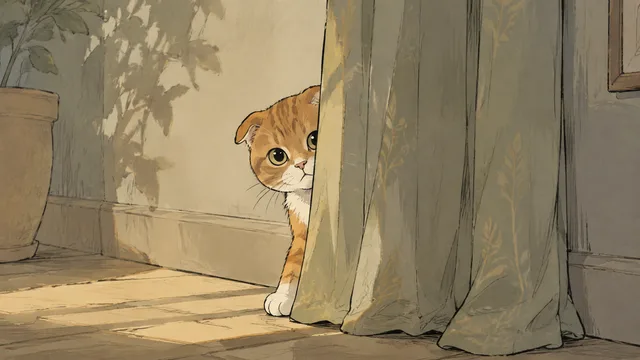
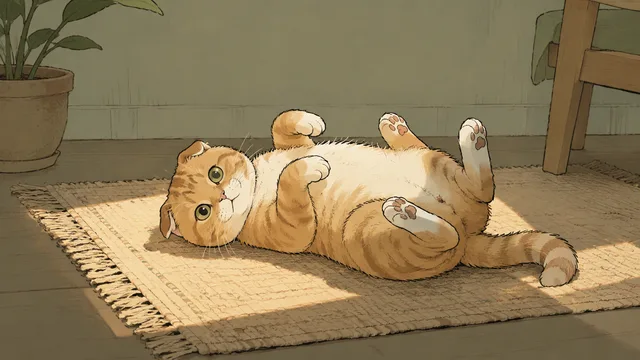
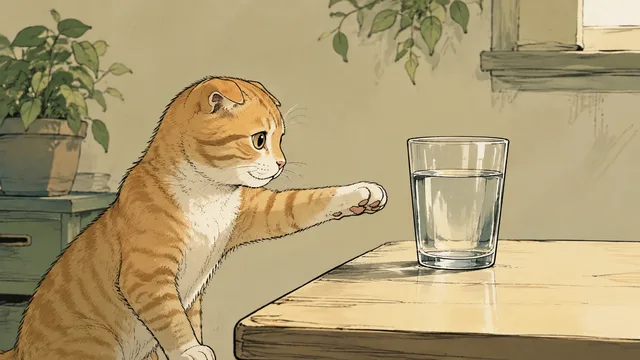
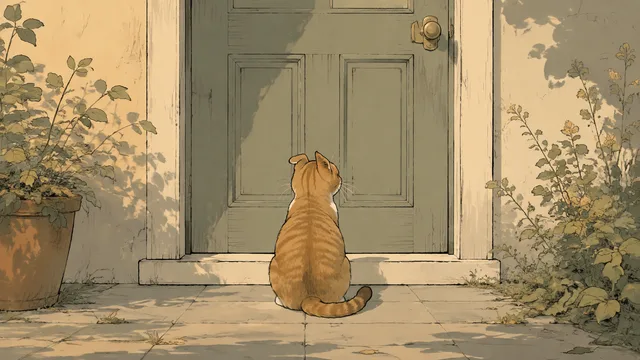
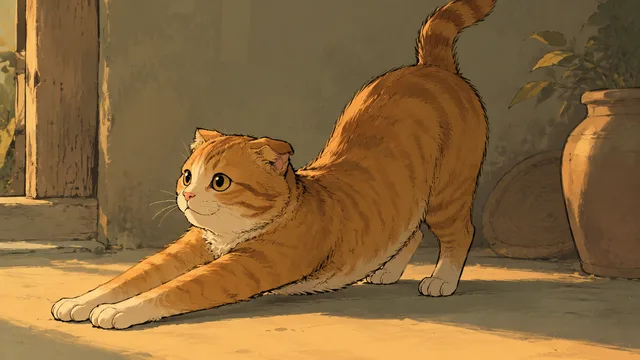
 ](https://bulkimagen.com/tools/cheap-bulk-ai-image-generator) [One script → 10 storyboard frames
10 images
a 10-scene scriptone character, one style
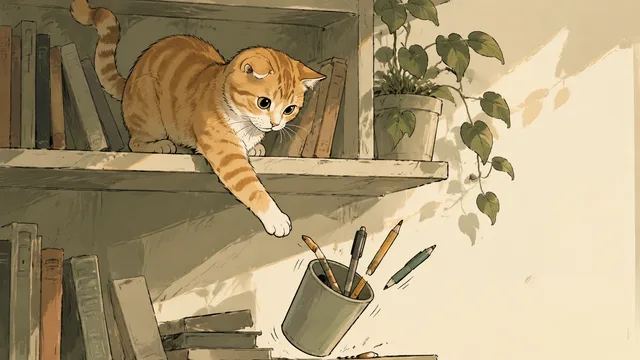
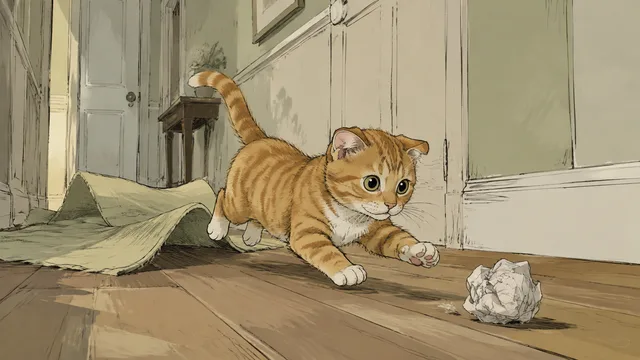
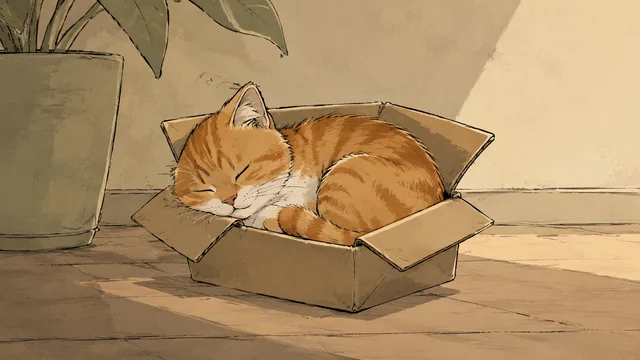
10 frames that cut together 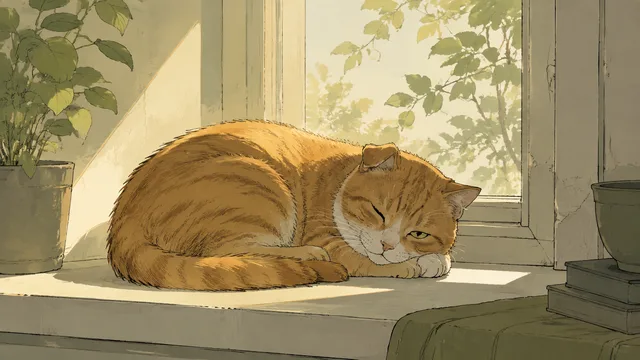
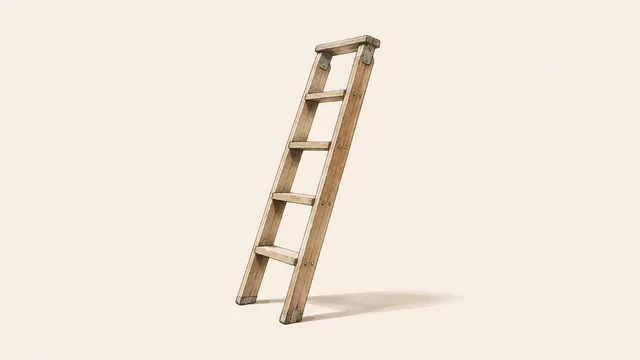
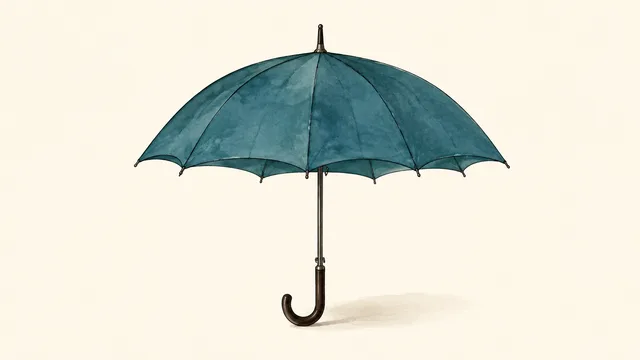
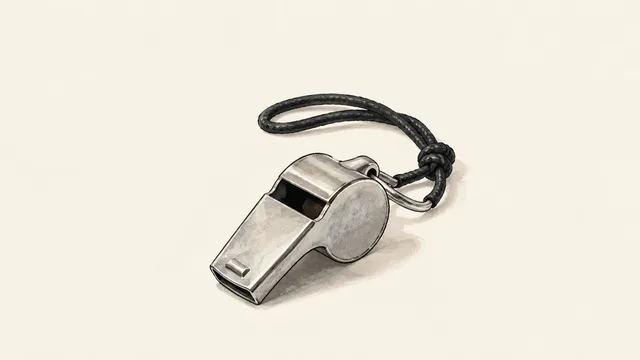
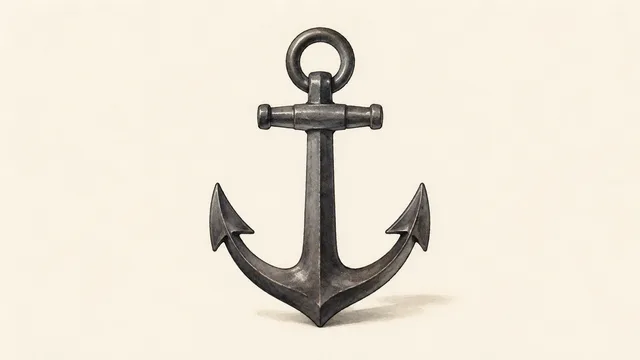
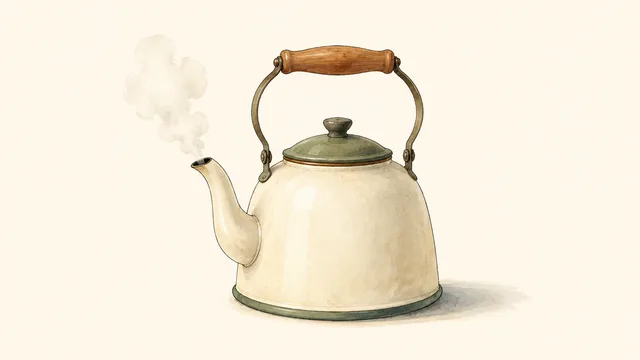
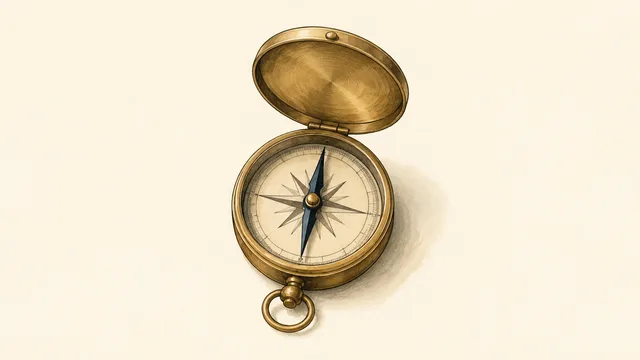
 ](https://bulkimagen.com/tools/ai-storyboard-generator) [One word list → a deck of flashcards
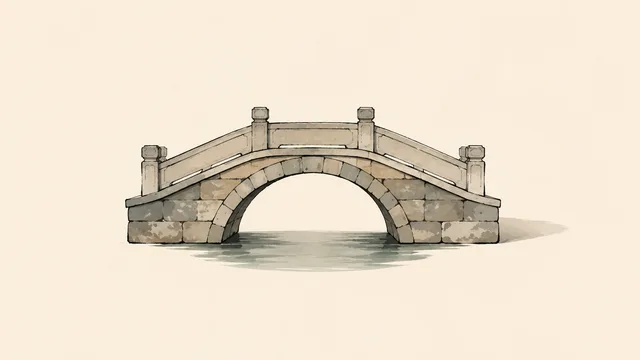
10 images
a 10-word list
10 cards, one object each 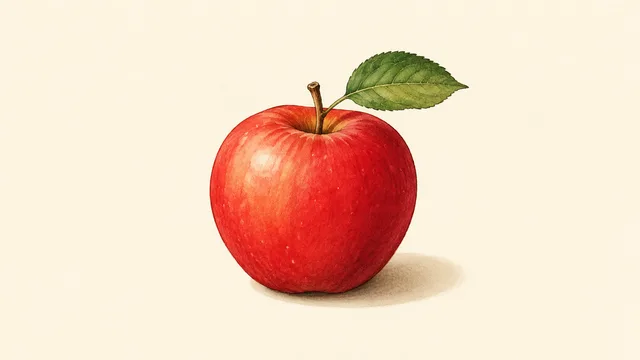


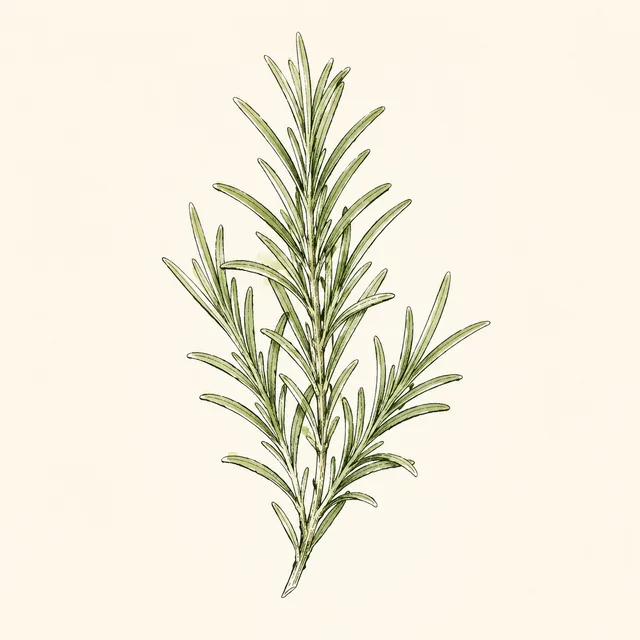
 ](https://bulkimagen.com/tools/bulk-flashcard-image-generator) [One style → a whole clipart pack
10 images
10 element namesone drawing style
a 10-piece pack that matches 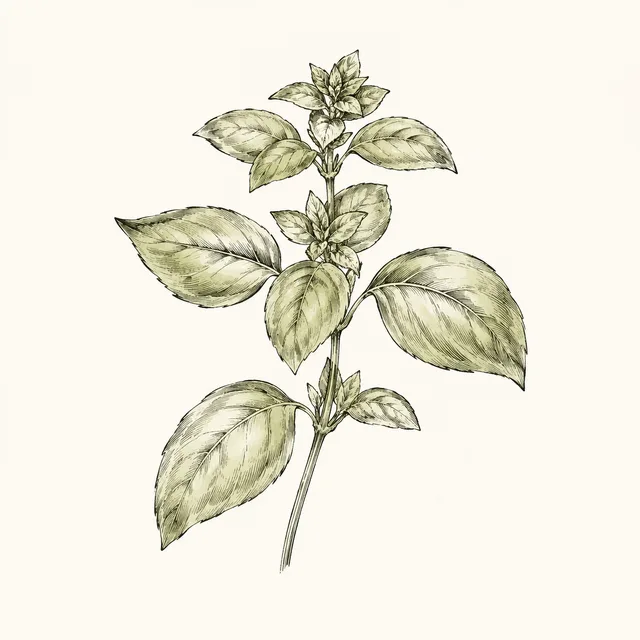
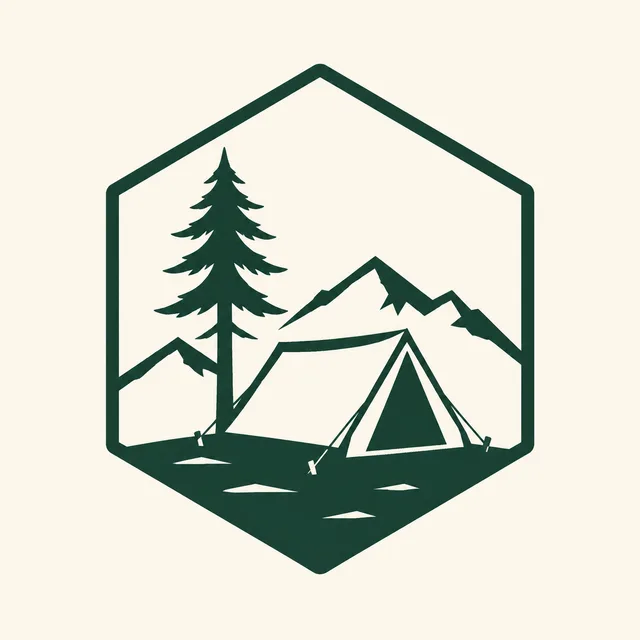
 ](https://bulkimagen.com/tools/bulk-clipart-generator) [One brand name → 8 marks
8 images
one brand brief
8 marks to choose between 



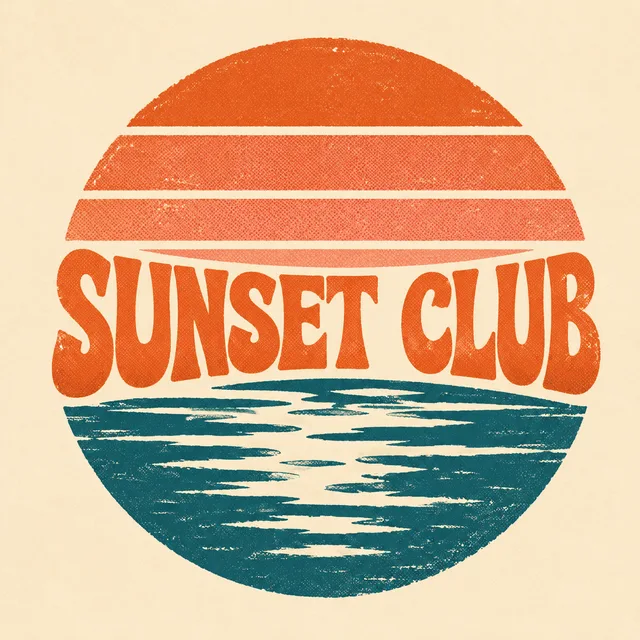
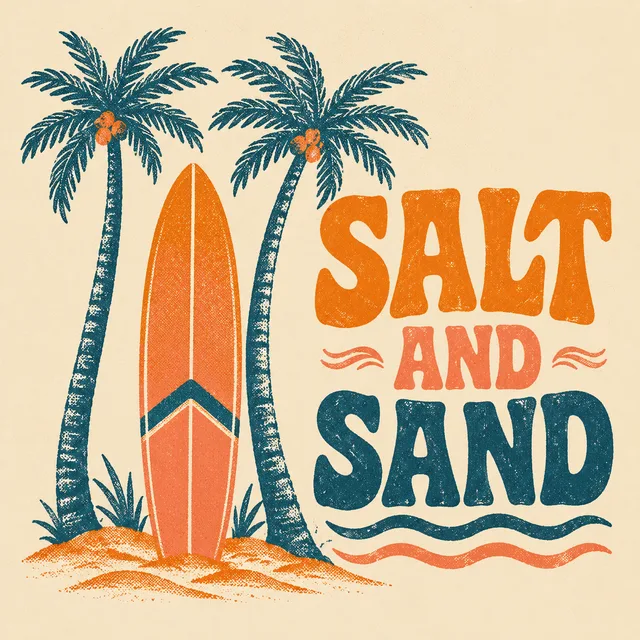
 ](https://bulkimagen.com/tools/ai-logo-generator) [One theme → a full print set
10 images
one theme
10 prints that ship as a set 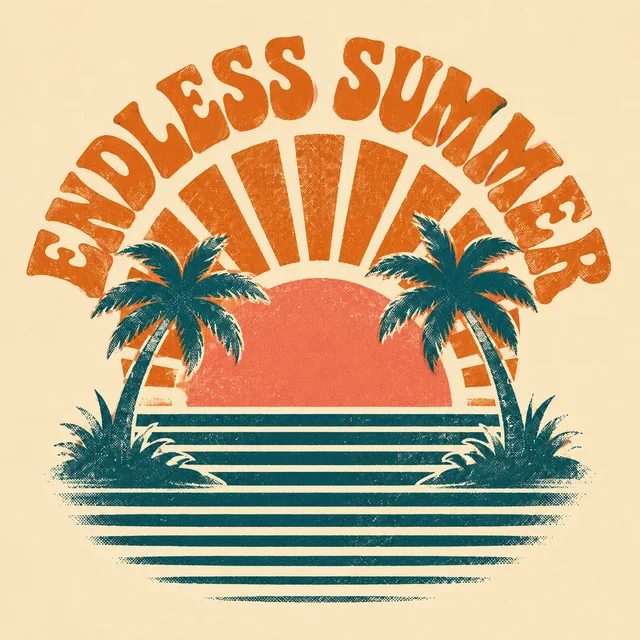
 ](https://bulkimagen.com/tools/bulk-t-shirt-design-generator)
Bulk image generation from prompts or a CSV.
The whole AI image generator runs on one form: bring a list, set the batch once, and every line comes back as its own images.
- 01
Paste a list or upload a sheet
One prompt per line, or a.csv,.xls or.xlsx with a prompt column. Every line runs as its own prompt. - 02
Set the batch once
The AI image generator applies model, aspect ratio, resolution and images per prompt to every line, so image 50 matches image 1. - 03
Check the total, then generate
The bulk AI image generator shows the image count and credits before you start, then renders the whole batch in parallel. - 04
Download one ZIP
Take every image from the AI image generator in one ZIP, with a CSV manifest of which prompt made which file.
How a batch adds up
8 × 4 = 32
8 prompts × 4 images per prompt = 32 images. On GPT Image 2 at 1K that is 160 credits — the AI image generator shows both numbers before anything is charged.
Add 3 reference photos in Per image mode and every prompt runs against every photo: 8 × 3 × 4 = 96 images.
Built for teams who need a lot of images.
Not "creative exploration" — the grunt work an AI image generator handles, done in a single batch.
E-commerce catalogs
Large storefronts get fresh hero shots for every product, overnight, in one bulk AI image generator run.
Print-on-demand
Design variations for every product, colour, and size — the bulk AI image generator built for print-on-demand. CSV in, mockups out.
Game & UGC assets
Consistent character art, weapon icons, and biome tiles, generated in bulk by the AI image generator.
Editorial illustrations
Article hero images fast enough for a newsroom, in your own visual style.
A/B testing creative
Render many variants of the same product framing. Ship the winners, drop the rest.
Pick the model, we route the rest.
Most popular
GPT Image 2
Thinks the brief through before it draws. Transparent backgrounds, text that survives the render, charts that hold together.
Transparent backgroundsReasons firstText rendering
5 credits / image
Cheapest 4K
Seedream 5.0 Lite
ByteDance's Seedream family: steady subjects, step-by-step reasoning and search-grounded renders for a whole prompt list.
Layout & postersPhotorealismMultilingual text
5 credits / image
Most reference images
MiniMax H3 Image
MiniMax's new image model, now live: native 4K output, wide ratios, and edits guided by a stack of reference images.
PhotorealismEdit-firstOpen weights
8 credits / image
Newest
Muse Image
Meta's Muse Image for a whole prompt list at once: precise edits, multi-reference blends and clean text, pay per image.
Edit-firstText renderingAd variants
4 credits / image
Prepaid credits, no surprise bills.
You buy credits up front and spend them only on the images the AI image generator actually produces — no subscription and no expiry traps. Top up once, then run as many bulk image generation batches as your catalog or campaign calls for.
Starter
$20
800 credits · 0.025/credit
≈ 160–800 images depending on model
- Credits never expire
- Watermark-free output
- ZIP batch export
- Up to 10 images per batch
- API access + agent skill
- AI prompt rewrites 100/day
Most popular
Studio
Save 20%
$100
$125
5,000 credits · 0.020/credit
≈ 1000–5000 images depending on model
- Everything in Starter
- Spreadsheet bulk upload
- Priority email support
- Up to 50 images per batch
- Up to 10 concurrent batches
- 5 API keys
- AI prompt rewrites 500/day
Scale
Save 36%
$480
$750
30,000 credits · 0.016/credit
≈ 6000–30000 images depending on model
- Everything in Studio
- Larger spreadsheet uploads
- Priority render queue
- Up to 100 images per batch
- Up to 20 concurrent batches
- 10 API keys
- AI prompt rewrites unlimited
Teams that ship images ten times faster.
The bulk AI image generator that turns a week of rendering into an afternoon. Here is what people say after they switch.
“What used to be a two-day product shoot is now a coffee break. We batch a full catalog before lunch, and the bulk AI image generator never makes us wait.”
M
Maya R.
E-commerce founder
“I shipped 300 ad variations for one campaign in a single afternoon. My old workflow took a week — it is the biggest speed-up my team has had all year.”
D
Daniel K.
Performance marketer
“Print-on-demand only pays off at volume. One CSV in, hundreds of mockups out — this is the only tool that actually keeps up with my store.”
P
Priya S.
Print-on-demand seller
“Concept art that used to take our artists days now lands in minutes, so we explore ten times more directions before we commit to one.”
T
Tom L.
Game studio art lead
“The CSV workflow changed how we deliver. Same headcount, roughly five times the output — clients think we doubled the team.”
E
Elena M.
Agency creative director
“As a one-person company this is like hiring a whole design department. I move at the speed of my ideas instead of waiting on renders.”
C
Chris A.
Indie founder
Guides, models and workflows
Answers before you ask.
Still stuck? support@bulkimagen.com
- Which AI models does the bulk AI image generator support? BulkImagen runs the leading AI image models inside one bulk AI image generator — GPT Image, Nano Banana, Seedream, Flux, Grok Imagine and more. The AI Models page lists every model currently available, with its price and limits. We route each batch to whichever model you pick — there is no auto-switching — so you always know which model produced every render and exactly what you are being charged for.
- What's the CSV format for a bulk AI image generator run? One prompt per row. BulkImagen reads the column named prompt — or the first column whose header contains "prompt" — and ignores the others, so you can keep IDs and notes alongside; with no prompt header it reads the first column. Model, aspect ratio and images per prompt are set once in the AI image generator form and apply to every row. Upload.csv,.xls or.xlsx, or start from the downloadable template — one file drives the whole bulk AI image generator batch.
- How does the AI image generator run in parallel? Your entire image generation batch runs in parallel rather than one item after another, so a large bulk AI image generator run finishes in a fraction of the time a sequential tool would take. When every image is ready, BulkImagen packages it into a single ZIP for download.
- How do credits work? Prepaid credits, no subscription. Each render costs a few credits depending on the model and resolution you choose, and the exact cost for your batch is shown in the form before you generate — so a bulk AI image generator run never produces a surprise bill.
- Who owns what I generate? You do. What you generate is yours to use for your own lawful projects, subject to each model provider's terms and our Terms of Service. Treat what the AI image generator makes as production-ready assets, or as a strong starting point you refine further before shipping.
- Have a billing question? For any billing or account question about your bulk AI image generator credits, email support@bulkimagen.com and a human on our team will help you sort it out.
- Is there a free way to try the bulk AI image generator? Yes. New accounts start with free starter credits, so you can run a small batch on the bulk AI image generator before you ever pay. When the free credits run out you simply top up — there's no subscription, just prepaid credits. Do download your images promptly, though: see our Terms for how long we keep them.
- What aspect ratios and resolutions does the bulk AI image generator support? Every model in the bulk AI image generator offers several aspect ratios — square, portrait, and landscape — plus resolution tiers from 1K up to 4K on the models that support them. You pick the ratio and resolution once, and the bulk AI image generator applies them to every image in the batch.
- Can I use a reference image with the bulk AI image generator? Yes. Attach one or more reference images and the bulk AI image generator uses them to steer the look of every render in the run. It is the simplest way to keep a whole batch from the AI image generator visually consistent across hundreds of images.
- How do I download what the AI image generator produces? When the batch finishes, the bulk AI image generator packs every result into one ZIP you download in a single click. You can also open the gallery and pull individual images from the AI image generator one at a time.
- Do I need to install anything to use the bulk AI image generator? No. The bulk AI image generator runs entirely in your browser — sign in with Google and start a batch. There is nothing to install, and the AI image generator holds the model credentials for you, so you never have to manage an API key.
- What is the bulk AI image generator best used for? Any job where you need many images instead of one: product catalogs, social ad sets, print-on-demand designs, avatars, and game art. Whenever rendering one image at a time is too slow, the bulk AI image generator turns a single prompt or a CSV into a full batch.
- How fast is a bulk AI image generator batch? Because the bulk AI image generator fans your whole batch out in parallel instead of rendering one image after another, a large run finishes far faster than a one-at-a-time tool. The exact time depends on the model you choose and how many images you queue.
- Can the bulk AI image generator handle a large CSV? Yes — that is what it is built for. Drop in a CSV where each row is a prompt, and the bulk AI image generator turns the whole sheet into one batch, giving every row its own image and packing the lot into a single ZIP.
Type once, get a stack of images. Pick the keepers.
Run a real batch through the bulk AI image generator and see the results for yourself. Keep the images that work, drop the rest, and download the keepers as a single ZIP.
Featured on

