Sally Skills
Plug Sally AI into your agent. The clinical-grade health intelligence behind A1C Insights, Sally AI, now exposed as an MCP endpoint and REST API to your agent — 64+ biomarkers across Western clinical and TCM preventive frameworks. Authenticate, call the skills you need, get billed per request. Built for agents who care about health and evidence.
Documentation
Sally Skills
Sally is specialized intelligence in metabolic health. Sally Skills lets developers integrate Sally's specialized capabilities into AI agents through Sally Console using REST APIs and MCP.
Available capabilities include:
- 🩸 Health Context — Understand 64+ biomarkers, including blood glucose, HbA1c, sleep, activity, vital signs, and environmental signals.
- 🧪 Lab Analysis — Transform laboratory results into clinically meaningful metabolic health insights.
- 💊 Supplement Stack Scoring — Score and evaluate supplement stacks for quality, effectiveness, and metabolic health considerations.
- 🥗 Nutrition Analysis — Analyze meals and nutrients, identify healthier choices, and detect potential metabolic traps.
- 📈 Metabolic Overview — Interpret continuous glucose monitor (CGM) data to reveal glucose patterns and metabolic health trends.
- 🌤️ Daily Insights — Summarize daily health using sleep, vital signs, activity, and environmental data with personalized insights.
- 🩻 Chest & Fracture X-ray Analysis — Analyze chest and musculoskeletal X-rays to assist in identifying clinically relevant findings.
- 📚 Longevity Knowledge — Access Sally's curated metabolic health and longevity knowledge, combining evidence from Western medicine and Traditional Chinese Medicine (TCM).
Compatible with Claude Code, Claude Desktop, Cursor, OpenClaw, Hermes, Manus, Perplexity, and any AI framework that supports REST APIs or MCP.
The Ecosystem
- Sally — The AI specialized in metabolic health and longevity.
- A1C Insights — The consumer app where users connect their health data and chat with Sally through Ask Sally.
- Sally Console — The developer platform for integrating Sally's capabilities into AI agents through REST APIs and MCP.
Section 1. Onboarding
Before your agent can call any Sally skill, you (the human) need an API key. There are two ways in, and you can start with either.
Path A. Start in the console (fastest)
- Visit https://console.a1c.io and sign up with Apple or Google. No app install, no waitlist.
- Open API Keys, click Create new key, name it (e.g. "Claude Code on my laptop"), and click Generate.
- Copy the key now. It starts with
sk-sally-…and is shown only once. If you lose it, revoke and re-issue.
This gives you a working key immediately, with access to Sally's specialized reasoning and the curated metabolic and longevity knowledge base.
What a console-only key can call today:
| skill | works without biomarkers |
|---|---|
chat_with_sally | yes |
analyze_lab_result | yes |
food_journal | yes |
supplement_grading | yes |
search_health_knowledge | yes, free |
lookup_supplement_grade | yes, free |
lookup_food | yes, free |
health_sync | needs biomarkers |
health_insights | needs biomarkers |
metabolic_overview | needs biomarkers |
The last three read your own CGM and wearable data, so without it they return a typed
no_health_data error immediately and charge you nothing. Connect your biomarkers in path B and they
start answering.
Path B. Add your own biomarkers with A1C Insights
Do this when you want answers about your glucose, sleep and labs rather than the domain in general.
- Open the App Store on your iPhone.
- Search for A1C Insights and install it, or open https://apps.apple.com/id/app/a1c-insights/id6748399956 on your phone.
- Sign in with the same account you used on the console, or tap Sign Up if you are starting here.
- Walk through onboarding (your basics, goals, optional wearables) and connect a CGM or wearable.
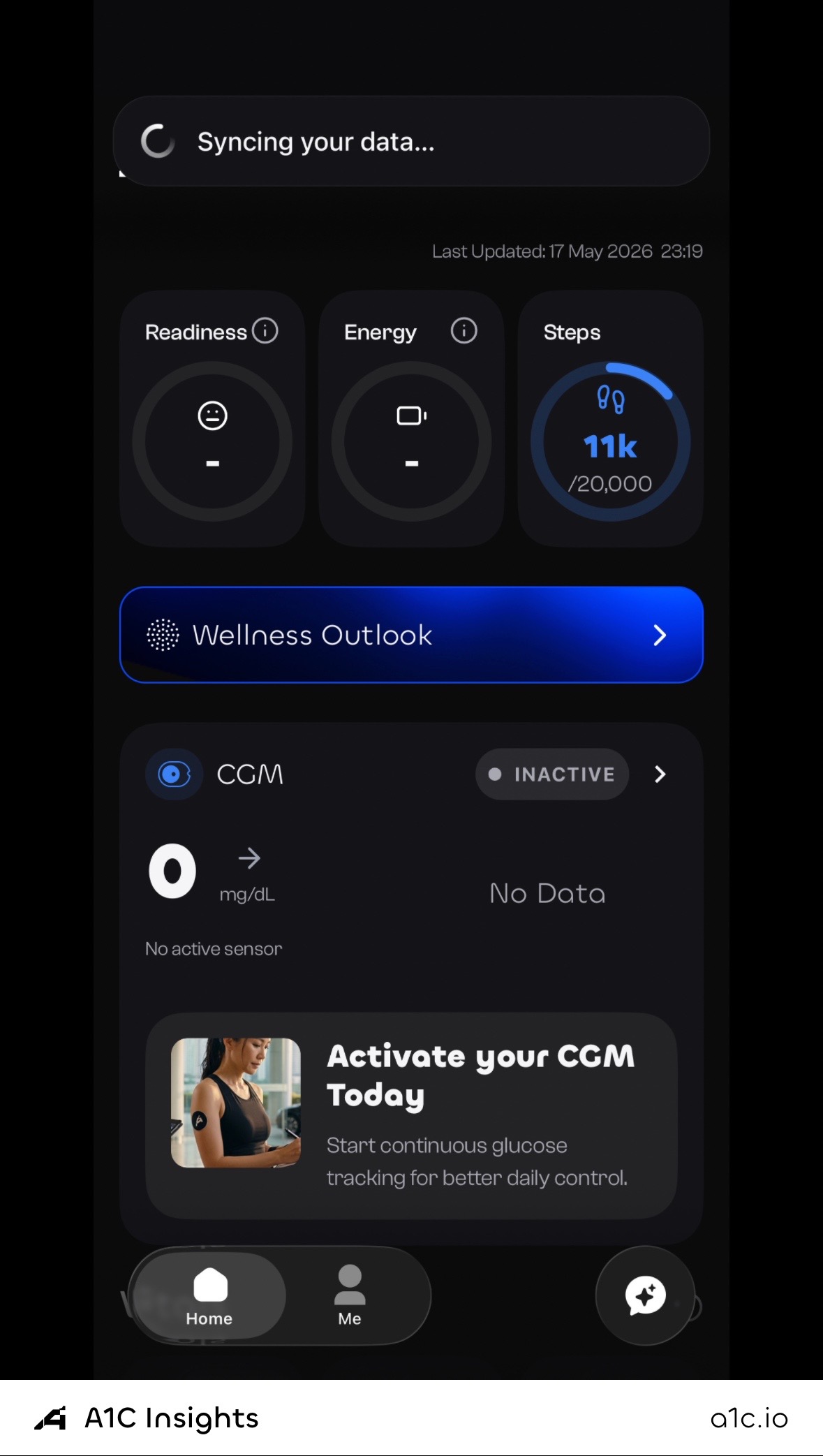
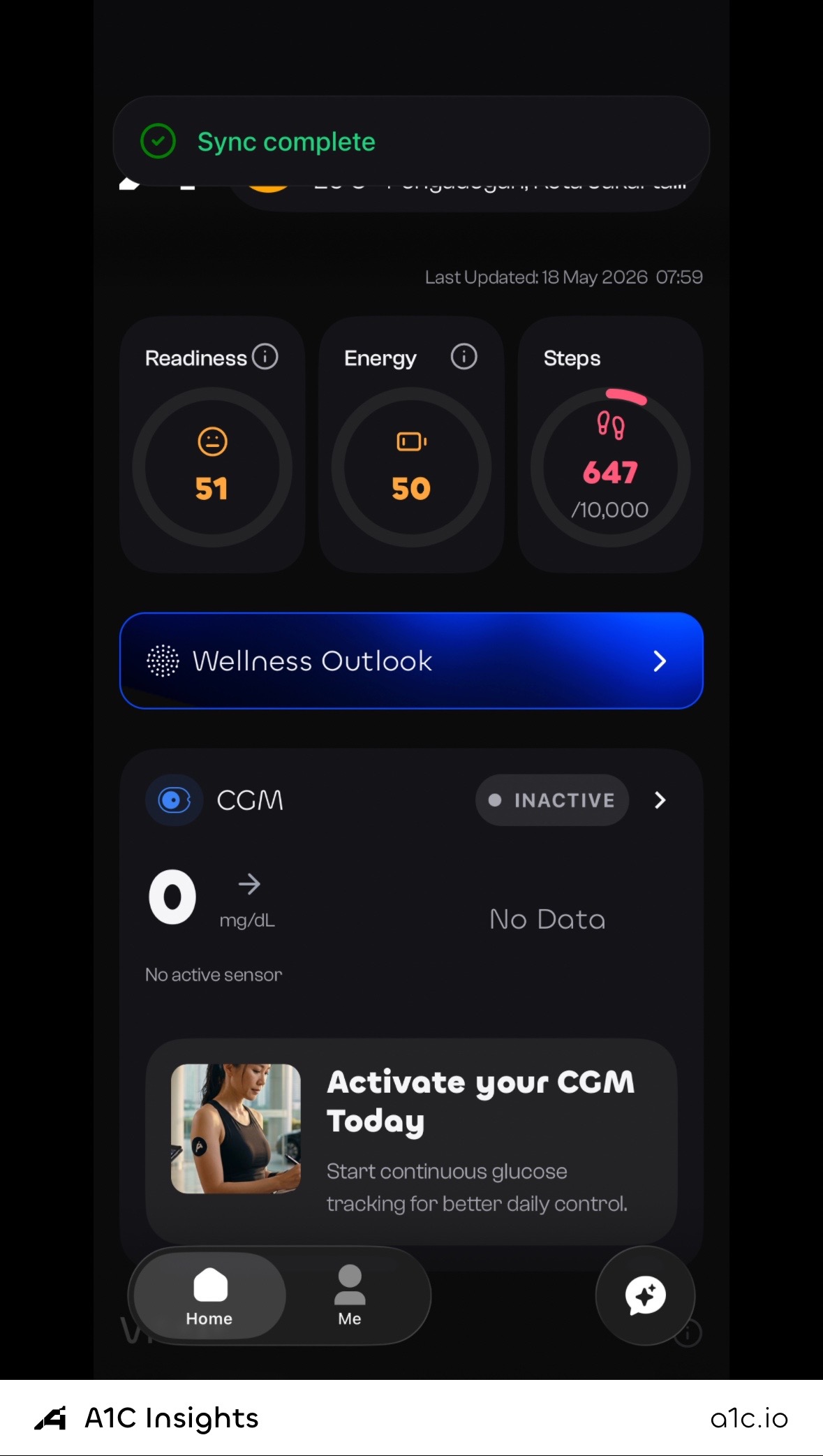
Visual walkthrough with annotated screenshots: https://console.a1c.io/docs.html#quickstart.
Sally Console and A1C Insights run on the same backend, so your account and your key are the same on both. Already on A1C Insights? Sign in to the console directly and your key works against data you have already synced.
Why iOS for biomarkers? Skills like
metabolic_overview,health_insights, andhealth_syncread CGM and wearable data the iPhone app collects via HealthKit. Everything else works from a console account alone.
Keys and billing
You can mint multiple keys per account, one per agent or device, and they all share the same wallet balance. Per-key usage stays auditable. Top up with a card or with USDC on Base, or go unlimited monthly.
That's section 1 done. You now have:
- An account, created wherever suited you.
- A funded wallet.
- An
sk-sally-…API key on your clipboard.
Section 2. Use your key from any agent
You have one key. Three ways to call Sally with it. Most agents only need the MCP path. Pick that unless you're scripting from the command line.
2a. The skill catalog
These seven skills go live the moment your key works (live list on console.a1c.io):
| Skill | Cost / call | What it does | Detail |
|---|---|---|---|
supplement_grading 🆕 | $0.008 | Grade a supplement stack for interactions, evidence quality, and gaps. | — |
health_sync | 10 free / month, then $0.001 | Pull 64+ live biomarkers from wearables and CGM into your agent's context. | 64 fields |
chat_with_sally | $0.003 | Ask Sally anything across preventive health and TCM, evidence-graded. | usage |
analyze_lab_result | $0.008 | Parse and interpret lab panels with risk flags and reference ranges. | usage |
health_insights | $0.003 | Morning, afternoon, and evening readouts from sleep, vitals, and activity. | usage |
food_journal | $0.004 | Grade meals by macros and glucose-spike prediction, surfacing patterns. | usage |
metabolic_overview | $0.005 | Full CGM snapshot: time-in-range, variability, and postprandial curves. | usage |
Coming soon on the roadmap: health_report, metabolic_risk_score,
xray_skills, and preventive_protocol.
See catalog/ for the full per-skill data breakdown.
2b. Three ways to call
| Path | Best for | Setup |
|---|---|---|
| MCP | Any modern AI agent (Claude, Cursor, OpenClaw, Hermes, Manus, Perplexity, others). | One JSON config block, restart agent, tools appear automatically. |
| REST API | Bash scripts, your own apps, anything that can curl. | One HTTP POST per call. |
| Per-skill REST | Same as REST, slightly cleaner URL per skill. | /v1/skills/<name> |
See protocols/mcp.md for the universal MCP setup,
protocols/api.md for raw REST calls, and
agents/ for per-agent quick-starts.
2c. Auto-routing for agents and CLIs
Want your agent to pick the right Sally skill for any request without you having to think about it? Drop SKILL.md into the
agent's system prompt or instructions field. It's a single file with deterministic routing rules, decision tables, chaining patterns, and
anti-patterns. Works with any LLM-based agent or rule-based CLI.
See SKILL.md for the full agent decision layer.
2d. The 30-second smoke test
Confirm your key works before configuring any agent:
curl -sS https://sally.a1c.io/v1/call \
  -H "Authorization: Bearer sk-sally-…" \
  -H "Content-Type: application/json" \
  -d '{"skill":"health_sync","input":{}}' | jq .ok
# → true
true means your key is live and can call health_sync (your first 10
calls each month are free). You're ready.
Per-agent guides
Pick the agent you actually use:
- Claude Code. Terminal coding assistant.
- Claude Desktop. macOS / Windows app.
- OpenClaw. Open-source agent CLI.
- Hermes. Agent runtime.
- Manus. Chinese agent platform.
- Perplexity. Search-first AI.
Don't see your agent? Most modern agents support MCP. See
protocols/mcp.md and use the universal config.
Pricing and wallet
- Per-call pricing, no subscription. See the table above.
health_syncincludes 10 free calls per month, then $0.001 per call. - Wallet check is enforced before any call. Paid skills return
402 payment_requiredif your balance is below the price, so there are no surprise charges. - Top up via Stripe at https://console.a1c.io/billing. Card payments in USD.
- Every call writes an immutable row to your usage history. See it in
console.a1c.iounder Usage.
Privacy and security
- Your key is your identity. Sally never accepts
user_uuid,email, or any other identifier from your agent's request body, only theAuthorization: Bearer sk-sally-…header. No agent can impersonate another user. - Lab PDFs and meal photos are never persisted by Sally. They flow agent → gateway → AI service → response, with no S3 or GCS upload.
- Output schemas are allowlists. Sally's response only ever contains the fields explicitly named in each skill's docs. No accidental column leak from internal databases.
- Revoke instantly at
console.a1c.iounder API Keys → Revoke. The old key becomes invalid on its next request.
Help
- Skill catalog with field-level docs:
catalog/ - Auto-routing layer:
SKILL.md - Email: ai@sallya1c.com