uCAD
Servidor MCP hospedado para CAD 3D no navegador: seu assistente escreve um pequeno script semelhante a Python, o uCAD cria um modelo 3D em tamanho real e retorna um relatório de peças e visualizações renderizadas para conferir e corrigir. Os modelos são salvos com um link para abrir, medir e exportar em STL/OBJ/DXF.
Servidor MCP hospedado
npx add-mcp 'https://ucad.app/api/mcp'Instala no Claude Code, Codex, Cursor e outros
Documentação
Want Claude or ChatGPT to build it? Give them uCAD
Connect to uCAD and build me a 3 × 4 m garden shed with a pent roof and a window
uCAD is an MCP server for Claude, ChatGPT, Codex, Cursor and any assistant that speaks MCP. Your assistant writes the model, uCAD builds it at real sizes and shows it pictures from any side, the assistant checks and fixes it. You open the result in your browser to turn it round, measure it and export it.
Connect your AI agent How to connect
Or paste this into your agent's chat
Connect to uCAD, the browser CAD, over MCP and build 3D models with it. How to: https://ucad.app/llms.txt. The server is https://ucad.app/api/mcp (Streamable HTTP); my key is in my uCAD account, menu "Use uCAD from your AI" (a free trial day). Add the server, check its tools work, then ask me what to build.
Agents that can add MCP servers themselves (Claude Code, Codex, Cursor) set it up from this; in Claude or ChatGPT chat, add the address as a connector (below).

From the reference picture to this house: 1 h 15 min — a uCAD script written with an AI assistant.
What your assistant gets
A small CAD language
A short Python: boxes, cylinders, extrusions, sweeps, lofts, unions and cuts, rounded edges, shells, threads and gears. The assistant reads it from uCAD first, so it always has the current version.
Eyes on the result
After every build uCAD answers with each part's size and place, warnings, and pictures from the sides it asks for: iso, front, top and more.
Real sizes
Millimeters, centimeters, meters, inches or feet. A room is 4.2 m, a bolt is M8 × 40: what you ask for is what you get.
Your drawings, kept
Every model the assistant makes is kept in your uCAD account with a link. Open it, change it by hand, ask the assistant for a link anyone can open, or to change it again.
Files from uCAD
Export STL for your printer, OBJ or GLB for other 3D tools, DXF for laser and CNC, right from the drawing in your browser.
Your model, your bill
The assistant runs on your own Claude, ChatGPT or other subscription. uCAD does the geometry.
Connect in two minutes
- Sign in to uCAD (Google, or email and password) at ucad.app.
- In the assistant panel menu, open Use uCAD from your AI and start the free trial. You get your own address with a key in it, like https://ucad.app/api/mcp/ucad\_…. Keep it like a password.
- Claude (claude.ai or the desktop app): Settings → Connectors → Add custom connector, paste the address.
Claude Code: claude mcp add --transport http ucad https://ucad.app/api/mcp/ucad\_…
ChatGPT, Codex, Cursor and others: add an MCP server of the Streamable HTTP kind with this address. Clients that want a header instead can use https://ucad.app/api/mcp with Authorization: Bearer ucad_…. - Ask for a model: “a bookshelf 80 cm wide with 5 shelves”, “a 2-storey house 10 × 12 m with a gable roof”, “an M8 bolt with a nut”. Open the link it gives you to see it in uCAD.
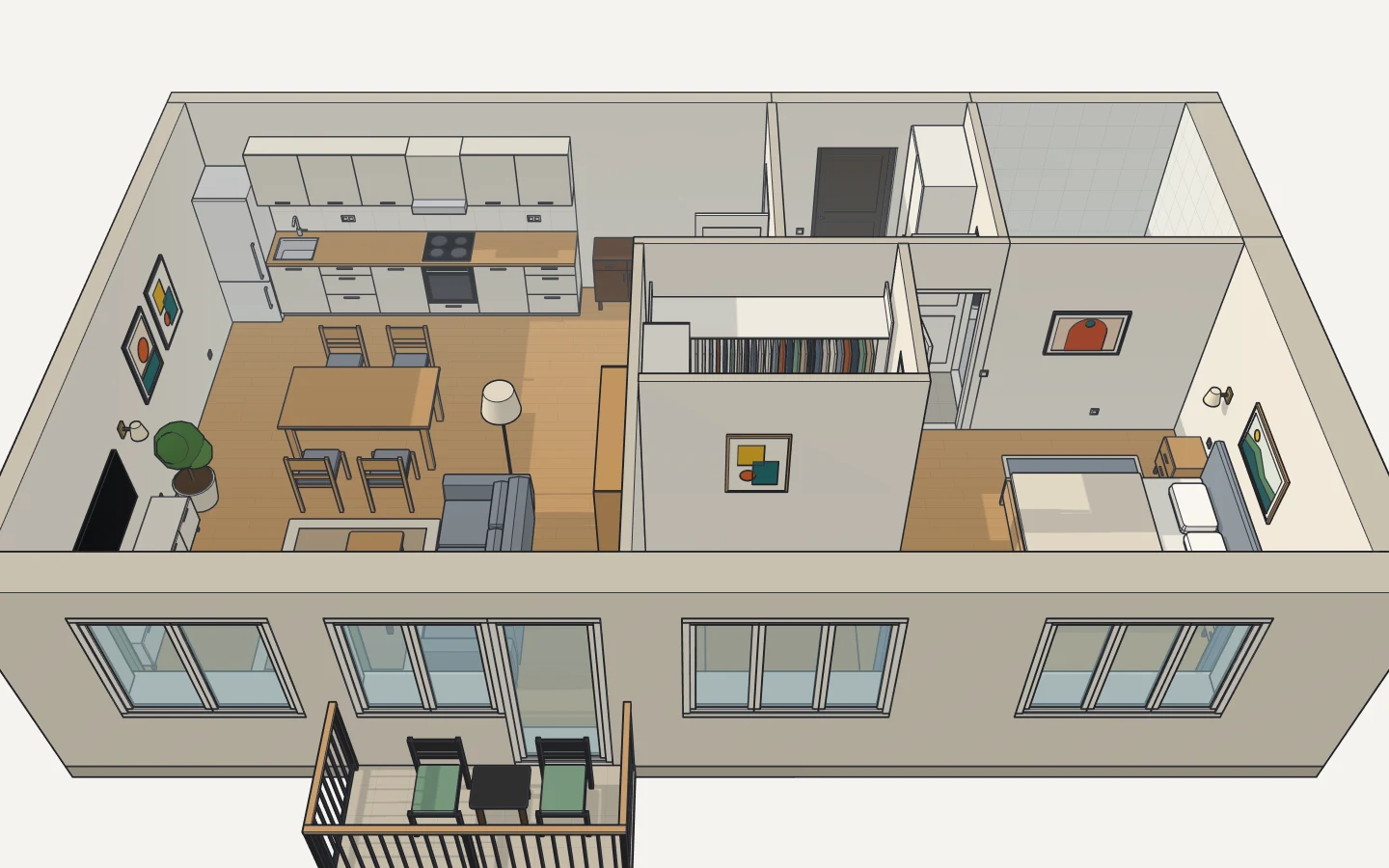
A furnished flat, every piece to the centimeter.
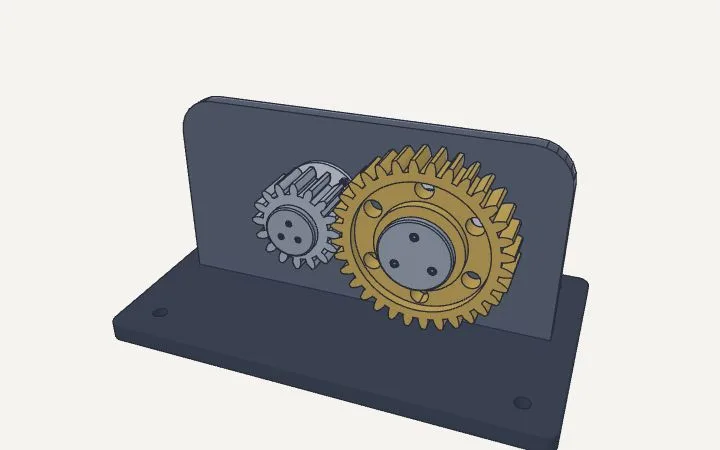
Involute gears that mesh, on keyed shafts.
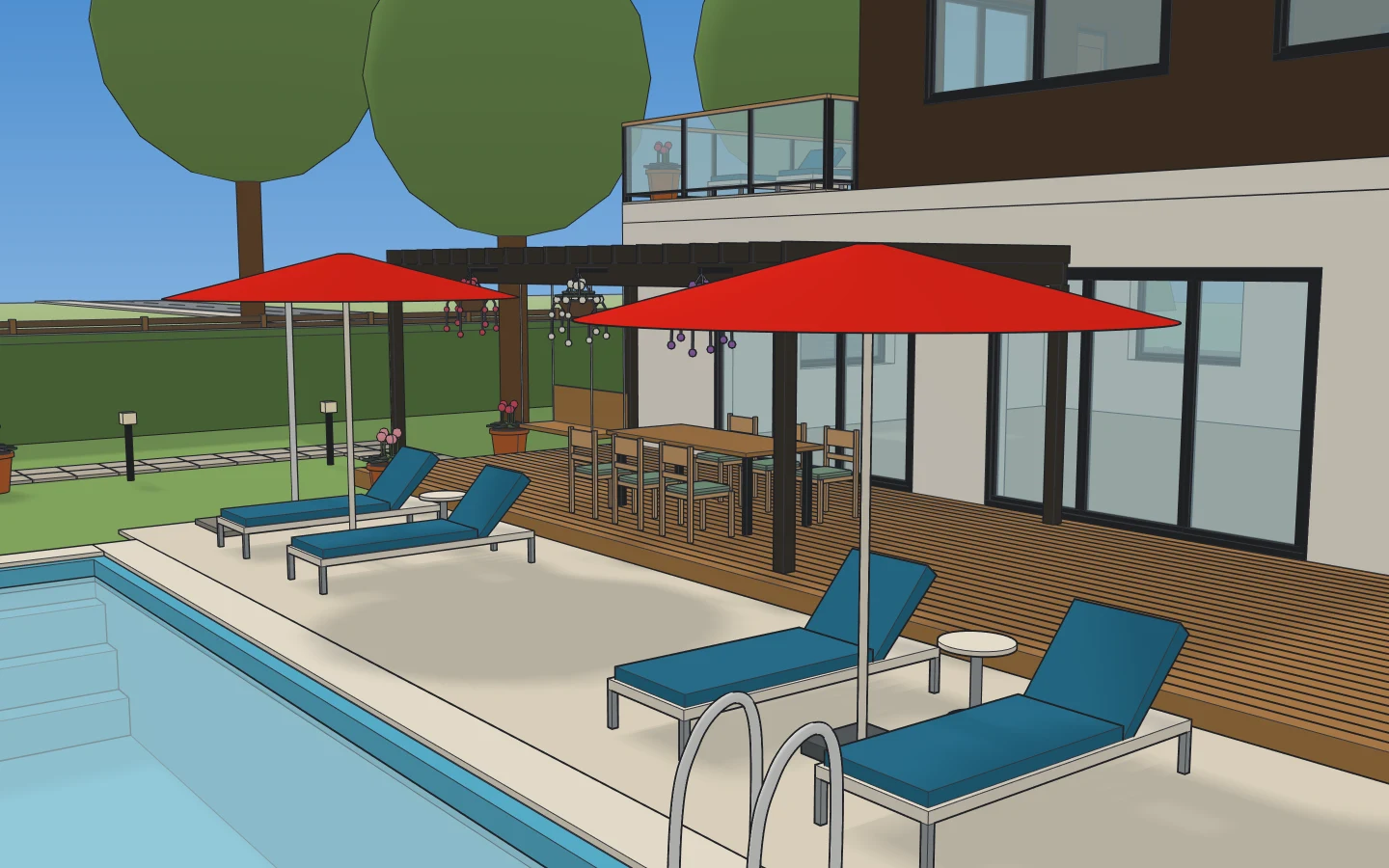
A villa and its garden, from a brief.
Tools
specs · example
The language: every function, its arguments and what it returns, with rules and what's new; reference scripts (a house, a kitchen, gears, a teapot…).
run_script
Builds a script, new or on top of an existing drawing, and answers with a report, pictures and the drawing's link.
view · scene
Pictures of a drawing from any side; the parts it is made of, with sizes and places.
Questions
What does it cost?
A day free, up to 100 builds, counted from your assistant's first build. After that it comes with uCAD Pro ($19.99 a month), which also gives you uCAD's own assistant. Drawing by hand, importing and exporting stay free.
Which assistants work?
Any MCP client that can reach a remote server over Streamable HTTP: Claude, Claude Code, ChatGPT, Codex, Cursor, Windsurf, VS Code and others.
Do I need to install anything?
No. uCAD runs in the browser and the MCP server is hosted at ucad.app.
Is my key safe to share?
No: anyone with it builds in your account. If it leaks, make a new key in uCAD and the old one stops working.