T-IA Connect
Uma ponte Model Context Protocol (MCP) para controlar programaticamente o Siemens TIA Portal (PLC, blocos, tags e IHM).
Documentação
Automatize a engenharia do TIA Portal, da API à validação.
O T-IA Connect é uma plataforma completa de automação de engenharia para o Siemens TIA Portal: API REST, MCP, execução guiada por Workplan, PLCSIM, Test Harness, VCS, docs/RAG e relatórios.
A partir de €10 por 24 horas*
* Somente contas pessoais.
316+
Endpoints de API
393+
Ferramentas MCP
V17-V21
Compatível com TIA
100%
On-Premise
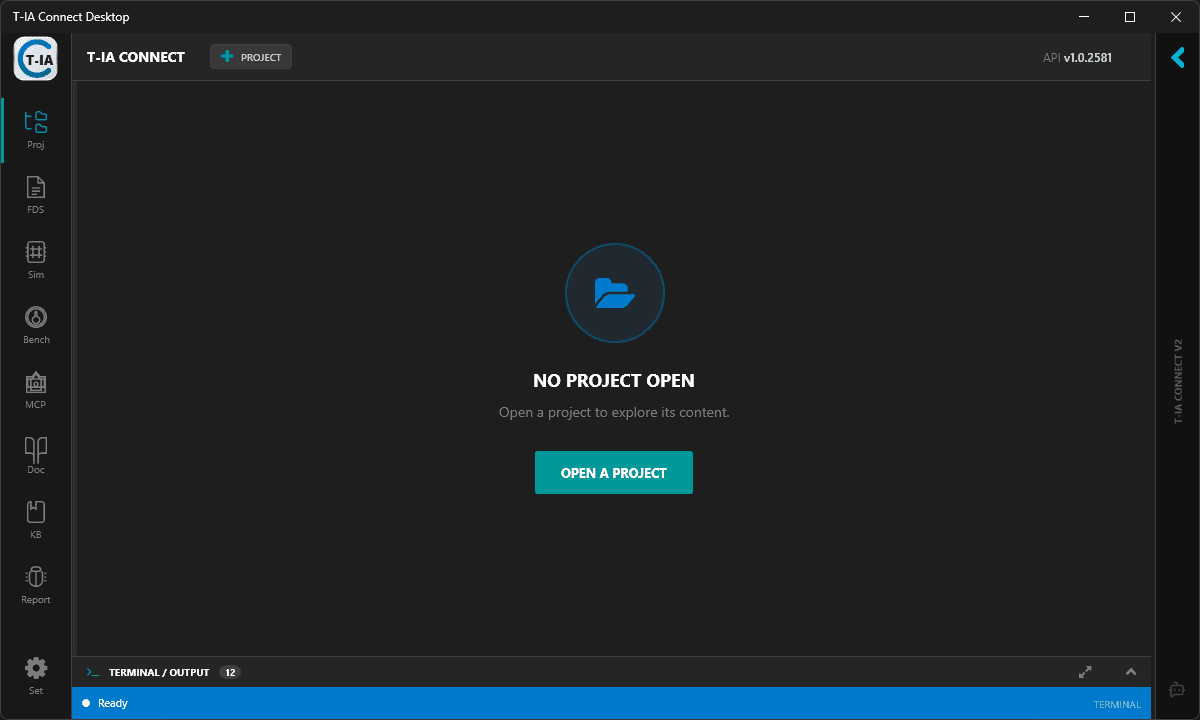
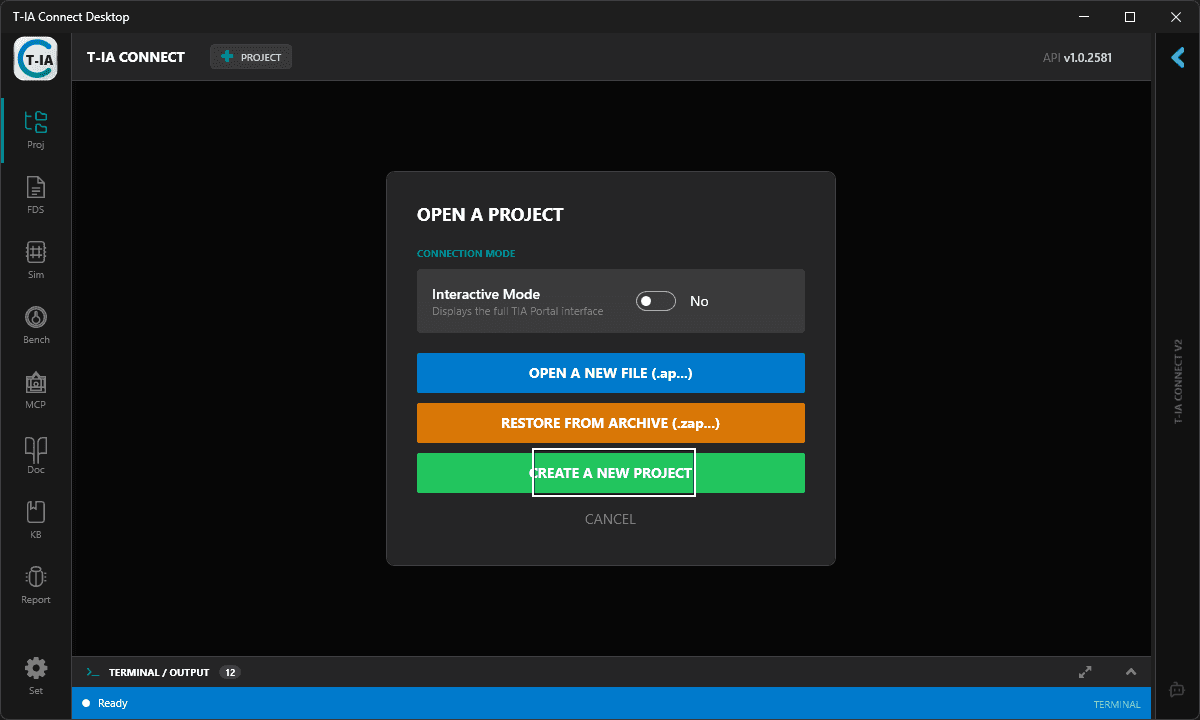
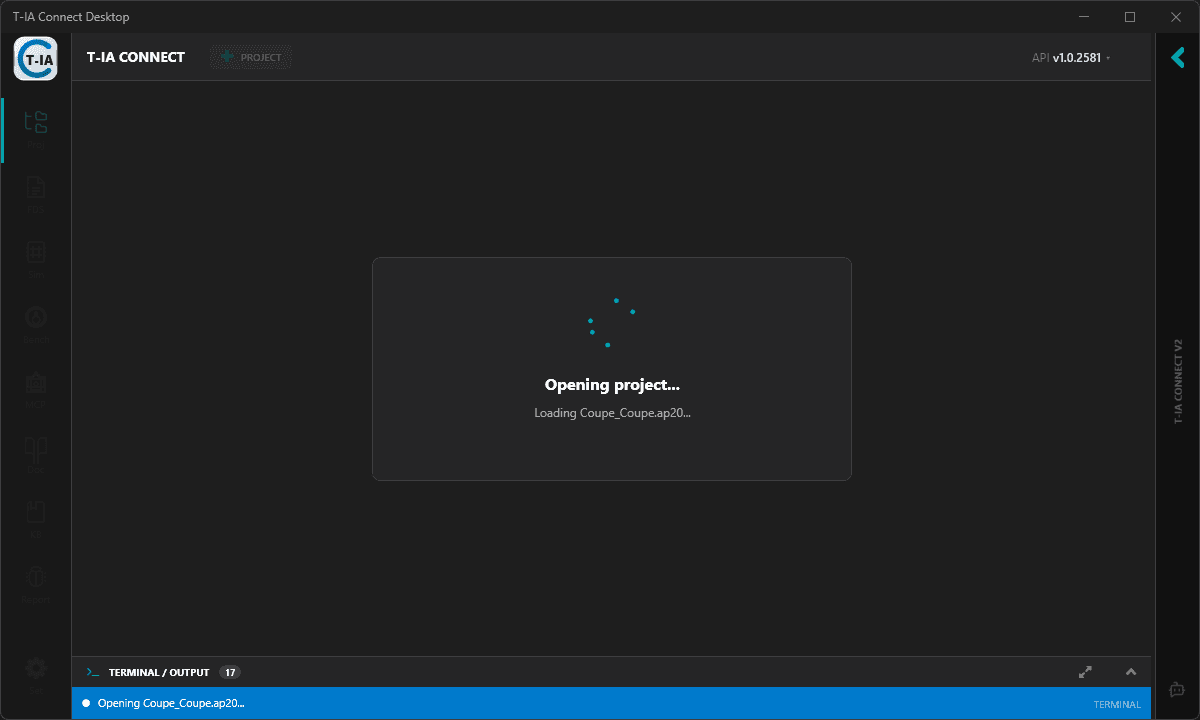
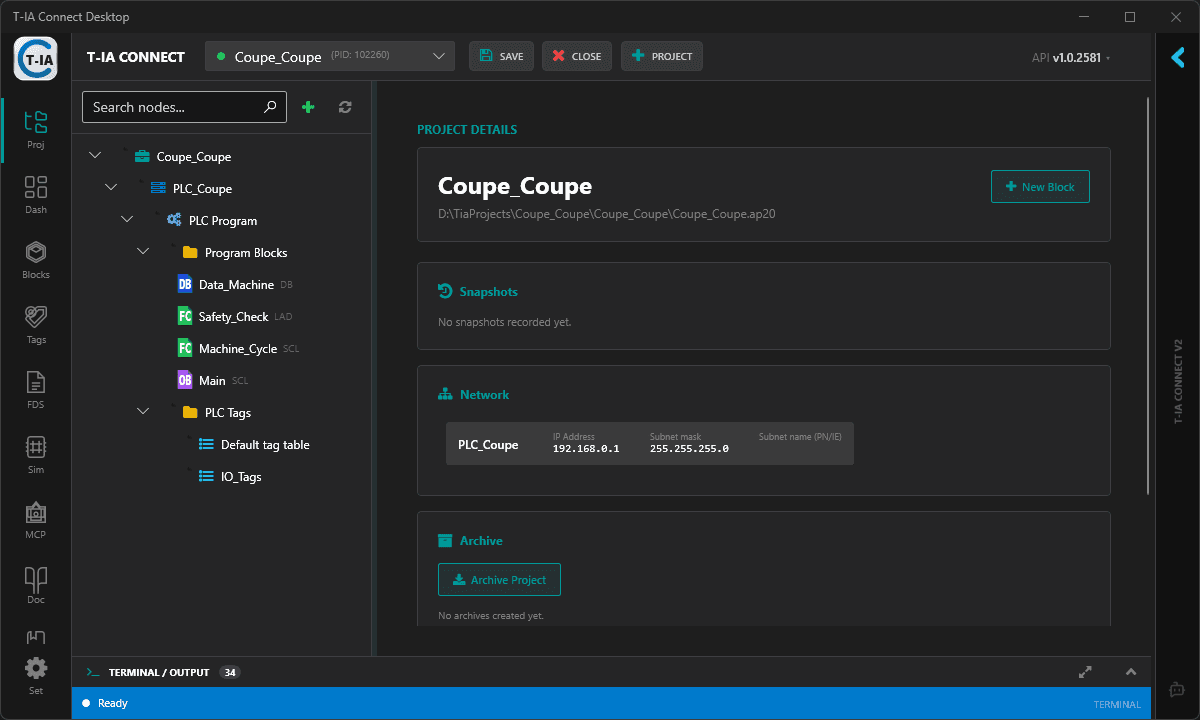
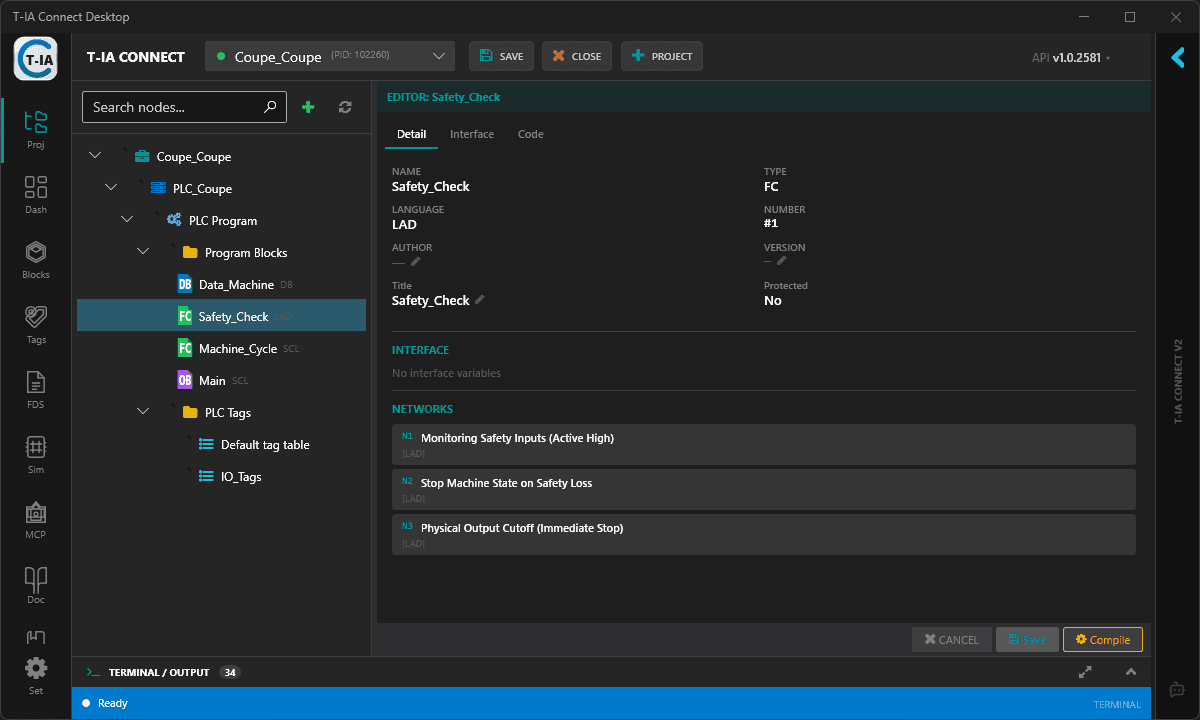
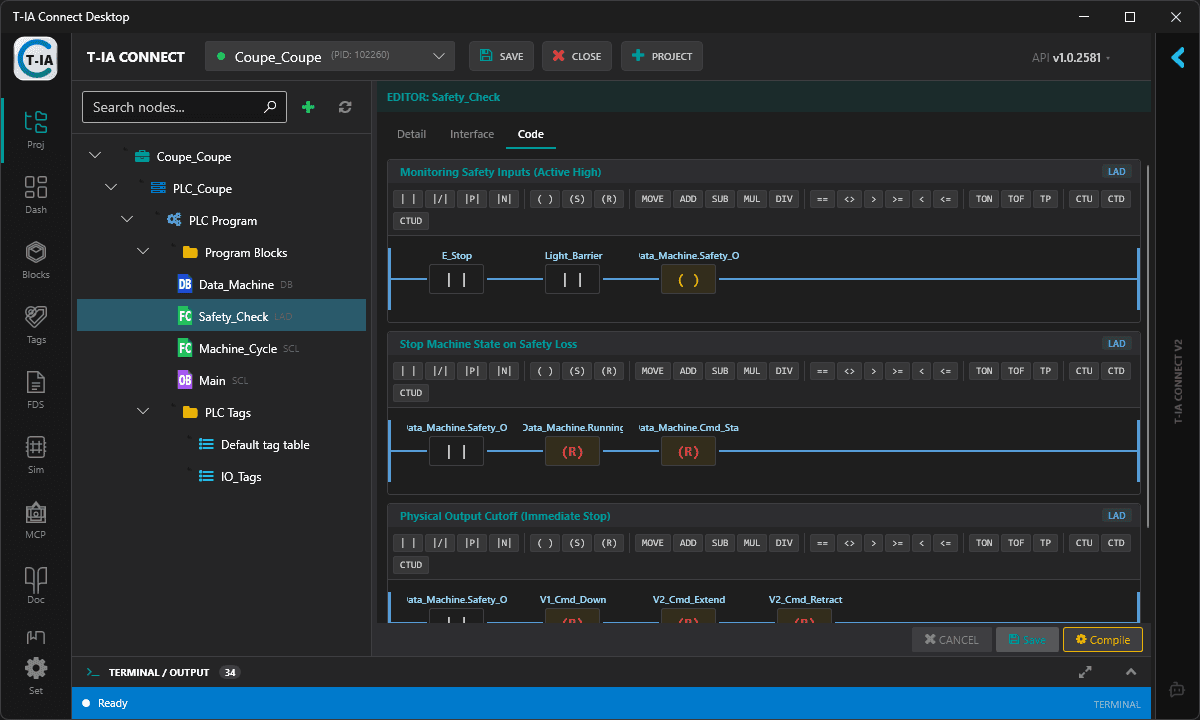
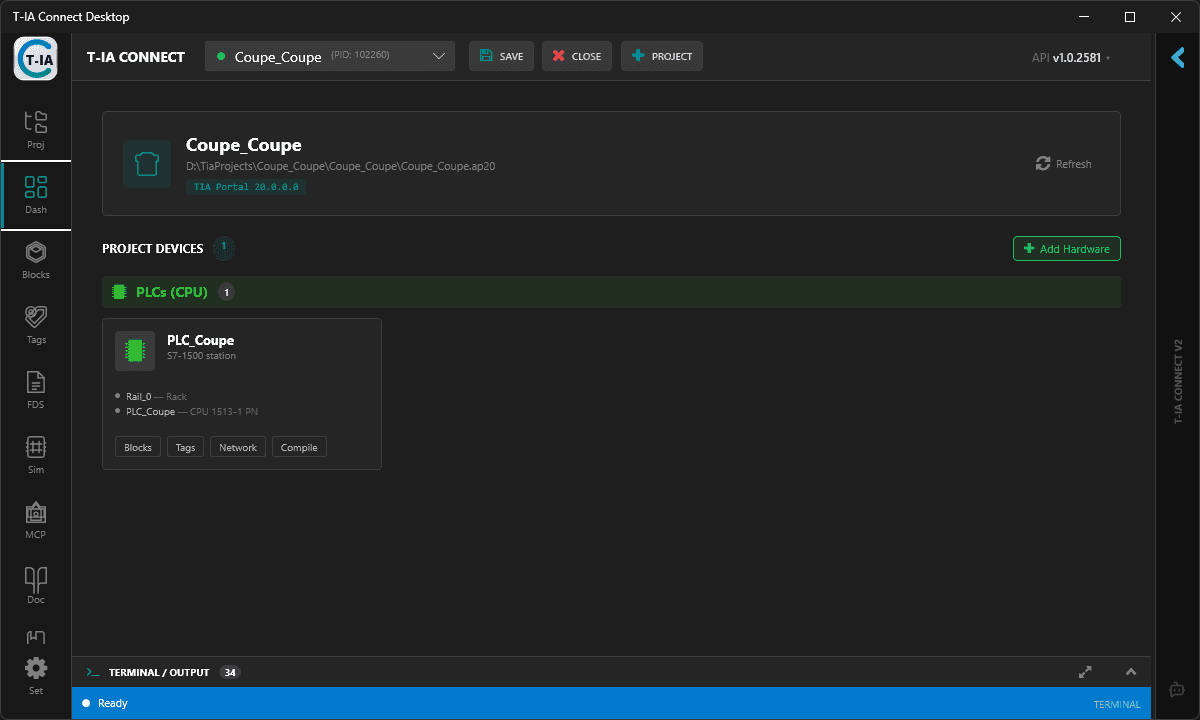
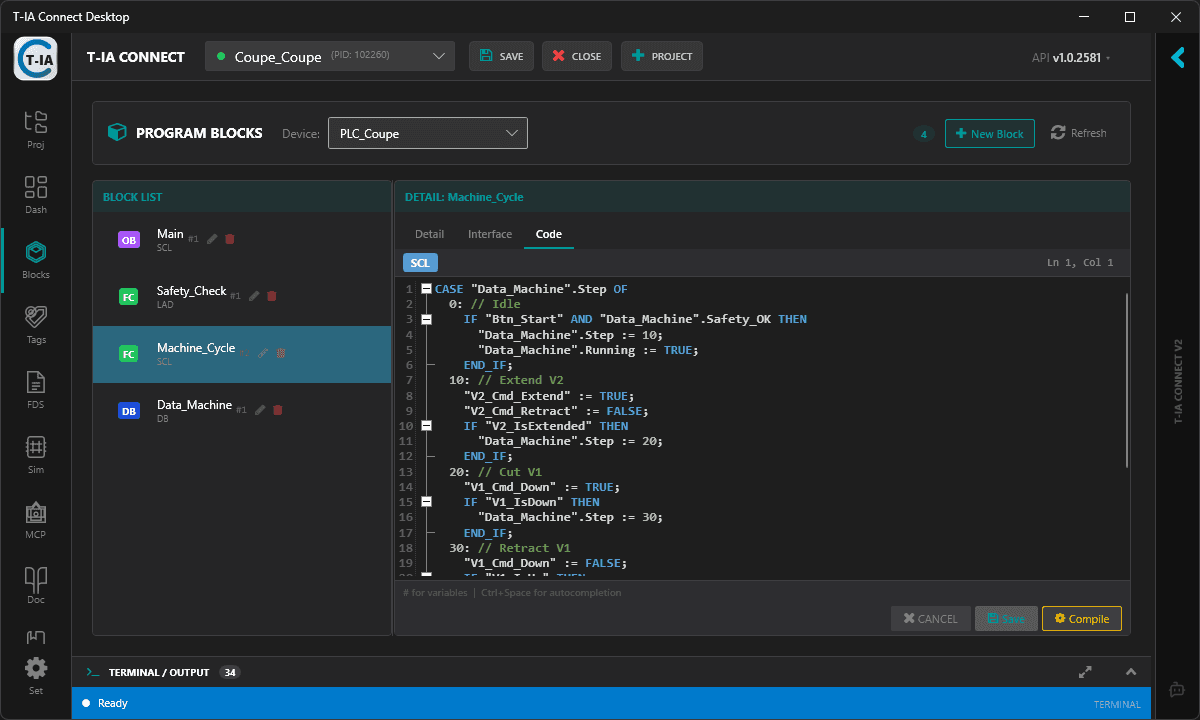
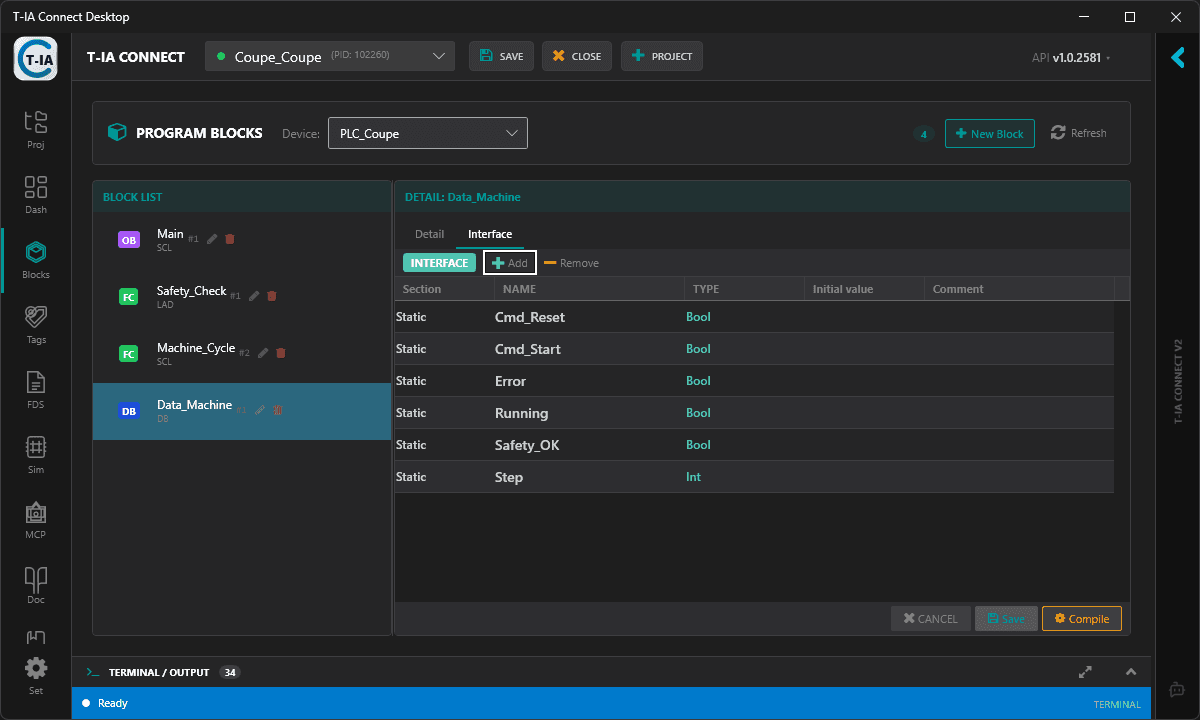
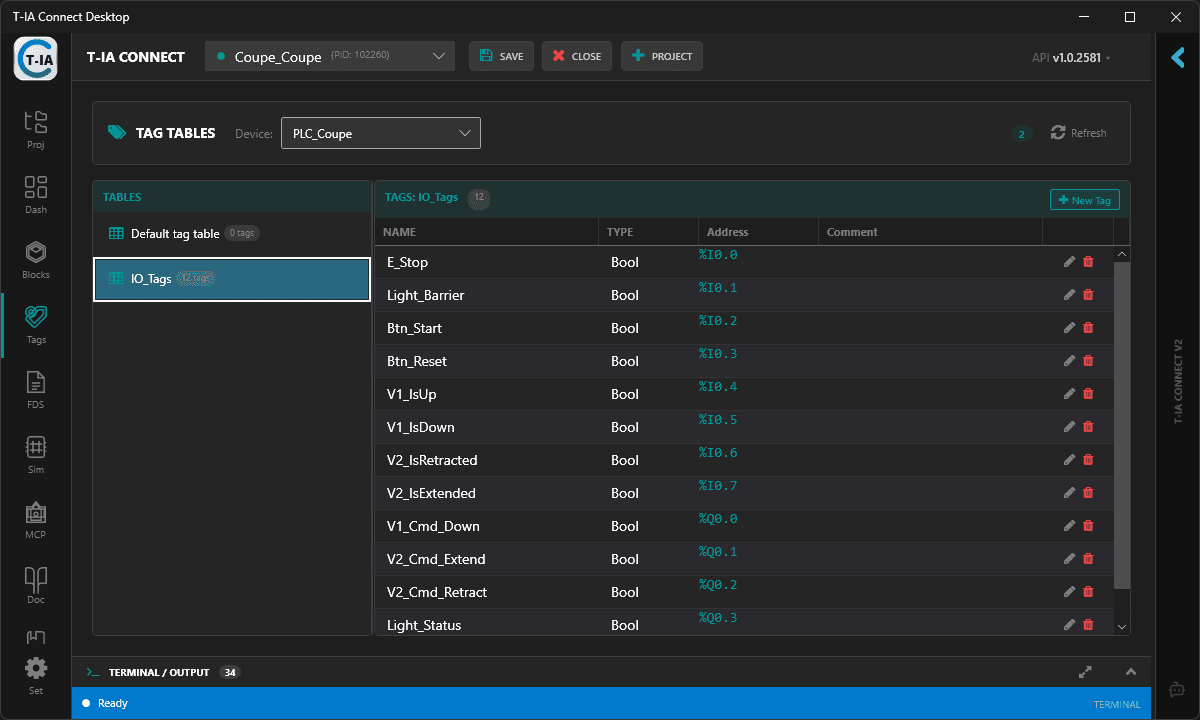
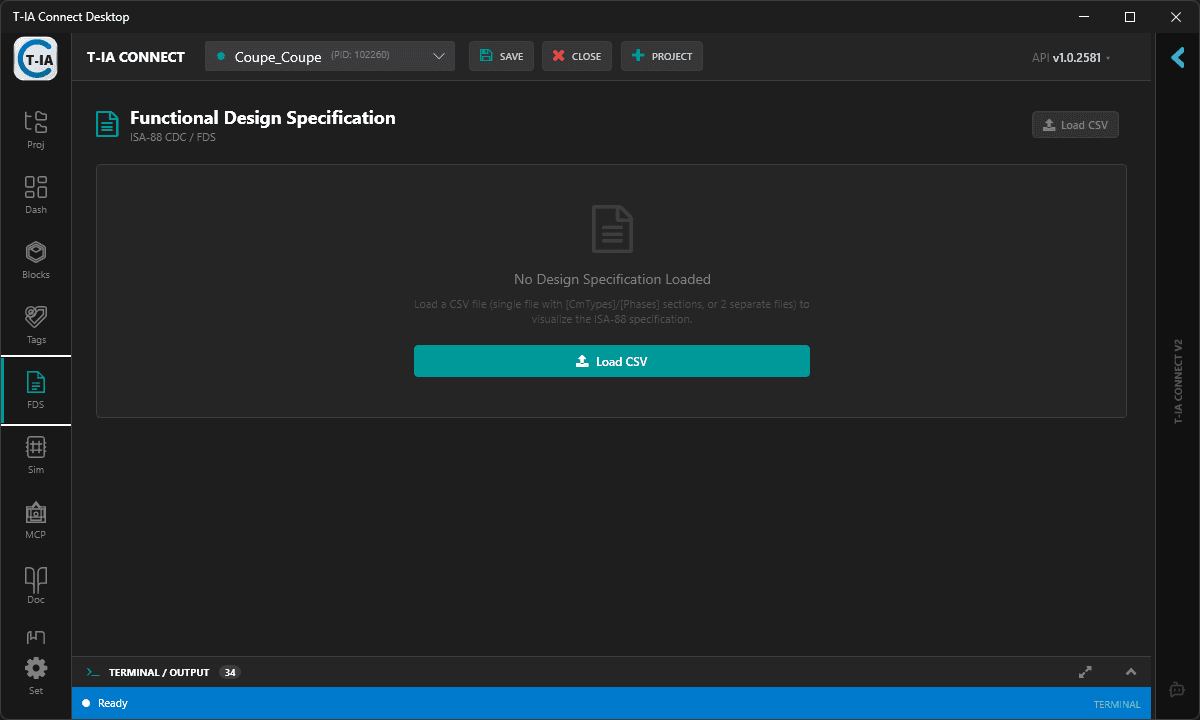
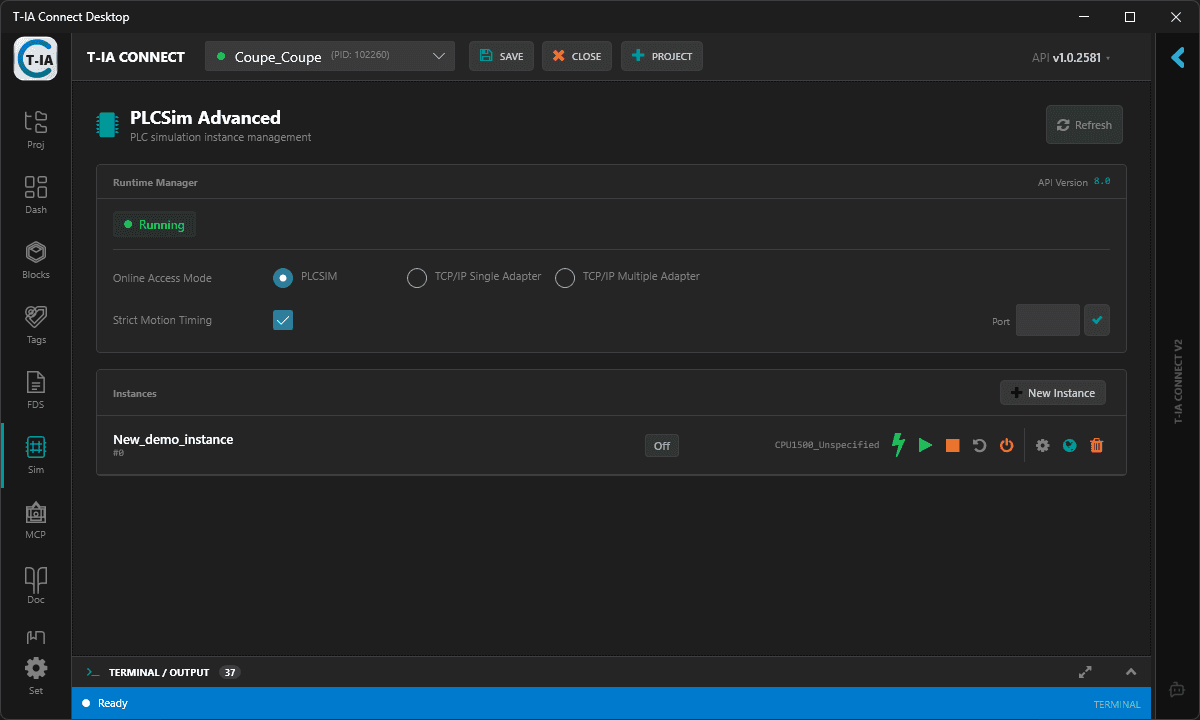
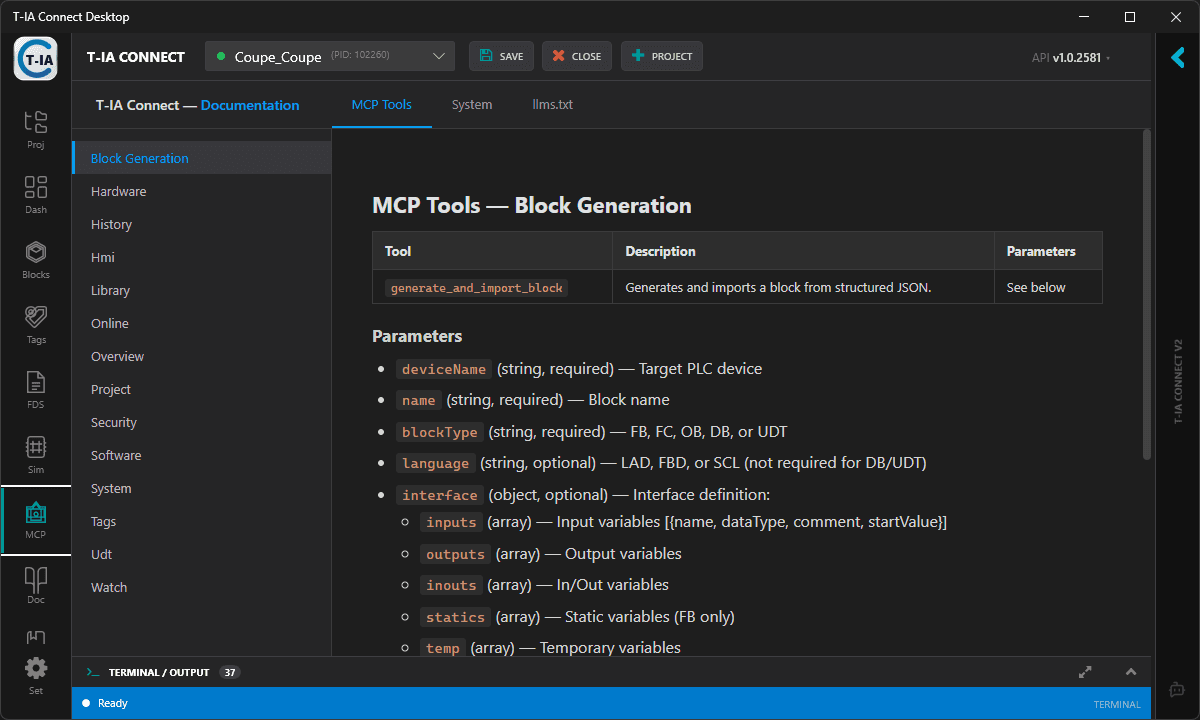
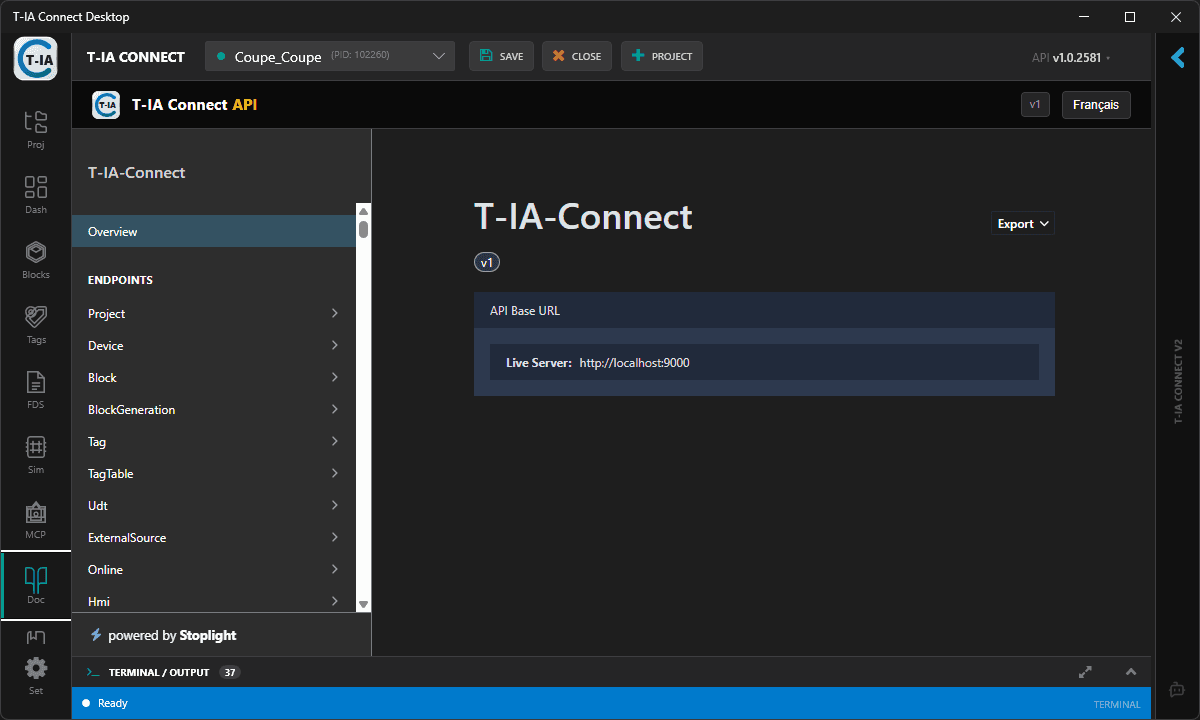
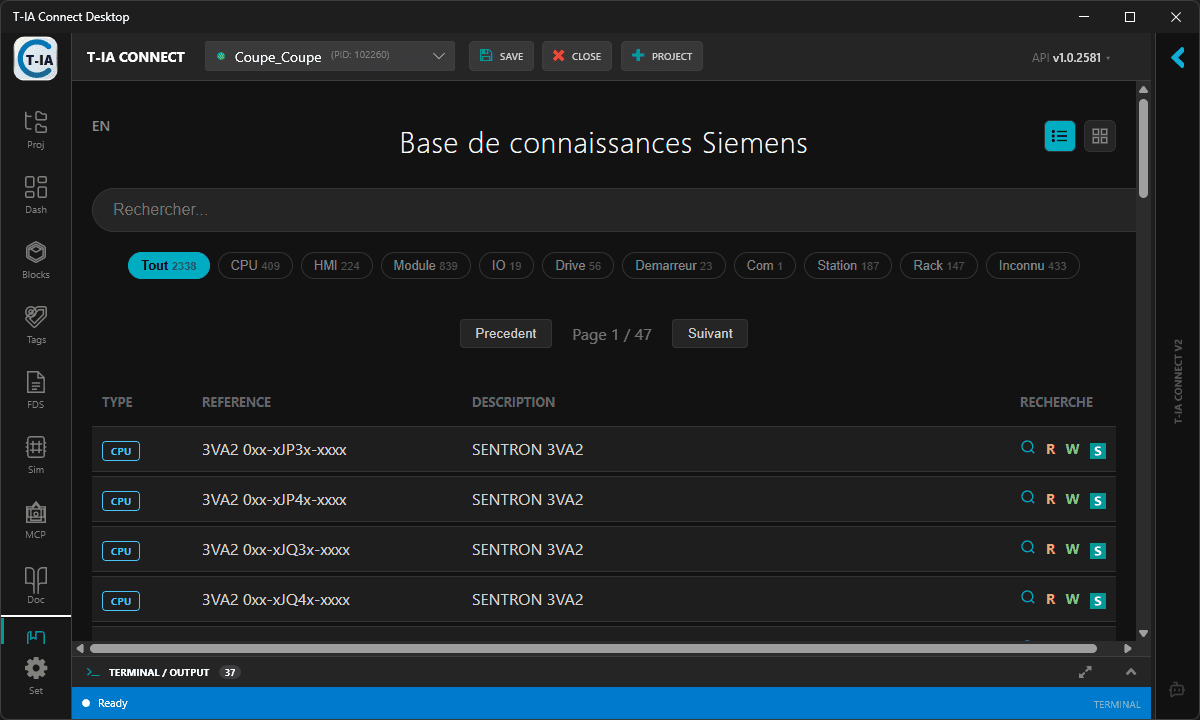
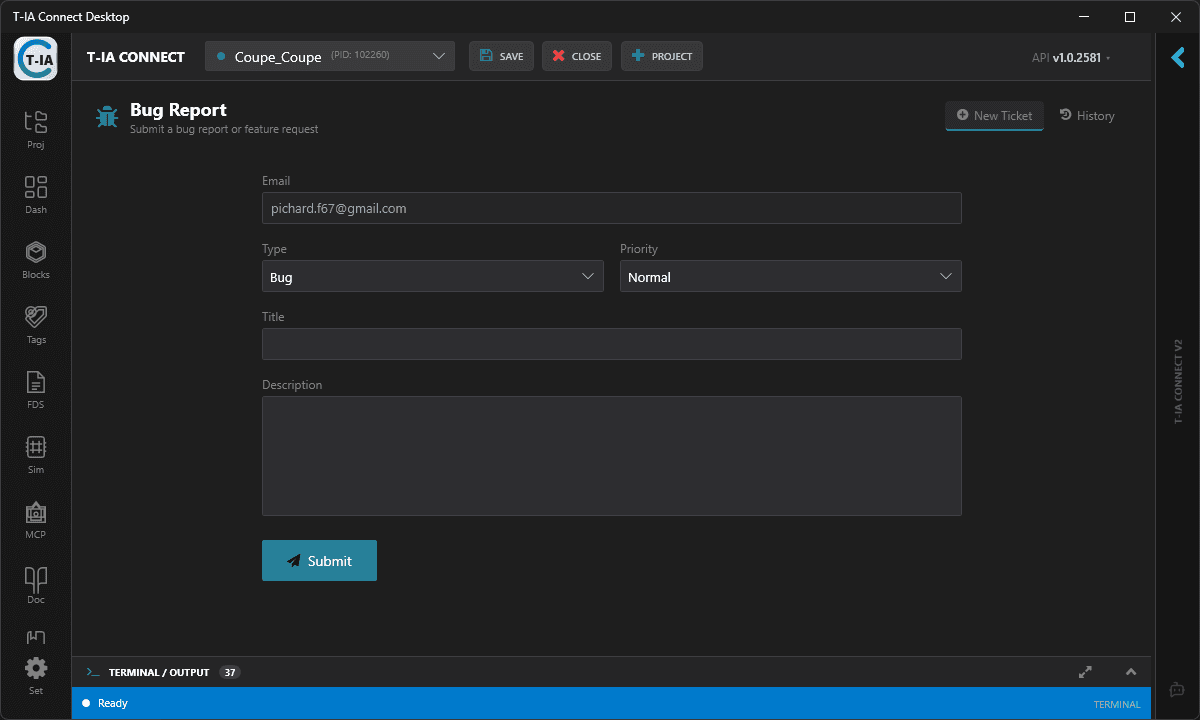
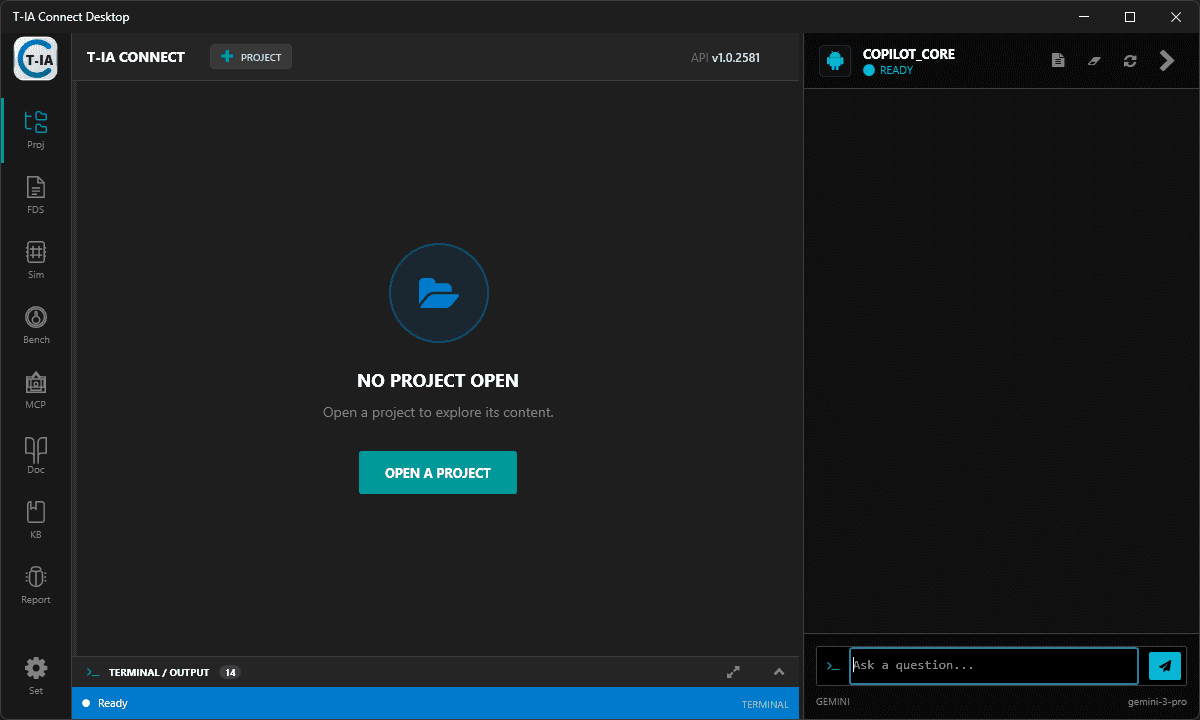
Plataforma de Automação de Engenharia para TIA Portal
O T-IA Connect envolve o Siemens TIA Portal em uma camada de automação controlável para chamadas de API, execução assistida por IA, simulação, testes, documentação e fluxos de integração.
API REST e Automação Openness
Conduza criação de projetos, blocos, tags, hardware, compilação e relatórios por meio de uma API HTTP/JSON documentada sobre o TIA Portal Openness.
MCP, Docs/RAG e Workplan
Conecte Claude, ChatGPT, Cursor ou modelos locais ao contexto real do projeto e guie ações por meio de um Workplan estruturado, em vez de chat livre.
PLCSIM, Test Harness e VCS
Feche o ciclo com simulação, testes automatizados de PLC, controle de versão, fluxos de CI/CD e evidências de engenharia que você pode revisar.
Proteção da API
Autenticação por token e bloqueio de rotas críticas (Write/Delete).
WebSockets Nativos
Feedback em tempo real via SignalR para rastrear tarefas longas do TIA.
Código Assinado
Binários certificados e scripts PowerShell para garantir a integridade do toolchain.
Monitoramento do TIA
Monitoramento proativo do estado e da memória do processo Siemens.
Orquestração por Workplan
Planeje, sequencie e audite ações de engenharia em várias etapas antes de tocar no TIA Portal.
Modo Serviço
Projetado para rodar headless como tarefa em segundo plano em seus servidores de engenharia Windows.
Além do chat: uma cadeia controlável.
01
Exponha o TIA Portal com segurança
Execute a ponte local do T-IA Connect e acesse projetos via API REST e MCP, em vez de operações manuais somente por interface.
02
Construa um Workplan
Use IA e contexto do projeto para preparar ações sequenciadas: criar, modificar, compilar, simular, testar, documentar e relatar.
03
Execute, verifique, faça commit
Execute o plano aprovado por meio de ações de API, verificações de PLCSIM/Test Harness e saídas compatíveis com VCS.
>_
MotorControl.scl
01FUNCTION_BLOCK "FB_MotorControl"
02VAR_INPUT
03 Start_Command: BOOL;
04 Stop_Command: BOOL;
05 Safety_Healthy: BOOL;
06END_VAR
07// AI Generated Logic Layer
08#Motor_Run:= (#Start_Command OR #Motor_Run) AND #Stop_Command AND #Safety_Healthy;
Workplan: compilar, verificar PLCSIM e gerar relatório para revisão.
Model Context Protocol (MCP)
Copilot mais Fluxo de Engenharia
A camada MCP conecta o TIA Portal a Gemini, Claude, ChatGPT, Cursor ou Ollama, mas o valor do produto está no fluxo ao redor dela: contexto do projeto, Workplan, execução via API, verificações de PLCSIM e saídas revisáveis.
TIA Co-Pilot
Conectado ao TIA V21
Gemini 1.5 Pro
Crie um Function Block (SCL) para controlar uma esteira transportadora. Use o UDT "Motor_Drive" que definimos na biblioteca.
Lendo contexto do projeto (Library/Types/Motor_Drive)...
Analisei o UDT Motor_Drive. Aqui está o código SCL para FB_Conveyor_Control:
FUNCTION_BLOCK "FB_Conveyor_Control"
VAR_INPUT
  Enable : Bool;
  Reset : Bool;
  Drive_Ref : "Motor_Drive";
END_VAR

BEGIN
  #Drive_Ref.ControlWord.%X0 := #Enable;

  IF #Reset THEN
    #Drive_Ref.ControlWord := 16#0480;
  END_IF;

  // Ramp Generator
  IF #Enable AND #Drive_Ref.StatusWord.%X2 THEN
     #Drive_Ref.SpeedSetpoint := 1500.0;
  END_IF;
END_FUNCTION_BLOCK
Do prompt à execução controlada.
Não apenas trechos de código genéricos.
Um chat de IA comum pode propor texto. O T-IA Connect expõe o contexto real do projeto TIA Portal via MCP e canaliza as mudanças por ações de API, etapas de Workplan, simulação, testes, relatórios e controle de versão.
Traga Seu Próprio Modelo
Compatível com Gemini Pro, Claude 3.5 Sonnet, ou execute offline com Ollama (Llama 3, Mistral).
Execução Guiada por Workplan
Transforme sugestões de IA em etapas de engenharia sequenciadas que podem ser revisadas, executadas, testadas e rastreadas.
Execução Local e BYOK
Mantenha sua propriedade intelectual sob controle. Use sua própria chave de IA ou LLMs locais via Ollama e execute a camada de automação do TIA Portal localmente.
Confiado por profissionais de automação
Veja o que nossos usuários e especialistas em automação têm a dizer.
Avaliação média: 4.643 / 5 (14)
“希望能够提供中国区域支付宝微信购买链接”
W
wang mingming
siemens
“I begin to test t-ia connect with m'y trial app and i liké it too much, it help you to make any thing to the Tia projects with simple click. ”
A
Ayoub EL RHOUATE
Especialista em Automação
“. Giá trị mới chỉ đang ở trạng thái "Prepared" (Chuẩn bị) Trong bảng khai báo biến (phần Expression phía trên), bạn sẽ thấy: Cột Value của start vẫn là FALSE. Cột Prepared Value của start mới là TRUE (hiển thị màu xanh dương). Giải thích: Trong CODESYS, khi bạn nhập giá trị mới lúc đang Online, nó chưa được ghi vào bộ nhớ ngay mà chỉ nằm ở danh sách "chờ". Cách xử lý: Sau khi PLC đã ở chế độ RUN, bạn cần nhấn Ctrl + F7 (Write Values) để nạp giá trị TRUE từ cột "Prepared Value" vào cột "Value" thực tế.”
A
AUTOMATIONS TUAN Y
Especialista em Automação
Automação na Era do DevOps.
Dê aos seus engenheiros de automação as ferramentas modernas que eles merecem com o T-IA Connect.
Parceiro Revendedor
Programa de Parcerias
Expanda seus negócios com o T-IA Connect. Escolha o modelo de parceria que melhor se adapta a você.
Parceiro Afiliado
Compartilhe seu link de indicação e ganhe comissões em cada venda gerada. Seus contatos ganham desconto, você ganha recompensas.
Candidate-se para se tornar parceiro
Parceiro Revendedor
Compre licenças em volume a preços de atacado e revenda para seus clientes. Descontos significativos por volume disponíveis.