Code Snippet Image
Gere imagens bonitas e compartilháveis a partir de trechos de código com destaque de sintaxe e múltiplos temas.
Documentação
Servidor MCP de Imagem de Snippet de Código
Um servidor MCP (Model Context Protocol) que gera imagens bonitas de snippets de código para postar nas redes sociais.
Demonstração
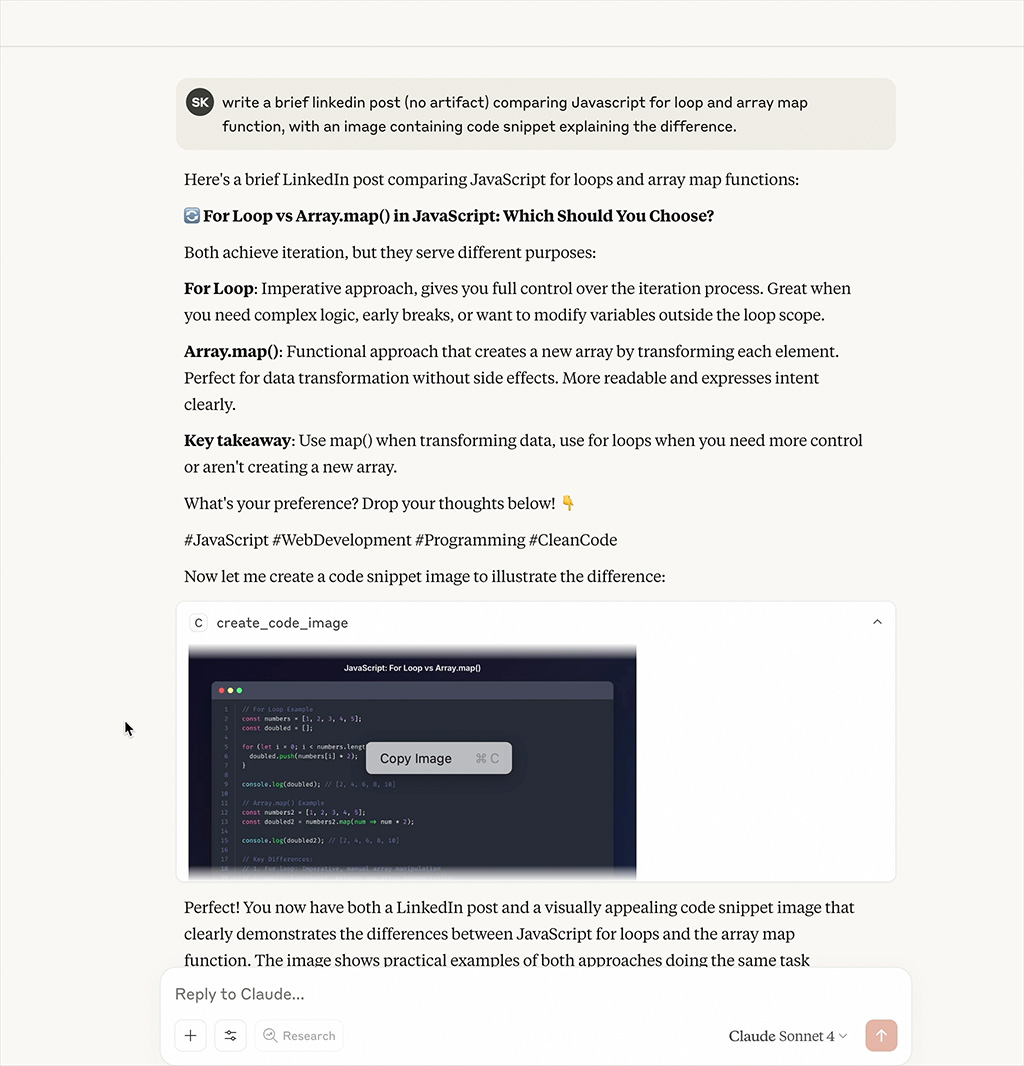
📹 Assista ao Vídeo de Demonstração
Assista o servidor MCP gerar imagens bonitas de snippets de código em tempo real
Recursos
- Imagens de Código Bonitas: Gere imagens bonitas de snippets de código com realce de sintaxe
- Múltiplos Temas: Suporte para temas Dracula, Monokai, GitHub, Solarized Dark/Light
- Realce de Sintaxe: Suporte para múltiplas linguagens de programação
- Personalizável: Dimensões, temas e opções de estilo configuráveis
Instalação
npm install
npm run build
Configuração
Adicione ao seu arquivo de configuração do MCP:
{
  "mcpServers": {
    "code-snippet-image-mcp-server": {
      "command": "npx",
      "args": [
        "-y",
        "code-snippet-image-mcp-server",
        "/custom/output/directory"
      ]
    }
  }
}
O servidor aceita um diretório de saída opcional como primeiro argumento de linha de comando. Se não for fornecido, o padrão é ./output no diretório de trabalho atual.
Uso
O servidor MCP fornece uma ferramenta principal:
create_code_image
Gere uma imagem bonita de snippet de código:
Parâmetros:
code(string, obrigatório): O código para converter em imagemlanguage(string, opcional): Linguagem de programação para realce de sintaxe (padrão: "javascript")theme(string, opcional): Tema de cores (padrão: "dracula")title(string, opcional): Título para o snippet de códigowidth(número, opcional): Largura da imagem em pixels (padrão: 800)height(número, opcional): Altura da imagem em pixels (automática se não especificada)padding(número, opcional): Espaçamento ao redor da janela de código em pixels (padrão: 52)backgroundColor(string, opcional): Cor de fundo personalizada (substitui o fundo do tema)showLineNumbers(booleano, opcional): Mostrar ou ocultar números de linha (padrão: true)
Exemplo:
{
  "code": "const hello = () => console.log('Hello, World!');",
  "language": "javascript",
  "theme": "dracula",
  "title": "Hello World Function",
  "width": 800,
  "height": 600,
  "padding": 52,
  "showLineNumbers": true
}
Temas Suportados
Dracula (Padrão)
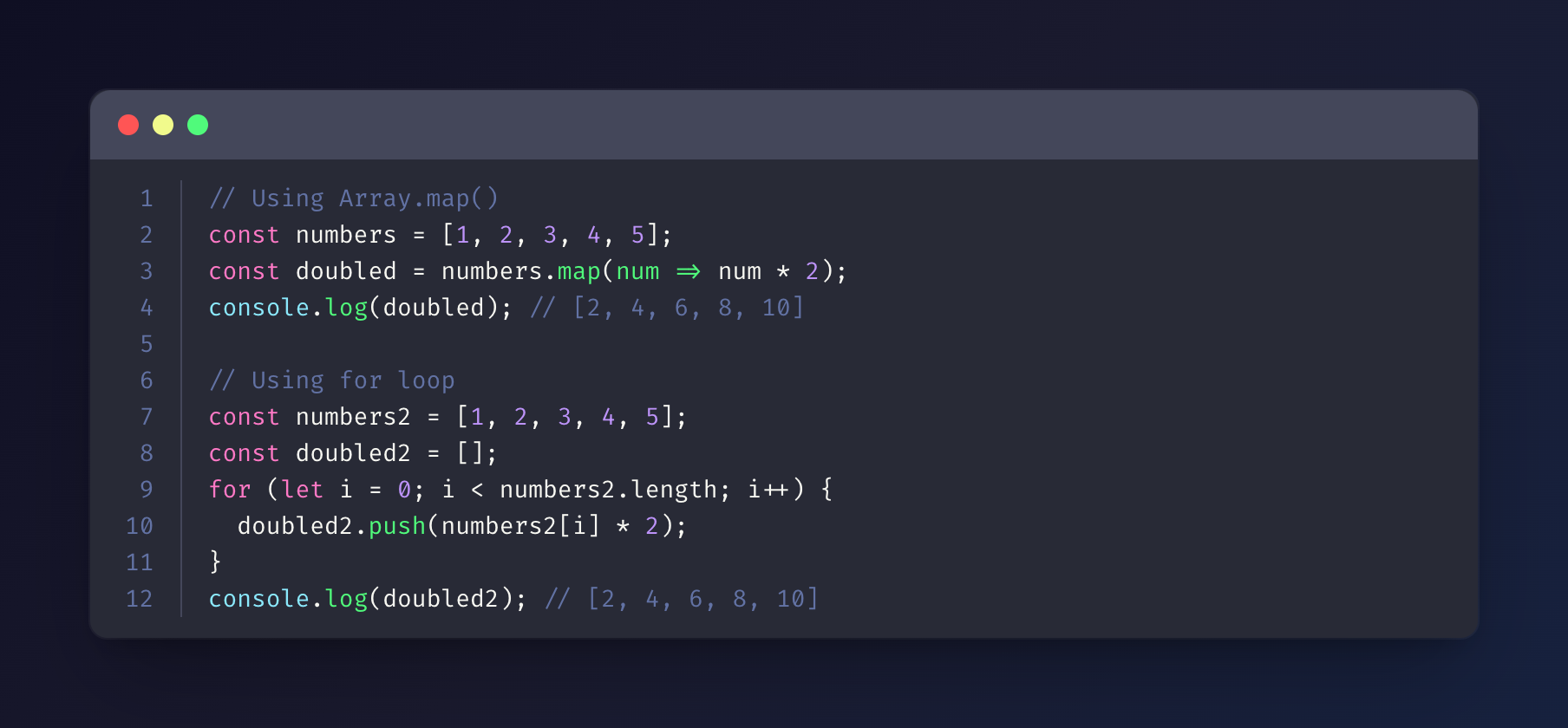
Monokai
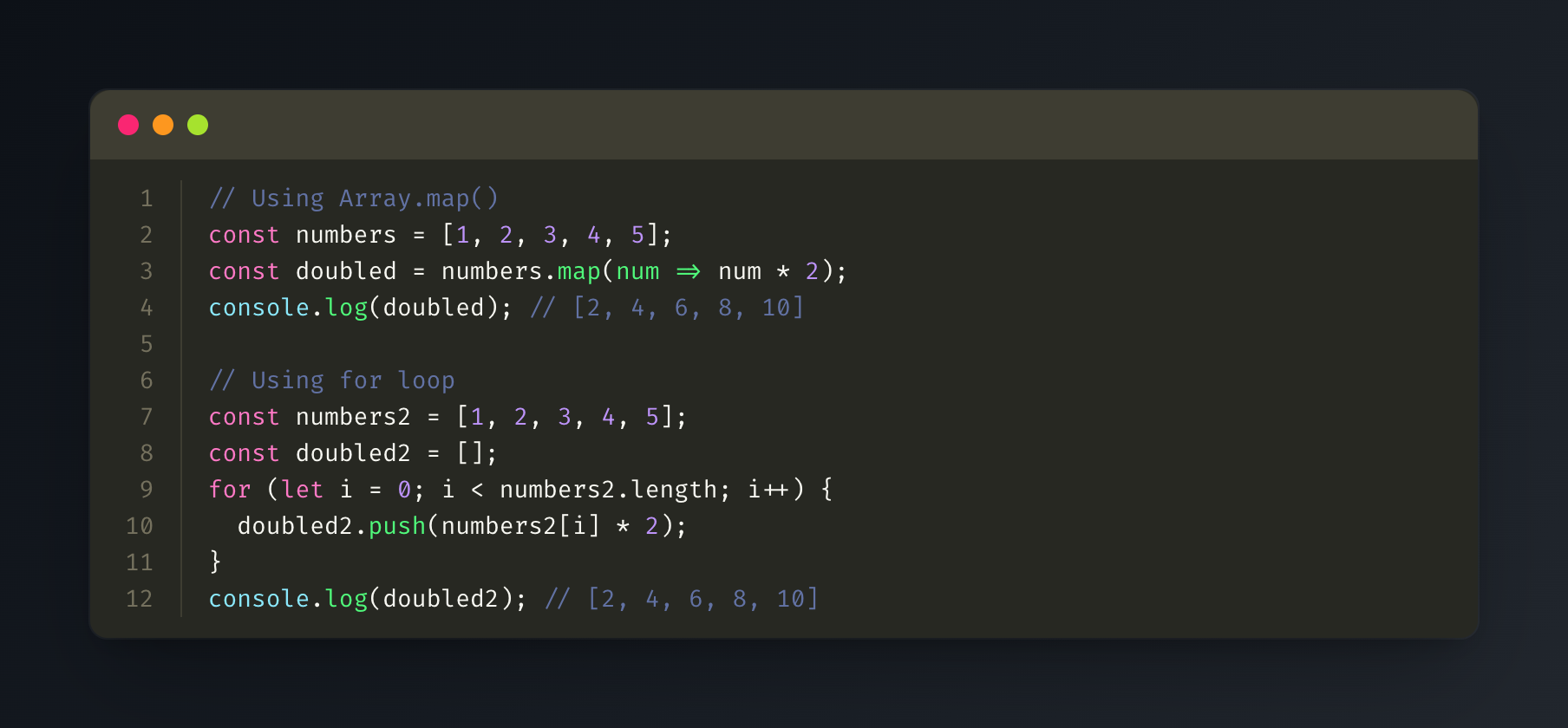
GitHub
Solarized Dark
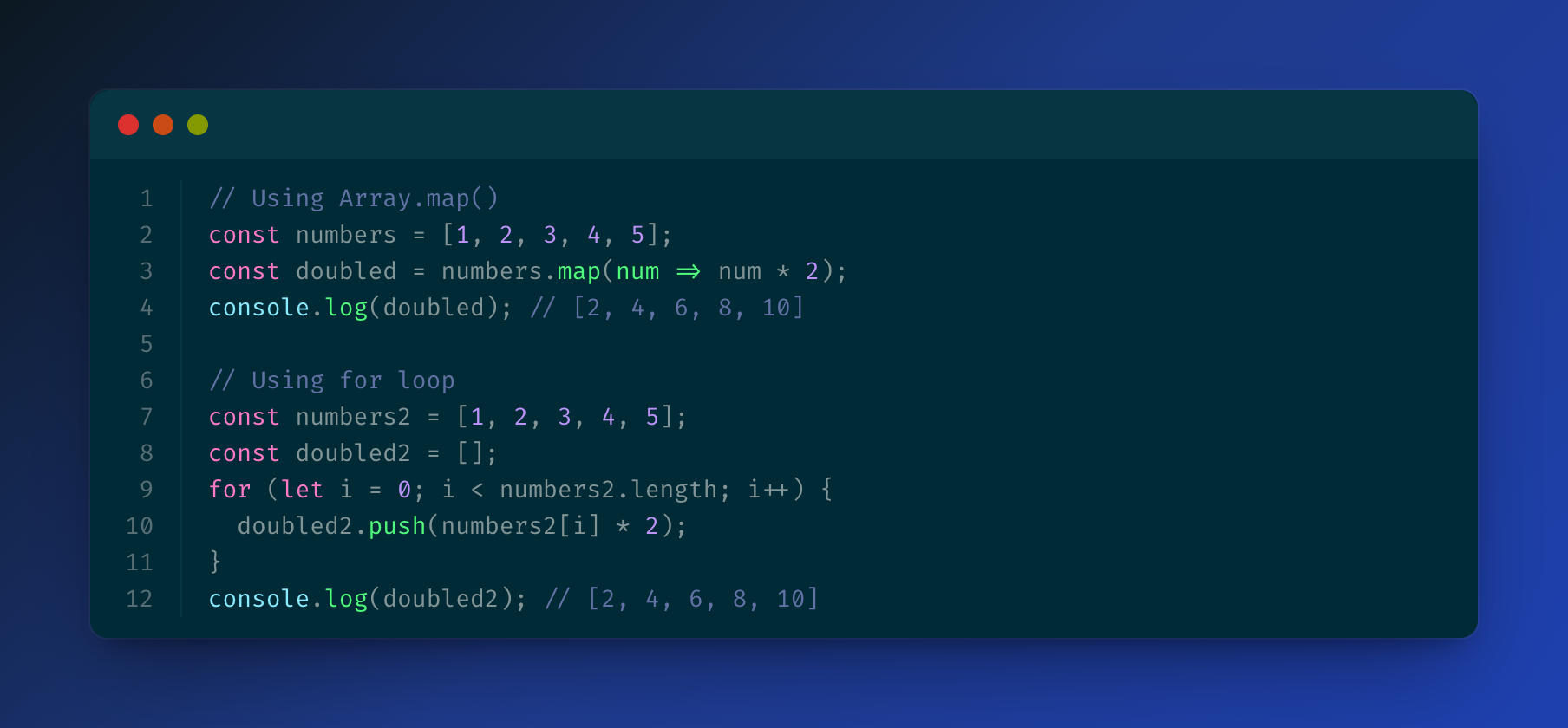
Solarized Light
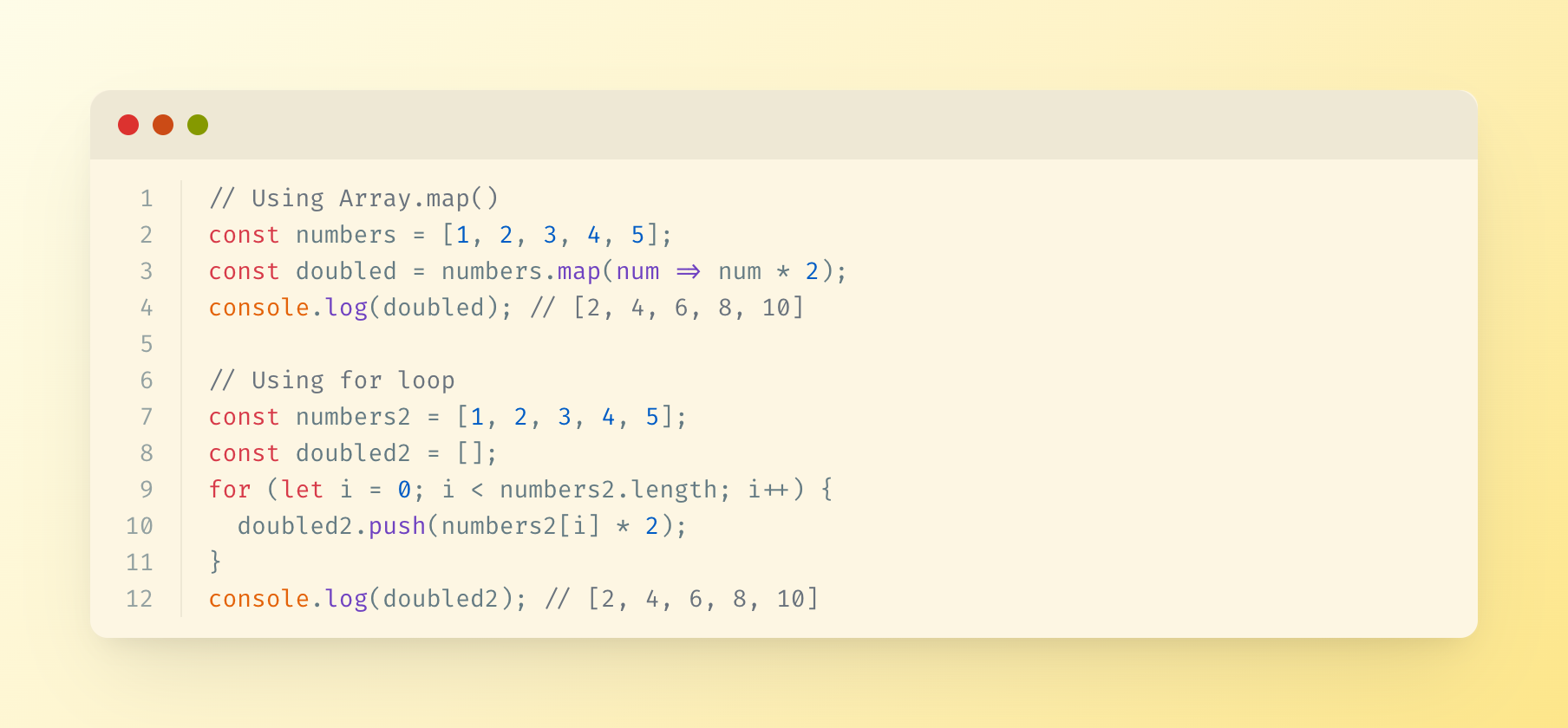
Linguagens Suportadas
O servidor usa highlight.js para realce de sintaxe e suporta todas as linguagens que o highlight.js suporta, incluindo:
- JavaScript/TypeScript
- Python
- Java
- C/C++
- Go
- Rust
- PHP
- Ruby
- E muitas outras...
Saída
As imagens geradas são salvas no diretório de saída especificado (ou ./output por padrão) com carimbos de data/hora.
Licença
MIT