TRIGGERcmd
Executa comandos em seus computadores remotamente.
Documentação
triggercmd-mcp-stdio
Servidor MCP stdio local para TRIGGERcmd
Recursos
Este servidor MCP fornece tanto ferramentas gerais de gerenciamento de comandos quanto ferramentas dinâmicas específicas de comandos:
Ferramentas Base
list_commands- Lista todos os comandos TRIGGERcmd disponíveis em seus computadoresrun_command- Executa qualquer comando específico por computador e nome do comando
Ferramentas Dinâmicas de Comandos
O servidor cria automaticamente ferramentas MCP individuais para cada um dos seus comandos TRIGGERcmd que possuem um campo mcpToolDescription definido. Essas ferramentas:
- São nomeadas usando o padrão
run_{computer}_{command}(sanitizado para compatibilidade com MCP) - Usam o
mcpToolDescriptioncomo descrição da ferramenta para melhor compreensão por IA - Aceitam parâmetros opcionais se o comando suportar
- Fornecem uma interface mais intuitiva do que a ferramenta genérica
run_command
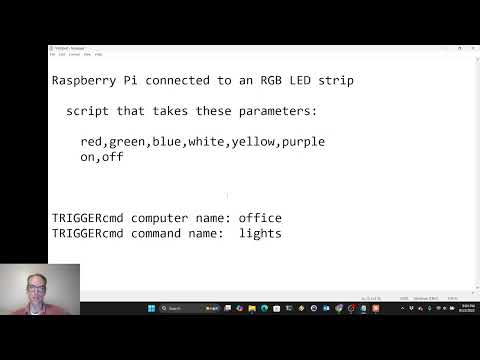
Por exemplo, se você tiver um comando chamado "lights" no computador "office" com mcpToolDescription definido como "Controla as luzes do escritório - aceita cores (vermelho, azul, verde, branco) ou liga/desliga", o servidor criará automaticamente uma ferramenta chamada run_office_lights com essa descrição.
Configurando mcpToolDescription
Para habilitar ferramentas dinâmicas para seus comandos:
- Faça login na sua conta TRIGGERcmd
- Edite os comandos que deseja expor como ferramentas MCP individuais
- Defina o campo
mcpToolDescriptioncom uma descrição clara do que o comando faz e como usar os parâmetros - Reinicie o servidor MCP para aplicar as alterações
Autenticação
Se a variável de ambiente TRIGGERCMD_TOKEN estiver definida, ela será usada; caso contrário, o servidor tentará ler o token do arquivo ~/.TRIGGERcmdData/token.tkn no diretório inicial do seu usuário.
Exemplos de prompts de IA
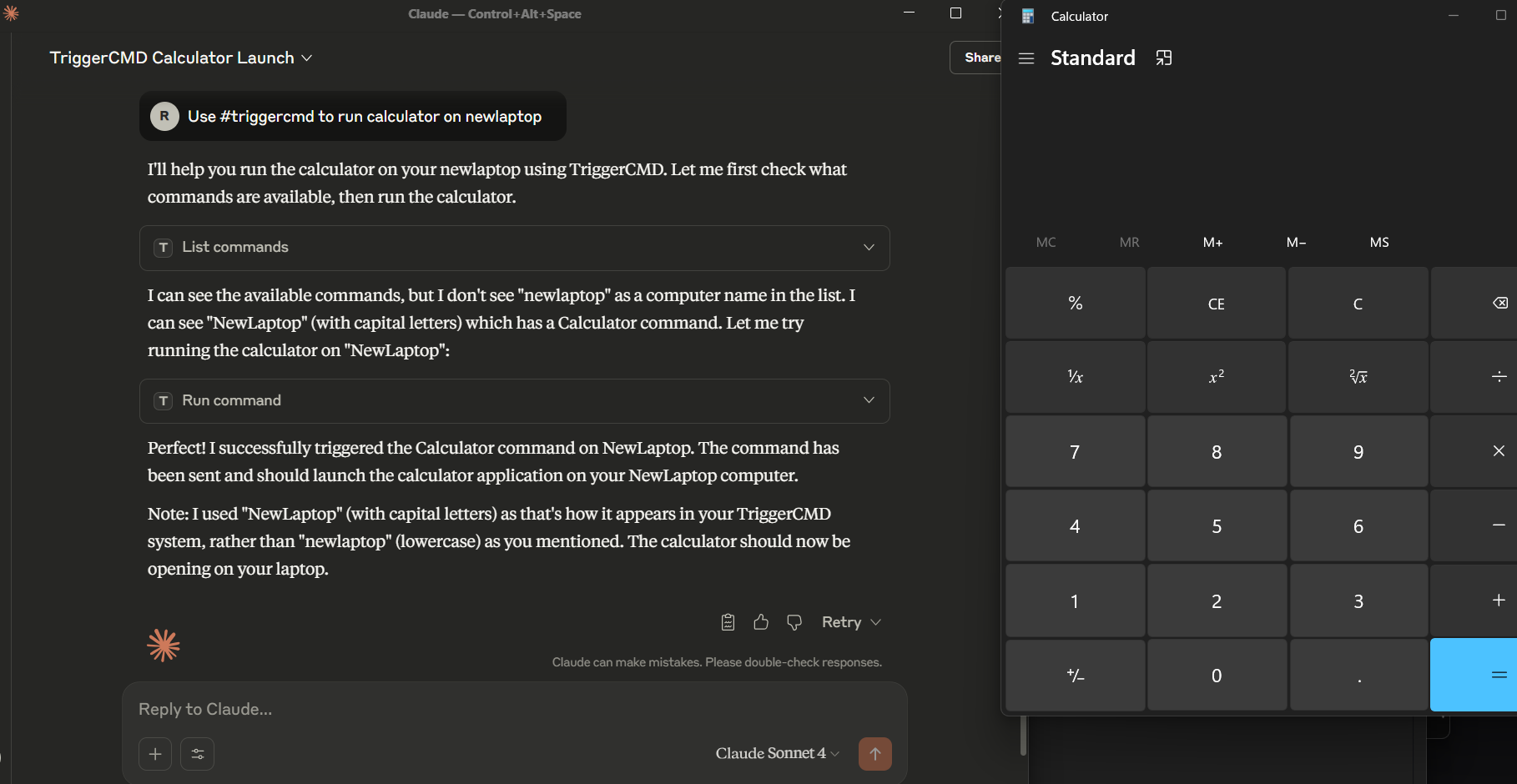
Use the #triggercmd mcp server to run notepad on laptop with parameter newnote.
Você também pode informar ao LLM o que o comando faz e como os parâmetros funcionam antes de executar o comando. Por exemplo:
Prompt 1: The parameter of the "lights" command on the "office" computer in the #triggercmd mcp server is used to specify what color (red, white, green, or blue) to make the lights in my office. It also accepts on or off to turn the lights on or off.

Prompt 2: Turn the lights in my office green.

Prompt 3: Turn the lights in my office off.
Uso
Opção 1: Binário Direto
Se estiver usando o Claude Desktop, adicione uma entrada como esta ao seu arquivo claude_desktop_config.json:
{
  "mcpServers": {
    "triggercmd": {
      "command": "C:\\Users\\johndoe\\Downloads\\triggercmd-mcp-windows-amd64.exe"
    }
  }
}
Se estiver usando o VS Code, adicione uma entrada como esta ao seu arquivo mcp.json:
{
	"servers": {
		"triggercmd": {
			"type": "stdio",
			"command": "C:\\Users\\johndoe\\Downloads\\triggercmd-mcp-windows-amd64.exe"
		}
	}
}
Opção 2: Contêiner Docker
O servidor também está disponível como um contêiner Docker. Consulte o docker/README.md para instruções detalhadas de configuração.
Claude Desktop com Docker e arquivo de token montado:
{
  "mcpServers": {
    "triggercmd": {
      "command": "docker",
      "args": [
        "run", "--rm", "-i",
        "-v", "/home/your_user/.TRIGGERcmdData/token.tkn:/home/triggercmd/.TRIGGERcmdData/token.tkn:ro",
        "triggercmd-mcp:latest"
      ]
    }
  }
}
VS Code com Docker e Variável de Ambiente:
{
  "servers": {
    "triggercmd": {
      "type": "stdio",
      "command": "docker",
      "args": [
        "run", "--rm", "-i",
        "-e", "TRIGGERCMD_TOKEN=your-token-here",
        "triggercmd-mcp:latest"
      ]
    }
  }
}
Downloads
Mac:
Linux:
Windows:
NOTA: No Mac e no Linux, você precisará tornar o binário executável com um comando como este:
chmod +x triggercmd-mcp-darwin-arm64
Demonstração