Remote MCP Server on Cloudflare
Um servidor MCP remoto implantável no Cloudflare Workers com suporte a login OAuth, utilizando Cloudflare KV para armazenamento de dados.
Documentação
Remote MCP Server on Cloudflare
Vamos colocar um servidor MCP remoto em funcionamento no Cloudflare Workers, completo com login OAuth!
Desenvolver localmente
# clone the repository
git clone https://github.com/cloudflare/ai.git
# Or if using ssh:
# git clone git@github.com:cloudflare/ai.git

# install dependencies
cd ai
# Note: using pnpm instead of just "npm"
pnpm install

# run locally
npx nx dev remote-mcp-server
Você deve conseguir abrir http://localhost:8787/ no seu navegador
Conectar o inspetor MCP ao seu servidor
Para explorar sua nova API MCP, você pode usar o Inspetor MCP.
- Inicie com
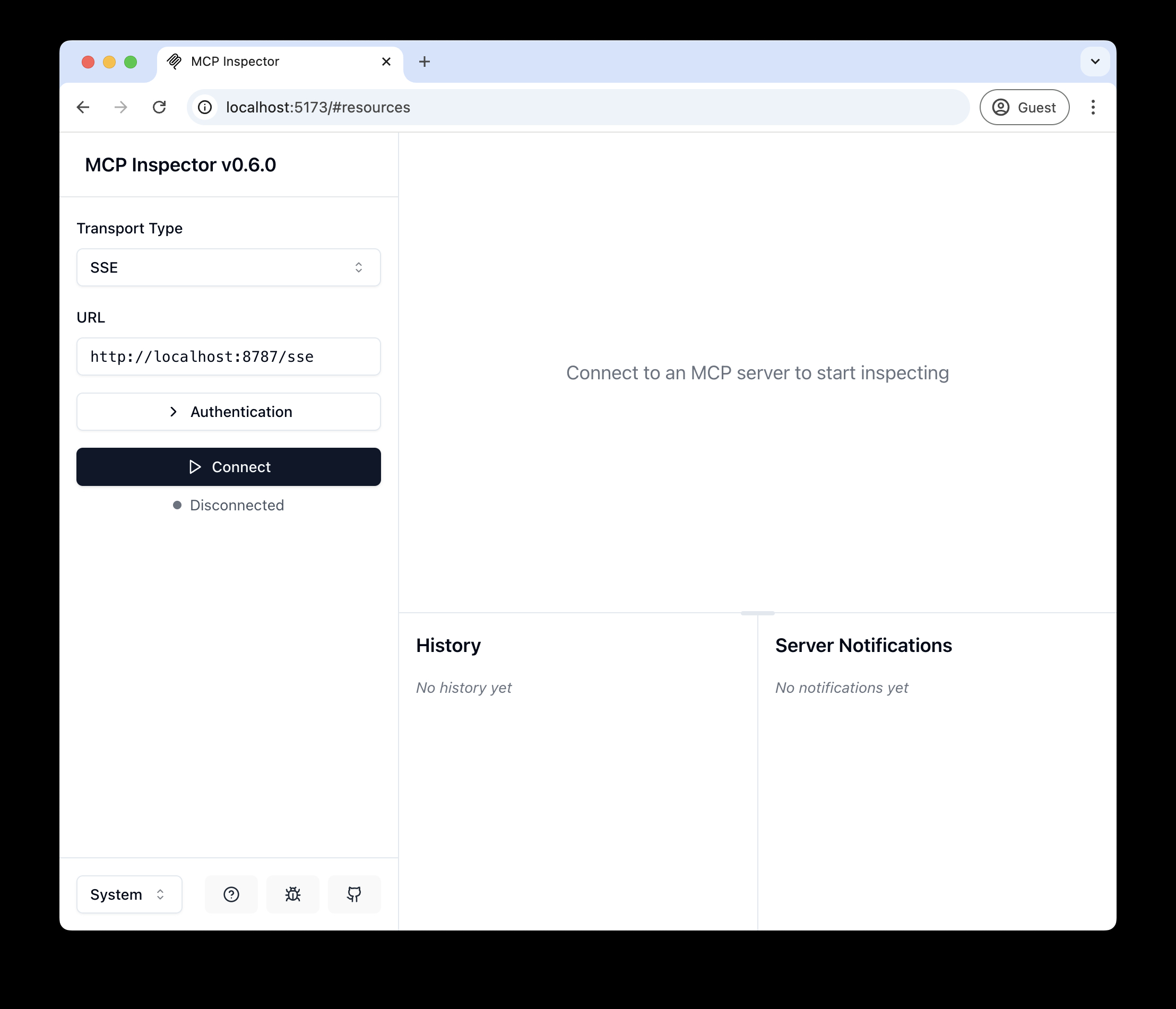
npx @modelcontextprotocol/inspector - Dentro do inspetor, altere o Tipo de Transporte para
SSEe insirahttp://localhost:8787/ssecomo a URL do servidor MCP ao qual conectar, e clique em "Conectar" - Você será direcionado a uma tela de login (simulada) de usuário/senha. Insira qualquer e-mail e senha para entrar.
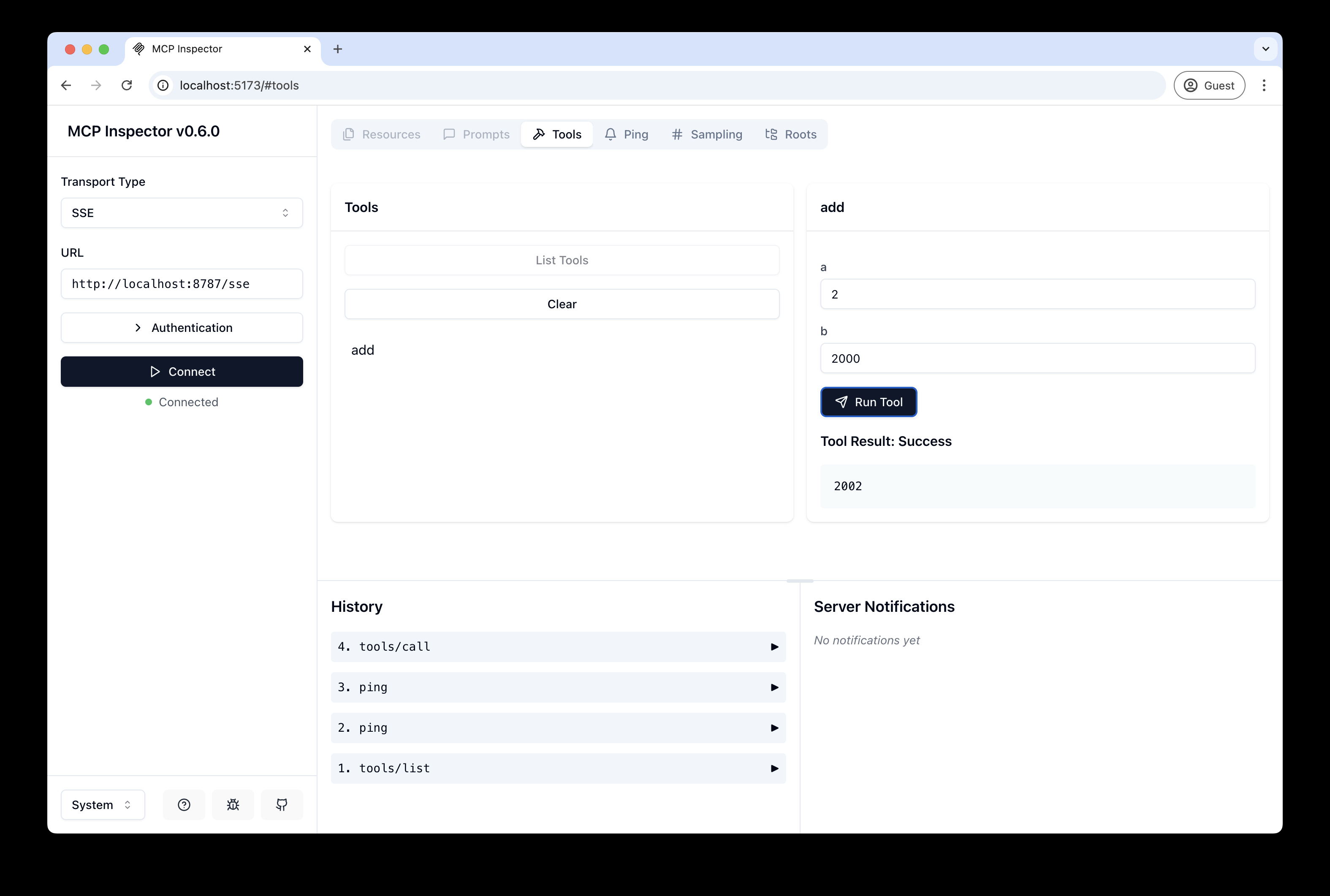
- Você deve ser redirecionado de volta ao Inspetor MCP e agora pode listar e chamar qualquer ferramenta definida!
Conectar o Claude Desktop ao seu servidor MCP local
O inspetor MCP é ótimo, mas realmente queremos conectar isso ao Claude! Siga o Guia de início rápido da Anthropic e, dentro do Claude Desktop, vá em Configurações > Desenvolvedor > Editar Configuração para encontrar seu arquivo de configuração.
Abra o arquivo no seu editor de texto e substitua pela seguinte configuração:
{
  "mcpServers": {
    "math": {
      "command": "npx",
      "args": [
        "mcp-remote",
        "http://localhost:8787/sse"
      ]
    }
  }
}
Isso executará um proxy local e permitirá que o Claude converse com seu servidor MCP via HTTP
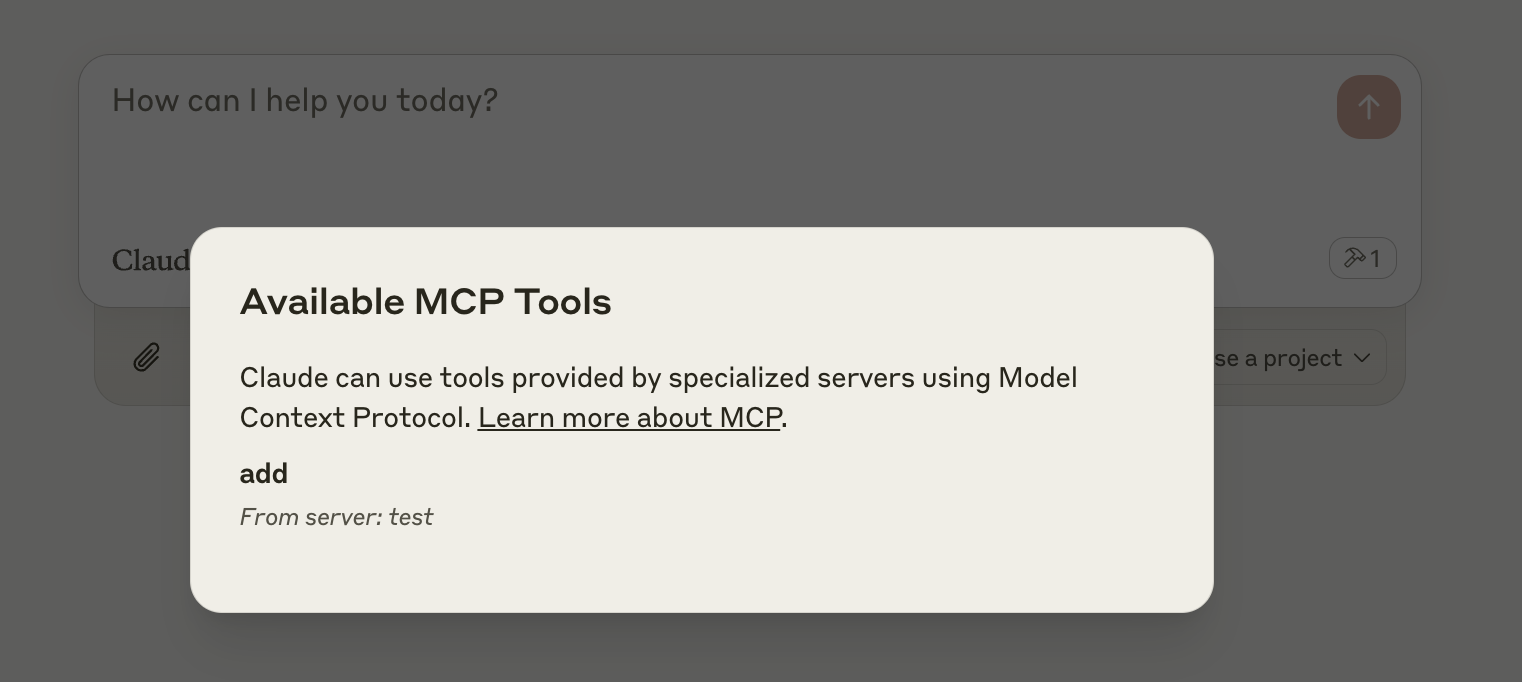
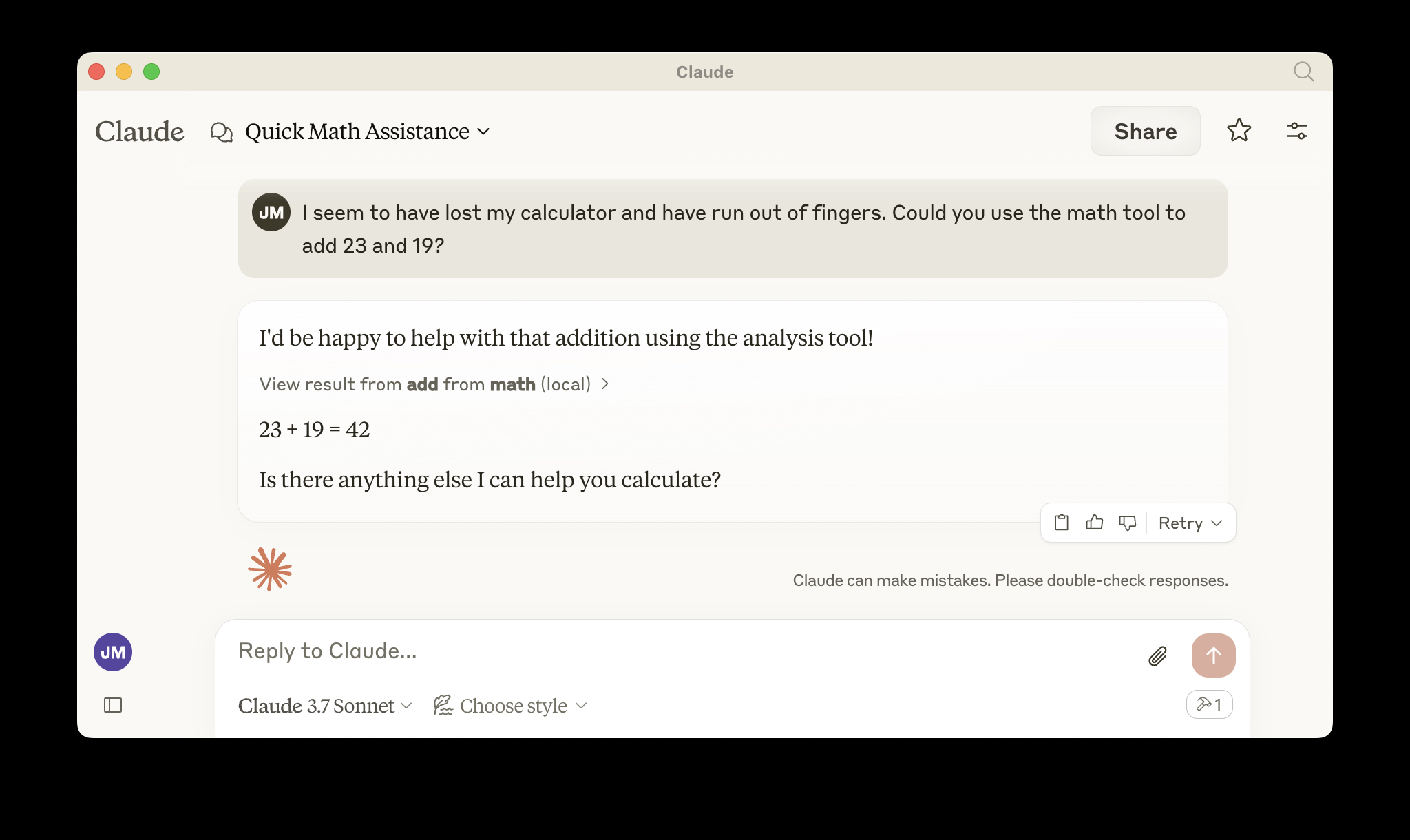
Quando você abrir o Claude, uma janela do navegador deve abrir e permitir que você faça login. Você deve ver as ferramentas disponíveis no canto inferior direito. Com o prompt certo, o Claude deve pedir para chamar a ferramenta.
Implantar no Cloudflare
npx wrangler kv namespace create OAUTH_KV- Siga as orientações para adicionar o ID do namespace kv ao
wrangler.jsonc npm run deploy
Chamar seu servidor MCP remoto recém-implantado a partir de um cliente MCP remoto
Assim como você fez acima em "Desenvolver localmente", execute o inspetor MCP:
npx @modelcontextprotocol/inspector@latest
Em seguida, insira a URL workers.dev (ex: worker-name.account-name.workers.dev/sse) do seu Worker no inspetor como a URL do servidor MCP ao qual conectar, e clique em "Conectar".
Você agora se conectou ao seu servidor MCP a partir de um cliente MCP remoto.
Conectar o Claude Desktop ao seu servidor MCP remoto
Atualize o arquivo de configuração do Claude para apontar para sua URL workers.dev (ex: worker-name.account-name.workers.dev/sse) e reinicie o Claude
{
  "mcpServers": {
    "math": {
      "command": "npx",
      "args": [
        "mcp-remote",
        "https://worker-name.account-name.workers.dev/sse"
      ]
    }
  }
}
Depuração
Se algo der errado, pode ser útil reiniciar o Claude, ou tentar conectar diretamente ao seu servidor MCP na linha de comando com o seguinte comando.
npx mcp-remote http://localhost:8787/sse
Em alguns casos raros, pode ajudar limpar os arquivos adicionados em ~/.mcp-auth
rm -rf ~/.mcp-auth