Remote MCP Server on Cloudflare
Um servidor MCP projetado para rodar no Cloudflare Workers, com suporte a login OAuth para acesso seguro.
Documentação
Remote MCP Server on Cloudflare
Vamos colocar um servidor MCP remoto em funcionamento no Cloudflare Workers, completo com login OAuth!
Desenvolver localmente
# clone the repository
git clone git@github.com:cloudflare/ai.git

# install dependencies
cd ai
npm install

# run locally
npx nx dev remote-mcp-server
Você deve conseguir abrir http://localhost:8787/ no seu navegador
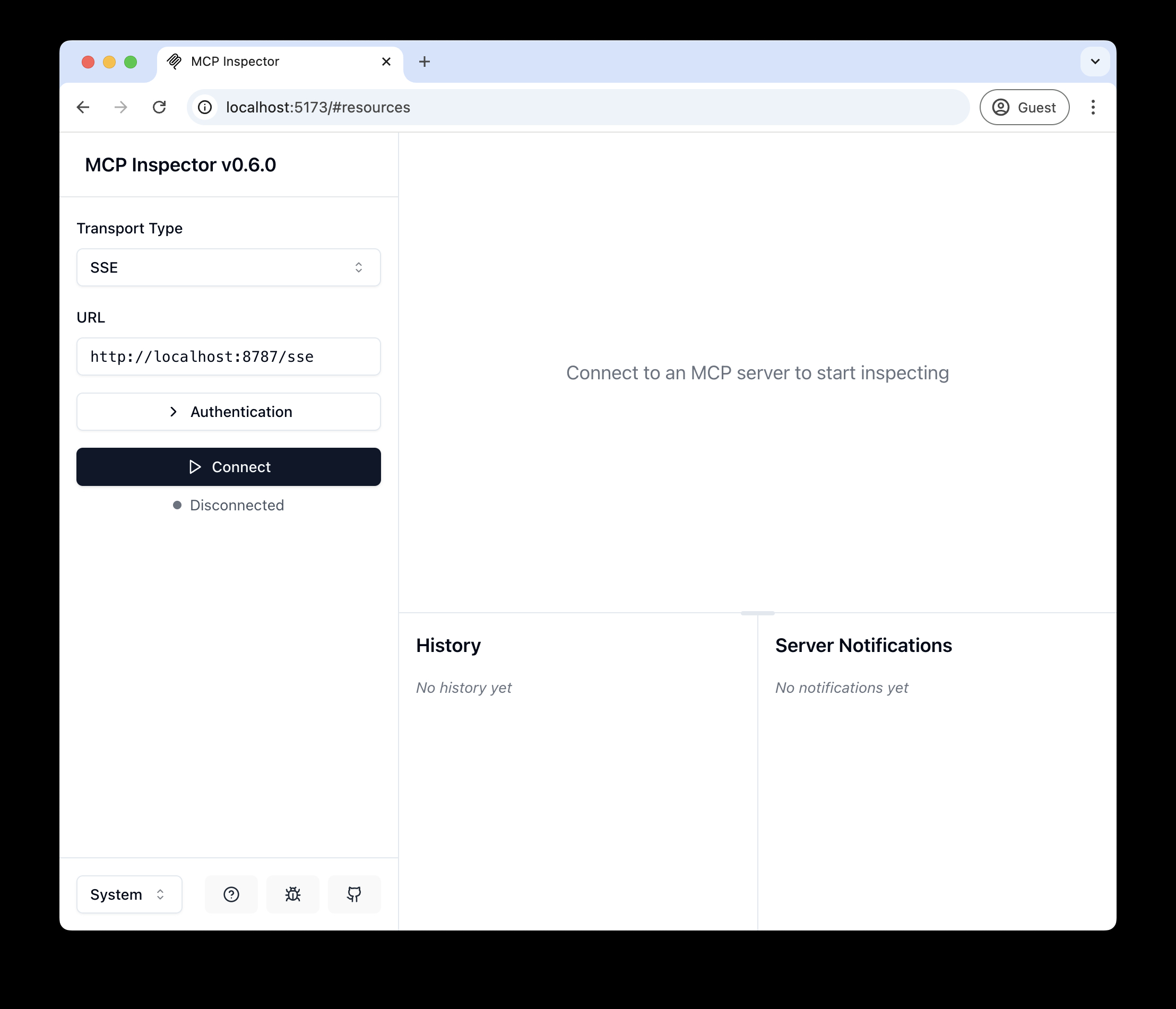
Conectar o inspetor MCP ao seu servidor
Para explorar sua nova API MCP, você pode usar o MCP Inspector.
- Inicie com
npx @modelcontextprotocol/inspector - Dentro do inspetor, altere o Tipo de Transporte para
SSEe insirahttp://localhost:8787/ssecomo a URL do servidor MCP para conectar, e clique em "Connect" - Você será direcionado para uma tela de login (simulada) de usuário/senha. Insira qualquer e-mail e senha para entrar.
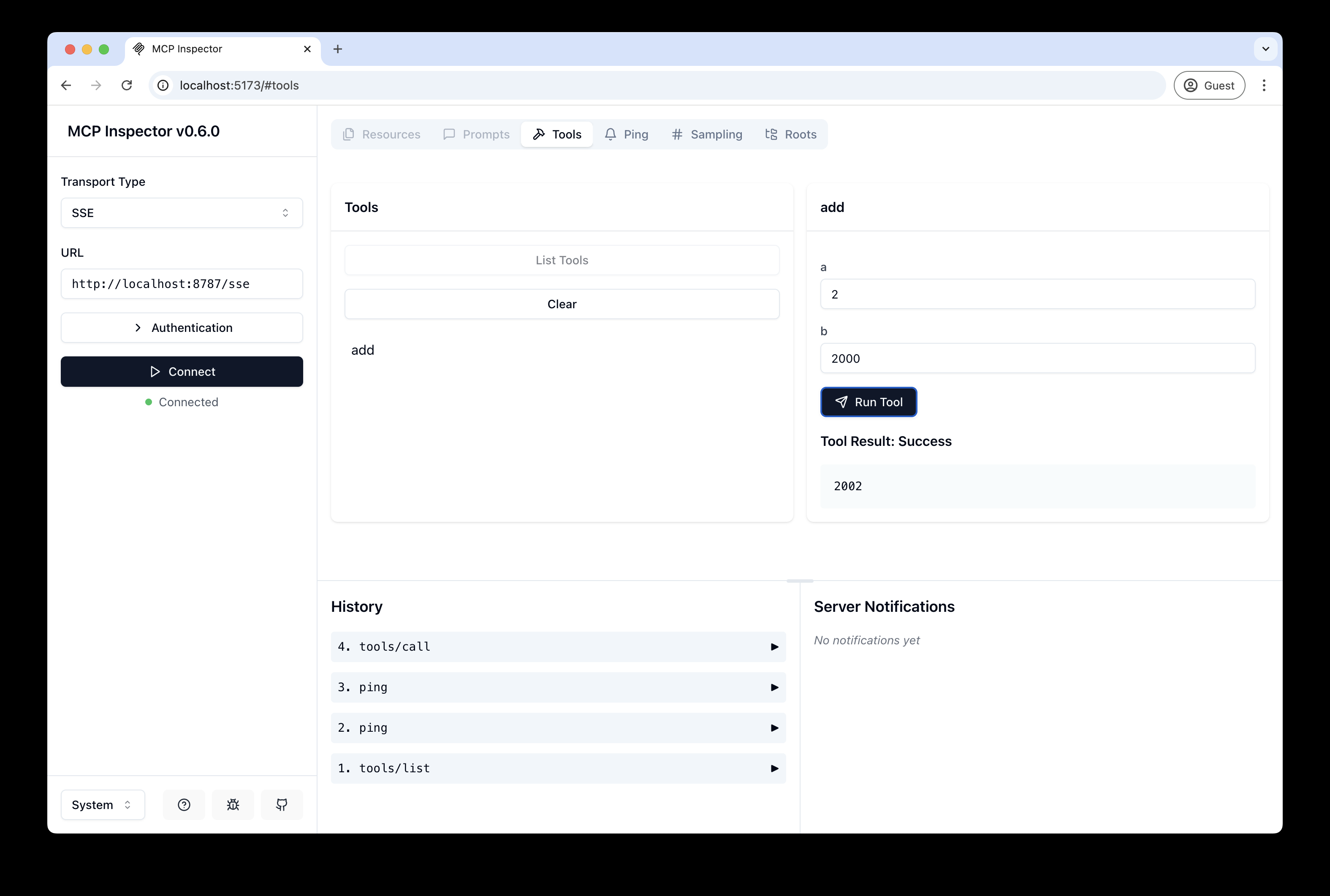
- Você deve ser redirecionado de volta ao MCP Inspector e agora pode listar e chamar qualquer ferramenta definida!
Conectar o Claude Desktop ao seu servidor MCP local
O inspetor MCP é ótimo, mas realmente queremos conectar isso ao Claude! Siga o Quickstart da Anthropic e, dentro do Claude Desktop, vá para Configurações > Desenvolvedor > Editar Config para encontrar seu arquivo de configuração.
Abra o arquivo no seu editor de texto e substitua pela seguinte configuração:
{
  "mcpServers": {
    "math": {
      "command": "npx",
      "args": [
        "mcp-remote",
        "http://localhost:8787/sse"
      ]
    }
  }
}
Isso executará um proxy local e permitirá que o Claude converse com seu servidor MCP via HTTP
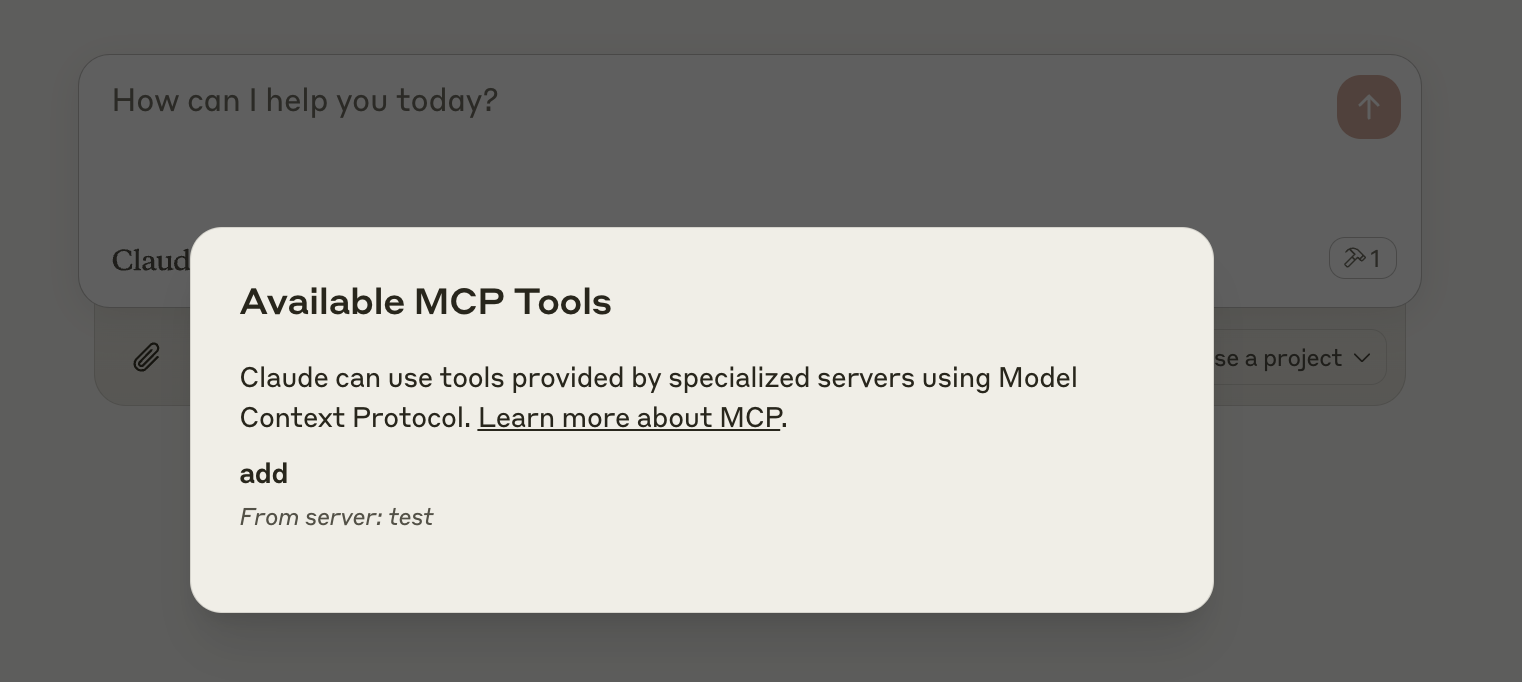
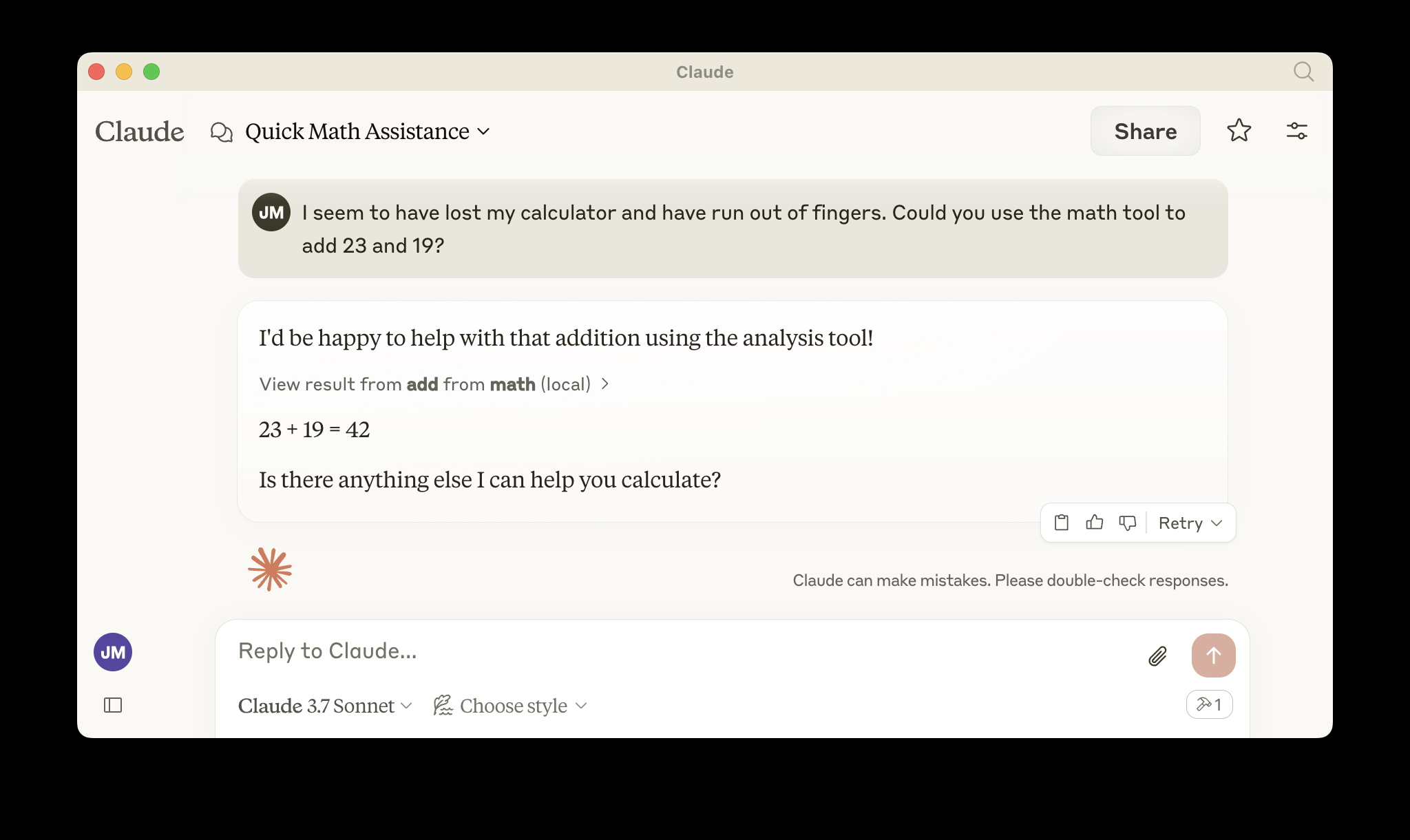
Quando você abrir o Claude, uma janela do navegador deve abrir e permitir que você faça login. Você deve ver as ferramentas disponíveis no canto inferior direito. Com o prompt certo, o Claude deve pedir para chamar a ferramenta.
Implantar no Cloudflare
npx wrangler kv namespace create OAUTH_KV- Siga as orientações para adicionar o ID do namespace kv ao
wrangler.jsonc npm run deploy
Chamar seu servidor MCP remoto recém-implantado a partir de um cliente MCP remoto
Assim como você fez acima em "Desenvolver localmente", execute o inspetor MCP:
npx @modelcontextprotocol/inspector@latest
Em seguida, insira a URL workers.dev (ex: worker-name.account-name.workers.dev/sse) do seu Worker no inspetor como a URL do servidor MCP para conectar e clique em "Connect".
Você agora se conectou ao seu servidor MCP a partir de um cliente MCP remoto.
Conectar o Claude Desktop ao seu servidor MCP remoto
Atualize o arquivo de configuração do Claude para apontar para sua URL workers.dev (ex: worker-name.account-name.workers.dev/sse) e reinicie o Claude
{
  "mcpServers": {
    "math": {
      "command": "npx",
      "args": [
        "mcp-remote",
        "https://worker-name.account-name.workers.dev/sse"
      ]
    }
  }
}
Depuração
Se algo der errado, pode ser útil reiniciar o Claude ou tentar conectar diretamente ao seu servidor MCP na linha de comando com o seguinte comando.
npx mcp-remote http://localhost:8787/sse
Em alguns casos raros, pode ajudar limpar os arquivos adicionados ao ~/.mcp-auth
rm -rf ~/.mcp-auth