LedgerCrossing (QuickBooks Desktop MCP server)
Server MCP untuk QuickBooks Desktop (Pro, Premier, Enterprise). Berjalan di mesin QuickBooks: membaca dan menulis semua 240 operasi qbXML dari Claude, Cursor, VS Code.
Dokumentasi
AI for QuickBooks Desktop: use Claude, ChatGPT and other AI assistants with your books
Ask questions and get work done in your real company file: who's overdue, last month's sales by customer, a draft invoice. One-time purchase.
claude.ai, ChatGPT, Meta Muse and Grok Bot connect from anywhere with LedgerCrossing Remote ($39/mo). Claude Desktop, Claude Code, Cursor, VS Code, Codex and Gemini CLI on your QuickBooks computer or office network are included.
Setup guide → Comparing options? Connect Claude to QuickBooks Desktop: every option compared →
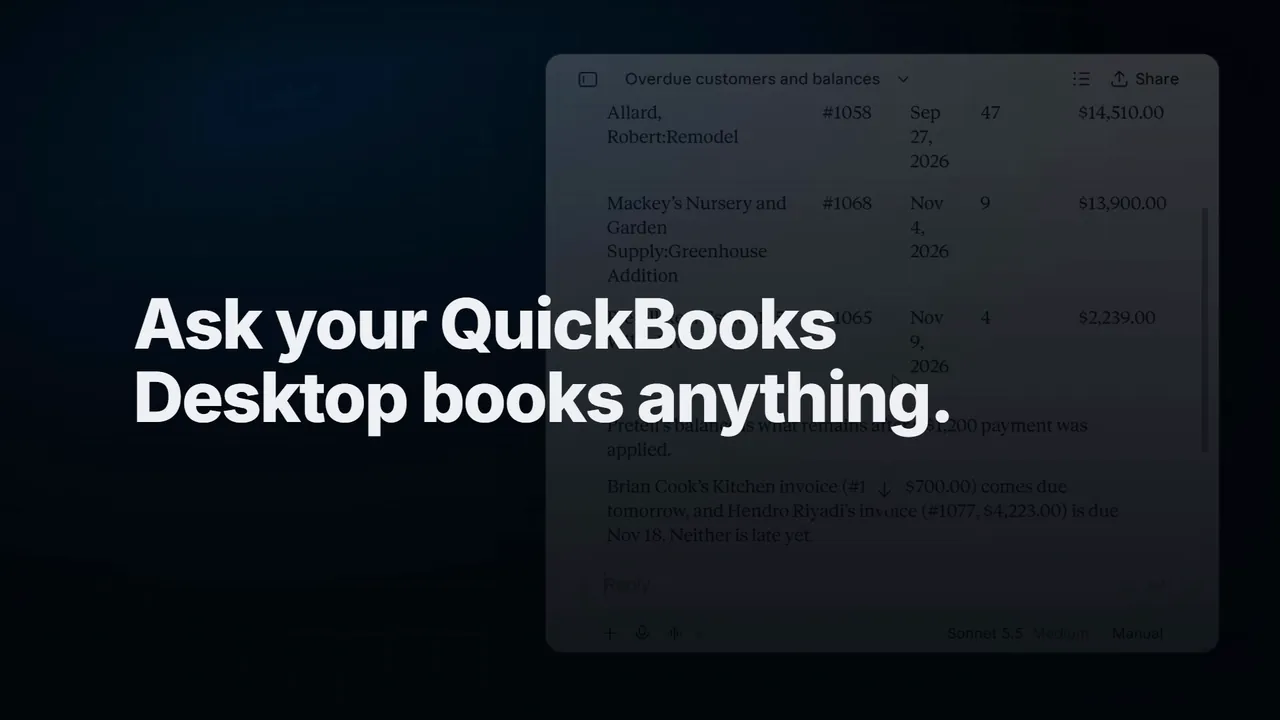
Watch (1:34): three real requests in claude.ai over LedgerCrossing Remote, with Intuit's sample company file. The typing and Claude's working time are sped up and labeled on screen; the answers play at real speed.
“With AI, this was my first attempt and I'm very happy with it.”
Zishe, LedgerCrossing customer
What you can ask
- “What changed in my profit this year, and why?”
- “Which jobs ran over their estimate, and which costs drove it?”
- “What were sales by month this year?”
- “Which items are below their reorder point?”
- “Draft an invoice for Acme for 3 hours of consulting at $95. Show it to me before saving.”
Answers come from your QuickBooks Desktop company file, not a copy.
Reports, straight to Excel
Ask Claude for any report from QuickBooks Desktop (sales by customer, open invoices, aging) and get an Excel sheet back.
Statements and spreadsheets, entered for you
Upload a bank or card statement or a spreadsheet, and Claude enters each row in QuickBooks Desktop as checks, deposits, credit card charges or journal entries, using your own accounts and vendors.
Invoices from the file you have
Upload an invoice to Claude and tell it to enter it. It goes into QuickBooks Desktop, in the company file you choose.
Card statements, entered your way
Upload a card statement and tell Claude to follow how you entered past charges. It applies the same rules.
QuickBooks Desktop reports to Excel → · QuickBooks Desktop bank feeds stopped? Bring them back →
Ask why, report by report
- P&L comparison: “What changed in my profit this year, and why?”
- Job profitability: “Which jobs lost money or ran over their estimate this year, and why?”
- Budget vs. actual: “Which lines are furthest off budget this year, and why?”
- Cash flow: “Project my cash for the next 13 weeks.”
- Sales by customer: “Which customers are buying less than last year, and why?”
- Expenses by vendor: “Which vendors are we spending more with than last year, and why?”
- P&L by class: “Which class is really making us money, and why did its margin change?”
- Sales by item: “Which items drove the change in sales and gross profit, and was it volume, price or cost?”
“I use it … when I need it to build out any reports. I just tell Claude to check in with QuickBooks and give me an Excel sheet of it or, when entering any invoices, I upload it to Claude and tell it to enter it into QuickBooks. When I wanted to reconcile a card, I just upload the statement to Claude, tell it to enter it into QuickBooks, and follow the previous rules of previous entries that I did manually so it knows what to do and you don't have to walk through all steps.”
Zishe, LedgerCrossing customer
How it works
- Install LedgerCrossing on the computer where QuickBooks Desktop runs.
- Add it to claude.ai, ChatGPT, Meta Muse or Grok Bot with LedgerCrossing Remote, or to Claude Desktop, Claude Code, Cursor, VS Code, Codex or Gemini CLI in your office.
- Ask.
Over LedgerCrossing Remote, claude.ai, ChatGPT, Meta Muse and Grok Bot can read your books but can't change them until you allow it: turn off both Read-only switches in Settings > Allowed Connections > Internet: the one at the top, which covers every Internet connection, and the one on each user who may make changes.
You stay in control
It can create and edit records, not just read, so connect it to company files you mean it to touch. Open-ended list and transaction queries are refused by default, and QuickBooks' own audit trail records every change.
Security and IT review → · Is it safe to connect AI to QuickBooks Desktop? A checklist →
For technical readers
Included in the product. Not a tier, not a preview, not a limited-time unlock.
LedgerCrossing is an MCP server for QuickBooks Desktop (Pro, Premier, and Enterprise). It runs next to QuickBooks on the machine where the company file lives and exposes all 240 qbXML operations to any MCP client. Intuit's official Claude connector supports QuickBooks Online only. LedgerCrossing reaches a Desktop company file directly, with no Web Connector in between. Every option compared → · How to connect ChatGPT to QuickBooks Desktop → · Enter bank and card statements with AI → · Connect PowerShell to QuickBooks Desktop →
Most QuickBooks MCP servers are for QuickBooks Online
QuickBooks Desktop has no cloud API — it only talks through a local COM interface on the machine where it runs. That's why cloud MCP servers need something on that machine. Most hosted QuickBooks Desktop APIs use the QuickBooks Web Connector, which checks in on a schedule (polling). LedgerCrossing is a Windows app sitting next to QuickBooks, exposing a REST API and an MCP server on the same listener, so your agent's requests go straight to QuickBooks: no Web Connector, no polling schedule, one-time price.
Seven tools, one discovery loop
The agent discovers QuickBooks on demand instead of memorizing it: list_operations to browse, get_operation for the exact field rules, validate_qbxml to check locally, then read_quickbooks to look things up or write_quickbooks to make a change. The full catalog never floods the agent's context — it pulls only the operation it's working on.
list_operations
Returns all 240 qbXML operations with category and minimum QuickBooks version — the agent browses what's possible.
get_operation
The full field reference for one operation: element order, required flags, max lengths, enums, version gates, plus a minimal example request.
validate_qbxml
Checks a request locally against the catalog — no QuickBooks round-trip, so mistakes get caught before they run.
read_quickbooks
Runs a query or report against QuickBooks Desktop and returns the response. It can't change the books: a request that would is refused.
write_quickbooks
Adds, modifies, deletes or voids records — the same full capability as the REST API. A request that changes nothing is refused.
explain_error
Turns a QuickBooks status code into what actually went wrong and what to change.
get_status
Is QuickBooks up, which company file is open, is the bridge connected.
The catalog is generated from Intuit's own qbXML specification — facts, field rules, and version gates for all 240 operations.
Full capability — treat it accordingly
MCP is not read-only. write_quickbooks runs whatever change the agent writes — invoices, payments, edits — exactly like the REST API. That's the point, and it means you should scope what you connect: QuickBooks' own Audit Trail records every posted transaction. Lookups go through read_quickbooks, which refuses changes. Over LedgerCrossing Remote, each person starts read-only, and write_quickbooks is refused for them until you allow changes.
Open-ended list queries refused by default. A list or transaction query with no limit is stopped before it reaches QuickBooks; the AI has to set one.
Who needs a credential. On the QuickBooks machine itself, nothing: no key. On your office network, the API key, the same one the REST API takes (Bearer or X-Api-Key); the app won't open the office network without a key set. Over LedgerCrossing Remote, each person signs in, and the API key works there only if the owner turns on Allow the API key.
What it costs
The MCP server is included in the $299. Remote's $39/mo pays for the hosted relay, never for AI.
From anywhere: claude.ai, ChatGPT, Meta Muse, Grok Bot
LedgerCrossing Remote, a managed relay with per-person sign-in.
$39/mo — for the relay, not the AI
On your QuickBooks computer or office network
Claude Desktop, Claude Code, Cursor, VS Code, Codex and Gemini CLI. REST API + MCP server on the QuickBooks machine out of the box; your office network with one setting.
Part of the $299 one-time product
What works where
- claude.ai, ChatGPT, Meta Muse and Grok Bot — from anywhere, through LedgerCrossing Remote: each user signs in with a username and password, can be made read-only or limited to certain company files, and can be removed at any time. Meta Muse needs LedgerCrossing 1.15.1 or later, and Grok Bot needs 1.15.2 or later.
- Claude Desktop — on the QuickBooks machine or your office network: the
.mcpbextension bundle (installed through Claude Desktop's Extension Developer menu) or a stdio config line. Across the office network it talks to the QuickBooks machine directly. - Claude Code — streamable HTTP: no key on the QuickBooks machine, the API key (Bearer or
X-Api-Keyheader) across the office network or your own tunnel, sign-in over LedgerCrossing Remote - Cursor — streamable HTTP: no key on the QuickBooks machine, the API key (Bearer or
X-Api-Keyheader) across the office network or your own tunnel, sign-in over LedgerCrossing Remote - VS Code (GitHub Copilot agent mode) — streamable HTTP: no key on the QuickBooks machine, the API key (Bearer or
X-Api-Keyheader) across the office network or your own tunnel, sign-in over LedgerCrossing Remote - Codex and Gemini CLI — on the QuickBooks machine or your office network: a stdio config line on the QuickBooks machine, with no key; from another computer in your office, the MCP URL and the API key
claude.ai, ChatGPT, Meta Muse and Grok Bot connect with OAuth sign-in, so LedgerCrossing Remote includes it: no shared key on the internet, a name on every audit line, and access you can revoke per person. Setup is on Connect claude.ai or ChatGPT; the quickstart has exact config for every other client, local and remote.
Agents and integrations share one queue into one QuickBooks session. The performance guide covers batching, the Queue-Wait-Ms and File-Contention response headers, and what changes when you work more than one company file.
Questions
Does QuickBooks Desktop have AI?
Not built in. Intuit's AI assistant and its Claude and ChatGPT connectors cover QuickBooks Online and Intuit's newer suites, and the QuickBooks Desktop 2024 release notes through June 2026 list no AI features. LedgerCrossing adds it: Claude, ChatGPT and other AI assistants can answer questions about your Desktop books and, if you allow it, enter transactions.
Best AI tools for QuickBooks Desktop: every option compared →
Compatibility: if it can make a web request, it can talk to QuickBooks Desktop through LedgerCrossing — custom code, integration platforms, internal tools, AI agents, anything. One honest caveat: off-the-shelf apps that sync through the Web Connector today are controlled by their vendor, so LedgerCrossing is not a drop-in replacement underneath them.
One purchase. The API and the AI door included.
$299 one-time, unlimited QuickBooks company files per machine, 30-day money-back guarantee.
Then follow the MCP quickstart.