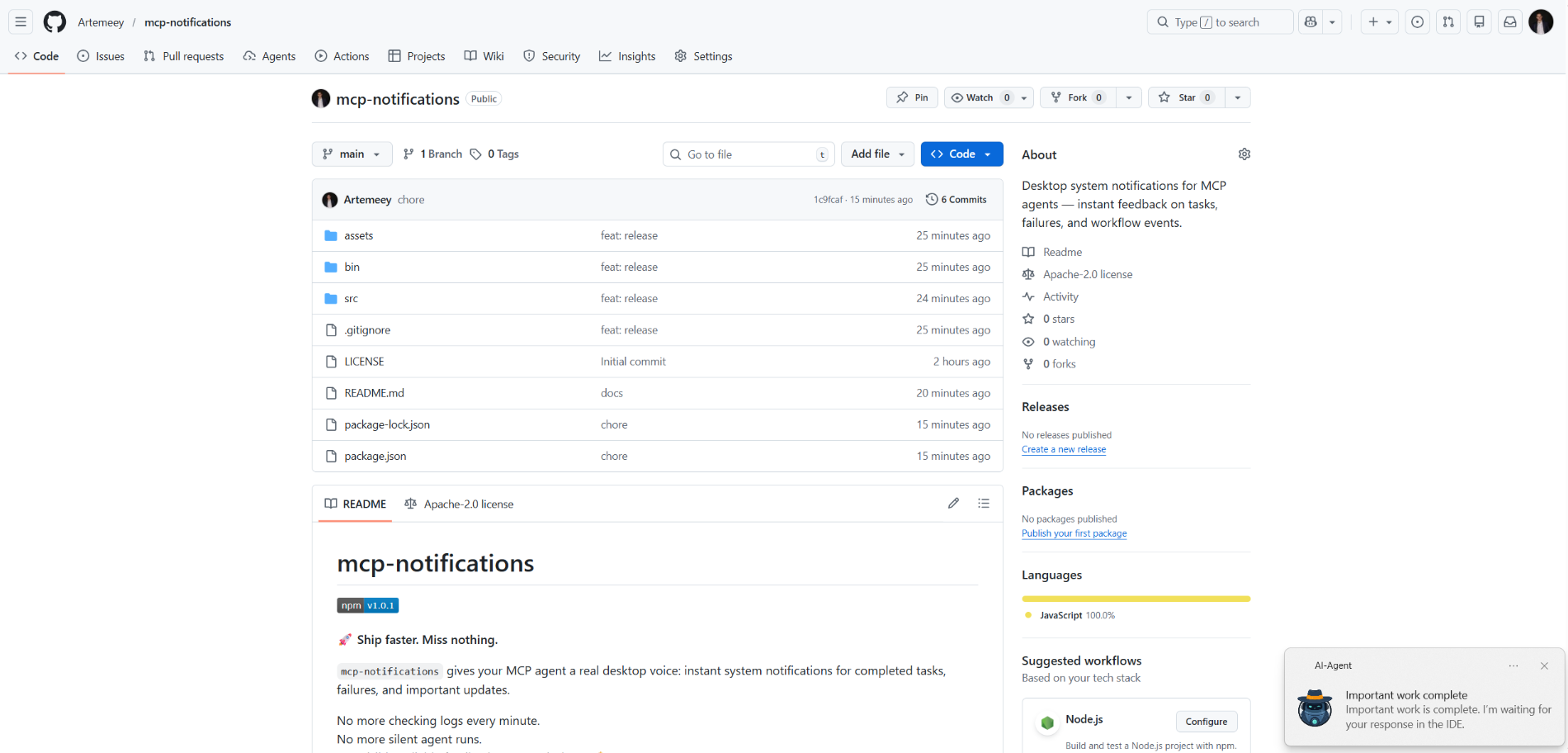
mcp-notifications
resmiNotifikasi sistem desktop untuk agen MCP — umpan balik instan tentang tugas, kegagalan, dan peristiwa alur kerja.
Apa yang bisa Anda lakukan dengan Notifications MCP?
- Kirim notifikasi desktop — Minta agen untuk memanggil
send_notificationdengan judul dan pesan kustom saat tugas selesai. - Sertakan peringatan suara — Atur
play_sound: trueagar notifikasi memutar suara sistem saat dikirim. - Sesuaikan sumber notifikasi di Windows — Berikan
app_iduntuk mengontrol nama aplikasi yang ditampilkan di toast, atau atur secara global melalui variabel lingkunganMCP_NOTIFICATIONS_APP_ID. - Gunakan ikon kustom — Berikan jalur
iconuntuk mengganti gambar default di notifikasi.
Dokumentasi
mcp-notifications

🚀 Kirim lebih cepat. Jangan lewatkan apa pun.
mcp-notifications memungkinkan agen MCP Anda mengirim notifikasi desktop untuk tugas yang selesai, kegagalan, dan pembaruan penting.
Ini sangat berguna untuk agen AI konsol, karena biasanya mereka tidak memiliki notifikasi bawaan secara default.
Tidak perlu lagi memeriksa obrolan setiap menit.
Tidak ada lagi respons agen yang senyap.
Cukup umpan balik yang terlihat dan andal di desktop Anda. 🔔
Masalah umum yang dipecahkan ini
Anda memberikan tugas kepada beberapa agen AI, lalu menunggu dan terus memeriksa siapa yang sudah membalas.
Dengan mcp-notifications, ini menjadi lebih sederhana: agen dapat memberi tahu Anda di desktop saat memerlukan masukan Anda atau saat pekerjaan selesai.
Mengapa tim memasang ini
- ⚡ Umpan balik langsung dari alur kerja MCP Anda.
- 🧠 Fokus lebih baik: biarkan agen bekerja sementara Anda tetap pada tugas utama.
- 🖥️ Notifikasi OS asli melalui
node-notifier. - 🧵 Perilaku non-pemblokiran: pengiriman notifikasi diantrekan di latar belakang.
Pasang secara global
Persyaratan:
- Node.js
>=20 - npm
>=10
npm i -g @topvisor/mcp-notifications
Nama yang dapat dieksekusi (gunakan ini di konfigurasi MCP):
mcp-notifications
mcp-notifications adalah titik masuk server MCP (stdio), bukan perintah notifikasi satu kali.
Pengaturan: Codex
Tambahkan ini ke ~/.codex/config.toml:
[mcp_servers.notifications]
enabled = true
command = "mcp-notifications"
args = []
Mulai ulang Codex setelah pembaruan konfigurasi.
Pengaturan: Claude Agent
Tambahkan konfigurasi server MCP ke file konfigurasi klien Claude Anda:
{
  "mcpServers": {
    "notifications": {
      "command": "mcp-notifications",
      "args": []
    }
  }
}
Kemudian mulai ulang klien Claude.
Instruksi Notifikasi Agen AI
Ada dua pendekatan untuk notifikasi: manual dan otomatis.
Pilih yang paling cocok untuk alur kerja Anda.
Manual
Dalam tugas di mana Anda ingin diberi tahu, minta agen secara eksplisit. Contoh:
Count files in the project; after the task is fully complete, notify me with sound.
Anda juga dapat menentukan suara, topik, dan aturan frekuensi di dalam obrolan tertentu. Contoh:
Notify me about your replies without sound, include the reply text, and use title: "Large Refactoring"
Otomatis
Notifikasi otomatis dapat dikonfigurasi secara global atau per proyek.
Contoh instruksi untuk mengaktifkan notifikasi otomatis untuk balasan agen:
Send `send_notification` after your replies (actual task time >5 seconds or many steps); `play_sound: false`; `app_id: '{put your chat name here}'`
Waktu adalah ambang batas kasar dan bergantung pada perilaku model, jadi sesuaikan instruksi ini dengan preferensi Anda sendiri.
Dalam Keterampilan
Anda juga dapat mengaktifkan notifikasi dalam keterampilan tertentu. Contoh untuk keterampilan Tinjauan:
After the review, run `send_notification` with a short summary; `play_sound: true`; `app_id: 'Reviewer {put task id here}'`
Alat
send_notification
Masukan:
titlestring(wajib)messagestring(wajib)play_soundboolean(opsional, default:false)iconstring(opsional, jalur absolut atau relatif ke file gambar)app_idstring(opsional, ID Model Pengguna Aplikasi Windows untuk sumber toast)
Contoh:
{
  "title": "Codex",
  "message": "Deployment completed successfully",
  "play_sound": true,
  "icon": "/opt/mcp-notifications/icons/custom.png",
  "app_id": "Topvisor.Codex"
}
app_id (Windows)
app_idmengontrol sumber yang ditampilkan di notifikasi toast Windows.- Jika
app_idtidak diatur, Windows mungkin menampilkanSnoreToastsebagai sumbernya. - Anda dapat mengirimkan
app_iddi setiap panggilan alat, atau mengaturMCP_NOTIFICATIONS_APP_IDsebagai variabel lingkungan untuk server.
Pemilihan backend
Anda dapat memilih transport notifikasi melalui env MCP_NOTIFICATIONS_BACKEND:
auto(default): menggunakanpowershelldi WSL jika tersedia, jika tidaknode-notifierpowershell: paksa transport toast Windowspowershell.exe(direkomendasikan untuk WSL)node-notifier: paksa paketnode-notifier
Prompt Obrolan untuk Diuji di Codex
Gunakan pesan ini langsung di obrolan:
Check send_notification
Send a notification without sound: title "Test", message "Check"
Send a notification with sound: title "Test", message "Check"
Send a notification with app_id "Topvisor.Codex": title "Test", message "Check"
Send 3 test notifications in a row without sound
Hasil alat yang diharapkan di log/respons:
Notification queued
Perilaku
- ✅ Menggunakan saluran notifikasi sistem standar.
- 🔊 Menggunakan suara notifikasi sistem standar saat
play_sound: true. - 🤖 Menggunakan gambar robot Topvisor yang dibundel sebagai ikon notifikasi default.
- 🧰 Kembali dengan cepat sementara notifikasi dikirimkan dalam antrean latar belakang.
Contoh
Agen AI sedang menunggu Anda: