JMeter MCP Server
Jalankan pengujian JMeter dan analisis hasil melalui klien yang kompatibel dengan MCP.
Dokumentasi
🚀 JMeter MCP Server
This is a Model Context Protocol (MCP) server that allows executing JMeter tests through MCP-compatible clients and analyzing test results.
[!IMPORTANT] 📢 Looking for an AI Assistant inside JMeter? 🚀 Check out Feather Wand
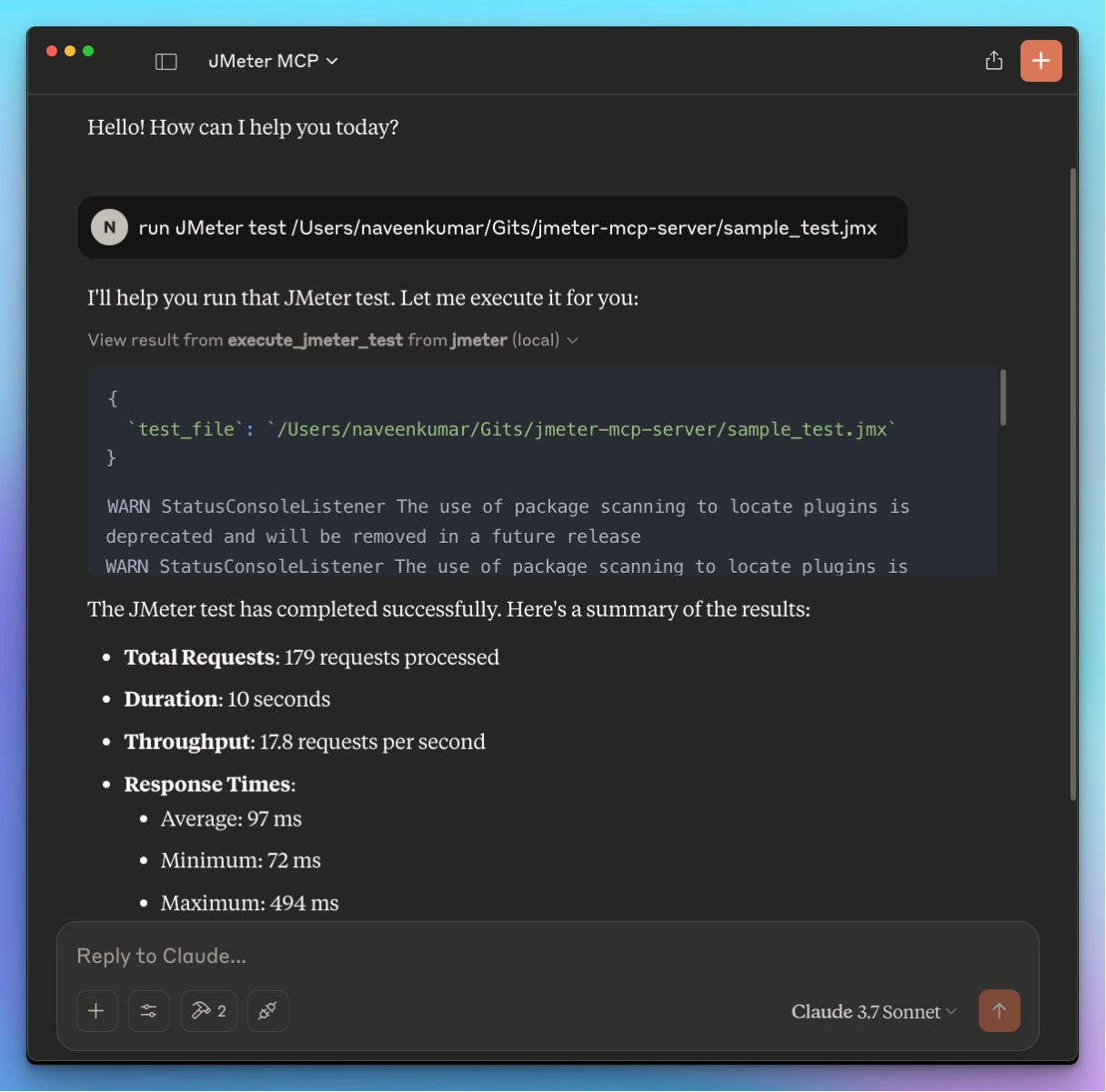
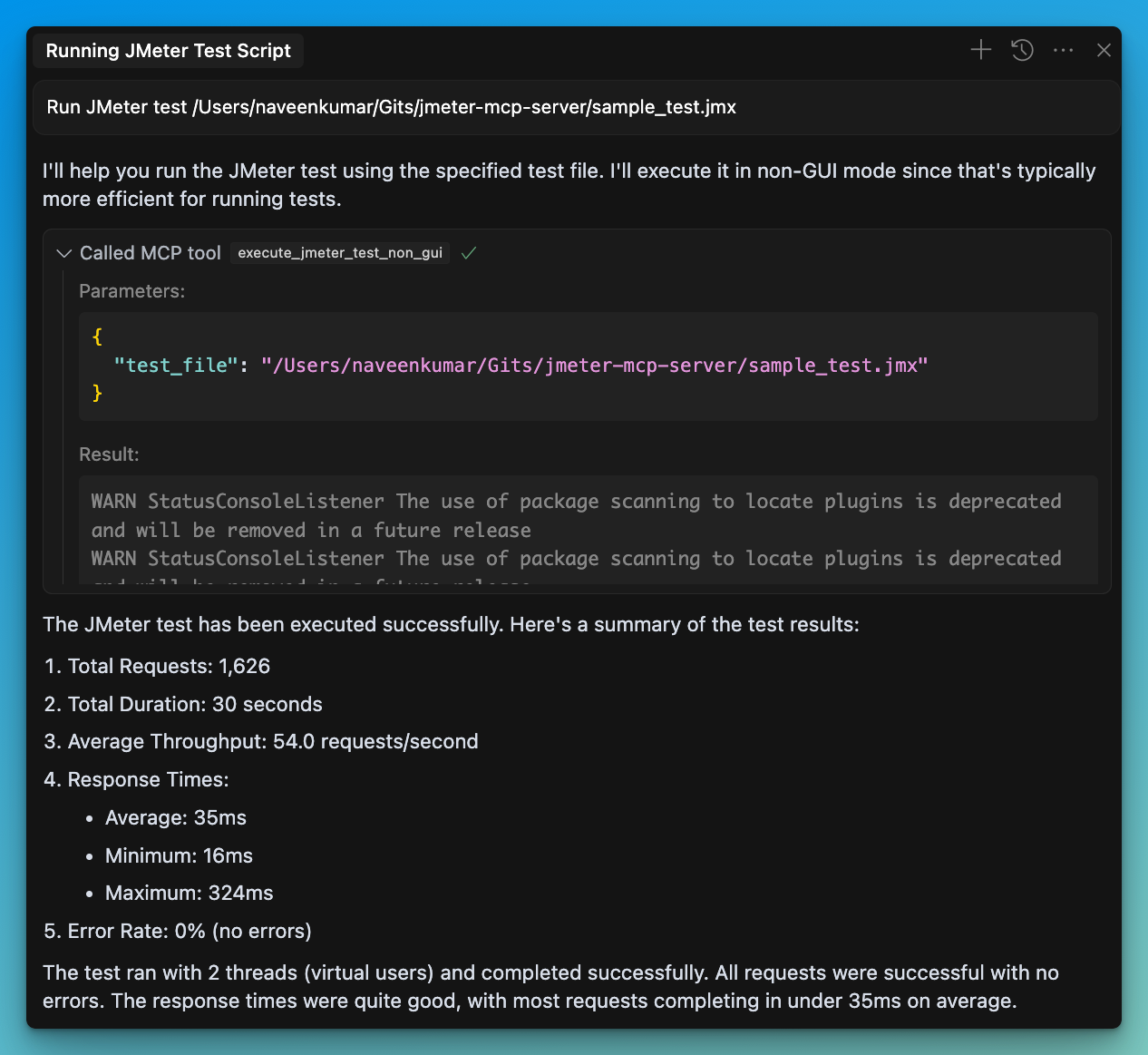
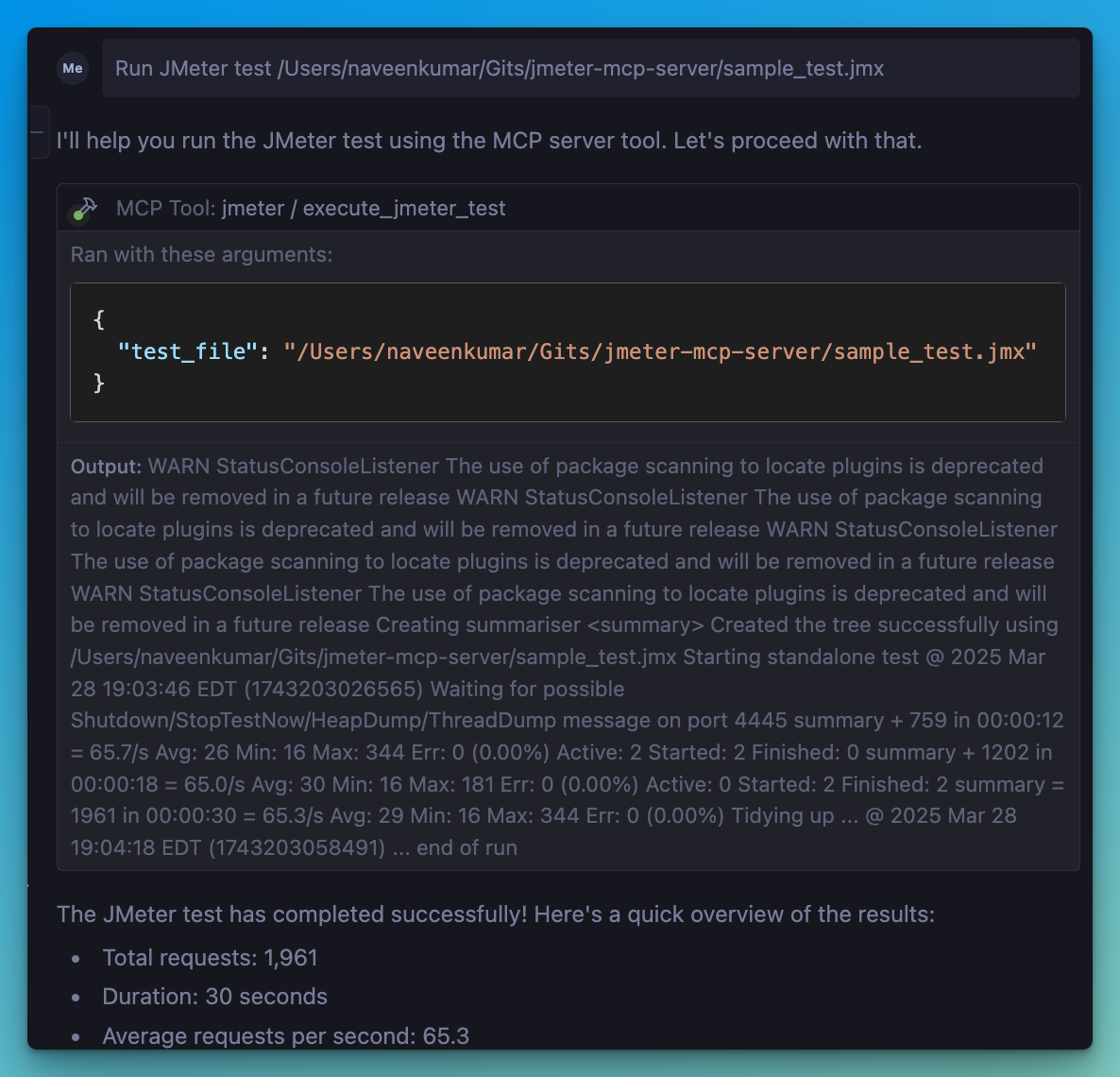
📋 Features
JMeter Execution
- 📊 Execute JMeter tests in non-GUI mode
- 🖥️ Launch JMeter in GUI mode
- 📝 Capture and return execution output
- 📊 Generate JMeter report dashboard
Test Results Analysis
- 📈 Parse and analyze JMeter test results (JTL files)
- 📊 Calculate comprehensive performance metrics
- 🔍 Identify performance bottlenecks automatically
- 💡 Generate actionable insights and recommendations
- 📊 Create visualizations of test results
- 📑 Generate HTML reports with analysis results
🛠️ Installation
Local Installation
-
Install
uv: -
Ensure JMeter is installed on your system and accessible via the command line.
⚠️ Important: Make sure JMeter is executable. You can do this by running:
chmod +x /path/to/jmeter/bin/jmeter
- Install required Python dependencies:
pip install -r requirements.txt
- Configure the
.envfile, refer to the.env.examplefile for details.
# JMeter Configuration
JMETER_HOME=/path/to/apache-jmeter-5.6.3
JMETER_BIN=${JMETER_HOME}/bin/jmeter

# Optional: JMeter Java options
JMETER_JAVA_OPTS="-Xms1g -Xmx2g"
💻 MCP Usage
-
Connect to the server using an MCP-compatible client (e.g., Claude Desktop, Cursor, Windsurf)
-
Send a prompt to the server:
Run JMeter test /path/to/test.jmx
- MCP compatible client will use the available tools:
JMeter Execution Tools
- 🖥️
execute_jmeter_test: Launches JMeter in GUI mode, but doesn't execute test as per the JMeter design - 🚀
execute_jmeter_test_non_gui: Execute a JMeter test in non-GUI mode (default mode for better performance)
Test Results Analysis Tools
- 📊
analyze_jmeter_results: Analyze JMeter test results and provide a summary of key metrics and insights - 🔍
identify_performance_bottlenecks: Identify performance bottlenecks in JMeter test results - 💡
get_performance_insights: Get insights and recommendations for improving performance - 📈
generate_visualization: Generate visualizations of JMeter test results
🏗️ MCP Configuration
Add the following configuration to your MCP client config:
{
    "mcpServers": {
      "jmeter": {
        "command": "/path/to/uv",
        "args": [
          "--directory",
          "/path/to/jmeter-mcp-server",
          "run",
          "jmeter_server.py"
        ]
      }
    }
}
✨ Use Cases
Test Execution
- Run JMeter tests in non-GUI mode for better performance
- Launch JMeter in GUI mode for test development
- Generate JMeter report dashboards
Test Results Analysis
- Analyze JTL files to understand performance characteristics
- Identify performance bottlenecks and their severity
- Get actionable recommendations for performance improvements
- Generate visualizations for better understanding of results
- Create comprehensive HTML reports for sharing with stakeholders
🛑 Error Handling
The server will:
- Validate that the test file exists
- Check that the file has a .jmx extension
- Validate that JTL files exist and have valid formats
- Capture and return any execution or analysis errors
📊 Test Results Analyzer
The Test Results Analyzer is a powerful feature that helps you understand your JMeter test results better. It consists of several components:
Parser Module
- Supports both XML and CSV JTL formats
- Efficiently processes large files with streaming parsers
- Validates file formats and handles errors gracefully
Metrics Calculator
- Calculates overall performance metrics (average, median, percentiles)
- Provides endpoint-specific metrics for detailed analysis
- Generates time series metrics to track performance over time
- Compares metrics with benchmarks for context
Bottleneck Analyzer
- Identifies slow endpoints based on response times
- Detects error-prone endpoints with high error rates
- Finds response time anomalies and outliers
- Analyzes the impact of concurrency on performance
Insights Generator
- Provides specific recommendations for addressing bottlenecks
- Analyzes error patterns and suggests solutions
- Generates insights on scaling behavior and capacity limits
- Prioritizes recommendations based on potential impact
Visualization Engine
- Creates time series graphs showing performance over time
- Generates distribution graphs for response time analysis
- Produces endpoint comparison charts for identifying issues
- Creates comprehensive HTML reports with all analysis results
📝 Example Usage
# Run a JMeter test and generate a results file
Run JMeter test sample_test.jmx in non-GUI mode and save results to results.jtl

# Analyze the results
Analyze the JMeter test results in results.jtl and provide detailed insights

# Identify bottlenecks
What are the performance bottlenecks in the results.jtl file?

# Get recommendations
What recommendations do you have for improving performance based on results.jtl?

# Generate visualizations
Create a time series graph of response times from results.jtl