Google Calendar
Interactúa con las APIs de Google Calendar para gestionar eventos y calendarios.
GitHub
2
Prueba este MCPPatrocinadoDocumentación
🗓️ Servidor MCP de Google Calendar
Este proyecto integra las API de Google Calendar v3 con un Servidor MCP (Protocolo de Contexto de Modelo) personalizado, permitiendo la interacción en lenguaje natural con tu calendario mediante herramientas como Claude Desktop.
Actúa como un puente entre los datos de tu calendario y un LLM utilizando transmisión HTTP compatible con MCP.
🧠 Descripción General
Este proyecto contiene dos servidores principales:
1. 🔐 Servidor OAuth de Google
- Maneja el flujo de OAuth 2.0
- Almacena y actualiza los tokens de acceso en un archivo de sesión local
2. 🤖 Servidor MCP
- Implementa el Protocolo de Contexto de Modelo (MCP)
- Expone una interfaz de transmisión HTTP
- Utiliza las credenciales guardadas para interactuar con la API de Google Calendar v3
🚀 Primeros Pasos
Paso 1: 🔧 Configurar las Credenciales de la API de Google
- Ve a la Consola de Google Cloud
- Crea o selecciona un proyecto
- Habilita la API de Google Calendar
- Ve a Credenciales → Crear ID de Cliente OAuth 2.0
- Elige Aplicación de Escritorio
- Configura la marca y agrega correos de usuarios de prueba en la audiencia
- Descarga las credenciales OAuth como
client_secret.json - Coloca este archivo en el directorio raíz del proyecto
Paso 2: 📦 Instalar Dependencias
poetry install
Step 3: 🚪 Start the OAuth Server
poetry run uvicorn src.main:app --host 0.0.0.0 --port 8000
- Esto debería abrir automáticamente un navegador para la autenticación OAuth.
- Si no es así, visita http://0.0.0.0:8000/google_oauth/
- Tras una autenticación exitosa, verás una página de éxito.
- Se creará un archivo
session.jsoncon tus tokens de acceso/actualización.
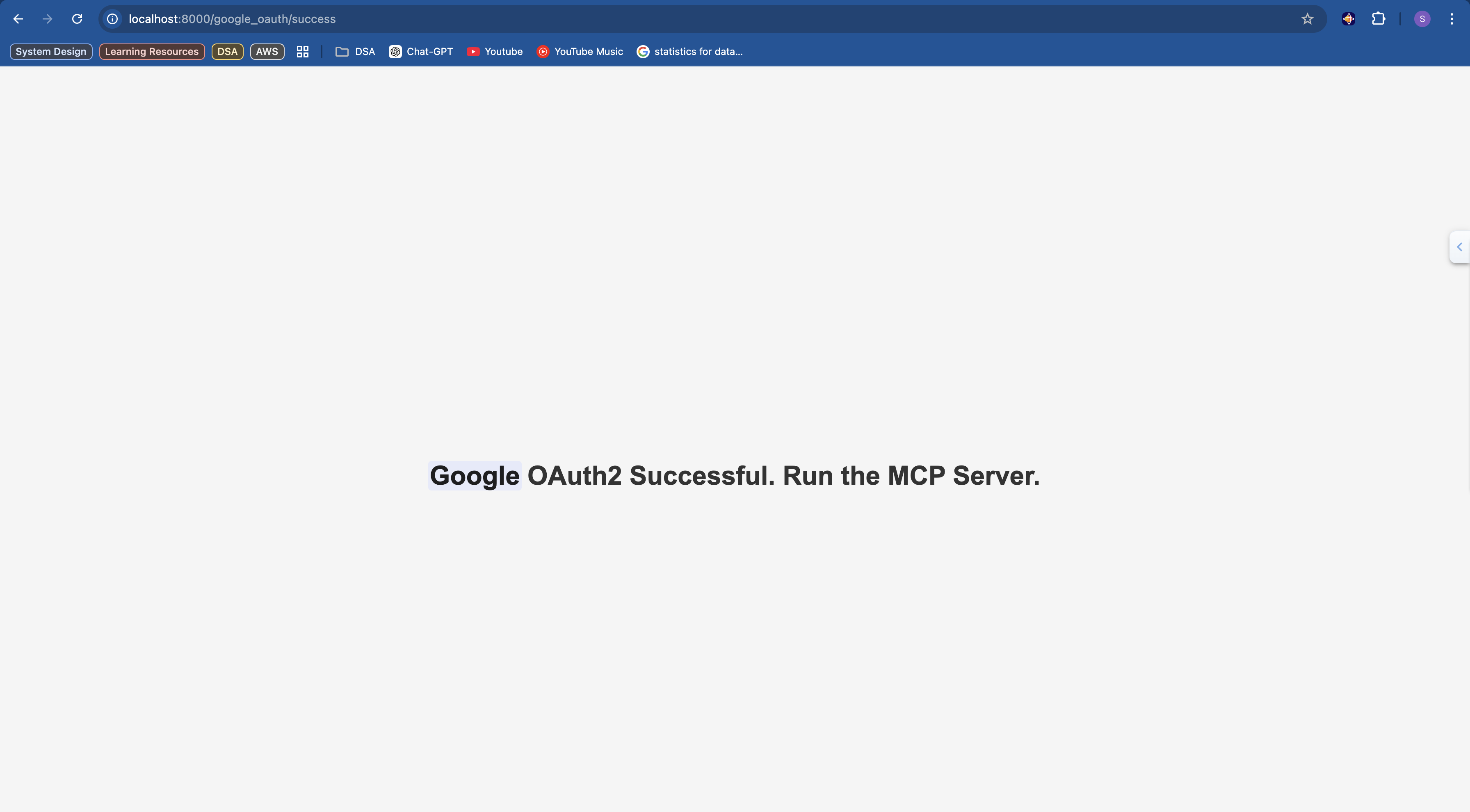
Paso 4: 🧩 Ejecutar el Servidor MCP
poetry run python src/server.py
Esto lanza un servidor HTTP compatible con MCP transmisible en
http://localhost:8080/mcp
Paso 5: 🧠 Conectar el Cliente MCP (Claude Desktop)
Actualiza el archivo de configuración en:
~/Library/Application Support/Claude/claude_desktop_config.json
Agrega la siguiente entrada:
{
  "mcpServers": {
    "google-calendar-mcp": {
      "command": "npx",
      "args": [
        "mcp-remote",
        "http://localhost:8080/mcp"
      ]
    }
  }
}
Paso 6: ✅ Verificar la Integración
- Abre la configuración de Claude Desktop.
- Si el servidor MCP se agregó correctamente, aparecerá en Configuración -> integraciones
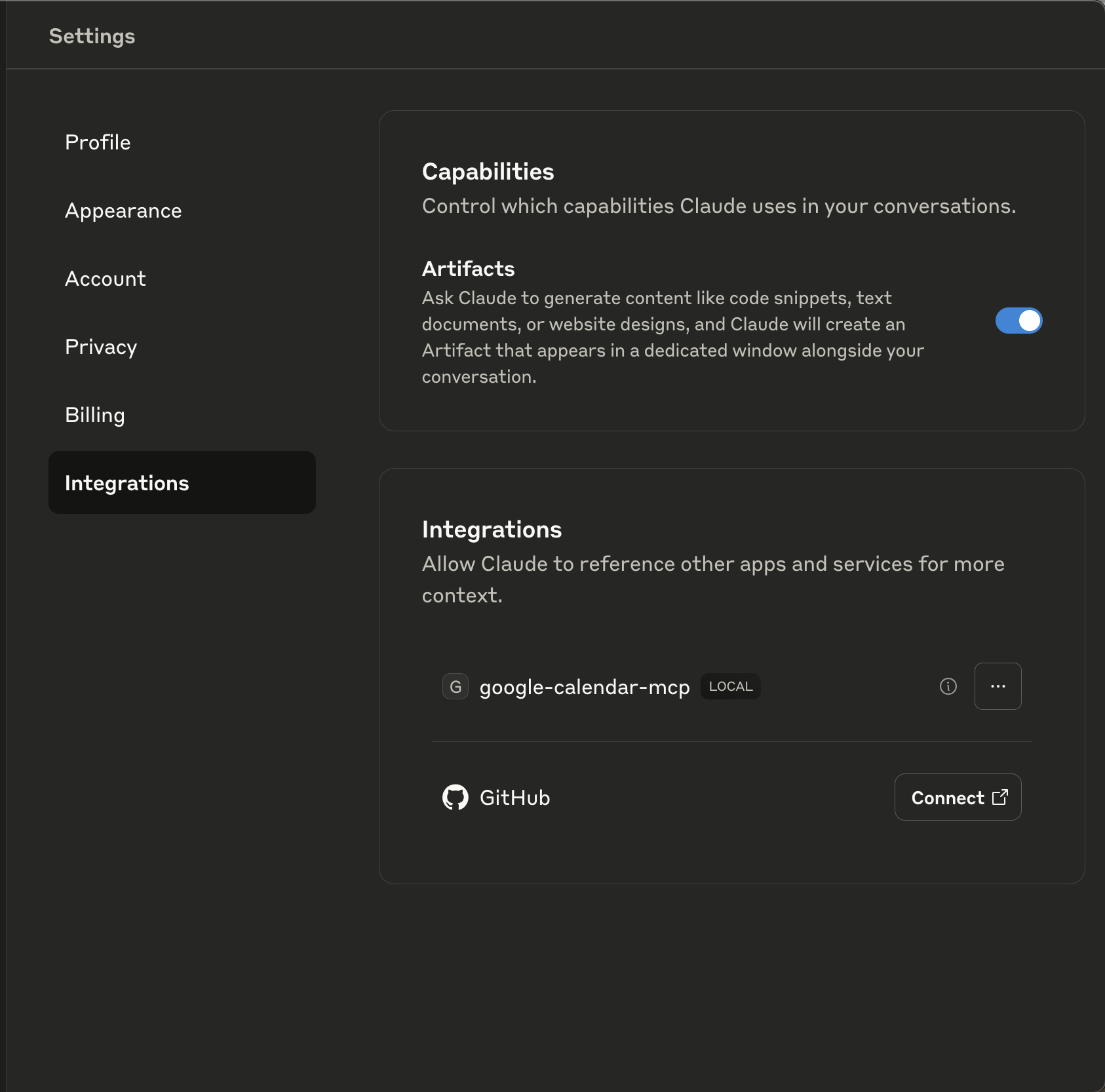
🧠 Demostración
https://github.com/user-attachments/assets/27a8e5ee-8f2f-40c7-bdfc-1caa93767efb
🧱 Estructura del Proyecto
project-root/
├── client_secret.json         # Google OAuth credentials
├── session.json               # Access/refresh token storage
├── pyproject.toml             # Poetry project config
├── README.md

└── src/
    ├── main.py                # FastAPI app for OAuth server
    ├── server.py              # MCP-compatible server
    ├── settings.py            # App settings and constants

    ├── api/
    │   └── oauth_callback.py  # OAuth endpoint logic

    ├── core/
    │   ├── calendar_client.py # Google Calendar API wrapper
    │   ├── mcp_tools.py       # Tools exposed to MCP clients
    │   ├── oauth_manager.py   # OAuth initiation and flow
    │   └── session_manager.py # Token handling

    └── gcalendar_types/       # Typed definitions for Calendar v3 API
🧩 Dependencias
- FastAPI
- Uvicorn
- Bibliotecas de Autenticación de Google
- Poetry para la gestión de dependencias