Petclinic
Interactúa con la API de Swagger Petstore usando las APIs de Petclinic v3, exponiendo herramientas para modelos de OpenAI.
Documentación
petclinic-mcp
Servidor MCP de Petclinic
El servidor MCP de Petclinic utiliza las APIs v2 de petclinic (https://petstore.swagger.io/). Interactúa con la API de Swagger Petstore (similar a un "PetClinic") y expone herramientas para ser utilizadas por modelos de OpenAI.
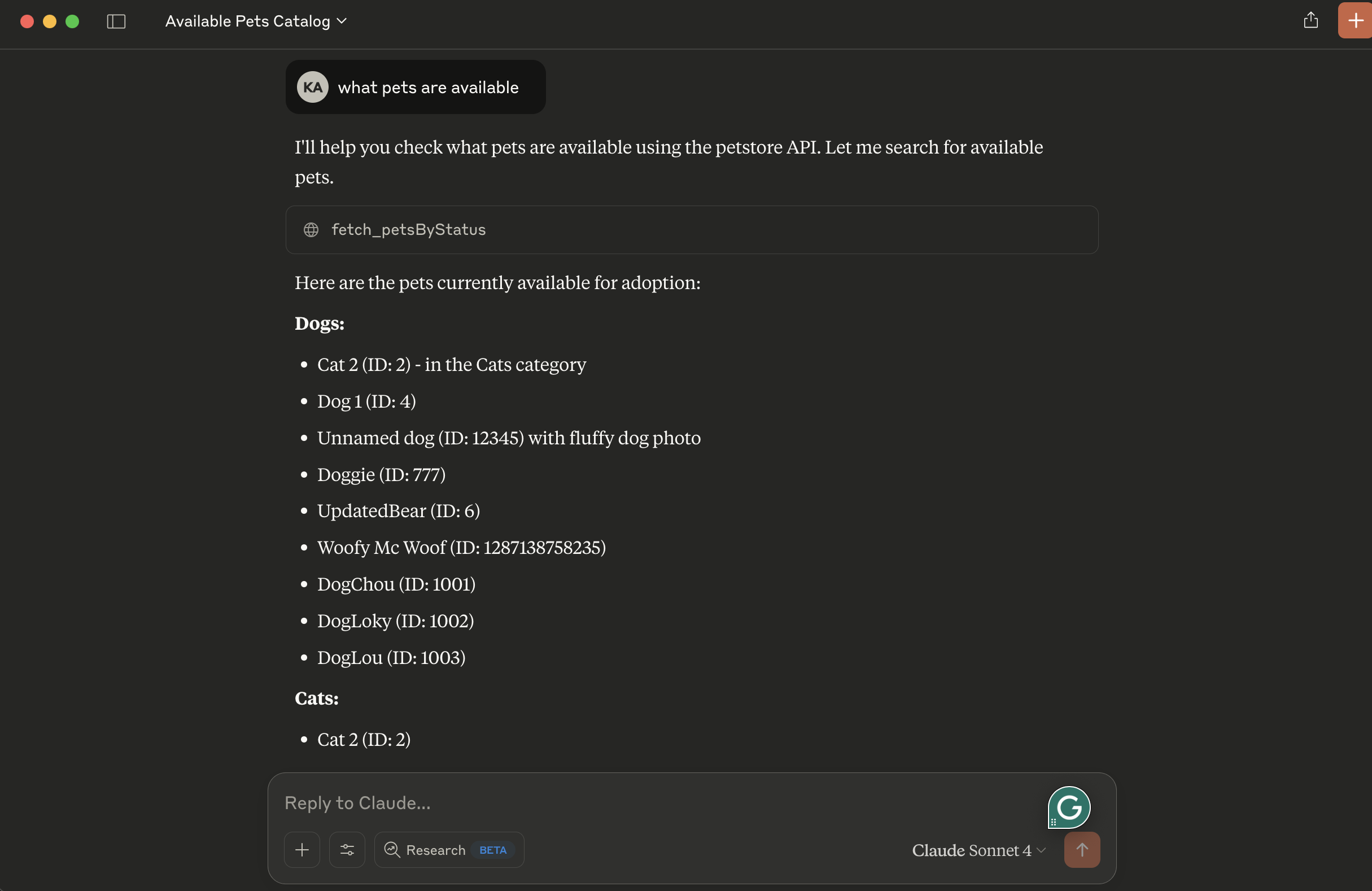
Expone las siguientes capacidades:
- fetch_petsByStatus: Valores de estado disponibles: available, pending, sold
Requisitos previos
- Gestor de paquetes uv
- Python
Ejecución local
- Consejo: use transporte stdio para evitar la configuración de un servidor remoto. Cambie la línea 39 de petclinic_mcp_server.py para usar transporte stdio.
mcp.run(transport='stdio')
- Clone el proyecto, navegue al directorio del proyecto e inicialícelo con uv:
uv init
- Cree el entorno virtual y actívelo:
    uv venv
    source .venv/bin/activate
- Instale las dependencias:
uv add mcp httpx
- Inicie el inspector de MCP:
npx @modelcontextprotocol/inspector uv run petclinic_mcp_server.py
- O inicie el servidor MCP sin el inspector:
uv run petclinic_mcp_server.py
Configuración para Claude Desktop
Deberá proporcionar una configuración para el servidor de su cliente MCP. Así es como se ve la configuración para claude_desktop_config.json:
{
    "mcpServers": {

        "filesystem": {
            "command": "npx",
            "args": [
                "-y",
                "@modelcontextprotocol/server-filesystem",
                "/{your-project-path}/petclinic-mcp/"
            ]
        },

        "research": {
            "command": "/{your-uv-install-path}/uv",
            "args": [
              "--directory",
              "/{your-project-path}/petclinic-mcp/",
              "run",
              "petclinic_mcp_server.py"]
        },

        "fetch": {
            "command": "uvx",
            "args": ["mcp-server-fetch"]
        }
    }
}
Implementar en Cloud Foundry
- Consejo: use transporte sse para implementar el servidor MCP de petclinic como un servidor remoto. Cambie la línea 39 de petclinic_mcp_server.py para usar transporte stdio.
mcp.run(transport='sse')
- Inicie sesión en su cuenta de Cloud Foundry y publique la aplicación:
cf push -f manifest.yml
Vinculación con agentes MCP
Los servidores del Model Context Protocol (MCP) son programas ligeros que exponen capacidades específicas a los modelos de IA a través de una interfaz estandarizada. Estos servidores actúan como puentes entre los LLM y herramientas externas, fuentes de datos o servicios, permitiendo que su aplicación de IA realice acciones como buscar en bases de datos, acceder a archivos o llamar a APIs externas sin integraciones personalizadas complejas.
Cree un servicio proporcionado por el usuario que proporcione la URL de un servidor MCP existente:
cf cups petclinic-mcp-server -p '{"mcpServiceURL":"https://your-petclinic-mcp-server.example.com"}'
Vincule el servicio MCP a su aplicación:
cf bind-service ai-tool-chat petclinic-mcp-server
Reinicie su aplicación:
cf restart ai-tool-chat
Su chatbot ahora se registrará con el agente MCP de investigación, y el LLM podrá invocar las capacidades del agente al responder a solicitudes de chat.