SciPilot
Interfaz de lenguaje natural para herramientas científicas de línea de comandos a través de MCP
Documentación
SciPilot
Interfaz de lenguaje natural para herramientas de línea de comandos científicas a través del Model Context Protocol (MCP).
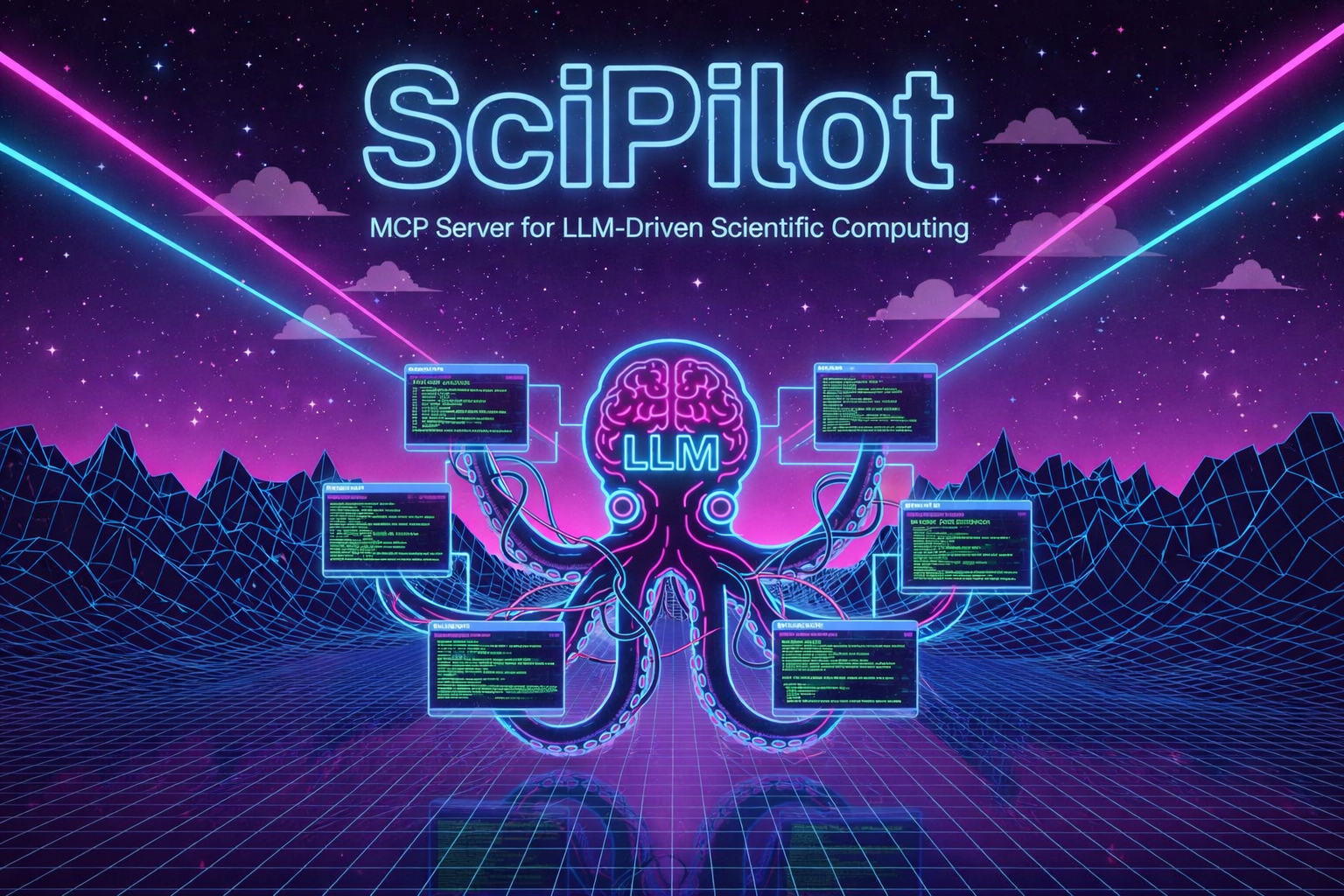


SciPilot cierra la brecha entre el lenguaje natural y las herramientas CLI científicas. Define tu herramienta una vez en YAML, y deja que los LLM se encarguen del resto — parámetros, rutas de archivo, análisis de salida, todo. Funciona para cualquier línea de comandos que valga la pena usar.
Inicio Rápido
git clone https://github.com/grebenyyk/scipilot
cd scipilot
pip install -e .
scipilot --tools-dir ./tools
Uso
- Agregar descriptores de herramientas a
tools/(verexamples/raspa.yaml) - Conectar el cliente MCP (Claude Desktop, VS Code, etc.)
- Preguntar en lenguaje natural:
- "Ejecuta un cálculo de fracción de vacío de helio en MIL-47 a 298 K"
- "Compara los resultados de las simulaciones de ayer"
Formato del Descriptor de Herramienta
Escribes un descriptor de herramienta — un archivo YAML que le dice a SciPilot:
• Qué espera tu herramienta (entradas, tipos, valores predeterminados) • Cómo construir el comando (plantillas) • Dónde encontrar la salida (rutas de archivo, patrones regex) SciPilot expone estos como herramientas MCP que cualquier LLM puede llamar.
tool:
  name: mytool
  binary: mytool

operations:
  - name: run_simulation
    description: "Run a simulation"
    inputs:
      - name: input_file
        type: file
        required: true
    outputs:
      - name: result
        path: "output.txt"
        extract_pattern: "Result: ([0-9.]+)"
Ver examples/ para descriptores de herramientas completos.
⚠️ Nota de Seguridad: Los archivos YAML de herramientas se ejecutan con privilegios completos de shell. Solo carga descriptores de herramientas que confíes y hayas revisado. Las entradas del usuario se sustituyen directamente en las plantillas de comandos de shell.
Estructura del Proyecto
scipilot/
├── server.py          # MCP server entry point
├── tool_loader.py     # YAML parsing, tool discovery
├── executor.py        # Subprocess execution, output parsing
└── models.py          # Dataclasses for tool descriptors

tools/                 # Your tool descriptors (gitignored)
examples/              # Example descriptors
Desarrollo
# Run tests
pytest

# Type checking
mypy scipilot/

# Format
ruff format .
Licencia
MIT