Figma Context MCP
Proporciona información de diseño de Figma a agentes de codificación de IA como Cursor.
Documentación

Framelink MCP for Figma
Dale a tu agente de codificación acceso a tus datos de Figma.
Implementa diseños en cualquier framework de una sola vez.



Dale a Cursor y a otras herramientas de codificación con IA acceso a tus archivos de Figma con este servidor de Model Context Protocol.
Cuando Cursor tiene acceso a los datos de diseño de Figma, es mucho mejor para implementar diseños de una sola vez con precisión que enfoques alternativos como pegar capturas de pantalla.
Ver instrucciones de inicio rápido →
Demo
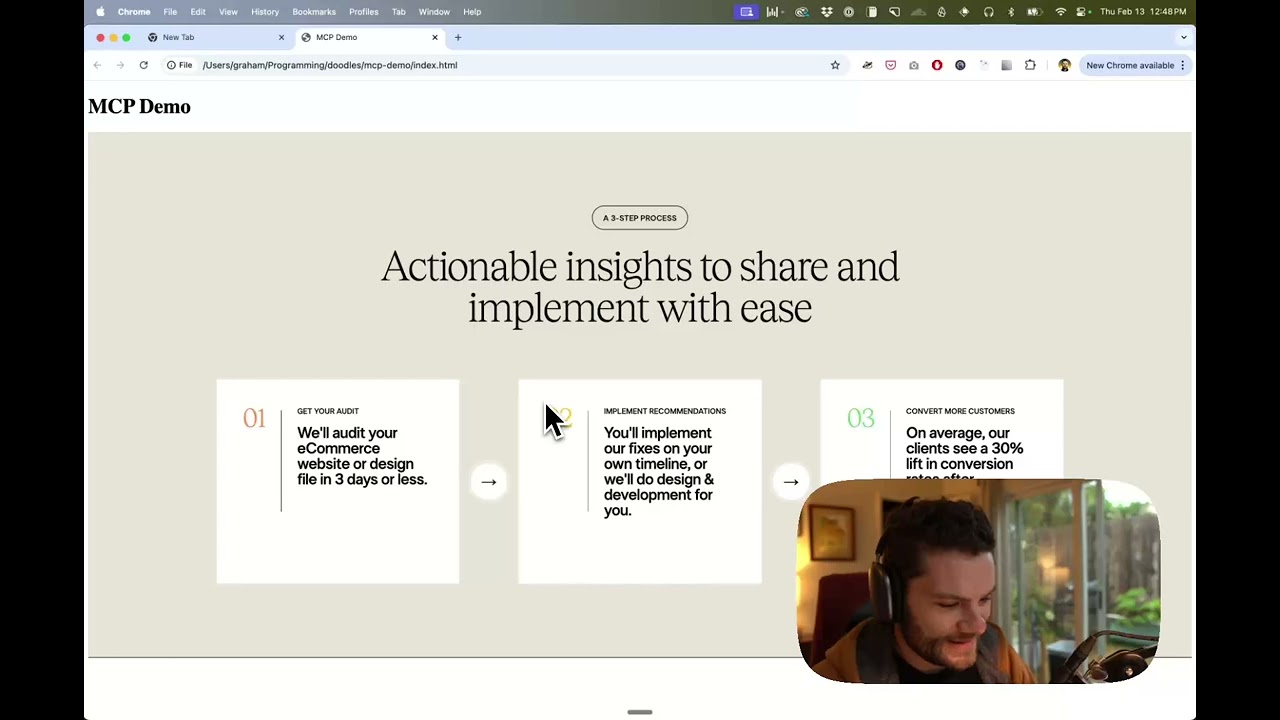
Mira una demo de cómo construir una interfaz en Cursor con datos de diseño de Figma
Cómo funciona
- Abre el chat de tu IDE (p. ej., modo agente en Cursor).
- Pega un enlace a un archivo, marco o grupo de Figma.
- Pídele a Cursor que haga algo con el archivo de Figma—p. ej., implementar el diseño.
- Cursor obtendrá los metadatos relevantes de Figma y los usará para escribir tu código.
Este servidor MCP está diseñado específicamente para usarse con Cursor. Antes de responder con contexto de la Figma API, simplifica y traduce la respuesta para que solo se proporcione al modelo la información de diseño y estilo más relevante.
Reducir la cantidad de contexto proporcionado al modelo ayuda a que la IA sea más precisa y las respuestas más relevantes.
Para empezar
Muchos editores de código y otros clientes de IA usan un archivo de configuración para administrar servidores MCP.
El servidor figma-developer-mcp se puede configurar añadiendo lo siguiente a tu archivo de configuración.
NOTA: Necesitarás crear un token de acceso de Figma para usar este servidor. Las instrucciones sobre cómo crear un token de acceso a la Figma API se pueden encontrar aquí.
MacOS / Linux
{
  "mcpServers": {
    "Framelink MCP for Figma": {
      "command": "npx",
      "args": ["-y", "figma-developer-mcp", "--figma-api-key=YOUR-KEY", "--stdio"]
    }
  }
}
Windows
{
  "mcpServers": {
    "Framelink MCP for Figma": {
      "command": "cmd",
      "args": ["/c", "npx", "-y", "figma-developer-mcp", "--figma-api-key=YOUR-KEY", "--stdio"]
    }
  }
}
O puedes establecer FIGMA_API_KEY y PORT en el campo env.
Si necesitas más información sobre cómo configurar Framelink MCP for Figma, consulta los docs de Framelink.
Historial de estrellas
Aprende más
Framelink MCP for Figma es simple pero poderoso. Sácale el máximo provecho aprendiendo más en el sitio de Framelink.