GetMattered
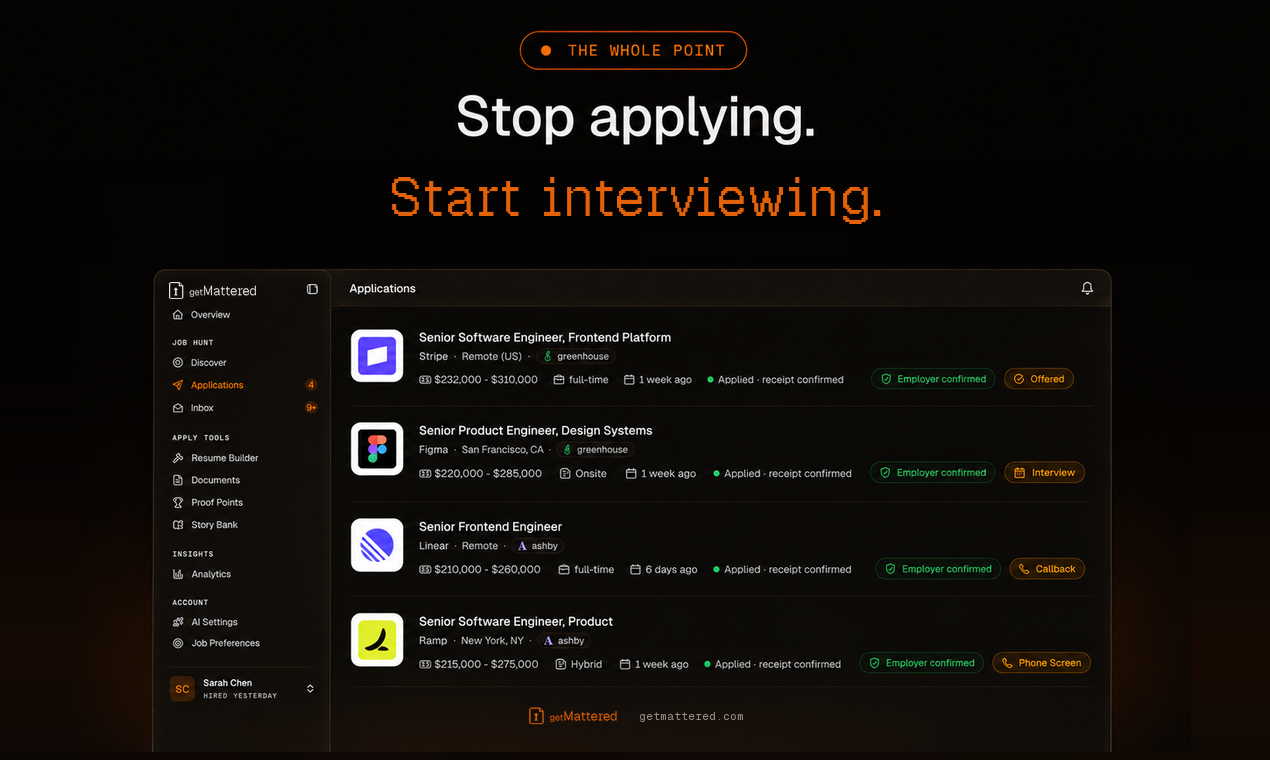
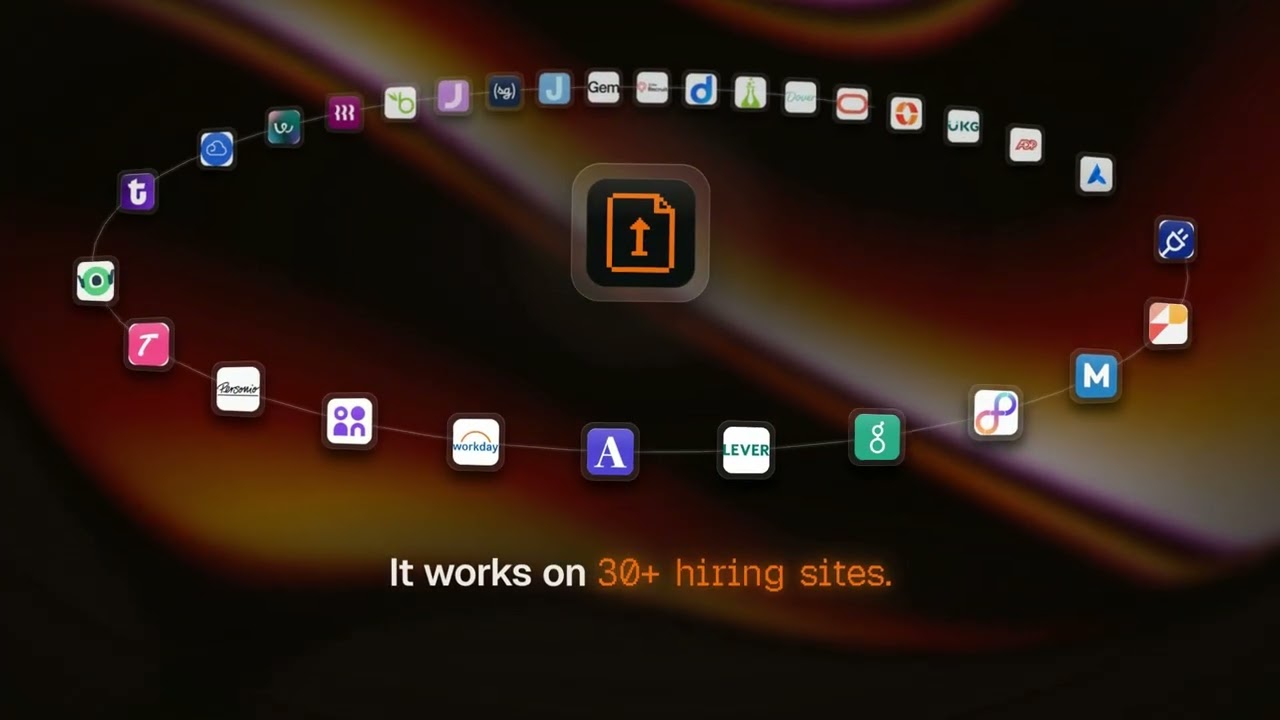
Plugin de búsqueda de empleo para ChatGPT y Claude. Encuentra empleos que se ajustan a tu currículum, adapta el currículum y la carta de presentación a cada puesto y presenta solicitudes en el sistema de contratación propio del empleador, entre más de 30 sistemas de contratación. Una solicitud solo cuenta como enviada cuando el sistema del empleador la confirma.
Servidor MCP alojado
npx add-mcp 'https://mcp.getmattered.com/mcp'Se instala en Claude Code, Codex, Cursor y más
Documentación

GetMattered MCP Server
Auto-Apply That Ends on an Interview
Find jobs that fit, tailor your resume and cover letter, and send each application on the employer's own hiring system, from the assistant you already use.



Quick start
Paste this into your agent:
Set up GetMattered for me. Follow https://getmattered.com/setup.md
Or add the server yourself. There is no API key. You sign in once in a browser, with Google or an email link.
https://mcp.getmattered.com/mcp



- ChatGPT: open GetMattered in ChatGPT, add it and sign in.
- Claude: in Settings, open Connectors, add a custom connector, paste the address and sign in.
- Claude Code:
claude mcp add --transport http --scope user getmattered https://mcp.getmattered.com/mcp, then type/mcpand sign in. - Codex:
codex mcp add getmattered --url https://mcp.getmattered.com/mcp, thencodex mcp login getmattered. - Gemini CLI:
gemini mcp add --transport http --scope user getmattered https://mcp.getmattered.com/mcp, then/mcp auth getmattered. - Any other app: add a remote MCP server at the address, as that app's docs say.
Five free applications from ChatGPT, Claude or any MCP client. Upgrade any time for more.
Set up every app at once
npx getmattered-mcp init     # add GetMattered to the AI apps on this computer
npx getmattered-mcp link     # sign in, or show the account already signed in
init finds Claude Code, Codex, Claude Desktop and Cursor, asks which ones to set up, and adds the hosted server to each:
| App | Config file (macOS and Linux, then Windows) | Entry |
|---|---|---|
| Claude Code | ~/.claude.json, %USERPROFILE%\.claude.json (or $CLAUDE_CONFIG_DIR/.claude.json) | type: http, the address above |
| Codex | ~/.codex/config.toml, %USERPROFILE%\.codex\config.toml (or $CODEX_HOME) | [mcp_servers.getmattered] with url |
| Claude Desktop | ~/Library/Application Support/Claude/ on macOS, ~/.config/Claude/ on Linux, %APPDATA%\Claude\, file claude_desktop_config.json | the stdio bridge, npx -y getmattered-mcp@latest |
| Cursor | ~/.cursor/mcp.json, %USERPROFILE%\.cursor\mcp.json | url, the address above |
It changes only the getmattered entry and keeps every other server. Before it changes a file, it copies it to <file>.getmattered-backup-<time>. A second run changes nothing. A file it cannot read stays as it is, with a message. It also offers the fourteen skills: ~/.claude/skills for Claude Code, ~/.agents/skills for Codex and Cursor. Close the apps first, so none of them rewrites its config at the same time.
For scripts: init --yes sets up every app it found, init --clients codex,cursor sets up the ones named, and --no-skills skips the skills. link keeps a sign-in the server still accepts, so a second run only shows the account.
Skills
This repository is also a plugin marketplace and a Gemini CLI extension, with fourteen job-search skills in plugins/getmattered/skills.
npx skills add https://getmattered.com -g -y
Claude Code: claude plugin marketplace add getmattered/getmattered-mcp, then claude plugin install getmattered@getmattered. Enable auto-update for the getmattered marketplace in /plugin > Marketplaces to receive each new release.
Claude Desktop: download getmattered-<version>.mcpb from the newest GitHub release and open it. On the first tool call it opens your browser once to sign in. The bundle is unsigned, and a new release means installing the new file.
Codex: codex plugin marketplace add getmattered/getmattered-mcp, then codex plugin add getmattered@getmattered.
Gemini CLI: gemini extensions install https://github.com/getmattered/getmattered-mcp.
Command line and local bridge
npx getmattered-mcp login                  # sign in once
npx getmattered-mcp call <tool> '<json>'   # from a script or a bot
npx -y github:getmattered/getmattered-mcp  # stdio bridge for apps that only run local servers
Exit code 0 means success, 1 means the tool reported an error, and 2 means you are not signed in. GETMATTERED_MCP_URL overrides the endpoint.
Watch the demo
Privacy
Your resume and profile stay on your GetMattered account. Tools read and write that account and nothing else. The privacy policy and terms are the binding statement.
Support
- Status: getmattered.com/status
- Issues: github.com/getmattered/getmattered-mcp/issues
- Email: support@getmattered.com
- Security: security@getmattered.com (see SECURITY.md)
- Contributing: CONTRIBUTING.md and the code of conduct
About this repository
The hosted server runs on Cloudflare Workers and its source is not public. This repository holds the server.json manifest, the plugin and skills, and the small MIT licensed stdio bridge, which forwards messages verbatim. See the changelog.
This repository is published from GetMattered's own repository on every release, so pull requests here are read but not merged directly. Each v* tag runs the release workflow, which publishes the same version to npm (with provenance), the MCP Registry and GitHub Releases.