Binance MCP Server
Proporciona acceso fluido a la API del exchange Binance. Requiere que se configuren las credenciales de la API de Binance.
Documentación
Binance MCP Server

A Binance Spot MCP server for compatible AI clients, using stdio and ten tools. Node.js 24+ is required. Futures, withdrawals and streaming subscriptions are not exposed.
2.0.0 is published on npm. Install it with npm install -g binance-mcp-server, or use the source setup below. See migration notes.
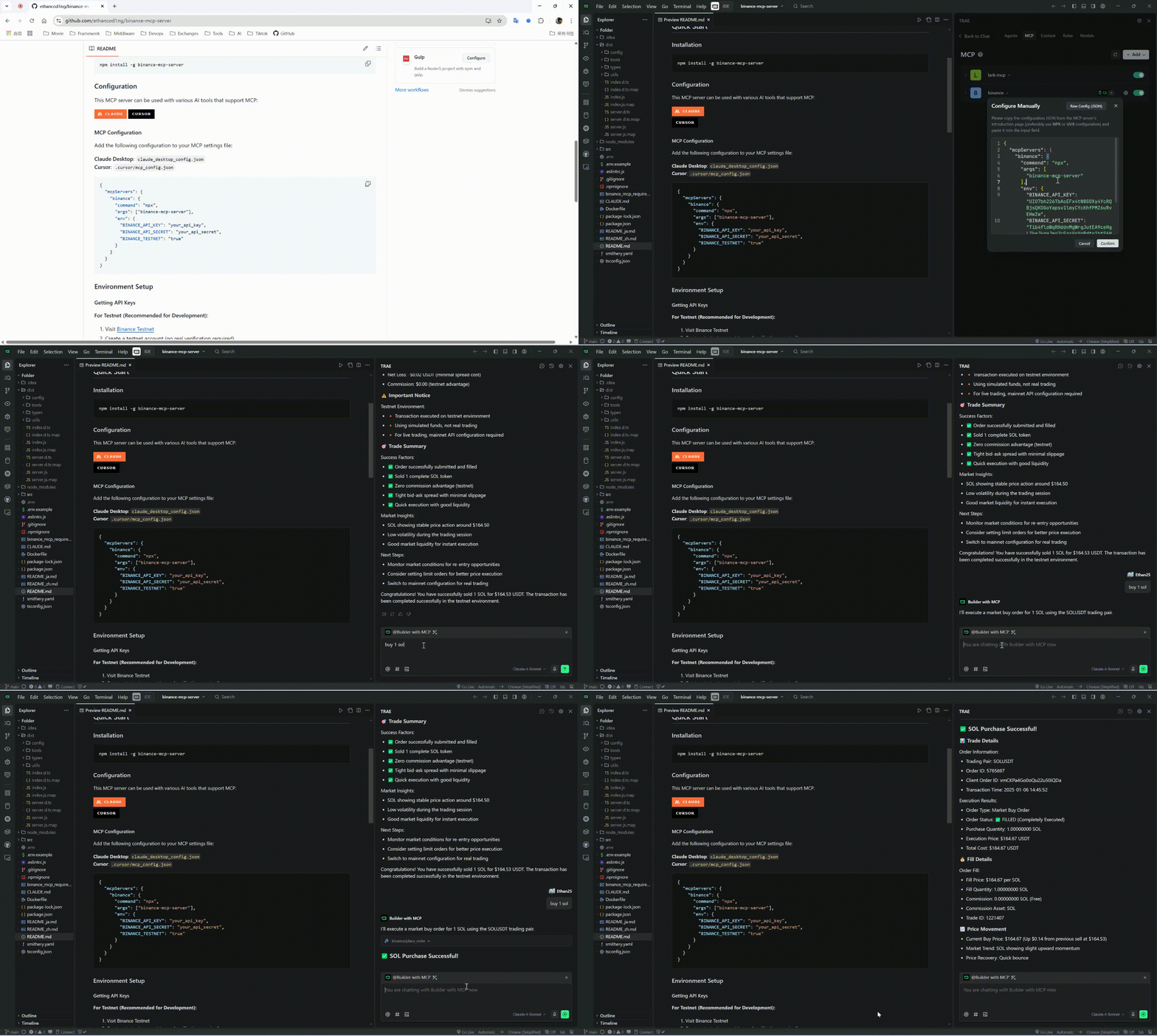
📹 Video Tutorial
Watch our comprehensive MCP usage tutorial to get started quickly:
Setup from source
git clone https://github.com/ethancod1ng/binance-mcp-server.git
cd binance-mcp-server
npm ci
npm run build
cp .env.example .env
Copy .env.example to .env and use keys for the selected network. Even market-data queries currently require both credentials at startup. The .env file is read from the process working directory; MCP client env settings are recommended.
MCP client configuration
Replace the absolute path with your built checkout. The client launches and owns this stdio process; it is not an HTTP service.
{
  "mcpServers": {
    "binance": {
      "command": "node",
      "args": [
        "/absolute/path/to/binance-mcp-server/dist/index.js"
      ],
      "env": {
        "BINANCE_API_KEY": "your_testnet_api_key",
        "BINANCE_API_SECRET": "your_testnet_api_secret",
        "BINANCE_TESTNET": "true"
      }
    }
  }
}
After 2.0.0 is published, a client may use command: "npx" with args: ["-y", "binance-mcp-server@2.0.0"] and the same environment settings. Runtime version comes from package.json; MCP_SERVER_VERSION is ignored.
Network selection
BINANCE_TESTNET selects the network: "true" uses testnet; any other value — including omitting it — uses mainnet. Use keys issued for the selected network. All tools, including placing and cancelling orders, work on both networks; no separate trading switch is required. Before an order mutation on mainnet, the server logs a warning that real funds are involved; the warning does not block the operation. Use only the API permissions needed; withdrawal permission is unnecessary.
Tools
| Tool | Inputs and behavior |
|---|---|
get_price | Required symbol. |
get_orderbook | Required symbol; limit defaults to 100, allowed: 5, 10, 20, 50, 100, 500, 1000, 5000. |
get_klines | Required symbol, interval; limit 1–1000, default 500. No start/end time parameters. |
get_24hr_ticker | Optional symbol; omitted means all symbols. |
get_account_info | No inputs; returns nonzero balances with decimal totals. |
get_open_orders | Optional symbol; omitted means all open orders. |
get_order_history | Required symbol; limit 1–1000, default 500. No time or order-ID pagination. |
place_order | Required symbol, side BUY/SELL, type MARKET/LIMIT, quantity as a base-asset decimal string. LIMIT requires price and uses GTC. |
cancel_order | Required symbol and positive safe-integer orderId. |
cancel_all_orders | Required symbol; cancels all open orders for that symbol only. |
Symbols are uppercase and may contain digits, e.g. 1INCHUSDT. Prices and quantities must be positive plain decimal strings. Binance still enforces symbol availability, tick size, lot size and notional filters. K-line intervals: 1m, 3m, 5m, 15m, 30m, 1h, 2h, 4h, 6h, 8h, 12h, 1d, 3d, 1w, 1M.
Results contain JSON as MCP text content. Tool execution errors return isError: true. Query timestamps added by this server are local milliseconds; source fields retain Binance semantics.
Examples
{"name":"get_price","arguments":{"symbol":"BTCUSDT"}}
{"name":"get_klines","arguments":{"symbol":"ETHUSDT","interval":"1h","limit":24}}
{"name":"place_order","arguments":{"symbol":"BTCUSDT","side":"BUY","type":"LIMIT","quantity":"0.001","price":"50000"}}
Development and packaging
npm run check
npm audit --omit=dev
npm pack --dry-run
docker build -t binance-mcp-server .
docker run --rm -i --env-file .env binance-mcp-server
If startup fails, check Node version and credentials. For signature/timestamp errors, verify the network/key pair and system clock. Never paste credentials into issue reports.
