floor plan generator
BuildFloorPlan es un generador de planos de planta con inteligencia artificial para propietarios, diseñadores de interiores, constructores y pequeños equipos de planificación que necesitan pasar de una entrada preliminar a un diseño revisable más rápido. Convierte resúmenes breves, bocetos, imágenes y PDFs en planos de planta más claros en segundos, admite diseños técnicos en 2D, planos listos para presentación a color y vistas previas rápidas en 3D, y ayuda a los usuarios a comparar direcciones de diseño antes de una renovación, presentación al cliente o revisión interna. Está diseñado para primeros borradores rápidos, admite flujos de trabajo de edición y refinamiento, y no requiere experiencia en CAD. Puedes comenzar gratis con créditos iniciales, y los planes de pago añaden más créditos, historial más largo y opciones de uso comercial.
Documentación
Generador de Planos de Piso con IA
Crea planos de piso a partir de indicaciones de texto, bocetos o imágenes con IA. Elige una salida en estilo Técnico 2D, 2.5D o 3D, luego compara, refina y descarga tus resultados.
2 generaciones gratuitas · Sin necesidad de tarjeta de crédito
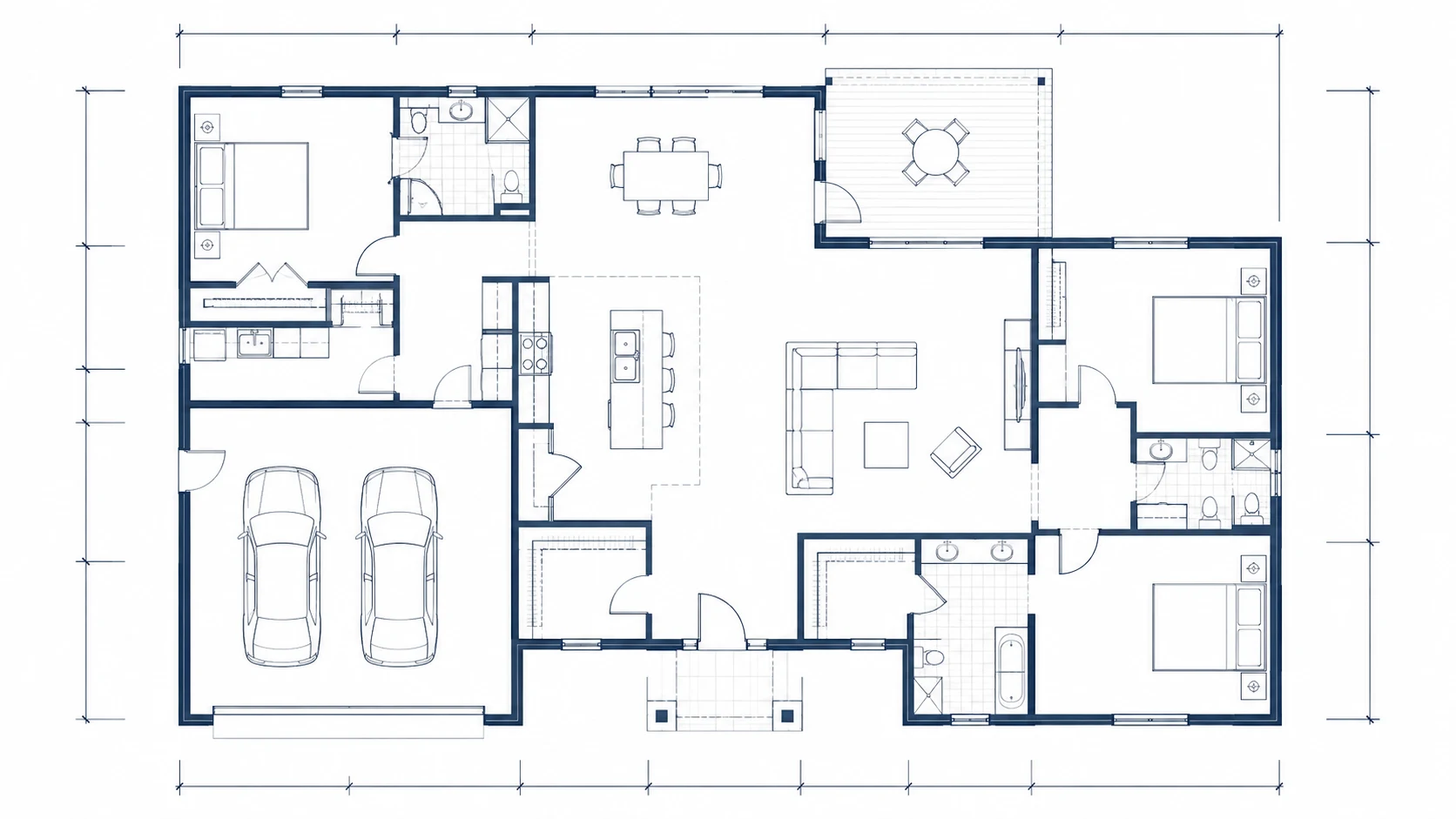
Crea planos de piso a partir de texto, imágenes o bocetos
Comienza con una indicación, sube un boceto o edita un plano existente, luego genera un borrador de plano de piso que puedas revisar y refinar.
Generador de Planos de Piso con IA
Crea un borrador de plano de piso a partir de los requisitos de tu espacio.
192/1200
Ejemplos
2 generaciones gratuitas · Sin necesidad de tarjeta de crédito
Técnico
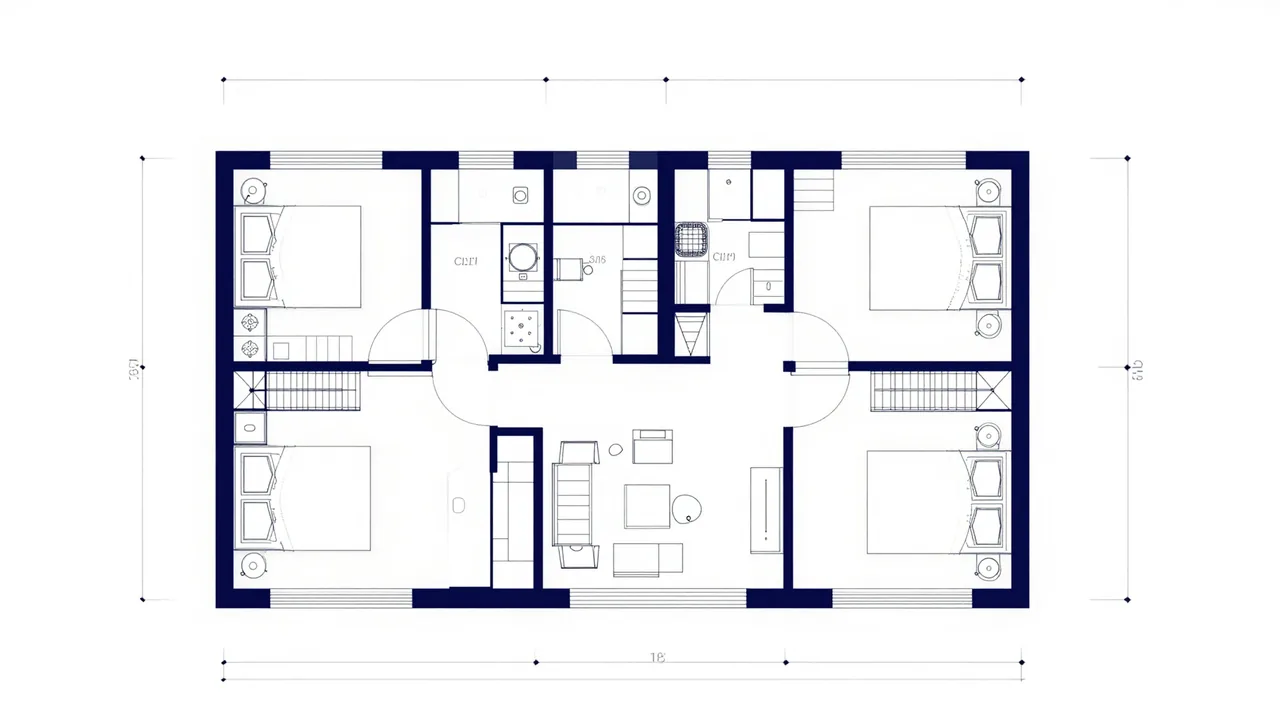 Flujo de trabajo de planos de piso con IA
Una forma más rápida de crear un plano de piso
Describe un espacio, sube un boceto o refina un plano existente para convertirlo en un plano de piso más claro que tu familia, cliente o equipo pueda evaluar.
Comienza desde texto, una imagen o un boceto aproximado.
Elige salida en estilo Técnico 2D, 2.5D o 3D.
Refina el resultado cuando quieras otra dirección.
Flujo
1
Describe o sube
Dale a la IA suficiente contexto de distribución para comenzar.
2
Elige una vista y genera
Selecciona el estilo de salida que haga la distribución más fácil de entender.
3
Refina o descarga
Haz otra pasada o guarda el resultado que quieras usar.
Ejemplos reales generados
Mira lo que BuildFloorPlan puede crear
Comienza con una breve indicación, boceto o imagen y conviértelo en un plano de piso más claro que puedas comparar y refinar.
Indicación
Crea un apartamento de una planta con 3 dormitorios, 2 baños, una cocina abierta, un balcón, almacenamiento y circulación clara entre la sala de estar y los dormitorios.
Solicitado
3 dormitorios2 bañosCocina abiertaBalcón
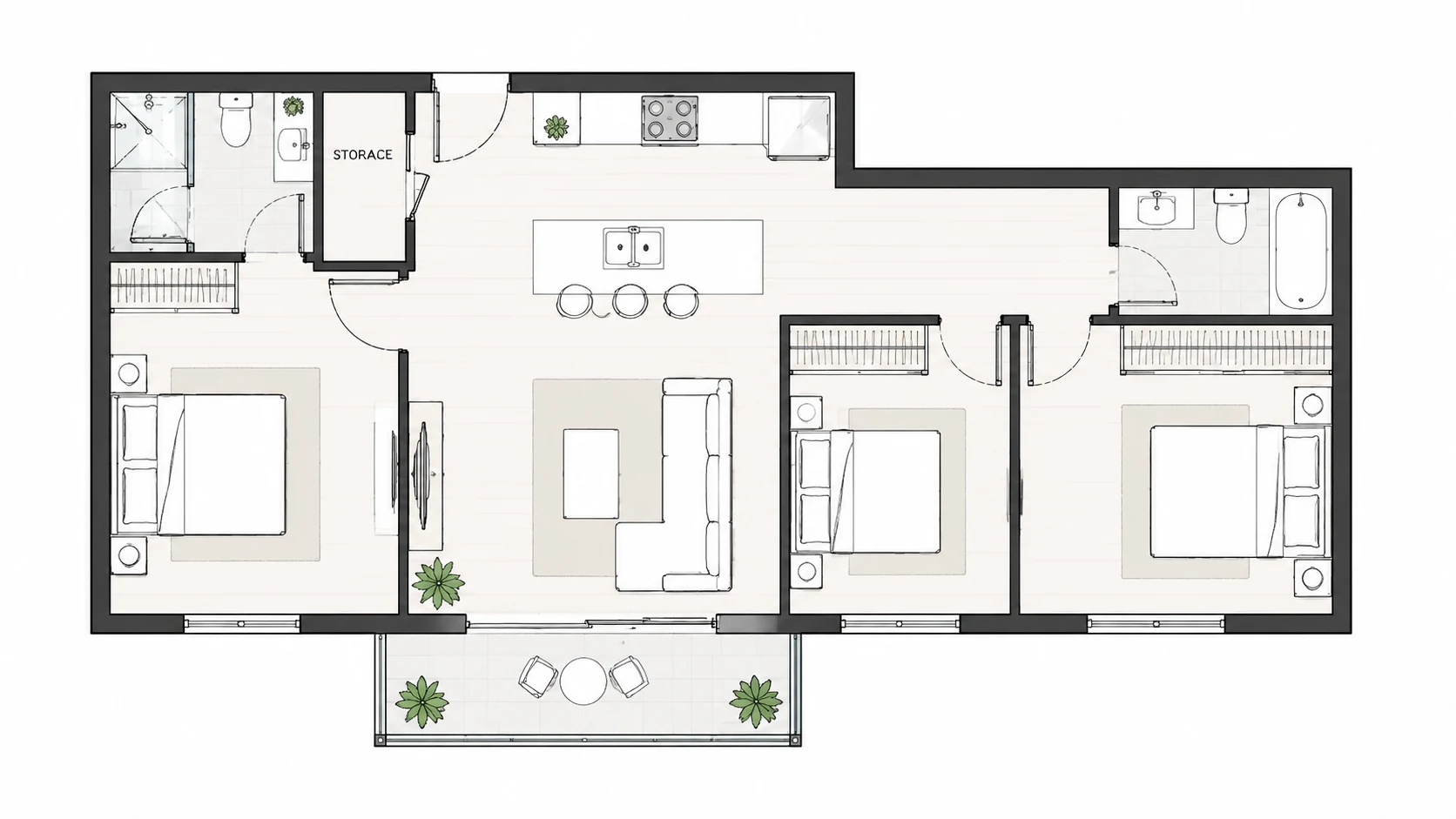
Técnico 2D
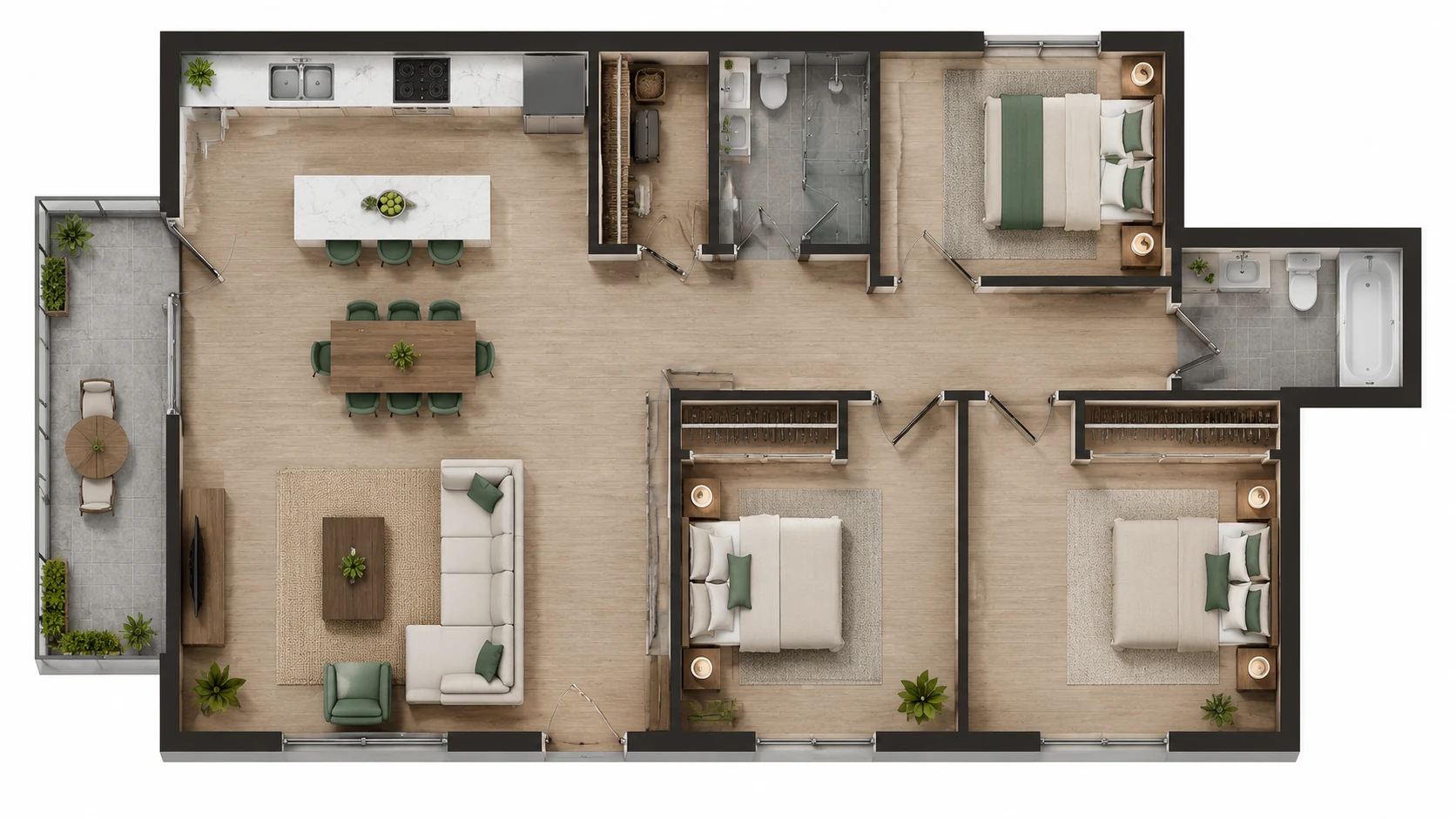
2.5D
Misma indicación, generado por separado
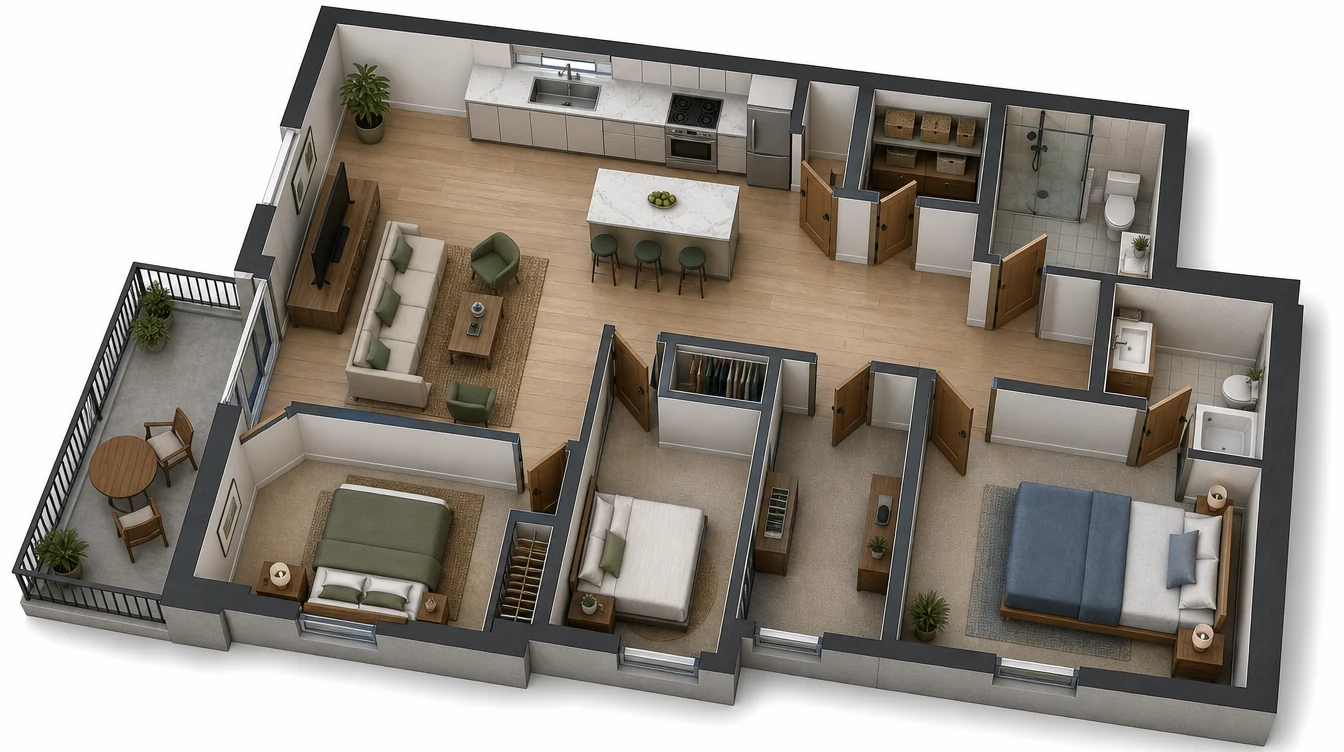
3D Isométrico
Rutas de herramientas
Elige la herramienta de plano de piso adecuada
Selecciona el flujo de trabajo que coincida con tu punto de partida: requisitos escritos, una imagen fuente, una distribución 2D simple o un plano de piso específico de un proyecto.
Texto a plano de piso
Describe habitaciones, dimensiones, circulación y objetivos de distribución para generar un plano de piso a partir de texto.
generador de texto a plano de piso
Imagen a plano de piso
Sube un boceto, captura de pantalla o imagen de plano existente y conviértelo en un borrador de distribución más limpio.
generador de imagen a plano de piso
Creador de planos de piso 2D
Crea borradores claros de planos de piso 2D para planificación temprana, revisión y discusión.
Generador de planos de piso para casas
Genera ideas de distribución para hogares, apartamentos, casas pequeñas y renovaciones.
generador de planos de piso para casas
Generador de planos de piso para negocios
Planifica oficinas, restaurantes, tiendas minoristas, clínicas, estudios y distribuciones de almacenes.
generador de planos de piso para negocios
Editor de planos de piso
Sube un plano existente y describe lo que quieres cambiar.
editor de planos de piso en línea
Preguntas frecuentes
Preguntas frecuentes
Estas son las preguntas que suelen surgir antes de que alguien pruebe BuildFloorPlan en un espacio o proyecto real.
¿Qué es un generador de planos de piso con IA?
Un generador de planos de piso con IA convierte una indicación de texto, imagen o boceto en un plano de piso que puedes comparar, refinar y descargar.
¿Puedo hacer un plano de piso en línea con IA?
Sí. Puedes describir un espacio, subir un boceto o comenzar desde una imagen, luego generar un plano de piso en línea en el estilo de salida que elijas.
¿Cuál es la diferencia entre texto a plano de piso e imagen a plano de piso?
Texto a plano de piso comienza desde requisitos escritos de habitaciones, mientras que imagen a plano de piso comienza desde un boceto, captura de pantalla o imagen de plano existente.
¿Puedo crear un plano de piso a partir de texto?
Sí. Describe las habitaciones, dimensiones aproximadas, objetivos de distribución, necesidades de privacidad y circulación, luego genera un plano de piso a partir de esa indicación.
¿Puedo generar un plano de piso a partir de una imagen o boceto?
Sí. Puedes subir una imagen de referencia, un boceto a mano alzada o una distribución existente y usarlo como punto de partida para un plano de piso más limpio.
¿Puedo usar BuildFloorPlan como creador de planos de piso 2D?
Sí. BuildFloorPlan puede crear planos de piso Técnicos 2D junto con salidas más visuales en 2.5D y estilo 3D.
¿Puedo generar planos de piso para casas y apartamentos?
Sí. Puedes crear distribuciones para casas, apartamentos, remodelaciones, planificación de habitaciones e ideas de renovación.
¿Puedo usarlo para distribuciones de negocios como oficinas o restaurantes?
Sí. BuildFloorPlan puede generar ideas de distribución para oficinas, restaurantes, almacenes, estudios, espacios minoristas, clínicas y otros espacios comerciales.
¿Es BuildFloorPlan un reemplazo para dibujos profesionales de CAD o construcción?
No. BuildFloorPlan está diseñado para generación de planos de piso, exploración de distribuciones y flujos de trabajo de diseño en etapas tempranas. Los dibujos finales de construcción o permisos deben ser revisados y preparados por profesionales calificados cuando sea necesario.
¿Es BuildFloorPlan gratuito para probar?
Sí. Crea una cuenta gratuita y comenzarás con 2 generaciones gratuitas para probar el flujo de trabajo antes de pagar.
Comienza ahora
Comienza tu plano de piso ahora
Abre el generador, describe el espacio y llega a una primera distribución más sólida antes de que la conversación pierda impulso.