Quantum Simulator MCP Server
Un simulador de circuitos cuánticos con modelos de ruido y soporte para OpenQASM 2.0, accesible a través del Protocolo de Contexto de Modelo (MCP).
Documentación
Quantum Simulator MCP Server
Una imagen Docker que proporciona un simulador de circuitos cuánticos que implementa el Protocolo de Contexto de Modelo (MCP), permitiendo la integración con clientes MCP como Claude for Desktop.
Características
- Simulador de computación cuántica con modelos de ruido
- Soporte para circuitos cuánticos OpenQASM 2.0
- Simulación de circuitos cuánticos usando Qiskit
- Soporte para varios modelos de ruido (despolarización, relajación térmica, error de lectura)
- Múltiples tipos de resultados, incluyendo counts, statevector e histogramas visualizados
- Circuitos de ejemplo preconfigurados
- Integración perfecta con clientes MCP
Inicio Rápido
obtén la imagen docker
docker pull ychen94/quantum-simulator-mcp:latest
Simplemente ejecuta el contenedor con el siguiente comando:
docker run -i --rm -v /tmp:/data/quantum_simulator_results -e HOST_OUTPUT_DIR="/tmp" ychen94/quantum-simulator-mcp:latest
Este comando:
- Monta el directorio
/tmpen tu host para almacenar archivos de salida de histogramas - Establece la variable de entorno
HOST_OUTPUT_DIRa/tmp - Mantiene el contenedor en ejecución con
-i(modo interactivo) - Elimina automáticamente el contenedor cuando sale con
--rm
Uso con Claude for Desktop
-
Instala Claude for Desktop
-
Edita el archivo de configuración de Claude:
- macOS:
~/Library/Application Support/Claude/claude_desktop_config.json - Windows:
%APPDATA%\Claude\claude_desktop_config.json
- macOS:
-
Agrega la siguiente configuración a la sección
mcpServers:
{
  "mcpServers": {
    "quantum-simulator": {
      "command": "docker",
      "args": [
        "run",
        "-i",
        "--rm",
        "-v", "/tmp:/data/quantum_simulator_results",
        "-e", "HOST_OUTPUT_DIR=/tmp",
        "ychen94/quantum-simulator-mcp:latest"
      ]
    }
  }
}
- Reinicia Claude for Desktop
- Busca el ícono de martillo en la interfaz de Claude, que indica las herramientas MCP disponibles
Herramientas MCP
El servidor proporciona las siguientes herramientas MCP:
- run_circuit: Ejecuta un circuito cuántico con el modelo de ruido especificado
- list_noise_models: Lista todos los modelos de ruido disponibles y sus descripciones
- list_result_types: Lista todos los tipos de resultados disponibles y sus descripciones
- get_circuit_stats: Analiza un circuito cuántico y devuelve estadísticas
- create_test_histogram: Crea un archivo de histograma de prueba para verificar la configuración del directorio de salida
Recursos MCP
El servidor proporciona circuitos cuánticos de ejemplo:
qasm://examples/bell-state.qasm: Circuito de preparación del estado de Bellqasm://examples/grover-2qubit.qasm: Implementación del algoritmo de Grover de 2 qubitsqasm://examples/qft-4qubit.qasm: Transformada de Fourier Cuántica de 4 qubitsquantum://noise-models/examples.json: Configuraciones de ejemplo de modelos de ruido
Ejemplo de Uso en Claude
Aquí hay algunos prompts que puedes usar en Claude:
-
"Ejecuta un circuito de estado de Bell y muéstrame los resultados"
-
"¿Qué modelos de ruido están disponibles en el simulador cuántico?"
-
"Simula el algoritmo de Grover de 2 qubits con ruido de despolarización de 0.01"
-
"Crea un histograma de prueba y muéstrame la ruta del archivo"
-
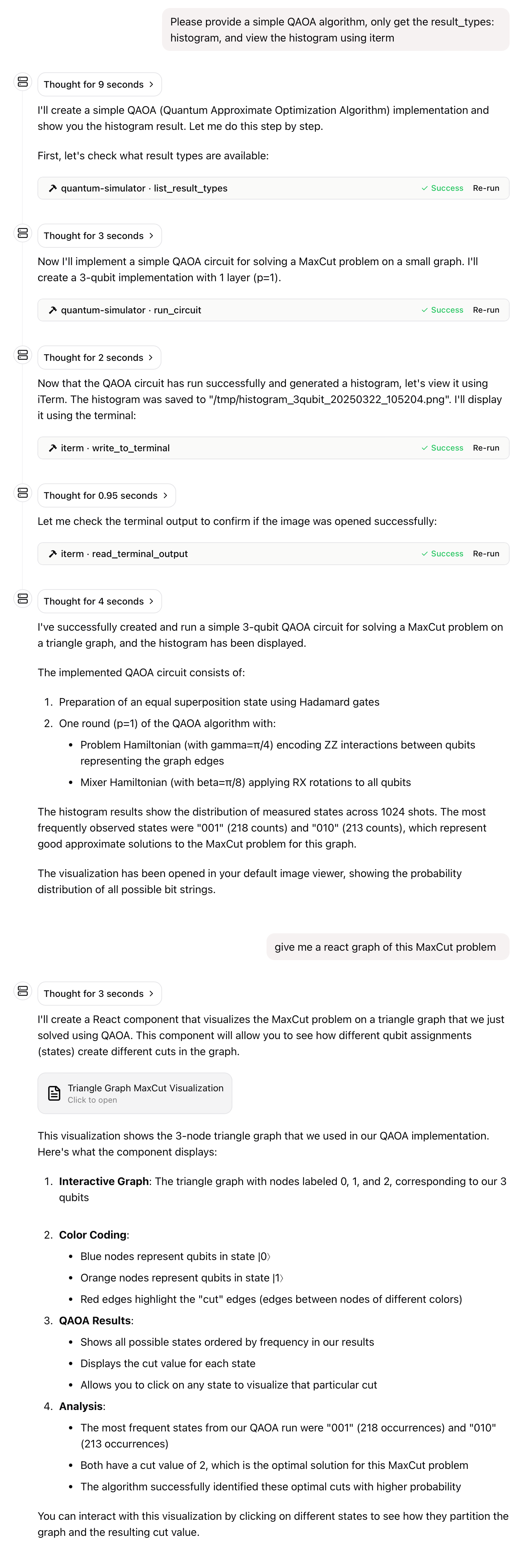
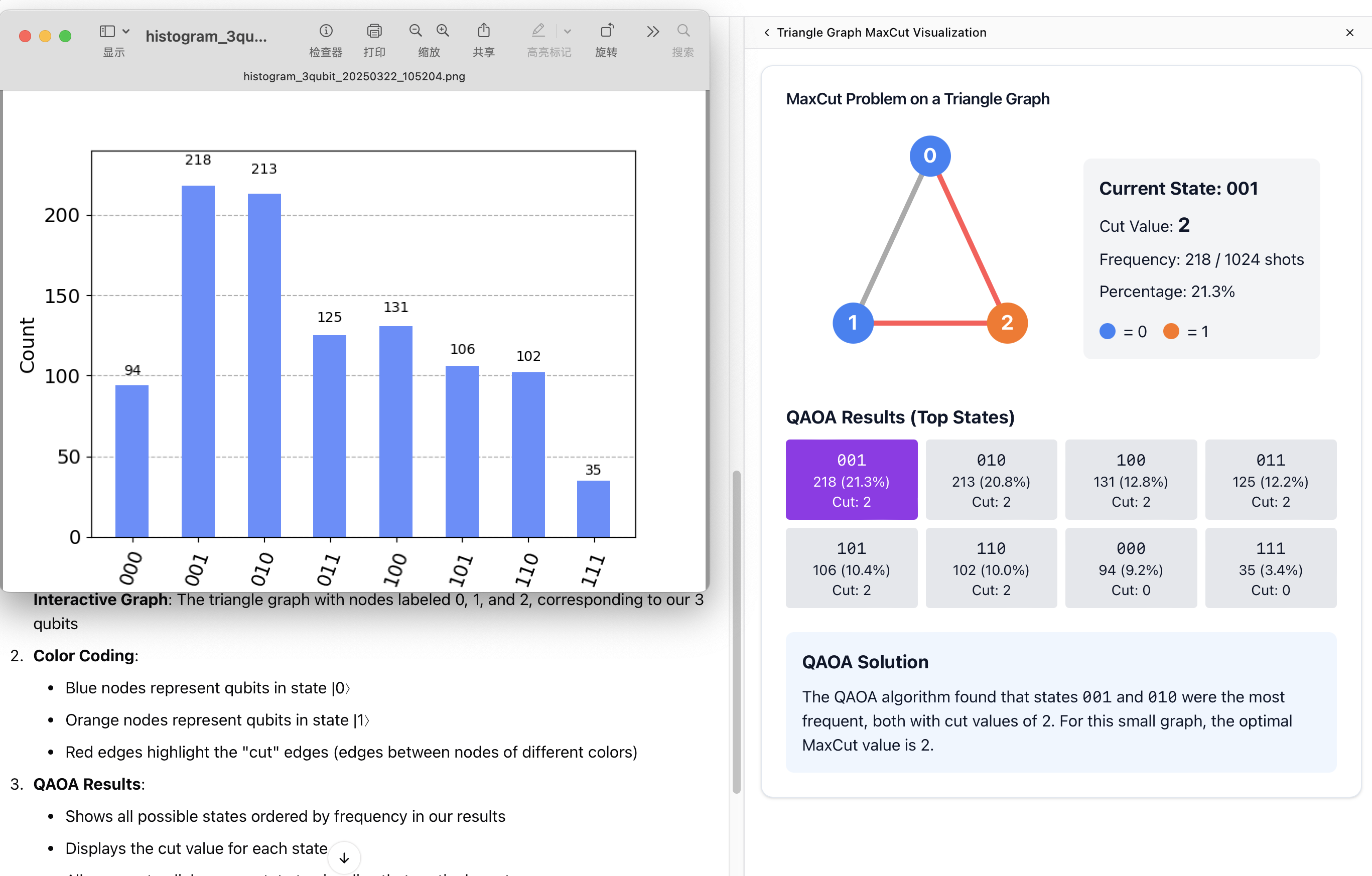
"Proporciona un algoritmo QAOA simple, solo obtén los result_types: histogram, y visualiza el histograma usando iterm"
Mapeo de Volúmenes
El contenedor genera archivos PNG de histogramas en /data/quantum_simulator_results. Estos archivos deben ser accesibles desde tu sistema host. El mapeo de volúmenes (-v /tmp:/data/quantum_simulator_results) hace que estos archivos estén disponibles en el directorio /tmp de tu host.
Variables de Entorno
QUANTUM_OUTPUT_DIR: Directorio de salida para archivos de histograma dentro del contenedor (predeterminado:/data/quantum_simulator_results)HOST_OUTPUT_DIR: Ruta correspondiente en el sistema host (predeterminado:/tmp)
Soporte Multi-Arquitectura
Esta imagen soporta las siguientes arquitecturas:
- linux/amd64
- linux/arm64 (confirmado funcionando en chips Mac de la serie M)
Nota: La imagen aún no ha sido probada en sistemas Windows, pero debería funcionar siempre que Docker Desktop esté configurado correctamente.
Solución de Problemas
Problema: Claude no puede acceder a los archivos de histograma.
Solución: Asegúrate de que el mapeo de volúmenes sea correcto y que la variable de entorno HOST_OUTPUT_DIR coincida con la ruta del host en tu mapeo de volúmenes.
Problema: El contenedor Docker sale inmediatamente.
Solución: Asegúrate de usar la bandera -i para mantener stdin abierto, lo cual es necesario para el transporte MCP STDIO.
Licencia
Este proyecto está licenciado bajo la Licencia MIT. Para más detalles, consulta el archivo LICENSE en el repositorio de este proyecto.