Remote MCP Server on Cloudflare
Un servidor MCP desplegado en Cloudflare Workers, con soporte para inicio de sesión OAuth.
Documentación
Remote MCP Server en Cloudflare
¡Pongamos en marcha un servidor MCP remoto en Cloudflare Workers con inicio de sesión OAuth!
Desarrollo local
# clone the repository
git clone https://github.com/cloudflare/ai.git
# Or if using ssh:
# git clone git@github.com:cloudflare/ai.git

# install dependencies
cd ai
# Note: using pnpm instead of just "npm"
pnpm install

# run locally
npx nx dev remote-mcp-server
Deberías poder abrir http://localhost:8787/ en tu navegador
Conecta el inspector de MCP a tu servidor
Para explorar tu nueva API de MCP, puedes usar el Inspector de MCP.
- Inícialo con
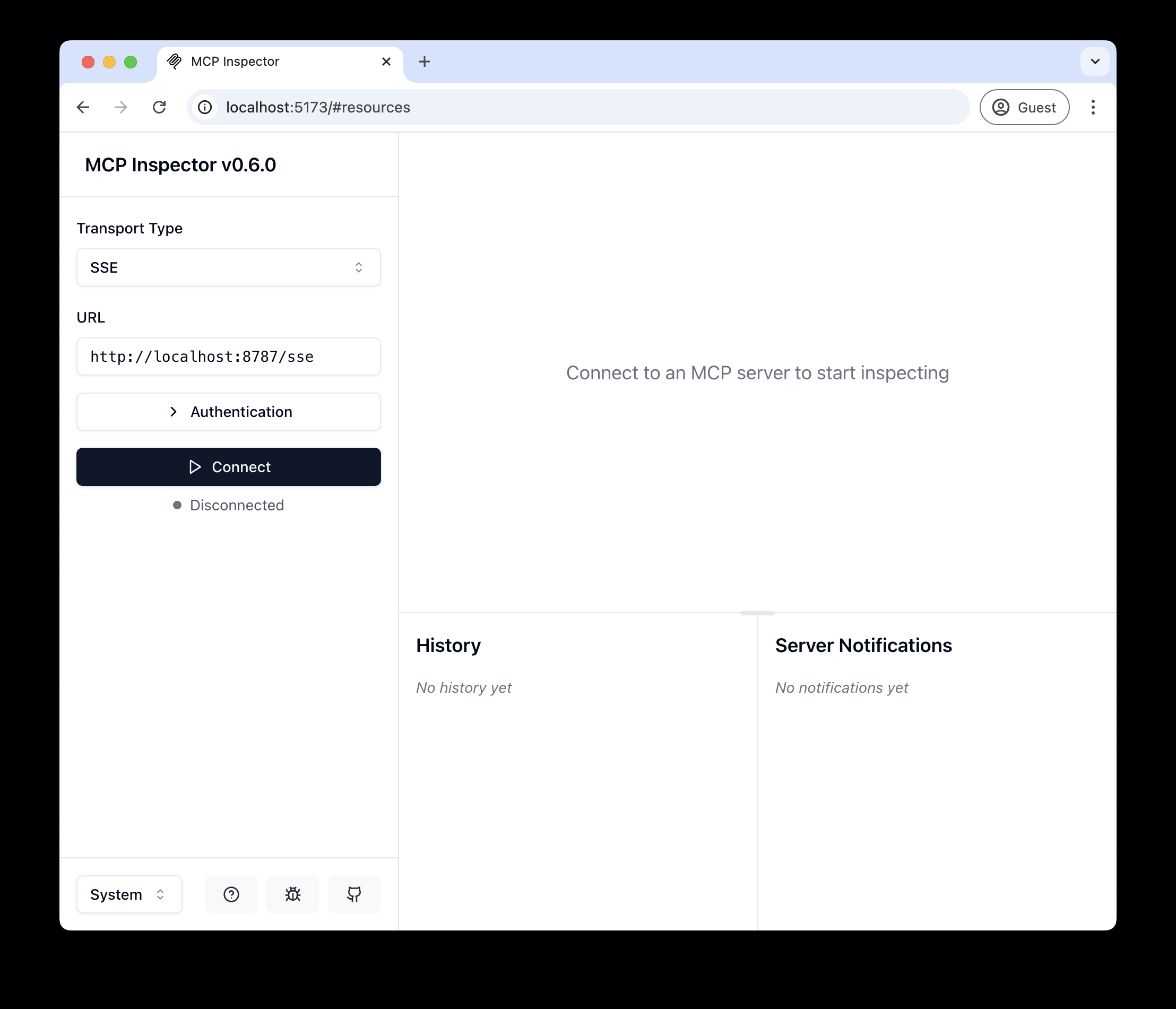
npx @modelcontextprotocol/inspector - Dentro del inspector, cambia el Tipo de Transporte a
SSEe ingresahttp://localhost:8787/ssecomo la URL del servidor MCP al que deseas conectarte, y haz clic en "Conectar" - Serás redirigido a una pantalla de inicio de sesión (simulada) de usuario/contraseña. Ingresa cualquier correo y contraseña para iniciar sesión.
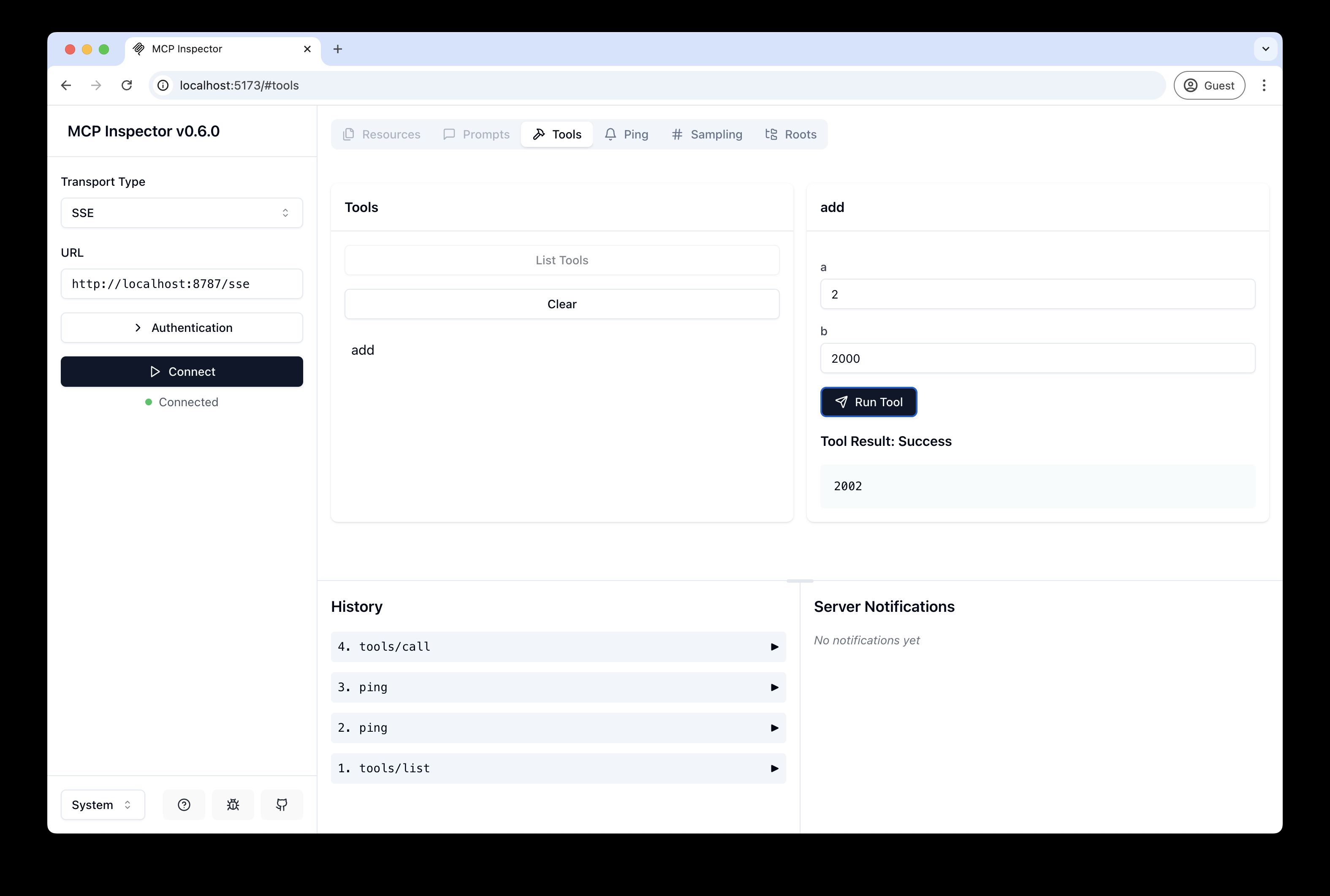
- Deberías ser redirigido de vuelta al Inspector de MCP y ahora puedes listar y llamar a cualquier herramienta definida.
Conecta Claude Desktop a tu servidor MCP local
El inspector de MCP es excelente, ¡pero realmente queremos conectar esto a Claude! Sigue la Guía de inicio rápido de Anthropic y dentro de Claude Desktop ve a Configuración > Desarrollador > Editar Configuración para encontrar tu archivo de configuración.
Abre el archivo en tu editor de texto y reemplázalo con esta configuración:
{
  "mcpServers": {
    "math": {
      "command": "npx",
      "args": [
        "mcp-remote",
        "http://localhost:8787/sse"
      ]
    }
  }
}
Esto ejecutará un proxy local y permitirá que Claude se comunique con tu servidor MCP a través de HTTP
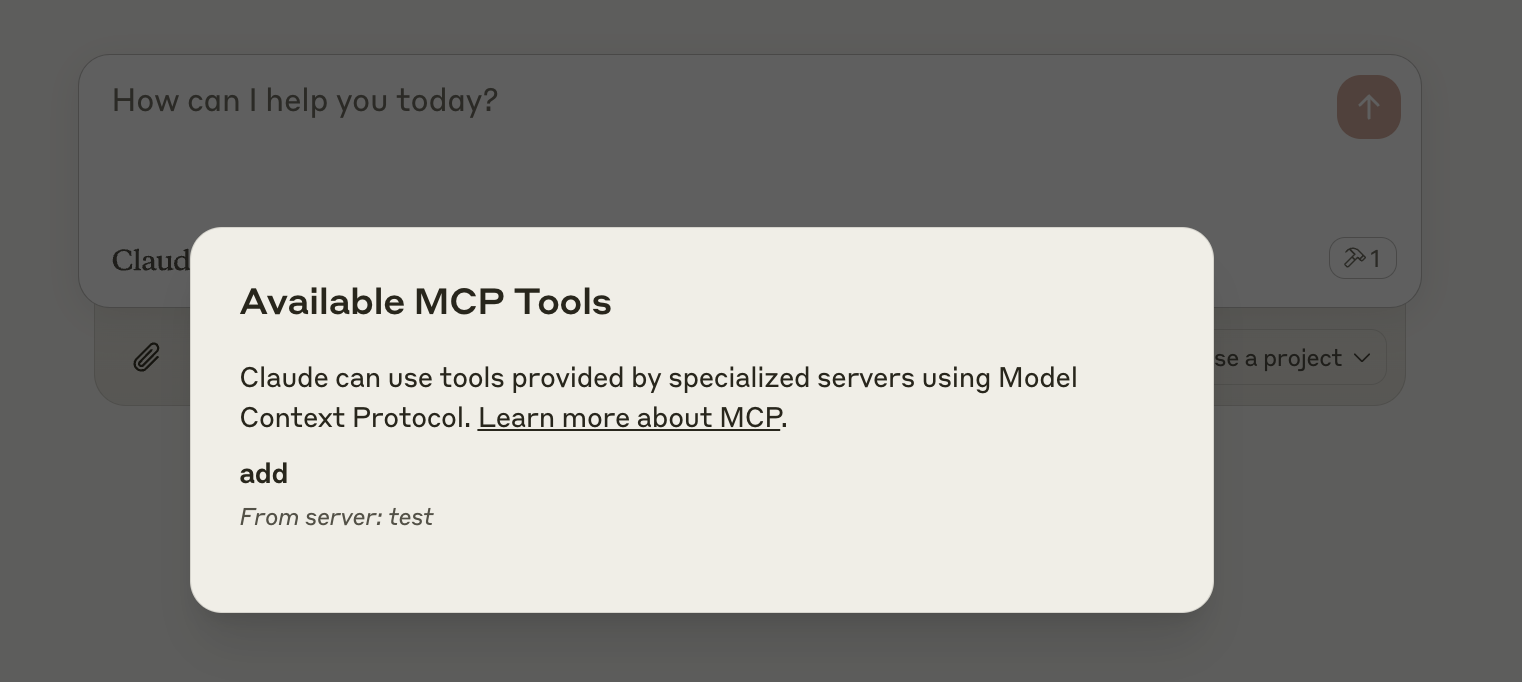
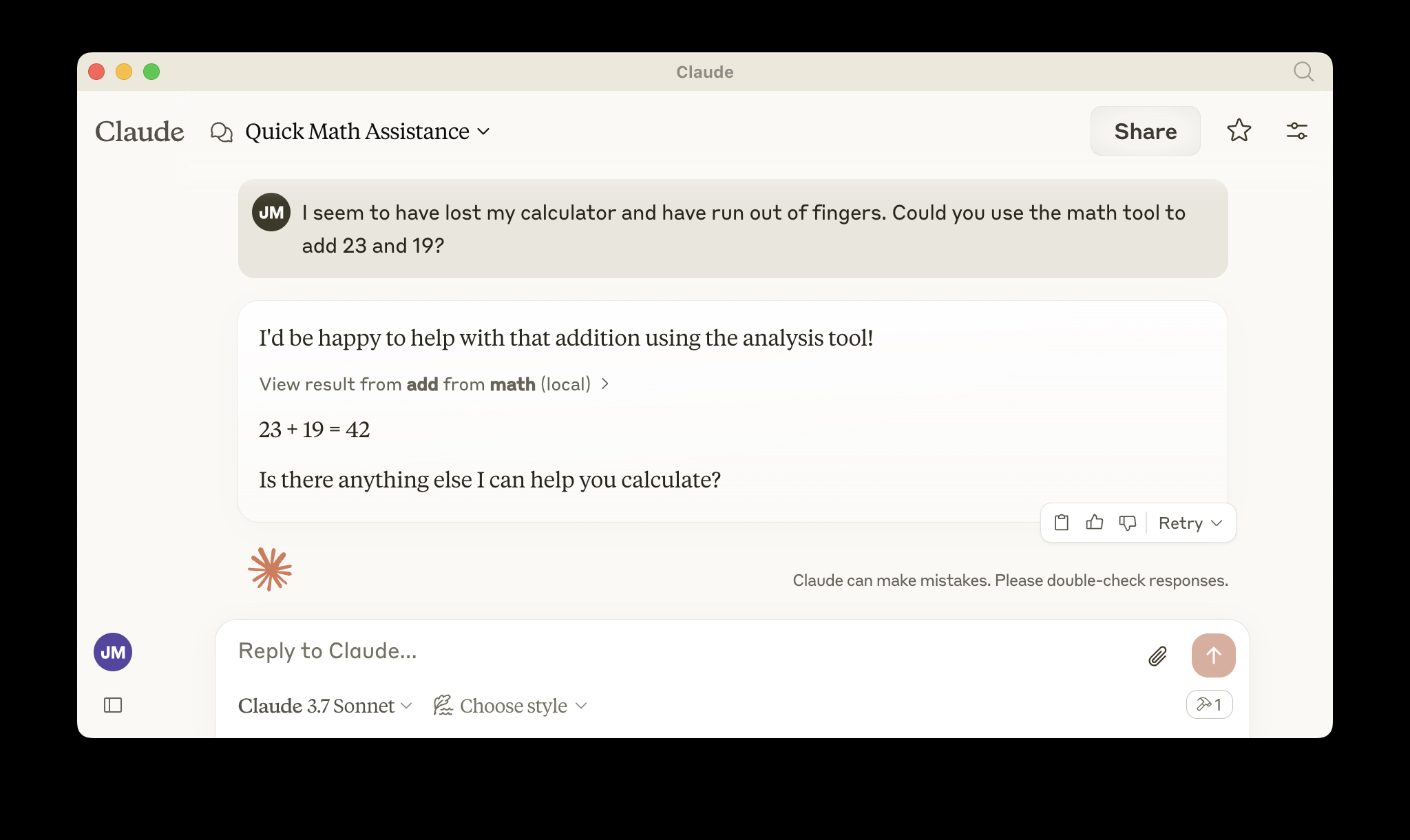
Cuando abras Claude, se debería abrir una ventana del navegador que te permita iniciar sesión. Deberías ver las herramientas disponibles en la esquina inferior derecha. Con el mensaje adecuado, Claude debería solicitar llamar a la herramienta.
Despliega en Cloudflare
npx wrangler kv namespace create OAUTH_KV- Sigue las instrucciones para agregar el ID del namespace kv a
wrangler.jsonc npm run deploy
Llama a tu servidor MCP remoto recién desplegado desde un cliente MCP remoto
Tal como lo hiciste anteriormente en "Desarrollo local", ejecuta el inspector de MCP:
npx @modelcontextprotocol/inspector@latest
Luego ingresa la URL workers.dev (ejemplo: worker-name.account-name.workers.dev/sse) de tu Worker en el inspector como la URL del servidor MCP al que deseas conectarte, y haz clic en "Conectar".
Ahora te has conectado a tu servidor MCP desde un cliente MCP remoto.
Conecta Claude Desktop a tu servidor MCP remoto
Actualiza el archivo de configuración de Claude para que apunte a tu URL workers.dev (ejemplo: worker-name.account-name.workers.dev/sse) y reinicia Claude
{
  "mcpServers": {
    "math": {
      "command": "npx",
      "args": [
        "mcp-remote",
        "https://worker-name.account-name.workers.dev/sse"
      ]
    }
  }
}
Depuración
Si algo sale mal, puede ser útil reiniciar Claude, o intentar conectarte directamente a tu servidor MCP desde la línea de comandos con el siguiente comando.
npx mcp-remote http://localhost:8787/sse
En algunos casos raros, puede ayudar limpiar los archivos agregados a ~/.mcp-auth
rm -rf ~/.mcp-auth