Code Snippet Image
Generate beautiful, shareable images from code snippets with syntax highlighting and multiple themes.
Code snippet image MCP server
An MCP (Model Context Protocol) server that generates beautiful code snippet images to post to social media.
Demo
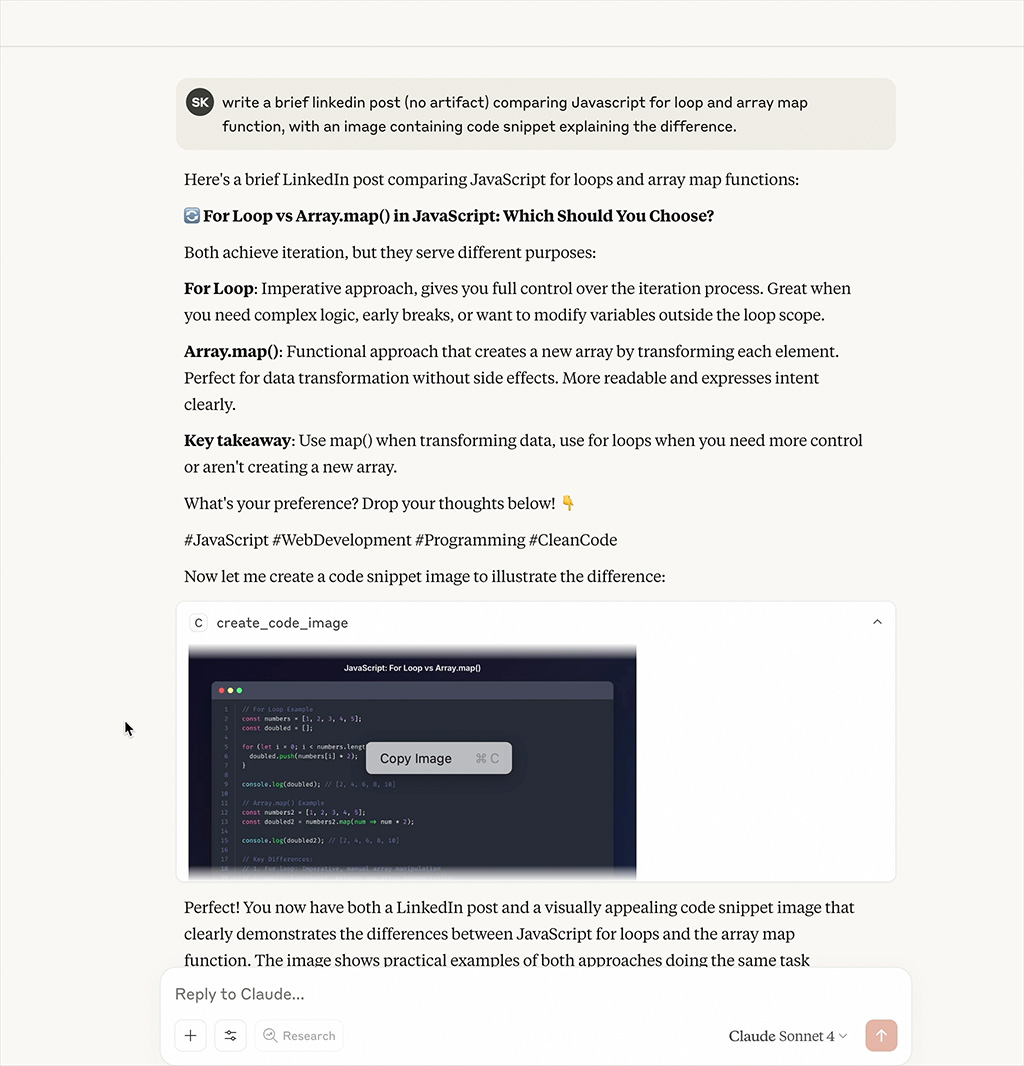
Watch the MCP server generate beautiful code snippet images in real-time
Features
- Beautiful Code Images: Generate beautiful code snippet images with syntax highlighting
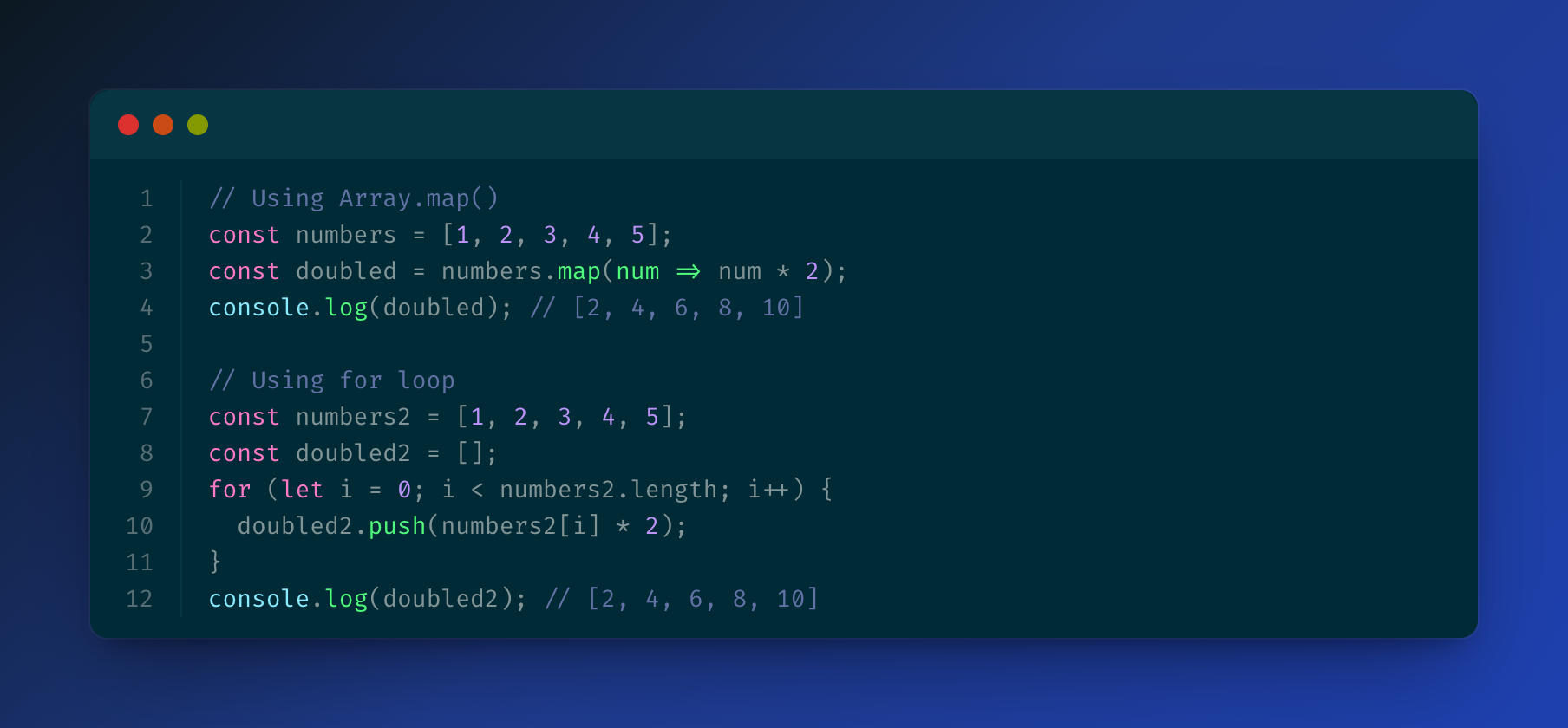
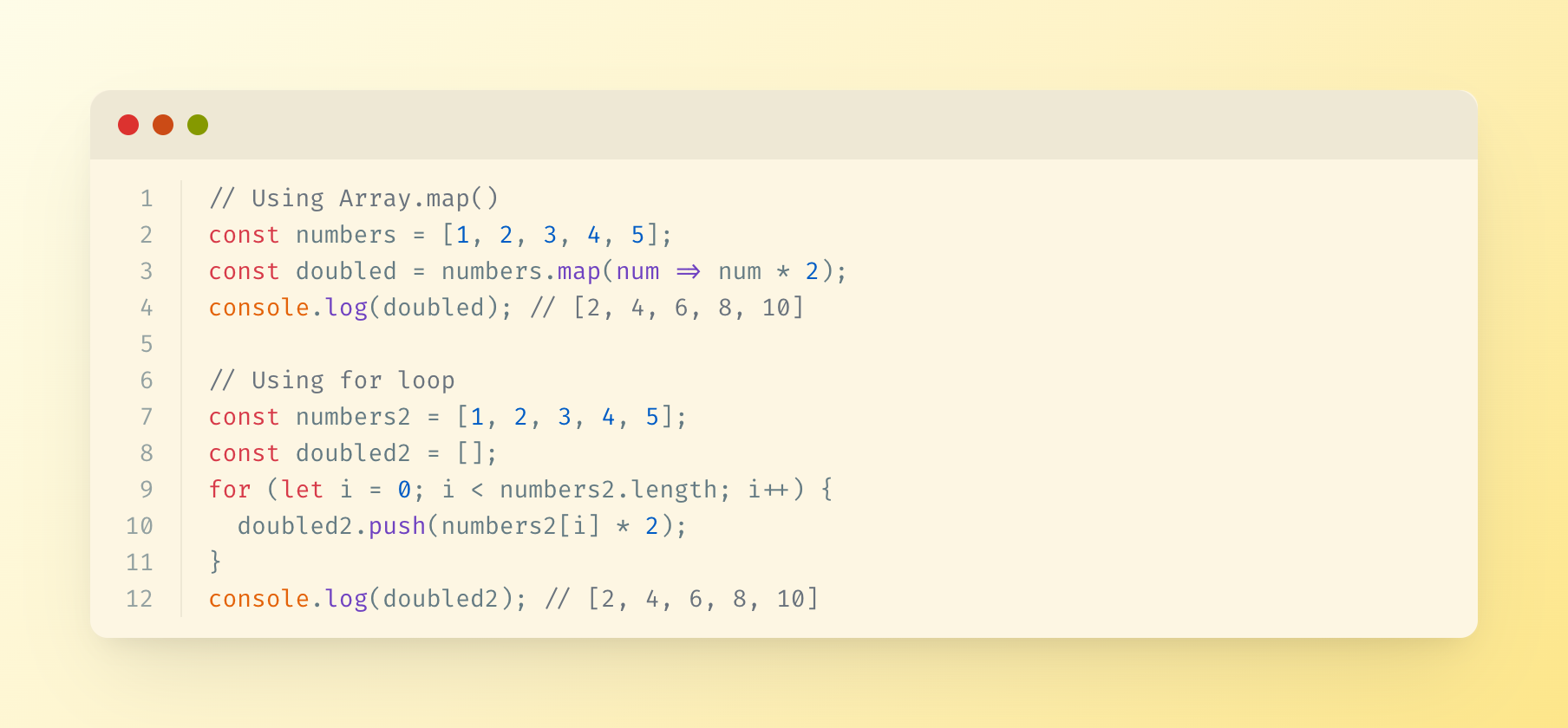
- Multiple Themes: Support for Dracula, Monokai, GitHub, Solarized Dark/Light themes
- Syntax Highlighting: Support for multiple programming languages
- Customizable: Configurable dimensions, themes, and styling options
Installation
npm install
npm run build
Configuration
Add to your MCP configuration file:
{
  "mcpServers": {
    "code-snippet-image-mcp-server": {
      "command": "npx",
      "args": [
        "-y",
        "code-snippet-image-mcp-server",
        "/custom/output/directory"
      ]
    }
  }
}
The server accepts an optional output directory as the first command line argument. If not provided, it defaults to ./output in the current working directory.
Usage
The MCP server provides one main tool:
create_code_image
Generate a beautiful code snippet image:
Parameters:
code(string, required): The code to convert to imagelanguage(string, optional): Programming language for syntax highlighting (default: "javascript")theme(string, optional): Color theme (default: "dracula")title(string, optional): Title for the code snippetwidth(number, optional): Image width in pixels (default: 800)height(number, optional): Image height in pixels (auto if not specified)padding(number, optional): Padding around the code window in pixels (default: 52)backgroundColor(string, optional): Custom background color (overrides theme background)showLineNumbers(boolean, optional): Show or hide line numbers (default: true)
Example:
{
  "code": "const hello = () => console.log('Hello, World!');",
  "language": "javascript",
  "theme": "dracula",
  "title": "Hello World Function",
  "width": 800,
  "height": 600,
  "padding": 52,
  "showLineNumbers": true
}
Supported Themes
Dracula (Default)
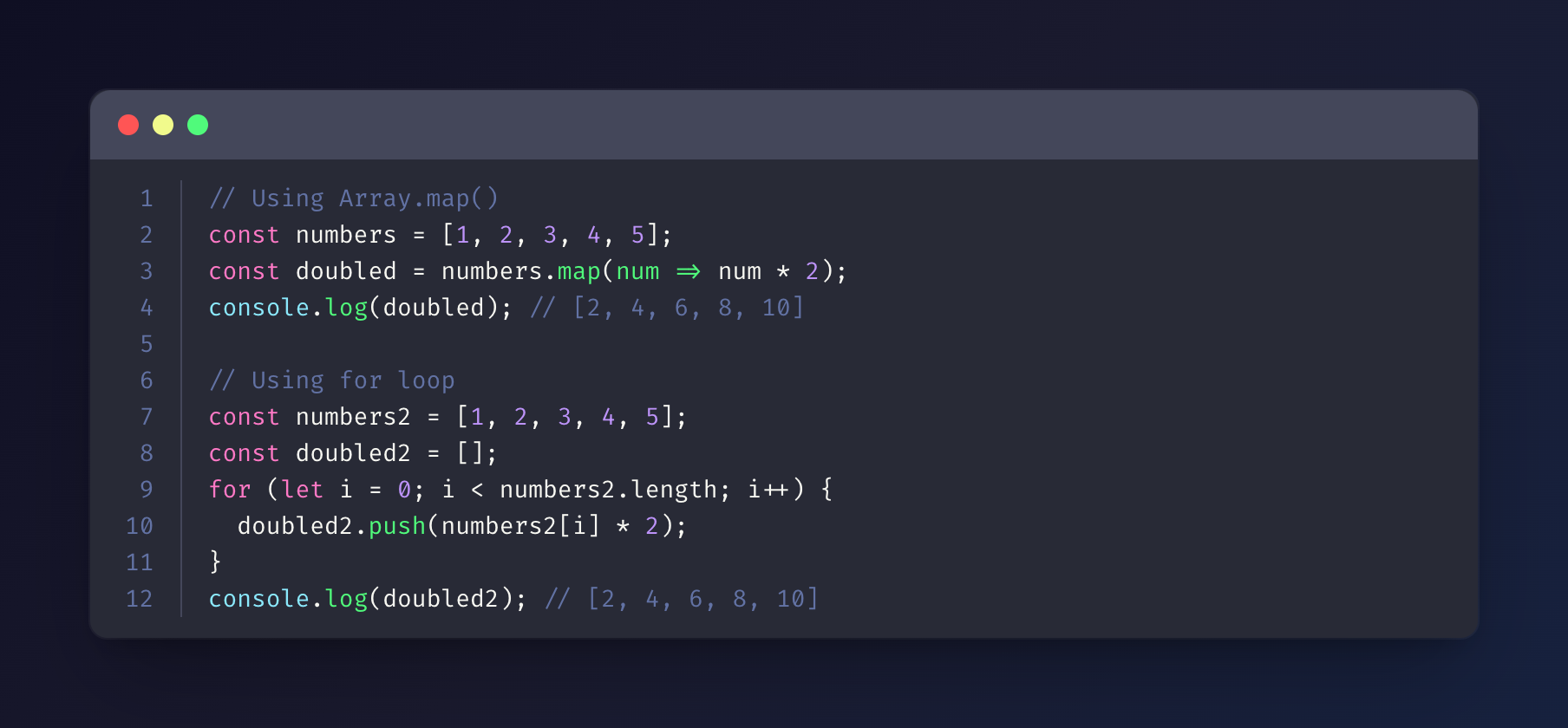
Monokai
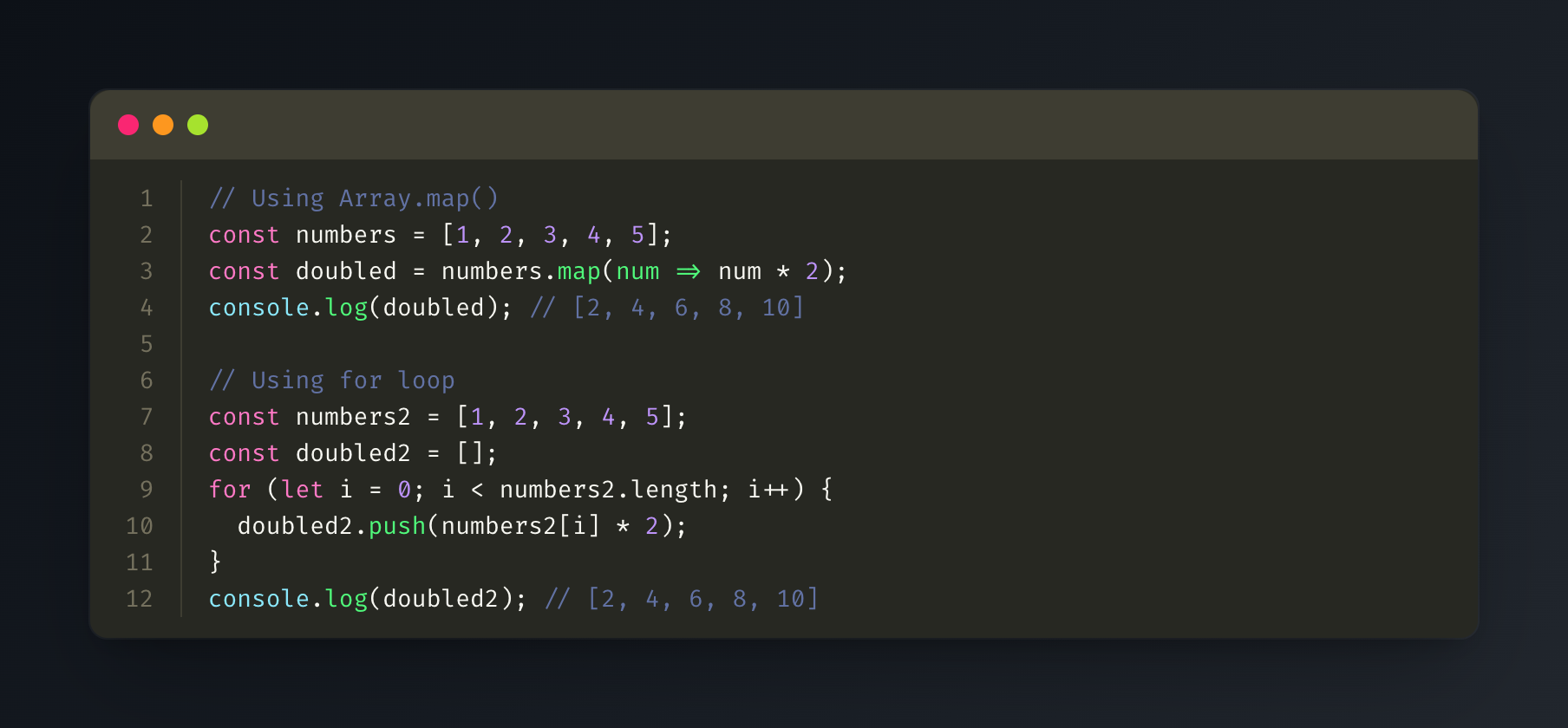
GitHub
Solarized Dark
Solarized Light
Supported Languages
The server uses highlight.js for syntax highlighting and supports all languages that highlight.js supports, including:
- JavaScript/TypeScript
- Python
- Java
- C/C++
- Go
- Rust
- PHP
- Ruby
- And many more...
Output
Generated images are saved in the specified output directory (or ./output by default) with timestamps.
License
MIT
Related Servers
Scout Monitoring MCP
sponsorPut performance and error data directly in the hands of your AI assistant.
Alpha Vantage MCP Server
sponsorAccess financial market data: realtime & historical stock, ETF, options, forex, crypto, commodities, fundamentals, technical indicators, & more
Aki Design Assistant
Assists with aki-ui component development and usage.
OSSInsight
Analyze GitHub repositories, developers, and organizations with data from OSSInsight.io.
Remote MCP Server on Cloudflare
A template for deploying a remote MCP server on Cloudflare Workers, allowing for custom tool integration.
MCPHost
A CLI host application that enables Large Language Models (LLMs) to interact with external tools through the Model Context Protocol (MCP).
MCP Servers for CS Experimentation Workshop
A collection of MCP servers designed for rapid prototyping in CS experimentation workshops.
Flowbite MCP
This MCP server is the official tool that allows you to work with the Flowbite UI framework and generate websites, layouts, and themes using AI
Local MCP Test
A test server for local MCP development and setup.
Chess FEN MCP Server
Validate and visualize chess positions using FEN notation.
MCP Ai server for Visual Studio
Visual Studio extension with 20 Roslyn-powered MCP tools for AI assistants. Semantic code navigation, symbol search, inheritance, call graphs, safe rename, build/test.
DiffuGen
Generate images from text using Flux and Stable Diffusion models.